

Matomo Analytics for WordPress
Full Matomo analytics platform running inside WordPress, with ecommerce, goals, tag manager and GDPR tools; premium plugins add heatmaps and more.
86

Freemium Google Analytics plugin from Awesome Motive that adds GA4 tracking and in-dashboard reports, with eCommerce, forms and custom dimensions in paid plans.
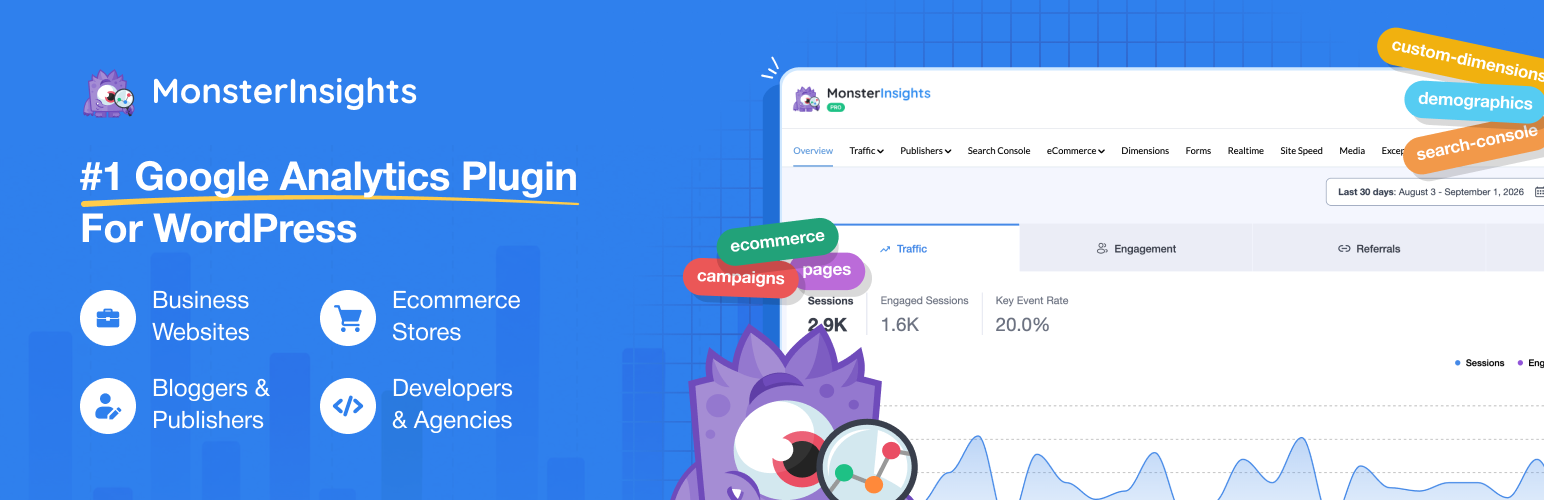
MonsterInsights is a Google Analytics plugin for WordPress, owned by Awesome Motive. It does not collect data itself: you sign in with Google, pick a GA4 property, and the plugin places the gtag code on your site and then pulls the numbers back into reports inside the WordPress admin. The aim is to give site owners Google Analytics data without learning the GA4 interface or editing theme files.
The free Lite version handles the connection, tracks outbound links, file downloads and phone clicks, excludes admins and editors from tracking, and shows an Overview report with sessions, pageviews, top pages, top countries, referrals and device split. Lite users also get a monthly email recap. Almost everything else is locked behind a paid licence, and the free dashboard shows upgrade prompts for those reports.
Recent versions also add AI features, such as a chat assistant that answers questions about your GA data, and every paid plan includes a monthly allowance of AI credits.
Limitations: because data lives in Google Analytics, you still need cookie consent handling in regulated regions, ad blockers can stop the gtag script, and GA4’s own processing delays and thresholds apply. Pricing is high compared with self-hosted tools: the advertised prices are first-year discounts, and renewals are at the full list price. The free version is mainly a setup tool with a basic overview.
Who should pick it: businesses that are committed to Google Analytics and want GA4 eCommerce, form and content tracking set up through point-and-click settings, with readable reports in WordPress, and are willing to pay for Pro to get the most useful parts.
Best for: Sites that want GA4 with eCommerce, form and content tracking configured from WordPress and are prepared to pay for Pro.
MonsterInsights is a capable way to run GA4 without learning Tag Manager, and Pro's eCommerce, form and dimension tracking save real setup time. The free version is thin and renewals are expensive, so it makes sense mainly for businesses that will use the paid tracking features.

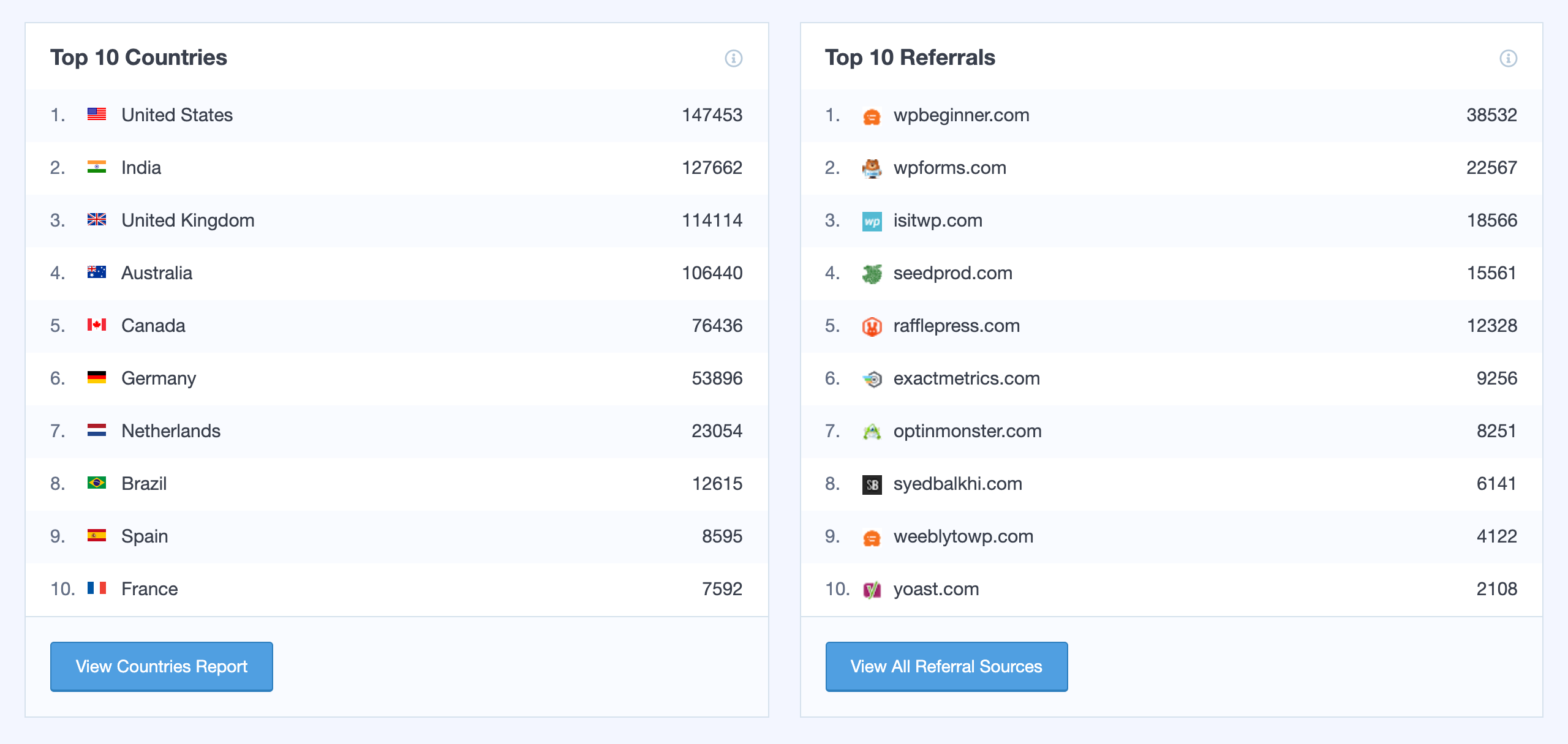

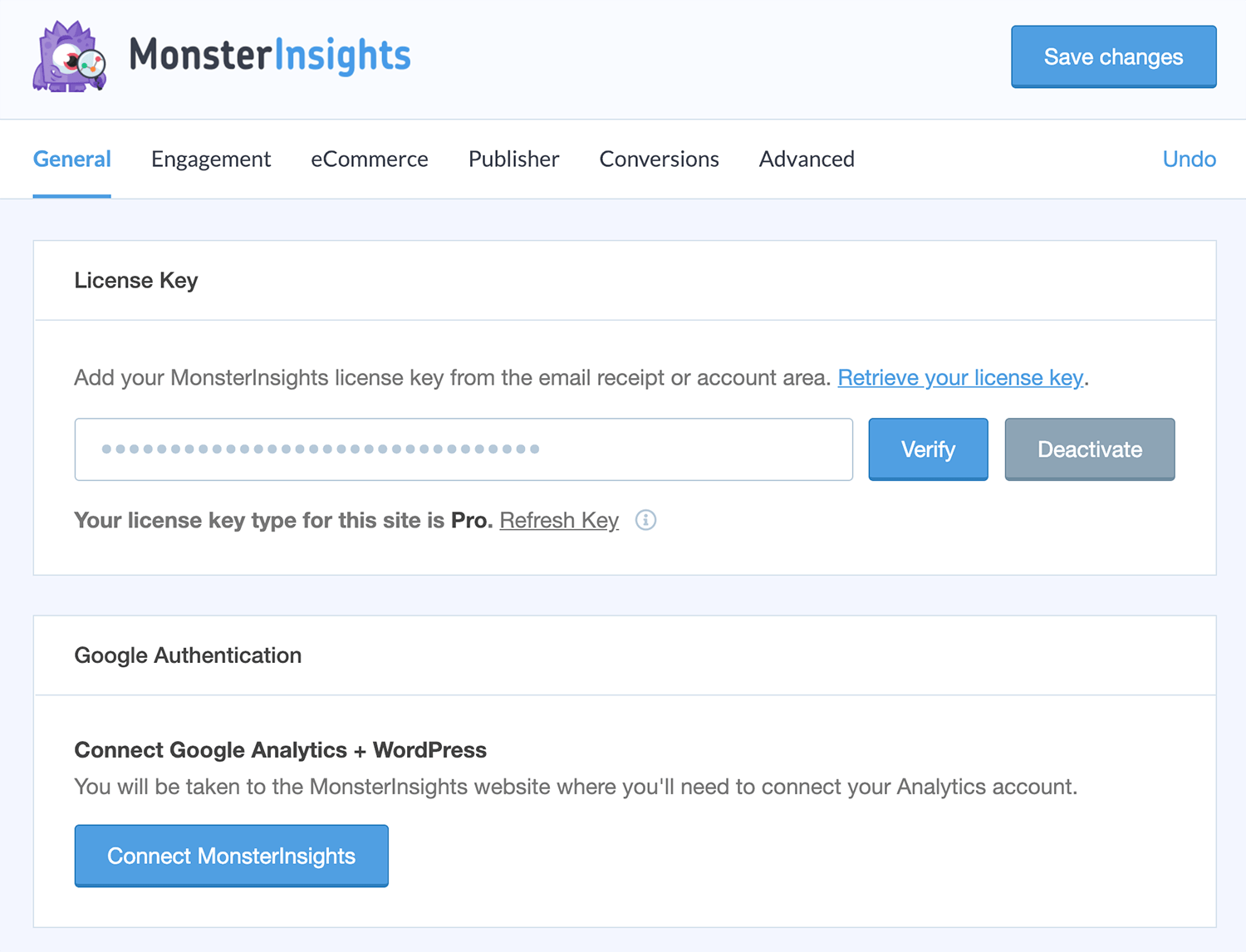


What MonsterInsights highlights on its WordPress.org page and its own website, split by version.
25 of 27 features we track in Analytics Plugins, feature score 84/100
Connects a GA4 property and adds the tracking code for you.
Setup wizard connects a GA4 property through Google sign-in and adds the gtag tracking code.
Tracks visits itself and stores data in your WordPress database.
All data is collected by and read back from Google Analytics; nothing is stored locally.
Counts visits without setting tracking cookies.
Relies on Google Analytics, which uses cookies; consent integrations are offered instead.
Shows who is on the site right now.
Real-time report of current visitors, pages and sources is part of the Plus plan.
Adds or works with Google Tag Manager containers.
Docs say it runs alongside a GTM container for extra events, but it does not insert GTM itself.
Records hits on the server, unaffected by ad blockers.
Paid eCommerce and form events are sent via GA4's Measurement Protocol; pageviews still use gtag.
Small or no front-end script, so tracking does not slow pages.
Loads Google's gtag.js asynchronously; paid plans can host the gtag file locally.
Tracks outbound links, file downloads and button clicks.
Lite tracks outbound links, file downloads and phone clicks; reports, media and custom events need Plus.
Tracks form views and submissions.
Forms add-on tracks impressions and conversions for WPForms, Gravity Forms, CF7 and others.
Tracks orders, revenue and products from WooCommerce.
Enhanced eCommerce for WooCommerce, EDD, MemberPress and more, with revenue and product reports.
Reports on UTM campaigns, sources and mediums.
Campaigns and Source/Medium reports plus a UTM link builder come with the Plus plan.
Set goals and see conversion rates.
Form and eCommerce conversion rates are shown in the Pro-level reports.
Report by author, category, post type, user role and similar.
Tracks author, category, tag, post type, user role, SEO score and focus keyword dimensions.
Measures how far visitors scroll.
Scroll depth tracking switches on automatically on Plus or higher.
Traffic reports in the WordPress admin, no need to open another tool.
Lite shows an Overview report and dashboard widget; the full report suite starts at Plus.
Shows which content gets the most visits.
Overview report lists top posts and pages; Plus adds dedicated Pages and Publishers reports.
Where visitors come from.
Top referral sources appear in the Lite Overview report.
Country, browser and device breakdowns.
Overview covers top countries and device split; Plus adds a Technology report.
Visit numbers shown on each post or in the editor.
Page Insights add-on shows per-post stats in the admin bar and post list; Plus or higher.
Search queries and rankings from Google Search Console.
Search Console keyword report inside WordPress is included from the Plus plan.
Scheduled email reports with key stats.
Lite sends a monthly email recap; weekly summaries to multiple addresses need Plus.
Export to CSV or PDF.
Reports can be exported as PDF on Plus and higher; no CSV export is advertised.
IP anonymisation, consent mode or cookie-banner integration.
EU Compliance add-on (IP anonymising, consent tool integrations) and Privacy Guard start at Plus.
Leave admins or chosen roles out of the stats.
Admins and editors are excluded by default and further roles can be excluded.
Filters out bots and crawlers.
No plugin-level filter; GA4 automatically excludes known bots and spiders.
Choose which user roles can view reports.
Lite lets you choose which roles can view reports; Elite adds advanced per-report access control.
Works across a WordPress multisite network.
Readme confirms multisite support; Elite adds network-level management features.
On WordPress.org
Unlimited
GA4 connection, Overview report, outbound/download tracking, monthly email recap.
1 site
Standard reports, real-time, scroll tracking, PDF export, EU Compliance; 5,000 AI credits. First year shown at $99.50.
5 sites
eCommerce, forms, custom dimensions, user journeys; 10,000 AI credits. First year shown at $199.50.
5 sites
Multisite, advanced access control, UserFeedback Elite; 15,000 AI credits. First year shown at $299.50.
25 sites
25 sites, 20,000 AI credits. First year shown at $399.50.
Prices are list prices from the vendor's site, checked 14 Oct 2026. Many vendors discount the first year.
Free installs from WordPress.org, the vendor's own claim, and our estimate of paid installs.
Active installations reported by WordPress.org.
Sites/users claimed on the vendor's website. source
Our estimate, see method below.
How we estimated this: WordPress.org shows 2M+ free installs, which could mean anything from 2M to 3M. The vendor says 3M+ sites, so we put the free count halfway between the middle of that range and the vendor figure, at about 2.8M. Website scans by WPoptic find the paid plugin (folder google-analytics-premium) on 33,140 live sites; they find the free version on 1,037,303 sites against about 2.8M WordPress.org installs, so each site found stands for about 2.7, giving 88K. About 2.8M free installs x 14% (the usual share of free sites that also run the paid version when many key features are paid, lower for very large free bases) gives 380K. Combining these (weighted average) gives about 110K. Likely range: 72K to 170K. This counts sites running the paid version, including sites whose licence has lapsed. Estimates are rough and based on public figures as of 14 Oct 2026.
116,501 downloads last week, 282M all time
| Version | 11.3.0 |
|---|---|
| Last updated | 16 Sep 2026 (48 days ago) |
| Tested up to | WordPress 7.1.4 |
| Requires | WordPress 5.6.0+, PHP 7.2+ |
| Support threads (2 months) | 4 of 6 resolved |
| On WordPress.org since | 14 Sep 2007 |
| Refund policy | 14-day money-back (source, 10 Oct 2026) |
|---|
Full Matomo analytics platform running inside WordPress, with ecommerce, goals, tag manager and GDPR tools; premium plugins add heatmaps and more.

Privacy-friendly, self-hosted WordPress analytics with cookieless tracking and reports in the admin; Pro adds real-time, campaigns, clicks, forms and sales.

Self-hosted, privacy-focused WordPress analytics with goals, real-time stats and optional cookieless tracking; Pro adds UTM, forms and WooCommerce.

Google's free official plugin that connects Analytics, Search Console, Tag Manager, AdSense and PageSpeed Insights and shows their data in WordPress.

Freemium Google Analytics dashboard plugin from Awesome Motive, a close sibling of MonsterInsights, adding GA4 tracking and reports to WordPress.

Long-running self-hosted WordPress analytics plugin with cookieless tracking, detailed content, referral and geo reports, and paid add-ons for marketing.
Yes. MonsterInsights has a free version on WordPress.org. Paid plans start at $199/yr.
WordPress.org reports 2M+ active installations of the free version. The vendor claims 3M+ sites in total. We estimate around 110K sites run the paid version.
Yes: included. Setup wizard connects a GA4 property through Google sign-in and adds the gtag tracking code.
No: not included. All data is collected by and read back from Google Analytics; nothing is stored locally.
No: not included. Relies on Google Analytics, which uses cookies; consent integrations are offered instead.
Yes: included. Lite tracks outbound links, file downloads and phone clicks; reports, media and custom events need Plus.
Yes: paid version (Pro). Enhanced eCommerce for WooCommerce, EDD, MemberPress and more, with revenue and product reports.
Yes: included. Lite shows an Overview report and dashboard widget; the full report suite starts at Plus.
Yes: included. Lite sends a monthly email recap; weekly summaries to multiple addresses need Plus.
Yes: paid version (Plus). EU Compliance add-on (IP anonymising, consent tool integrations) and Privacy Guard start at Plus.
There is a free Lite version on WordPress.org that connects GA4 and shows an Overview report. Most reports, eCommerce, form and scroll tracking require a paid Plus, Pro, Elite or Agency licence.
No. It sends data to your Google Analytics property and reads it back through Google's APIs, so you need a Google account and GA4 property.
Enhanced eCommerce tracking and the eCommerce, coupon and funnel reports are part of the Pro plan or higher.
The pricing page shows 50% off the first year; renewals are charged at the full list price, for example $399/year for Pro.
Yes, the docs say it can run alongside a GTM container, but you should avoid adding pageview triggers in GTM to prevent duplicate tracking.
Last updated 10 Oct 2026. Spotted something wrong? Suggest an edit.