

Matomo Analytics for WordPress
Full Matomo analytics platform running inside WordPress, with ecommerce, goals, tag manager and GDPR tools; premium plugins add heatmaps and more.
86

Privacy-friendly, self-hosted WordPress analytics with cookieless tracking and reports in the admin; Pro adds real-time, campaigns, clicks, forms and sales.
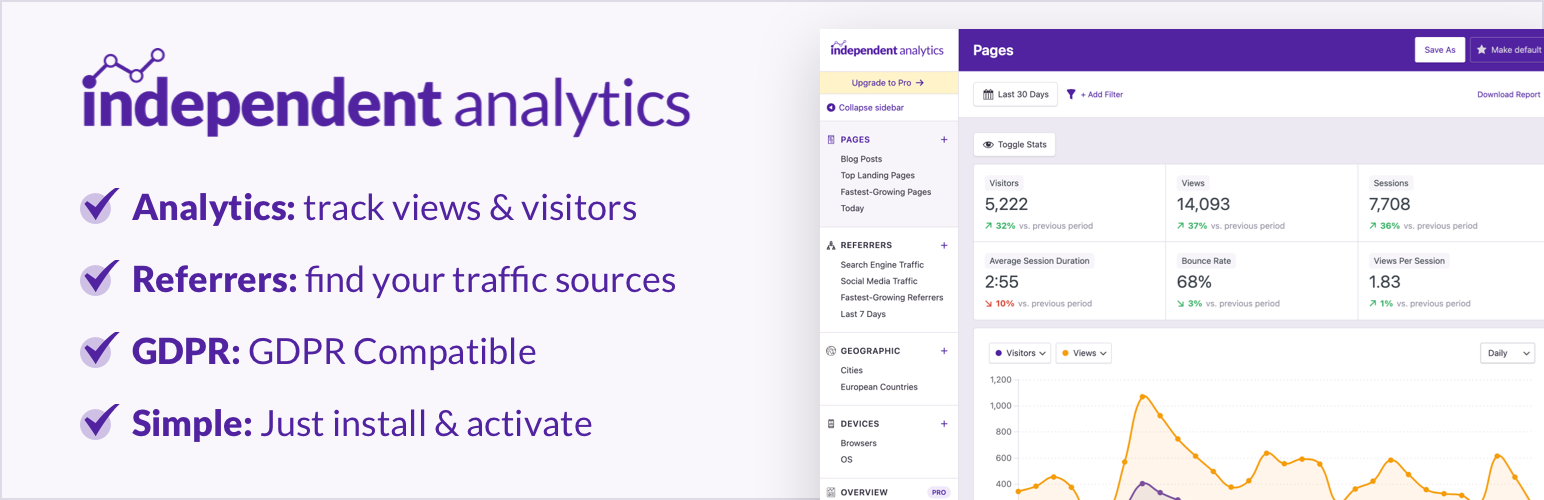
Independent Analytics is a self-hosted analytics plugin from developers Ben Sibley and Andrew Mead, positioned as a simpler alternative to Google Analytics. It starts tracking as soon as it is activated, with no external account. Each view is sent by a small deferred request to your own site’s REST API and stored in your WordPress database, and reports appear in the WordPress admin.
The plugin uses no cookies and stores no personal data. Repeat visitors are recognised with an ID built from the IP address and user agent, and the IP itself is not stored. The developers say this means no consent banner is needed under GDPR or CCPA. Treat that as the vendor’s claim and check it against your own legal advice.
Pro adds real-time analytics, a Campaigns report for UTM links, click tracking, form tracking for more than 20 form plugins, and eCommerce analytics for WooCommerce, Easy Digital Downloads, SureCart, FluentCart and Paid Memberships Pro. It also adds user journeys, a customisable Overview, solo reports for single pages and referrers, and scheduled email reports. All Pro plans include the same features; they differ only by number of sites.
Limitations: there is no Google Search Console data, no scroll tracking, and no import from Google Analytics or Jetpack Stats. Data uses your own database (roughly 200–300MB per million sessions), and very busy sites may find the Analytics screens slow down. Disguised malicious bots are not filtered.
Who should pick it: bloggers, small businesses and agencies who want simple, privacy-friendly stats inside WordPress without Google or cookie banners, and stores that want affordable sales attribution through Pro.
Best for: Site owners who want simple, cookieless, self-hosted analytics inside WordPress without Google or consent banners.
Independent Analytics is one of the easiest privacy-friendly options: install it and the reports are ready, with no Google account or cookie banner involved. The free version covers what most content sites need, and Pro adds affordable conversion and sales attribution. It is not a replacement for Search Console data or deep GA4-style analysis.
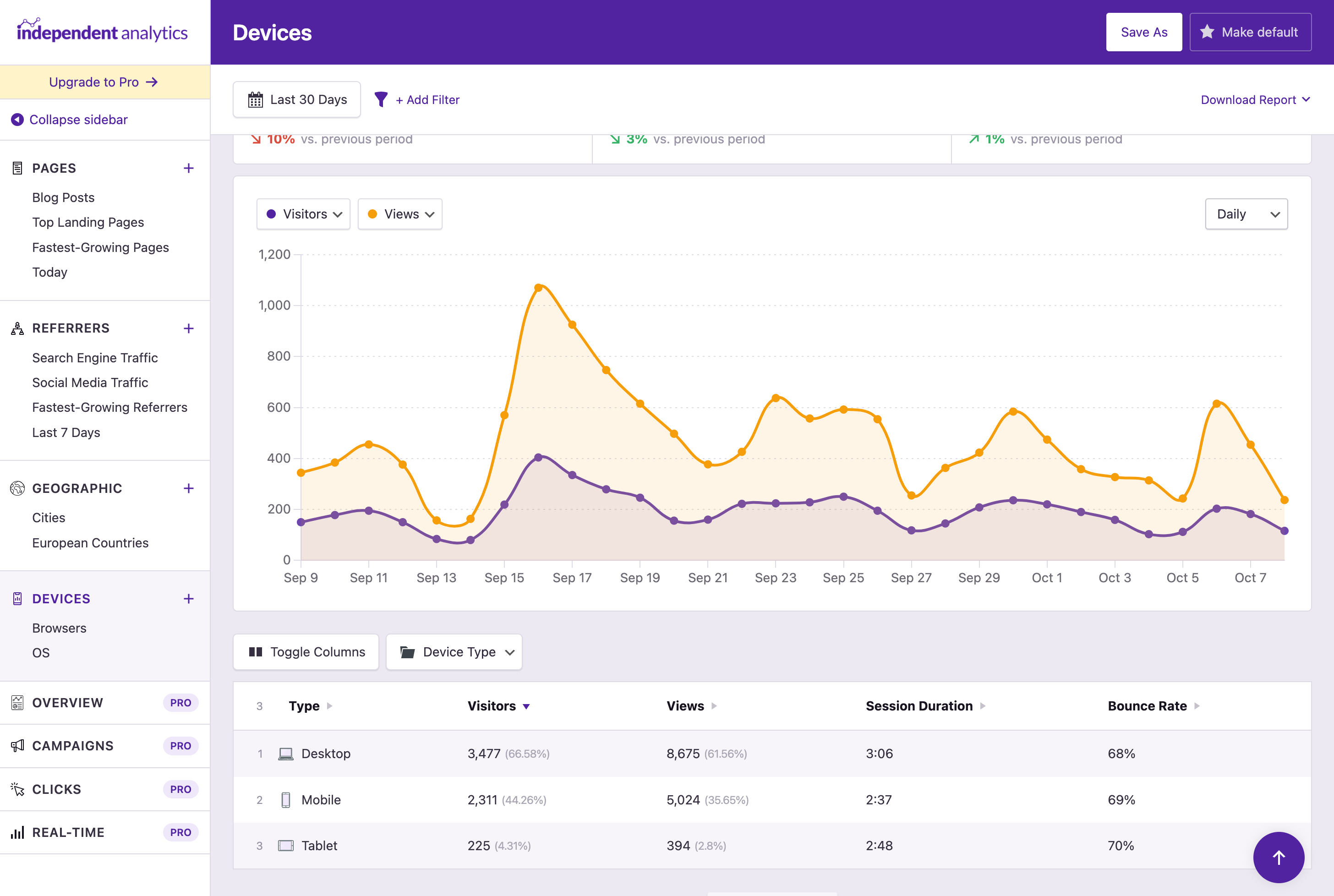
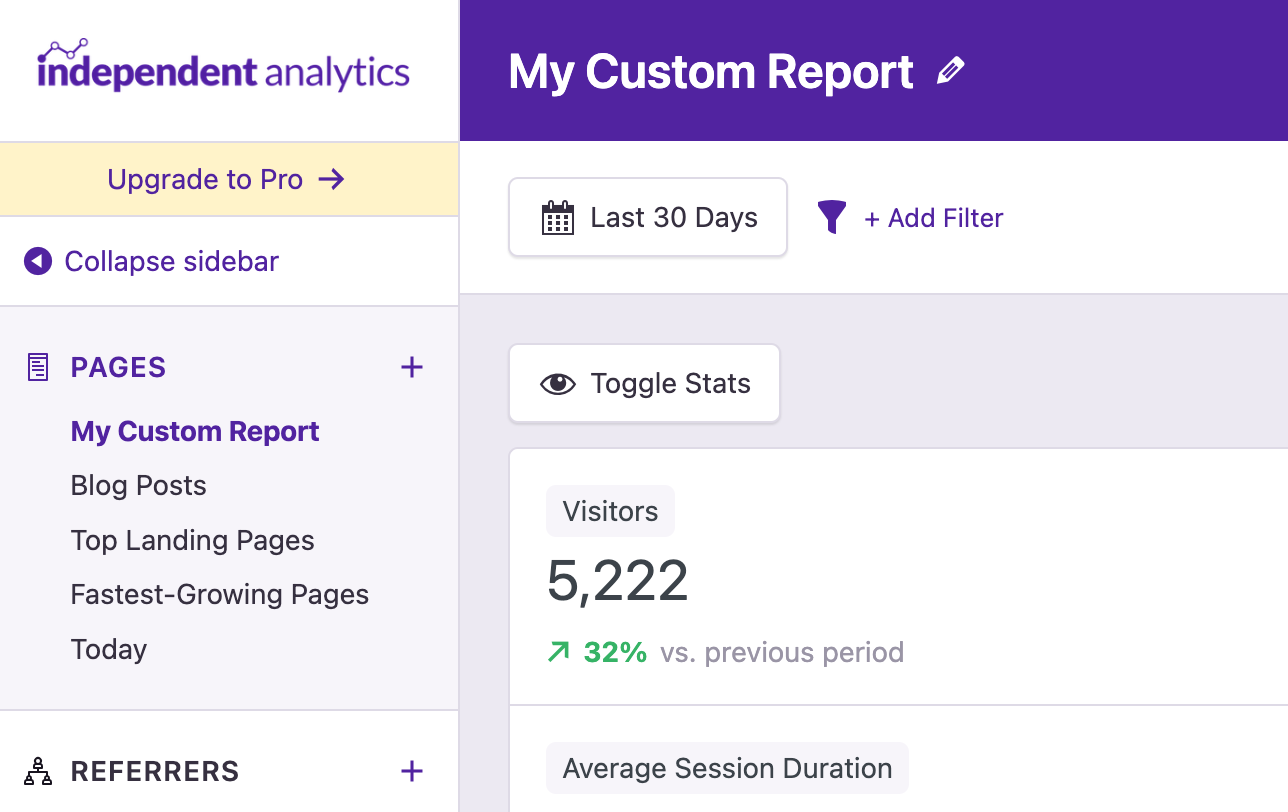
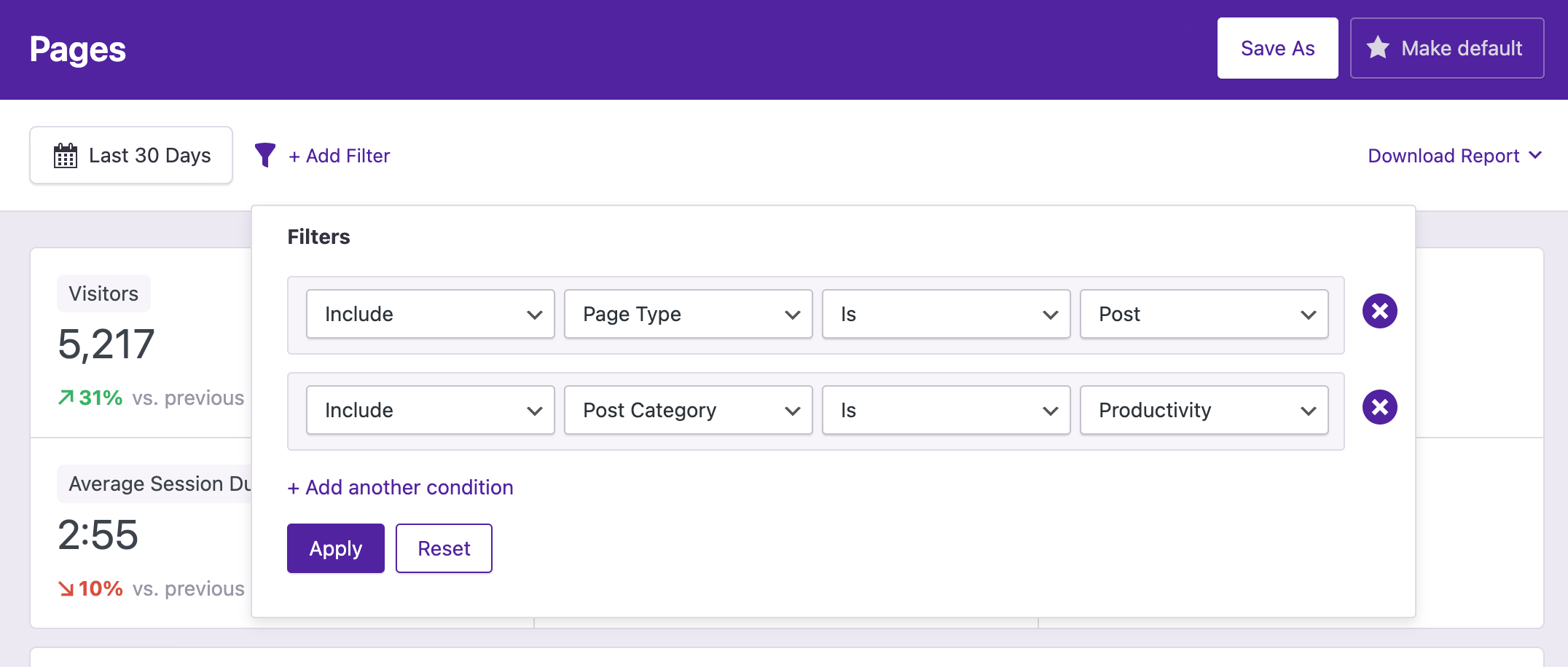
What Independent Analytics highlights on its WordPress.org page and its own website, split by version.
23 of 27 features we track in Analytics Plugins, feature score 85/100
Connects a GA4 property and adds the tracking code for you.
Not a Google Analytics plugin; it is a standalone alternative that needs no Google account.
Tracks visits itself and stores data in your WordPress database.
Tracks visits itself and stores all data in your WordPress database.
Counts visits without setting tracking cookies.
Sets no cookies; repeat visitors are recognised via a hashed IP and user agent that isn't stored.
Shows who is on the site right now.
Real-time view of current visitors, pages and referrers is a Pro feature.
Adds or works with Google Tag Manager containers.
No Google Tag Manager integration; it does not use Google services.
Records hits on the server, unaffected by ad blockers.
A small first-party script posts each view to your own REST API; there is no pure server-log mode.
Small or no front-end script, so tracking does not slow pages.
Deferred request to the site's REST API with no third-party scripts; vendor says Core Web Vitals are unaffected.
Tracks outbound links, file downloads and button clicks.
Pro click tracking for links, buttons, outbound links, emails and file downloads via link patterns.
Tracks form views and submissions.
Pro tracks submissions and conversion rates for 20+ form plugins.
Tracks orders, revenue and products from WooCommerce.
Pro records WooCommerce, EDD, SureCart, FluentCart and PMPro sales, refunds and conversion rate.
Reports on UTM campaigns, sources and mediums.
Pro Campaigns report and campaign link builder for UTM-tagged URLs.
Set goals and see conversion rates.
Pro conversions for eCommerce sales, form submissions and tracked clicks.
Report by author, category, post type, user role and similar.
Free filters and stats by post type, author, category and publication date.
Measures how far visitors scroll.
Scroll depth tracking isn't listed in the free or Pro feature lists.
Traffic reports in the WordPress admin, no need to open another tool.
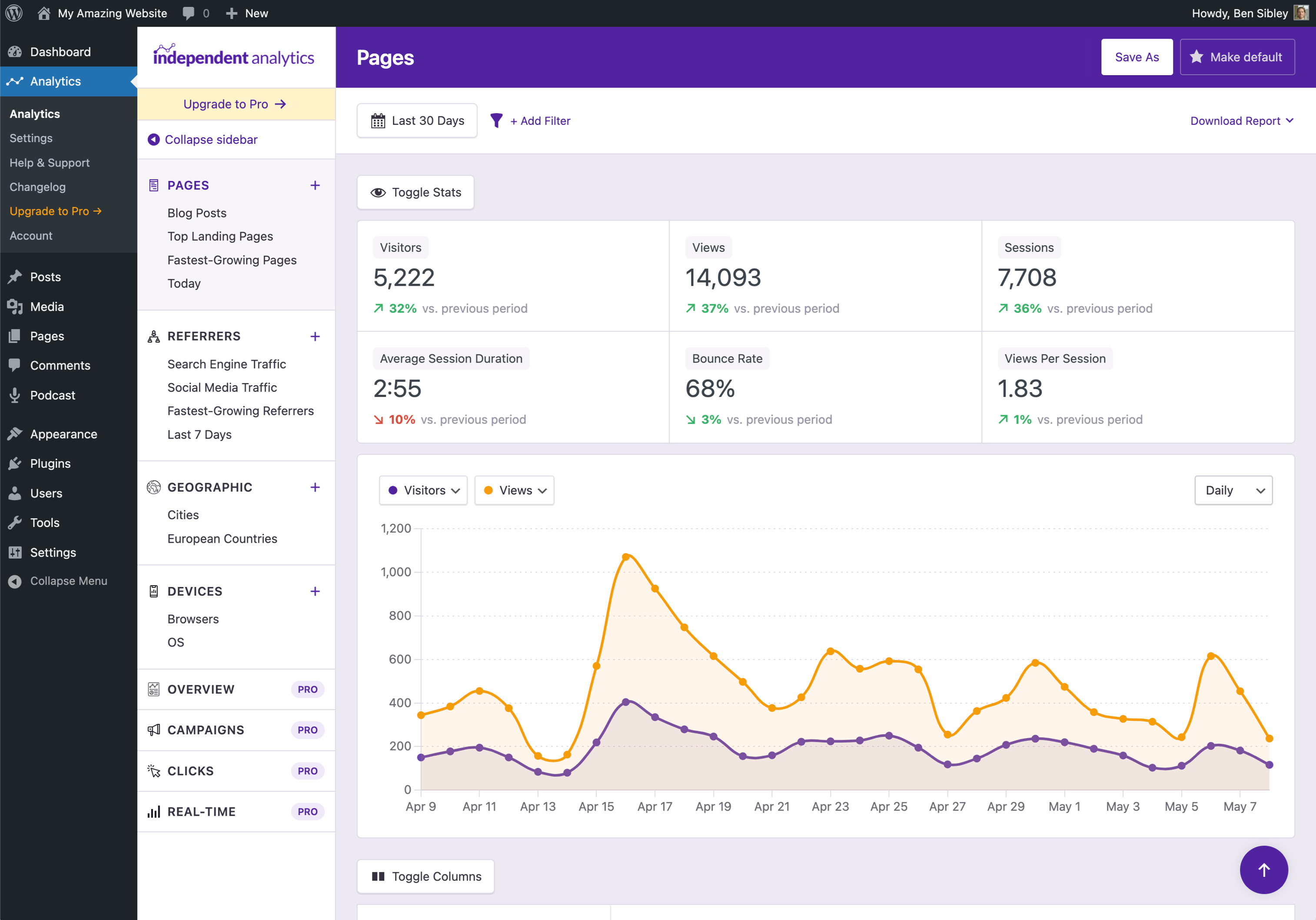
Pages, Referrers, Geographic and Devices reports in the admin plus a dashboard widget.
Shows which content gets the most visits.
Pages report ranks posts and pages, including landing and exit pages.
Where visitors come from.
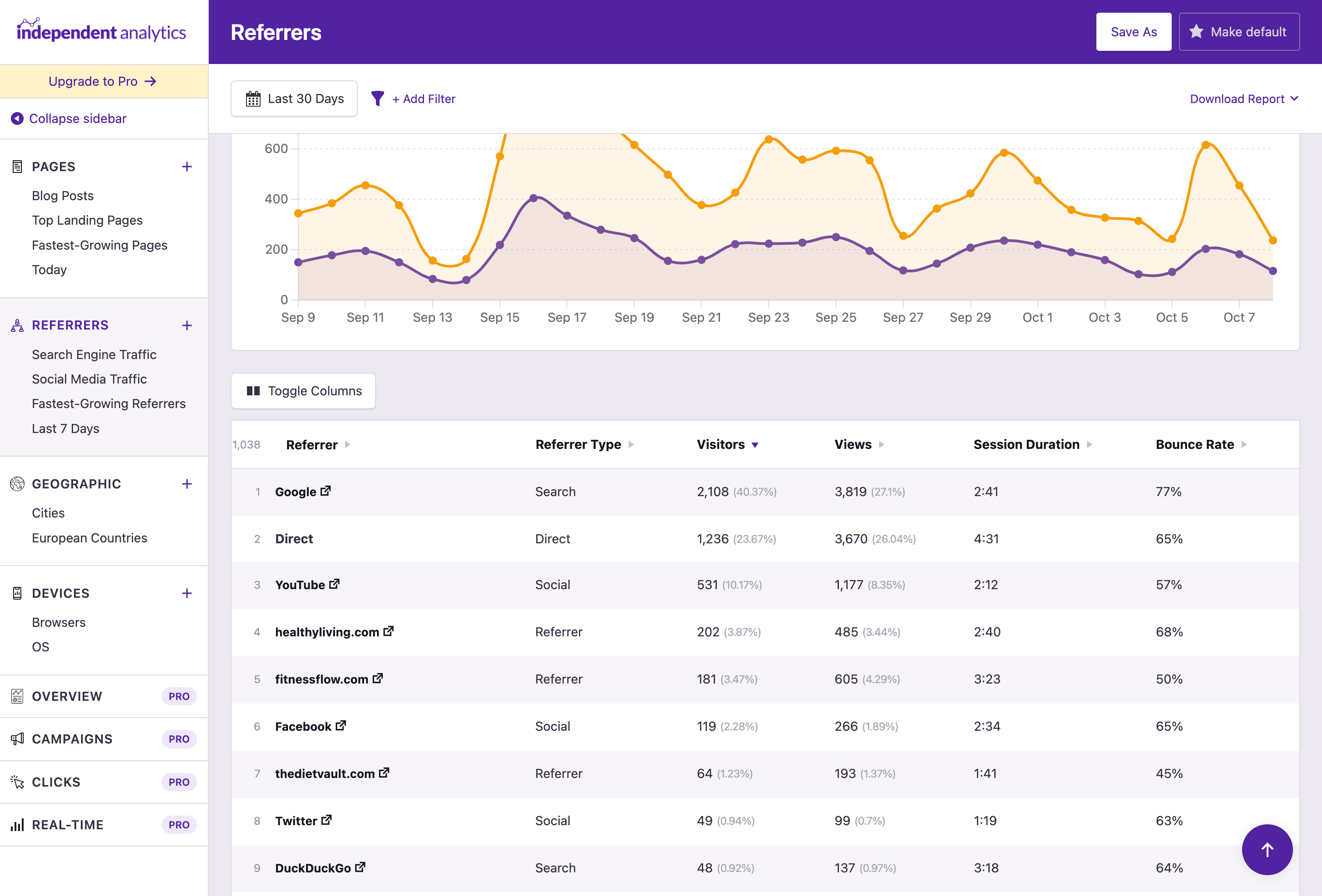
Referrers report covers sites, search engines, social networks and AI platforms.
Country, browser and device breakdowns.
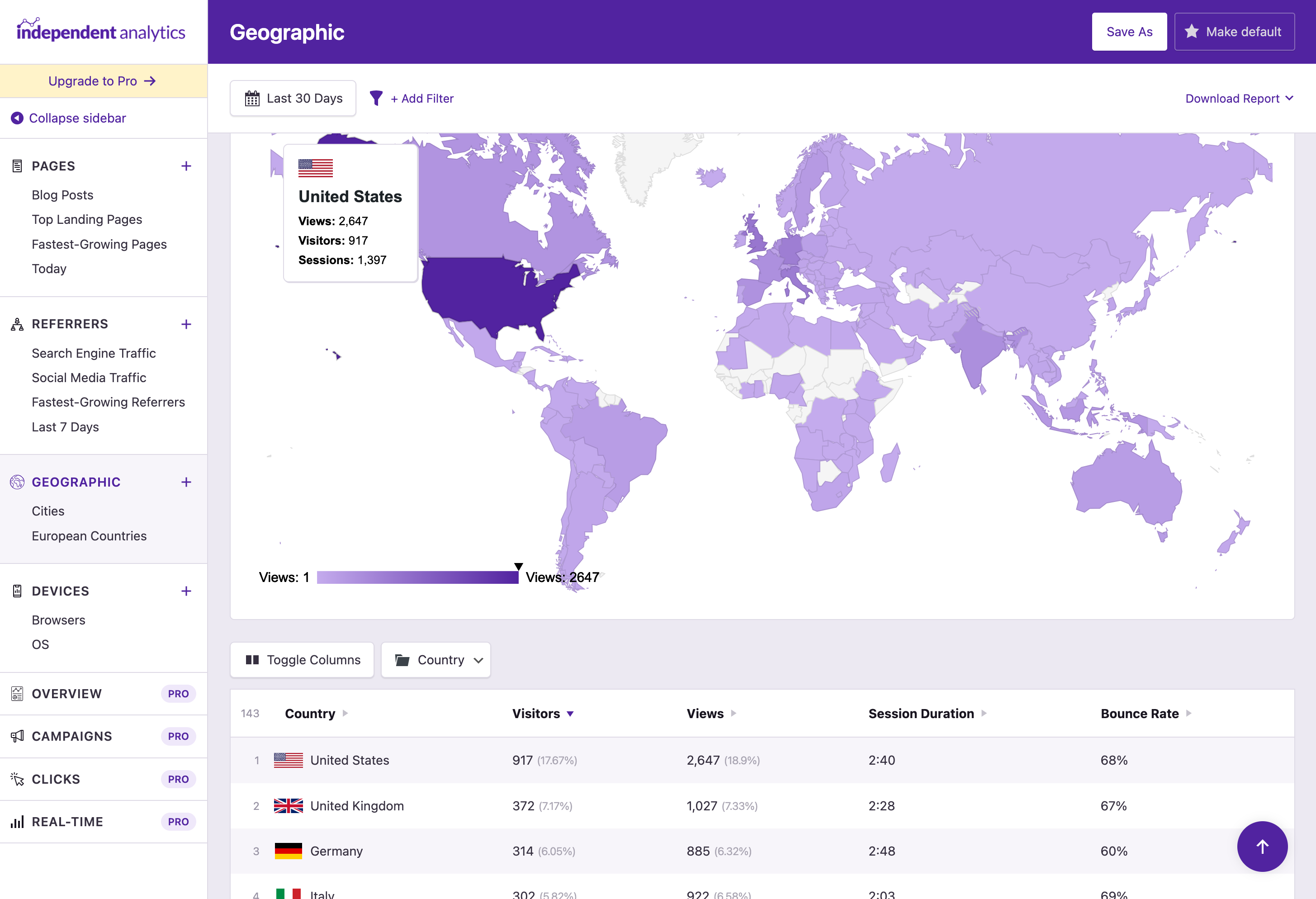
Country and city reports with a world map, plus device type, browser and OS.
Visit numbers shown on each post or in the editor.
View counts in the Posts list and admin toolbar stats on each page.
Search queries and rankings from Google Search Console.
No Google Search Console integration is offered.
Scheduled email reports with key stats.
Pro sends scheduled HTML email reports daily, weekly or monthly.
Export to CSV or PDF.
Free CSV and PDF exports of reports.
IP anonymisation, consent mode or cookie-banner integration.
Cookieless, no personal data and no external requests, so the vendor says no consent banner is needed.
Leave admins or chosen roles out of the stats.
Ignore chosen user roles and IP addresses in the free version.
Filters out bots and crawlers.
Self-identifying bots such as crawlers and uptime monitors are ignored automatically.
Choose which user roles can view reports.
Share analytics with other roles, optionally limiting authors to their own content.
Works across a WordPress multisite network.
Works on multisite; each sub-site gets its own Analytics menu and stats.
On WordPress.org
Unlimited
Unlimited tracked views; core reports, exports, role sharing.
1 site
All Pro features. Renews at the price originally paid. Lifetime option shown alongside at $147 (one-time).
3 sites
All Pro features. Lifetime option shown alongside at $237 (one-time).
Unlimited
All Pro features. Lifetime option shown alongside at $597 (one-time).
Prices are list prices from the vendor's site, checked 14 Oct 2026. Many vendors discount the first year.
Free installs from WordPress.org, the vendor's own claim, and our estimate of paid installs.
Active installations reported by WordPress.org.
Sites/users claimed on the vendor's website. source
Our estimate, see method below.
How we estimated this: The vendor figure (100K+) is within WordPress.org's rounding of the free installs, so it says nothing about paid sites. About 150K free installs x 4% (the usual share of free sites that also run the paid version when most features are free) gives 6K. Likely range: 3K to 12K. This counts sites running the paid version, including sites whose licence has lapsed. Estimates are rough and based on public figures as of 14 Oct 2026.
22,944 downloads last week, 3.2M all time
| Version | 2.16.2 |
|---|---|
| Last updated | 22 Oct 2026 (11 days ago) |
| Tested up to | WordPress 7.1.4 |
| Requires | WordPress 5.9+, PHP 8.0.30+ |
| Support threads (2 months) | 8 of 8 resolved |
| On WordPress.org since | 31 May 2022 |
| Refund policy | 30-day money-back (source, 10 Oct 2026) |
|---|
Full Matomo analytics platform running inside WordPress, with ecommerce, goals, tag manager and GDPR tools; premium plugins add heatmaps and more.

Freemium Google Analytics plugin from Awesome Motive that adds GA4 tracking and in-dashboard reports, with eCommerce, forms and custom dimensions in paid…

Self-hosted, privacy-focused WordPress analytics with goals, real-time stats and optional cookieless tracking; Pro adds UTM, forms and WooCommerce.

Google's free official plugin that connects Analytics, Search Console, Tag Manager, AdSense and PageSpeed Insights and shows their data in WordPress.

Freemium Google Analytics dashboard plugin from Awesome Motive, a close sibling of MonsterInsights, adding GA4 tracking and reports to WordPress.

Long-running self-hosted WordPress analytics plugin with cookieless tracking, detailed content, referral and geo reports, and paid add-ons for marketing.
Yes. Independent Analytics has a free version on WordPress.org. Paid plans start at $49/yr.
WordPress.org reports 100K+ active installations of the free version. The vendor claims 100K+ sites in total. We estimate around 6K sites run the paid version.
No: not included. Not a Google Analytics plugin; it is a standalone alternative that needs no Google account.
Yes: included. Tracks visits itself and stores all data in your WordPress database.
Yes: included. Sets no cookies; repeat visitors are recognised via a hashed IP and user agent that isn't stored.
Yes: paid version (Pro). Pro click tracking for links, buttons, outbound links, emails and file downloads via link patterns.
Yes: paid version (Pro). Pro records WooCommerce, EDD, SureCart, FluentCart and PMPro sales, refunds and conversion rate.
Yes: included. Pages, Referrers, Geographic and Devices reports in the admin plus a dashboard widget.
Yes: paid version (Pro). Pro sends scheduled HTML email reports daily, weekly or monthly.
Yes: included. Cookieless, no personal data and no external requests, so the vendor says no consent banner is needed.
The developers say no, because it sets no cookies, stores no personal data and makes no external requests. Check your own legal requirements, especially if other tools on the site use cookies.
No. Importing from Google Analytics, Jetpack Stats or other tools isn't currently possible, though you can run it alongside them.
All Pro plans have the same features; they differ only by number of sites (1, 3 or unlimited). Annual licences renew at the price you paid, and a lifetime option is offered.
Tracking uses a small deferred request to your site's REST API with no third-party scripts. Very high-traffic sites may see the Analytics screens slow down, but not the front end.
Yes, but clear your page cache and CDN cache once after installing so cached pages include the tracking script.
Last updated 10 Oct 2026. Spotted something wrong? Suggest an edit.