

Matomo Analytics for WordPress
Full Matomo analytics platform running inside WordPress, with ecommerce, goals, tag manager and GDPR tools; premium plugins add heatmaps and more.
86

Long-running self-hosted WordPress analytics plugin with cookieless tracking, detailed content, referral and geo reports, and paid add-ons for marketing.
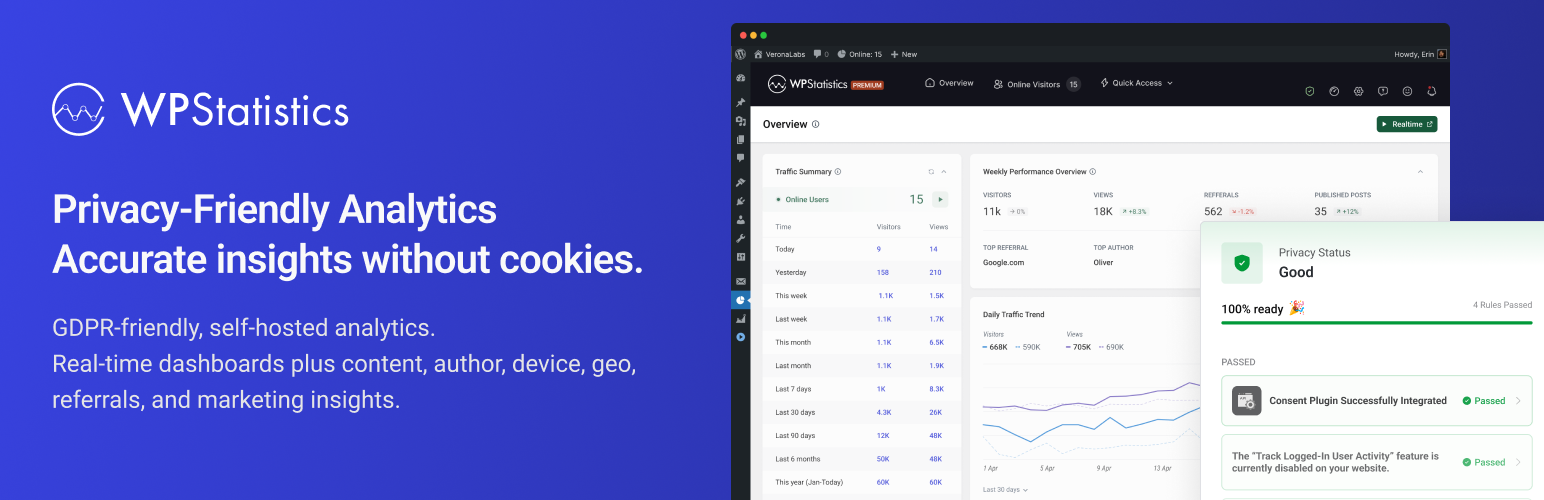
WP Statistics, developed by VeronaLabs, is one of the oldest self-hosted analytics plugins for WordPress. It tracks visitors with its own script, keeps the data in your WordPress database and needs no external account. Tracking is cookieless by default, IP addresses are hashed with a daily salt, and Do Not Track and the WP Consent API are respected.
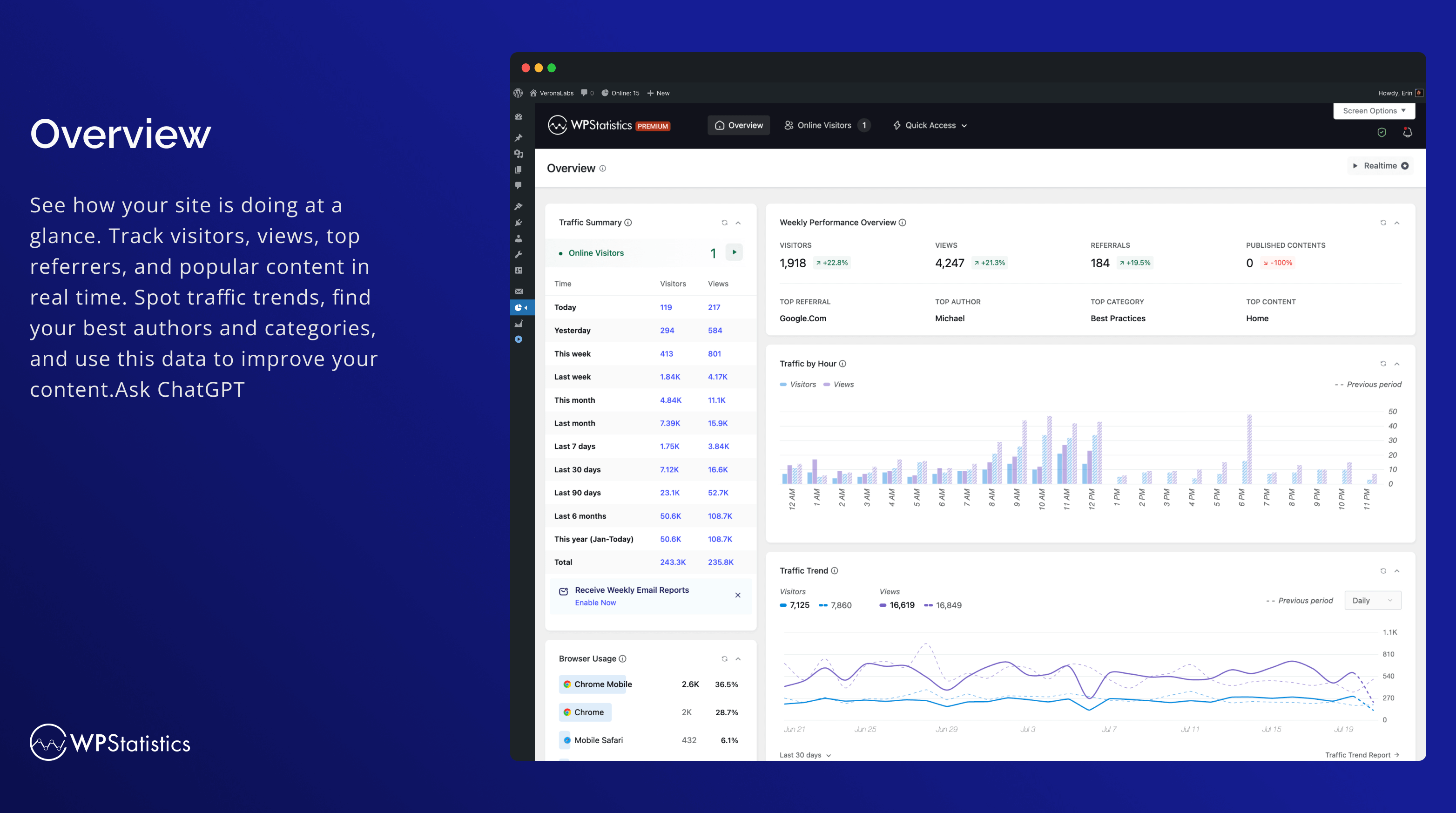
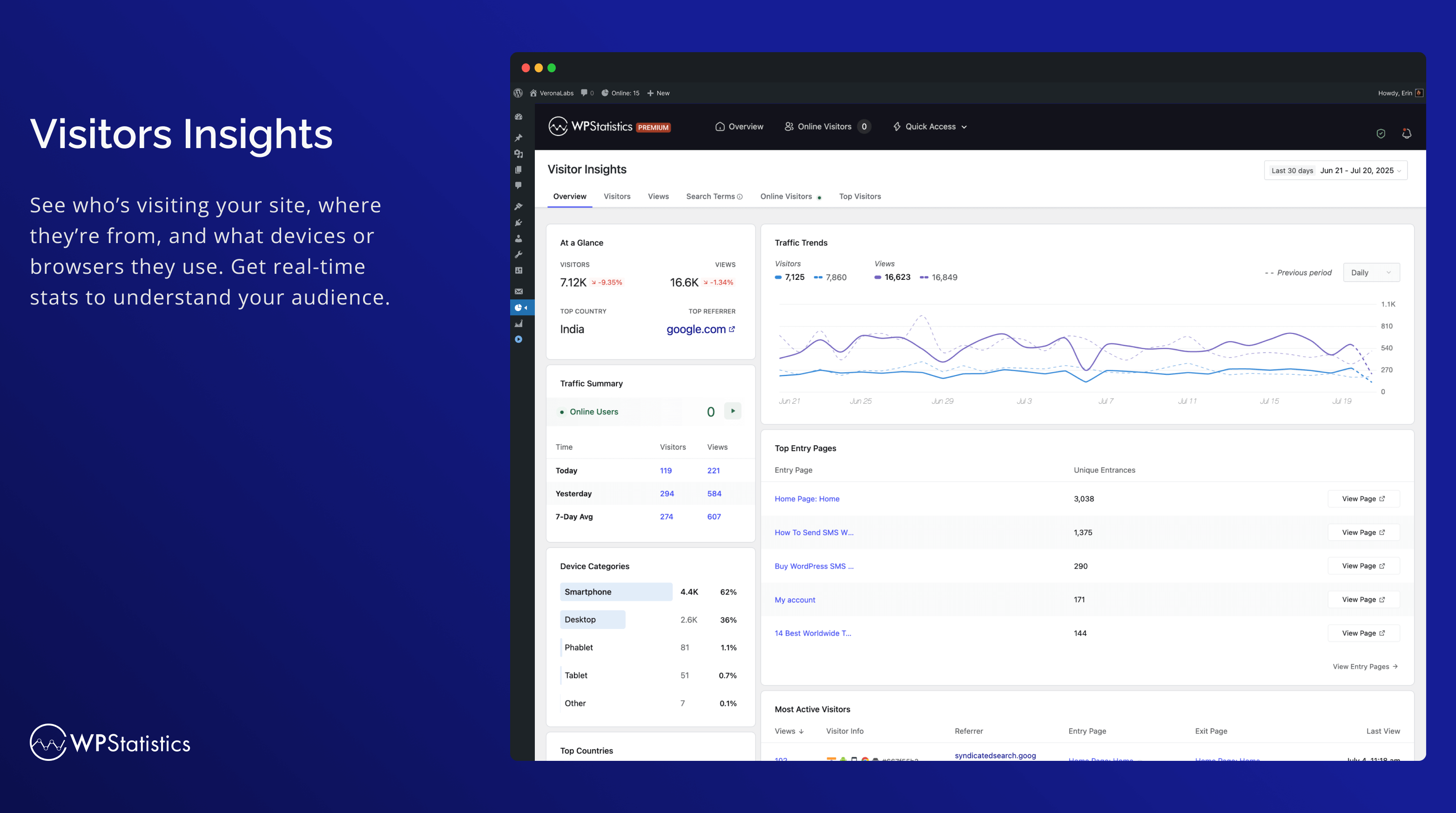
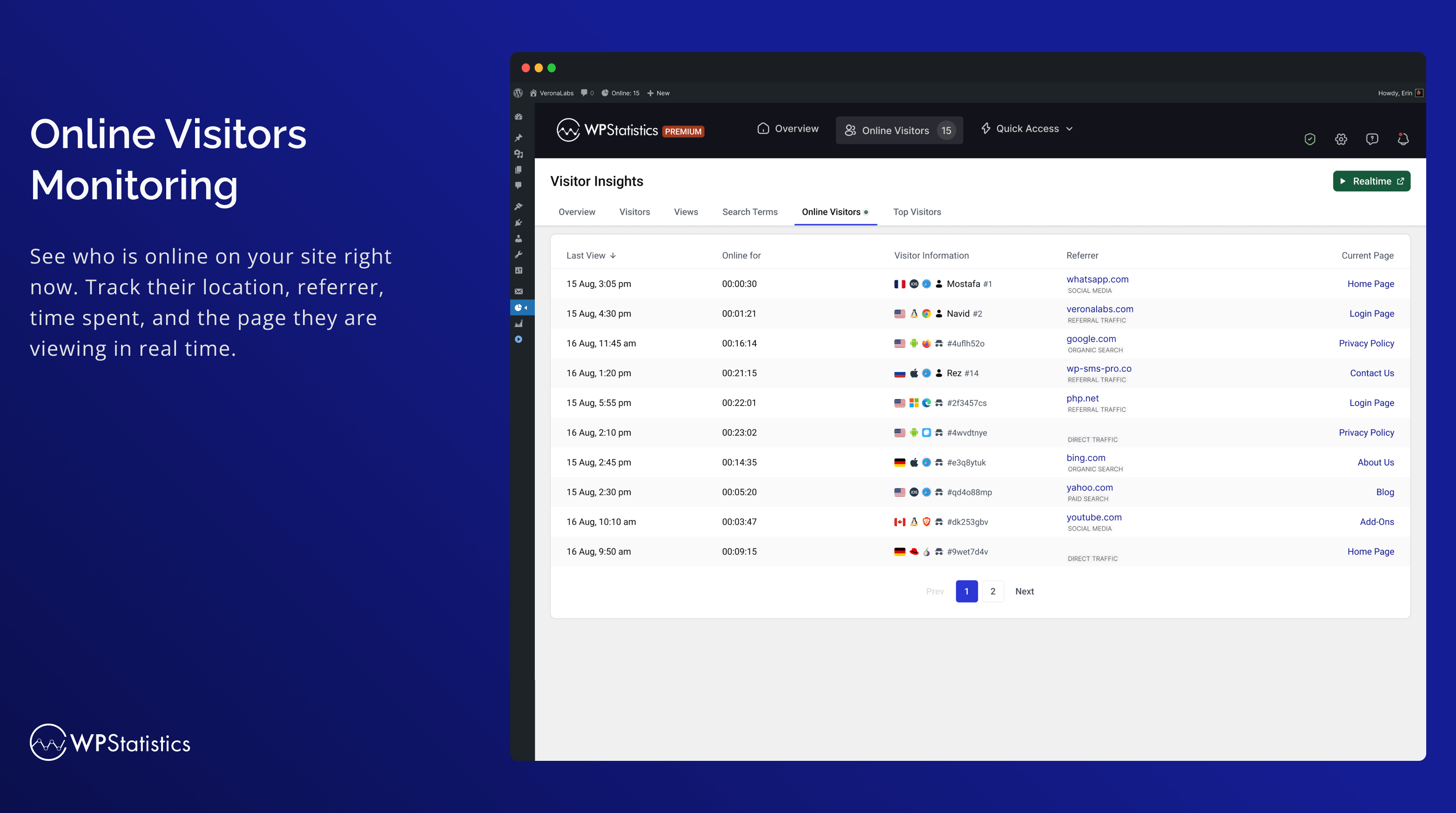
The free plugin is unusually broad. It includes content, category, tag and author analytics, entry pages and bounce rate, five referral reports (including search engines and social), country, city and device reports, a live online-visitors view, scheduled email reports, role-based access and exclusions by role, IP, country or URL. Per-post view counts can appear in post lists, in the editor and in the admin bar, and data can be exported to XML, CSV or TSV. Multisite networks can view combined or per-site analytics.
Extra functionality is split into add-ons, all bundled in WP Statistics Premium. Data Plus adds custom post types and taxonomies, outbound-link and download tracking and per-author detail. Marketing adds Google Search Console data, campaign/UTM reports with a link builder, click events and pageview goals. Others cover a real-time dashboard, advanced branded reports with an export button, an admin-bar mini chart, white-labelling and REST API access.
WP Statistics fits content sites, publishers and multisite networks that want detailed traffic reports in WordPress without Google, and are happy to buy add-ons for marketing attribution.
Best for: Content sites, publishers and multisite networks that want detailed, cookieless traffic reports inside WordPress.
WP Statistics offers the most report depth of the free self-hosted options, with exports, email reports and multisite support at no cost. Marketing attribution and real-time dashboards are paid add-ons, and shops get no revenue tracking, so it is best for content-led sites.
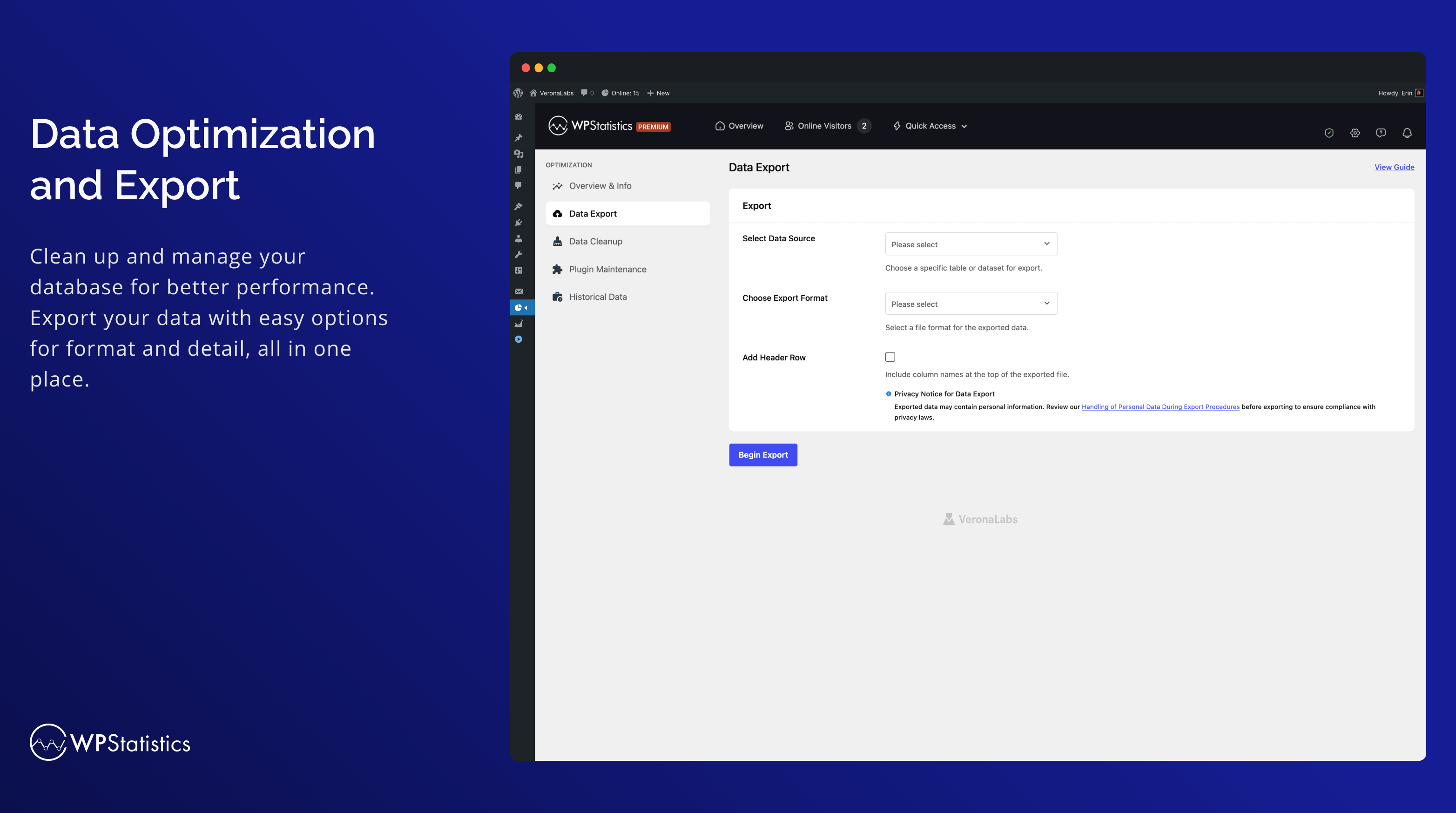
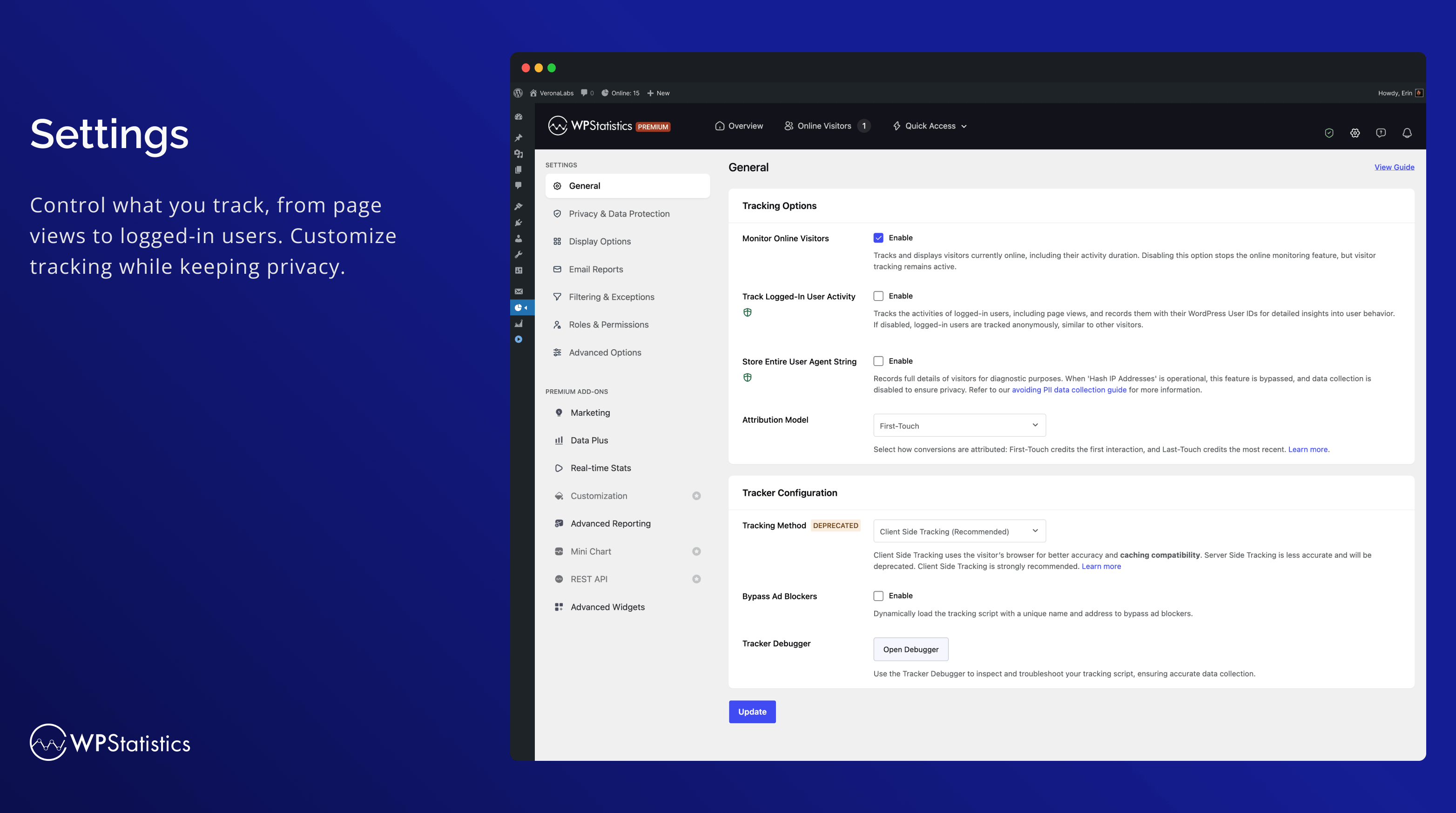
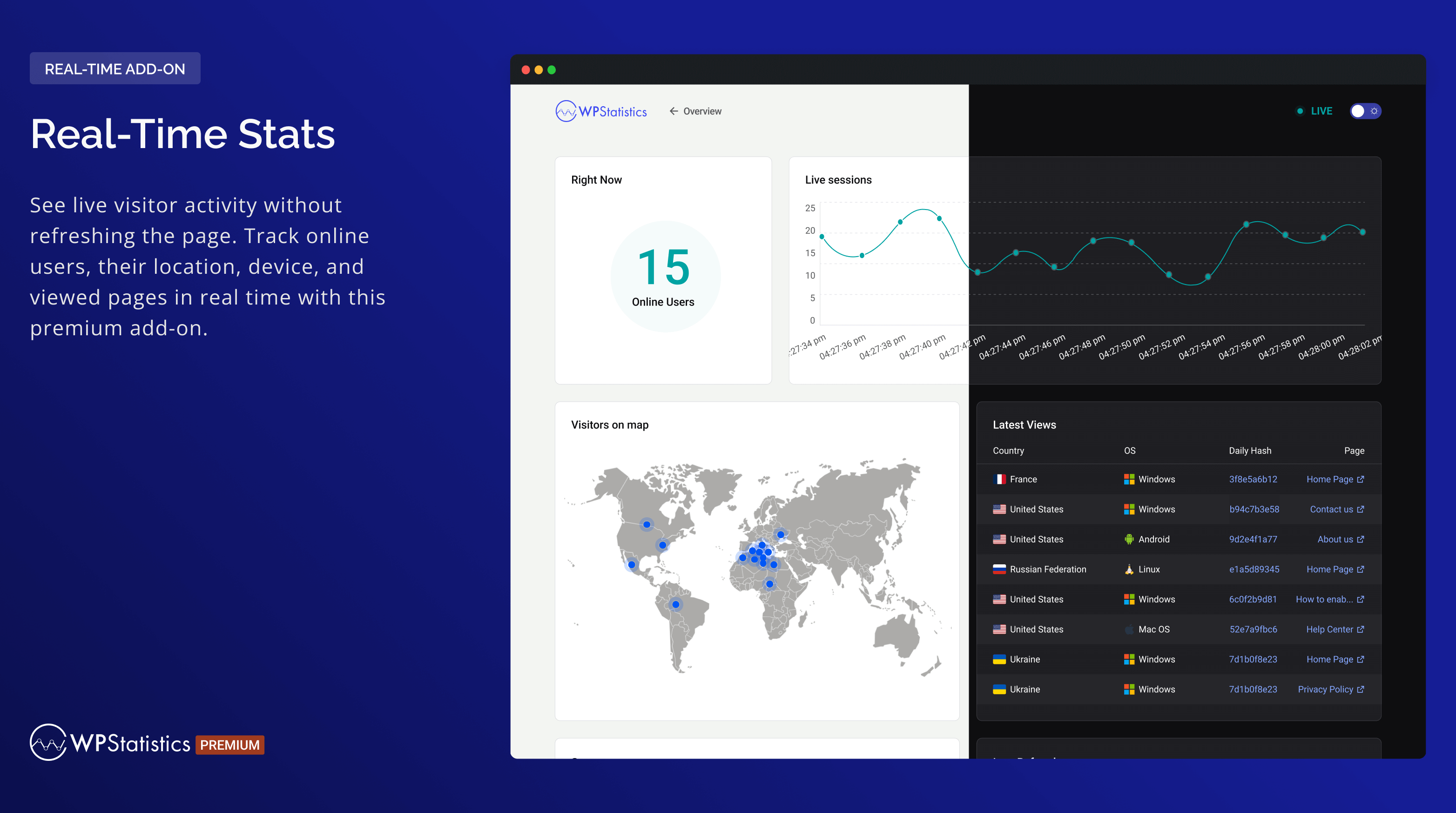
What WP Statistics highlights on its WordPress.org page and its own website, split by version.
22 of 27 features we track in Analytics Plugins, feature score 73/100
Connects a GA4 property and adds the tracking code for you.
Built as a GA alternative; does not connect a GA4 property (can run alongside GA).
Tracks visits itself and stores data in your WordPress database.
Data is collected and stored in your WordPress database.
Counts visits without setting tracking cookies.
Cookieless by default, with IPs hashed using a daily salt.
Shows who is on the site right now.
Free online-visitors view; a fuller Real-Time Stats dashboard is an add-on.
Adds or works with Google Tag Manager containers.
No Google Tag Manager features are listed.
Records hits on the server, unaffected by ad blockers.
Legacy server-side mode is deprecated; JS tracker is the default method.
Small or no front-end script, so tracking does not slow pages.
Script size is not published; vendor says impact is minimal.
Tracks outbound links, file downloads and button clicks.
Link/download tracking in Data Plus; click events in Marketing (paid).
Tracks form views and submissions.
No dedicated form reports; Marketing click events can track submit buttons.
Tracks orders, revenue and products from WooCommerce.
No WooCommerce order or revenue reports in the plugin or add-ons.
Reports on UTM campaigns, sources and mediums.
Free tracks UTM parameters; campaign reports and UTM builder are in Marketing.
Set goals and see conversion rates.
Pageview and event goals in the paid Marketing add-on.
Report by author, category, post type, user role and similar.
Author, category and tag reports free; CPT and taxonomies via Data Plus.
Measures how far visitors scroll.
Scroll depth is not tracked in the plugin or add-ons.
Traffic reports in the WordPress admin, no need to open another tool.
Overview, visitor insights, content and referral reports in wp-admin.
Shows which content gets the most visits.
Lists most visited posts and pages with content analytics.
Where visitors come from.
Referrers, search engines, social media and source categories.
Country, browser and device breakdowns.
Countries, cities, regions, browsers, OS and device models.
Visit numbers shown on each post or in the editor.
Views column in post lists, editor stats and admin bar stats.
Search queries and rankings from Google Search Console.
Search Console clicks, impressions and queries in the paid Marketing add-on.
Scheduled email reports with key stats.
Scheduled email reports free; branded advanced reports via add-on.
Export to CSV or PDF.
Exports to XML, CSV or TSV; report-page Export button needs Advanced Reporting.
IP anonymisation, consent mode or cookie-banner integration.
Hashed IPs, DNT, WP Consent API, data export/erase and privacy audit.
Leave admins or chosen roles out of the stats.
Exclude by role, IP, country or URL; logged-in users untracked by default.
Filters out bots and crawlers.
Filters bots, prefetch requests and headless browsers.
Choose which user roles can view reports.
Choose which roles can view analytics and change settings.
Works across a WordPress multisite network.
Network admin shows combined or per-subsite analytics.
On WordPress.org
Unlimited
Core analytics, email reports, online visitors and role access.
1 site
All premium add-ons included. Page notes special introductory pricing; renewals at full price.
5 sites
All premium add-ons included.
Unlimited
Up to 100 sites under fair use; priority support.
1 site
Sold separately: $99/year for 5 sites, $169/year unlimited. Other add-ons also sold individually.
Prices are list prices from the vendor's site, checked 14 Oct 2026. Many vendors discount the first year.
Free installs from WordPress.org, the vendor's own claim, and our estimate of paid installs.
Active installations reported by WordPress.org.
Sites/users claimed on the vendor's website. source
Our estimate, see method below.
How we estimated this: WordPress.org shows 500K+ free installs, which could mean anything from 500K to 600K. The vendor says 600K+ sites, so we put the free count halfway between the middle of that range and the vendor figure, at about 580K. About 580K free installs x 4% (the usual share of free sites that also run the paid version when most features are free) gives 23K. Likely range: 12K to 46K. This counts sites running the paid version, including sites whose licence has lapsed. Estimates are rough and based on public figures as of 14 Oct 2026.
72,146 downloads last week, 38.6M all time
| Version | 14.16.18 |
|---|---|
| Last updated | 23 Oct 2026 (11 days ago) |
| Tested up to | WordPress 7.1.4 |
| Requires | WordPress 6.6+, PHP 7.4+ |
| Support threads (2 months) | 9 of 10 resolved |
| On WordPress.org since | 20 Mar 2011 |
| Refund policy | 14-day money-back (source, 10 Oct 2026) |
|---|
Full Matomo analytics platform running inside WordPress, with ecommerce, goals, tag manager and GDPR tools; premium plugins add heatmaps and more.

Freemium Google Analytics plugin from Awesome Motive that adds GA4 tracking and in-dashboard reports, with eCommerce, forms and custom dimensions in paid…

Privacy-friendly, self-hosted WordPress analytics with cookieless tracking and reports in the admin; Pro adds real-time, campaigns, clicks, forms and sales.

Self-hosted, privacy-focused WordPress analytics with goals, real-time stats and optional cookieless tracking; Pro adds UTM, forms and WooCommerce.

Google's free official plugin that connects Analytics, Search Console, Tag Manager, AdSense and PageSpeed Insights and shows their data in WordPress.

Freemium Google Analytics dashboard plugin from Awesome Motive, a close sibling of MonsterInsights, adding GA4 tracking and reports to WordPress.
Yes. WP Statistics has a free version on WordPress.org. Paid plans start at $39/yr.
WordPress.org reports 500K+ active installations of the free version. The vendor claims 600K+ sites in total. We estimate around 23K sites run the paid version.
No: not included. Built as a GA alternative; does not connect a GA4 property (can run alongside GA).
Yes: included. Data is collected and stored in your WordPress database.
Yes: included. Cookieless by default, with IPs hashed using a daily salt.
Yes: via add-on. Link/download tracking in Data Plus; click events in Marketing (paid).
No: not included. No WooCommerce order or revenue reports in the plugin or add-ons.
Yes: included. Overview, visitor insights, content and referral reports in wp-admin.
Yes: included. Scheduled email reports free; branded advanced reports via add-on.
Yes: included. Hashed IPs, DNT, WP Consent API, data export/erase and privacy audit.
The plugin tracks without cookies and hashes IPs by default, and the vendor says no banner is needed in its default setup. Check your own legal requirements.
Premium bundles every add-on: Data Plus, Marketing, Advanced Reporting, Real-Time Stats, Mini Chart, Customization, Advanced Widgets and REST API. Add-ons can also be bought individually.
Yes. Network admins can view combined analytics or each subsite separately.
No. It reports on traffic and content, but no WooCommerce order or revenue reports are listed in the free plugin or add-ons.
Last updated 10 Oct 2026. Spotted something wrong? Suggest an edit.