

OptinMonster
Hosted lead-generation and popup platform with a free WordPress connector; popups, bars, slide-ins and gamified campaigns for marketers.
98

Freemium popup, opt-in form and email newsletter plugin with 50+ email/CRM integrations, WooCommerce targeting, A/B tests and automated post emails.

MailOptin is a freemium lead-generation and newsletter plugin from Proper Fraction LLC, the team behind ProfilePress. It combines popup and opt-in forms with email features such as new-post notifications and broadcasts, so a small site can capture subscribers and email them from one plugin.
MailOptin Lite on WordPress.org lets you build lightbox popups, before- and after-post forms, sidebar/widget forms and call-to-action boxes with a drag-and-drop form and template builder. Page-level targeting, honeypot spam protection, user registration forms and an acceptance checkbox for consent are included, as are connections to a long list of services such as Mailchimp, Kit, ActiveCampaign, Brevo, HubSpot, Salesforce, Zoho CRM and Google Sheets. Campaign cookies control how often a closed or converted campaign reappears. The Lite version can also email new posts to registered users.
The paid plans unlock notification bars, slide-ins and content lockers, plus the triggers most people expect from a popup tool: exit intent, time on site, scroll, pageviews, click launch and AdBlock detection. Premium also adds referrer and device targeting, query-string rules, WooCommerce conditions (cart total, items in cart, purchase history, lifetime spend), A/B testing, advanced analytics, campaign scheduling, a local lead bank, custom CSS and animations. The Standard plan covers lead generation; Pro and Agency add email automation and newsletters.
MailOptin suits WordPress publishers and WooCommerce stores that want popups tied closely to many email services, and optionally a built-in newsletter, without moving to a SaaS popup tool.
Best for: Publishers and WooCommerce stores that want popups connected to many email/CRM services, with optional built-in newsletters.
MailOptin is a capable all-rounder whose integration list and WooCommerce rules stand out. The free version is too limited for serious popup work, so budget for at least the Standard plan. It lacks geo targeting and gamified formats.

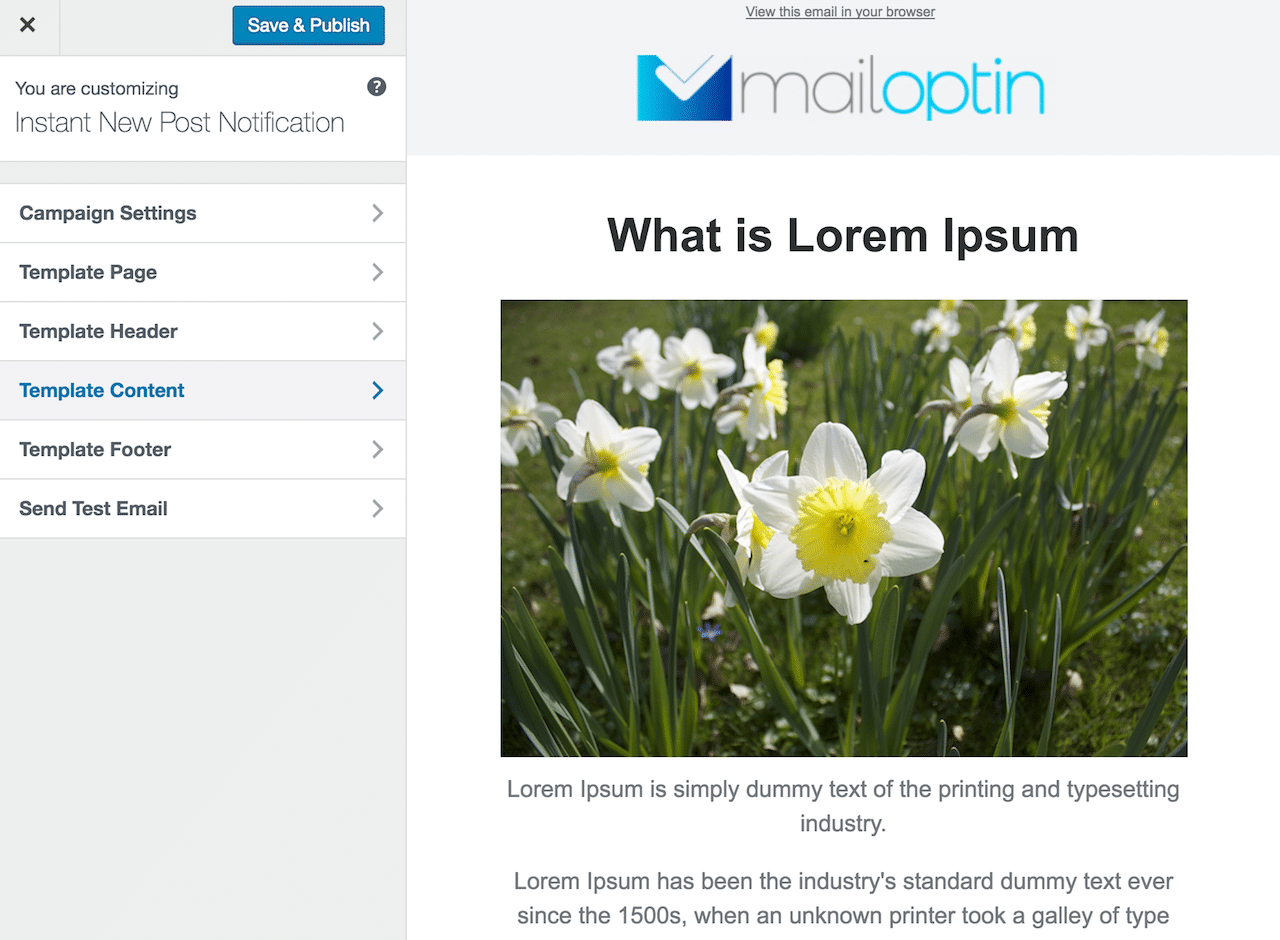
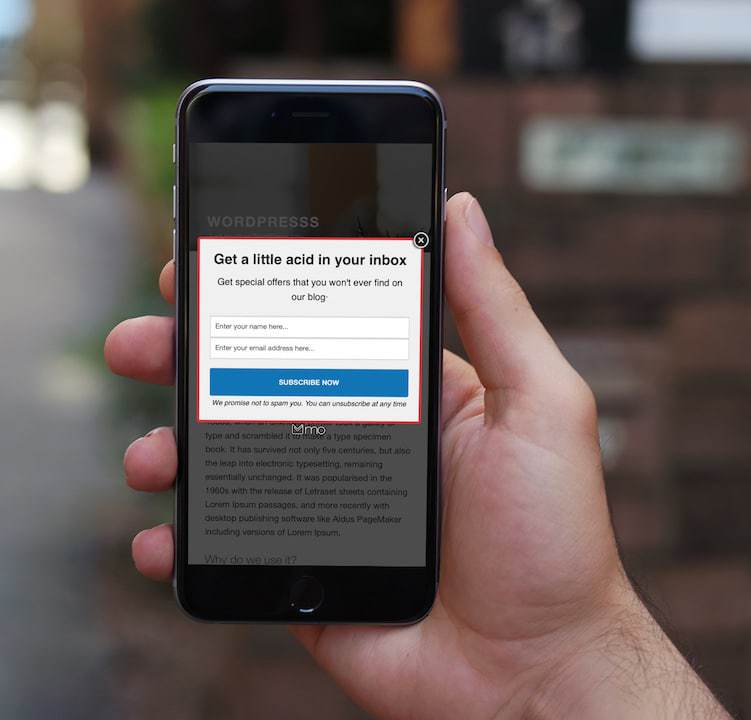
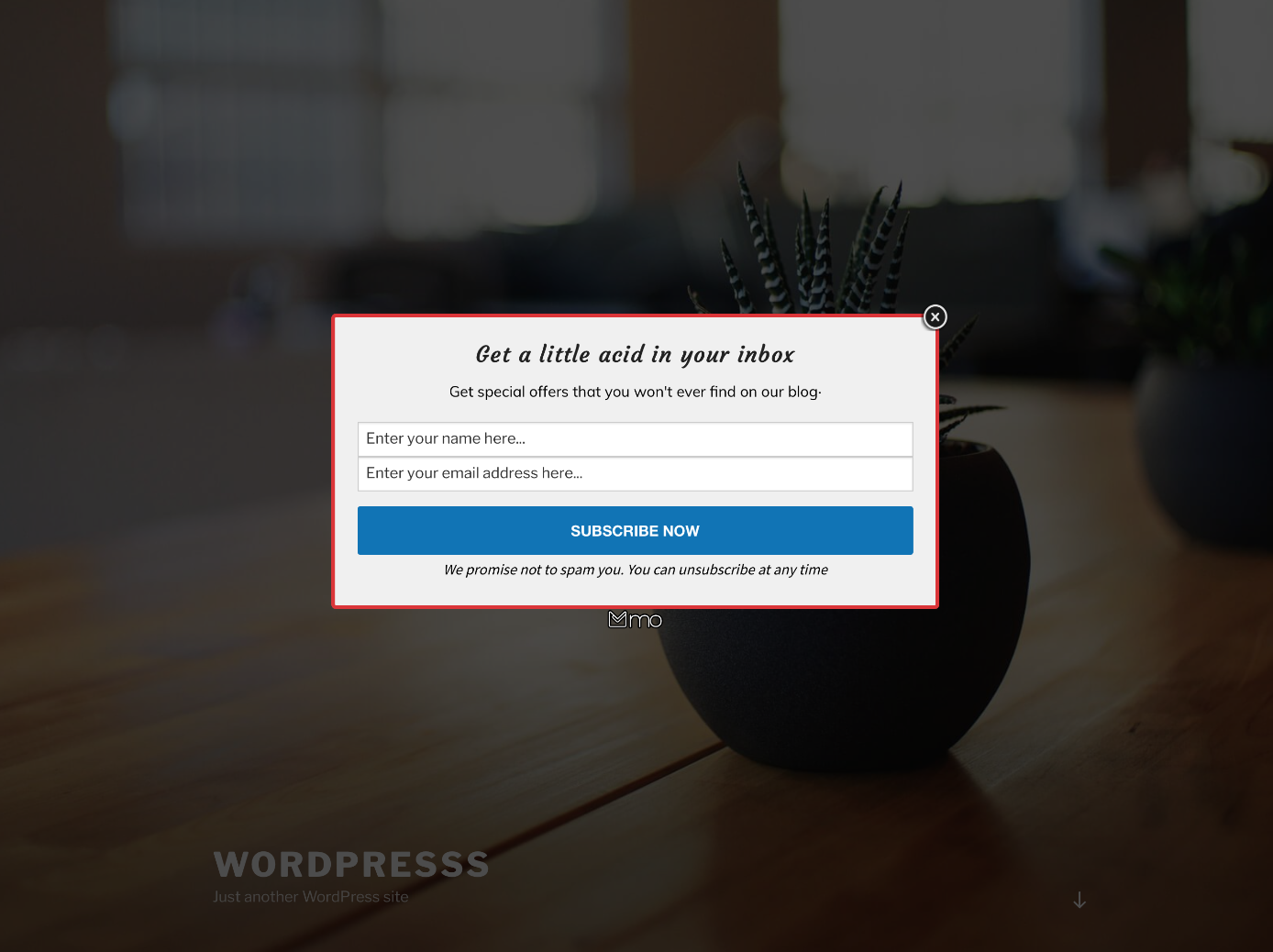


What MailOptin highlights on its WordPress.org page and its own website, split by version.
22 of 25 features we track in Popups & Lead Generation, feature score 93/100
Classic modal popups over the page.
Lightbox popups are included in the free Lite version.
Small boxes that slide in from a corner.
Slide-in opt-ins are a premium optin type.
Sticky top or bottom bars.
Top or bottom notification bars are premium.
Full-screen overlays or welcome gates.
Opt-in forms embedded in content or after posts.
Before/after post and sidebar forms in Lite; shortcode embeds are premium.
Coupon wheels or other gamified opt-ins.
No spin-to-win or gamified optin types are offered.
Hide part of a post until the visitor opts in.
Content locker requires an email opt-in to reveal content.
Shows a campaign when the visitor is about to leave.
Exit-intent trigger for popups, bars and slide-ins.
Trigger after time on page, scroll depth or a click.
Time on site, scroll, pageview and click-launch triggers are premium.
Show campaigns on specific pages, posts, categories or URLs.
Page-level targeting by post, page, post type and category in Lite.
Different campaigns for mobile and desktop.
Device targeting is among the premium display rules.
Target visitors by country or region.
Premium display rules list no country or location targeting.
Target by traffic source, referrer or UTM parameters.
Referrer detection plus show/hide rules by URL query string.
Control how often a visitor sees a campaign.
Exit and success cookies plus global cookies set how often campaigns reappear.
Target by cart contents, cart value or products viewed.
Rules for cart total, items in cart, purchase history and customer spend.
Visual campaign builder without code.
Drag-and-drop form and template builder with live preview.
Ready-made campaign templates.
Library of responsive optin templates for each campaign type.
Test variations of a campaign against each other.
A/B split testing of optin campaigns.
Mobile-optimised layouts or separate mobile designs.
Templates are responsive and mobile-optimised.
Mailchimp, ActiveCampaign, ConvertKit, Brevo and similar.
Mailchimp, Kit, ActiveCampaign, Brevo, MailerLite and 40+ more.
Send leads to CRMs, Zapier or webhooks.
HubSpot, Salesforce, Zoho CRM, Dynamics 365 and webhooks; no native Zapier app listed.
Show forms from WPForms, Gravity Forms, CF7 and similar inside popups.
Paste a WPForms, Gravity Forms or CF7 shortcode via the custom HTML option.
Views, conversions and conversion rate per campaign.
Advanced analytics on impressions and conversions are premium.
No external SaaS account required; campaigns and leads stay on your site.
Self-hosted plugin; premium lead bank stores leads on your site.
Consent checkboxes and privacy controls.
Acceptance checkbox with consent saved to your email provider.
On WordPress.org
1 site
Lead generation features only (no email automation or newsletters).
3 sites
Lead generation plus email automation and newsletters.
Unlimited
Everything in Pro for unlimited sites.
3 sites
One-time payment for the Pro plan with no renewals.
Prices are list prices from the vendor's site, checked 14 Oct 2026. Many vendors discount the first year.
Free installs from WordPress.org, the vendor's own claim, and our estimate of paid installs.
Active installations reported by WordPress.org.
The vendor does not publish a total.
Our estimate, see method below.
How we estimated this: About 15K free installs x 20% (the usual share of free sites that also run the paid version when many key features are paid) gives 3K. Likely range: 1.5K to 6K. This counts sites running the paid version, including sites whose licence has lapsed. Estimates are rough and based on public figures as of 14 Oct 2026.
2,426 downloads last week, 2.5M all time
| Version | 1.2.78.7 |
|---|---|
| Last updated | 13 Oct 2026 (20 days ago) |
| Tested up to | WordPress 7.1.4 |
| Requires | WordPress 6.4+, PHP 7.4+ |
| Support threads (2 months) | 0 of 1 resolved |
| On WordPress.org since | 17 Jul 2017 |
| Refund policy | 14-day money-back (source, 6 Oct 2026) |
|---|
Hosted lead-generation and popup platform with a free WordPress connector; popups, bars, slide-ins and gamified campaigns for marketers.

Freemium drag-and-drop popup and conversion widget builder for WordPress: popups, slide-ins, sticky bars, multi-step forms, quizzes and A/B tests.

Premium self-hosted popup and opt-in builder from Brainstorm Force, with A/B testing, geotargeting and unlimited-site licences.

Self-hosted WordPress popup plugin for modals, slide-ins and bars, with deep form-plugin support and Pro targeting and analytics.

Premium WordPress list-building plugin from Thrive Themes with popups, ribbons, slide-ins, screen fillers, content locks, A/B testing and lead reports.

WPMU DEV's free popup, slide-in and embed opt-in plugin with built-in email lists, broad targeting and 20+ email integrations.
Yes. MailOptin has a free version on WordPress.org. Paid plans start at $99/yr.
WordPress.org reports 10K+ active installations of the free version. We estimate around 3K sites run the paid version.
Yes: included. Lightbox popups are included in the free Lite version.
Yes: included. Before/after post and sidebar forms in Lite; shortcode embeds are premium.
Yes: paid version (Standard). Exit-intent trigger for popups, bars and slide-ins.
Yes: paid version (Standard). Time on site, scroll, pageview and click-launch triggers are premium.
Yes: included. Drag-and-drop form and template builder with live preview.
Yes: paid version (Standard). A/B split testing of optin campaigns.
Yes: included. Mailchimp, Kit, ActiveCampaign, Brevo, MailerLite and 40+ more.
Yes: paid version (Standard). Advanced analytics on impressions and conversions are premium.
Lightbox popups, before/after-post and sidebar forms, page-level targeting, a drag-and-drop builder, many email/CRM integrations and new-post email notifications. Exit intent, timed and scroll triggers, slide-ins and bars need a paid plan.
The Standard plan ($99/year, one site) covers the lead-generation features. Pro ($289/year, three sites) and Agency ($499/year, unlimited) add email automation and newsletters.
Yes, in premium. Campaigns can show based on products in the cart, cart item count, cart total, past purchases and how much a customer has spent, and can open after an add-to-cart.
Yes. Enable the custom HTML option in the campaign's fields panel and paste the form plugin's shortcode.
Last updated 6 Oct 2026. Spotted something wrong? Suggest an edit.