

Crisp Live Chat
French-built hosted chat and shared inbox with a free 2-seat plan and flat per-workspace paid plans adding omnichannel, the Hugo AI agent…
97

Paid, per-agent live chat platform from Text (formerly LiveChat Software) with a free WordPress connector, AI Agent, ticketing and WooCommerce cart view.
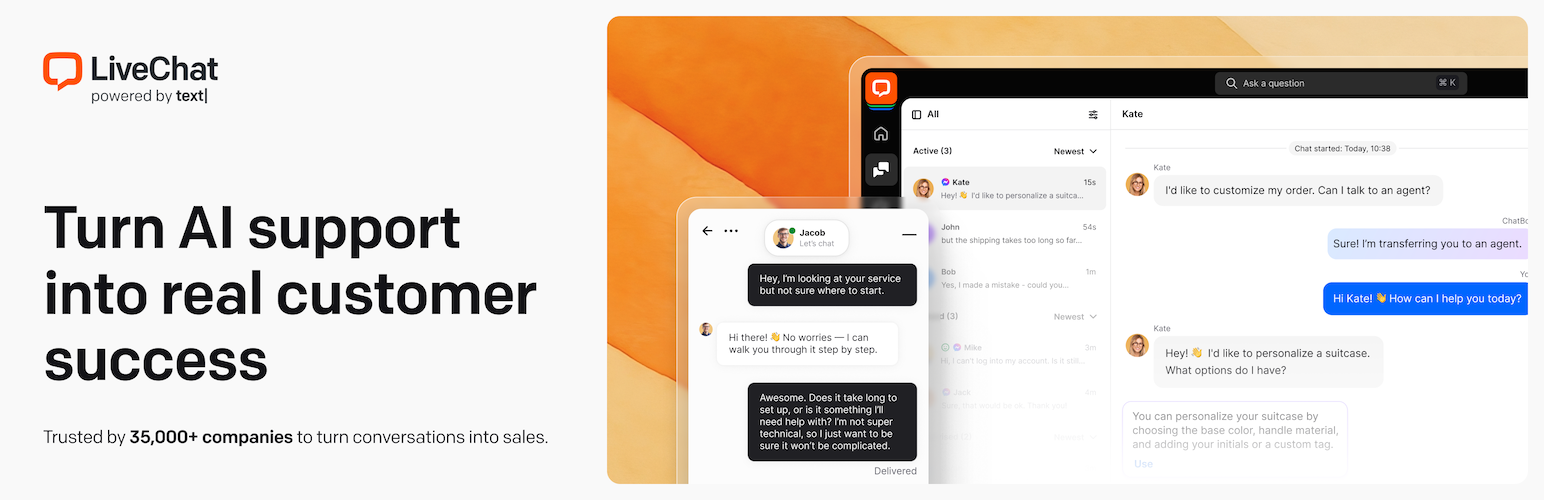
LiveChat is one of the longest-running hosted chat services, built by the Polish company Text S.A. (formerly LiveChat Software, founded in 2002). The free WordPress plugin installs the chat widget and links your site to a LiveChat/Text account, where agents answer chats in the web, desktop or mobile apps.
In 2026 the vendor moved new sign-ups onto Text plans. The livechat.com pricing page now sells Essential and Growth per user, while existing LiveChat customers keep their legacy Starter, Team and Business plans. The WordPress plugin works with Text, so new users will be on the new plans.
There is no free plan, only a 14-day trial. Essential costs $19 per user a month billed annually ($25 monthly) and keeps 60 days of history, 50 tracked live visitors, 3 campaigns and 10 AI resolutions a month. Growth, at $79 per user a month annually, adds unlimited history, shared canned responses, 10 teams, deeper reports and 200 AI resolutions. Extra AI resolutions are sold in packs.
The per-agent model gets expensive for larger teams, and some details, such as which plan includes routing rules and working hours, are not clear on the new pricing table. Rule-based chatbot flows come from the separate ChatBot.com product.
LiveChat suits established businesses and support teams that want a polished, well-supported chat and ticketing tool and are happy to pay per agent.
Best for: Established support teams that want a premium hosted chat and ticketing tool and can budget per agent.
LiveChat is a dependable, feature-rich service with good WooCommerce context and strong compliance options. Without a free plan and with per-user pricing it costs more than most rivals, so it makes most sense for teams that will use the reporting, ticketing and AI features.
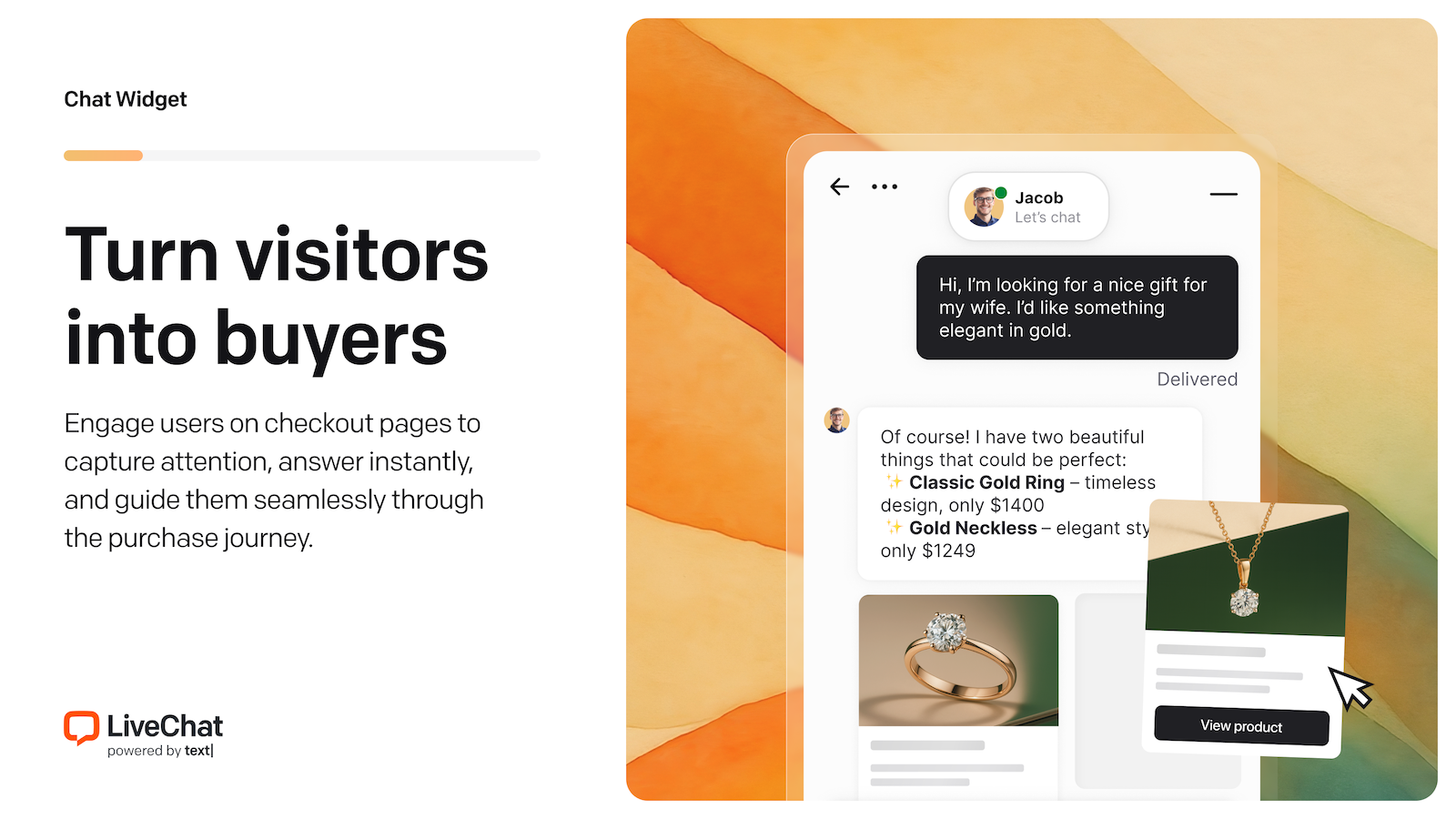
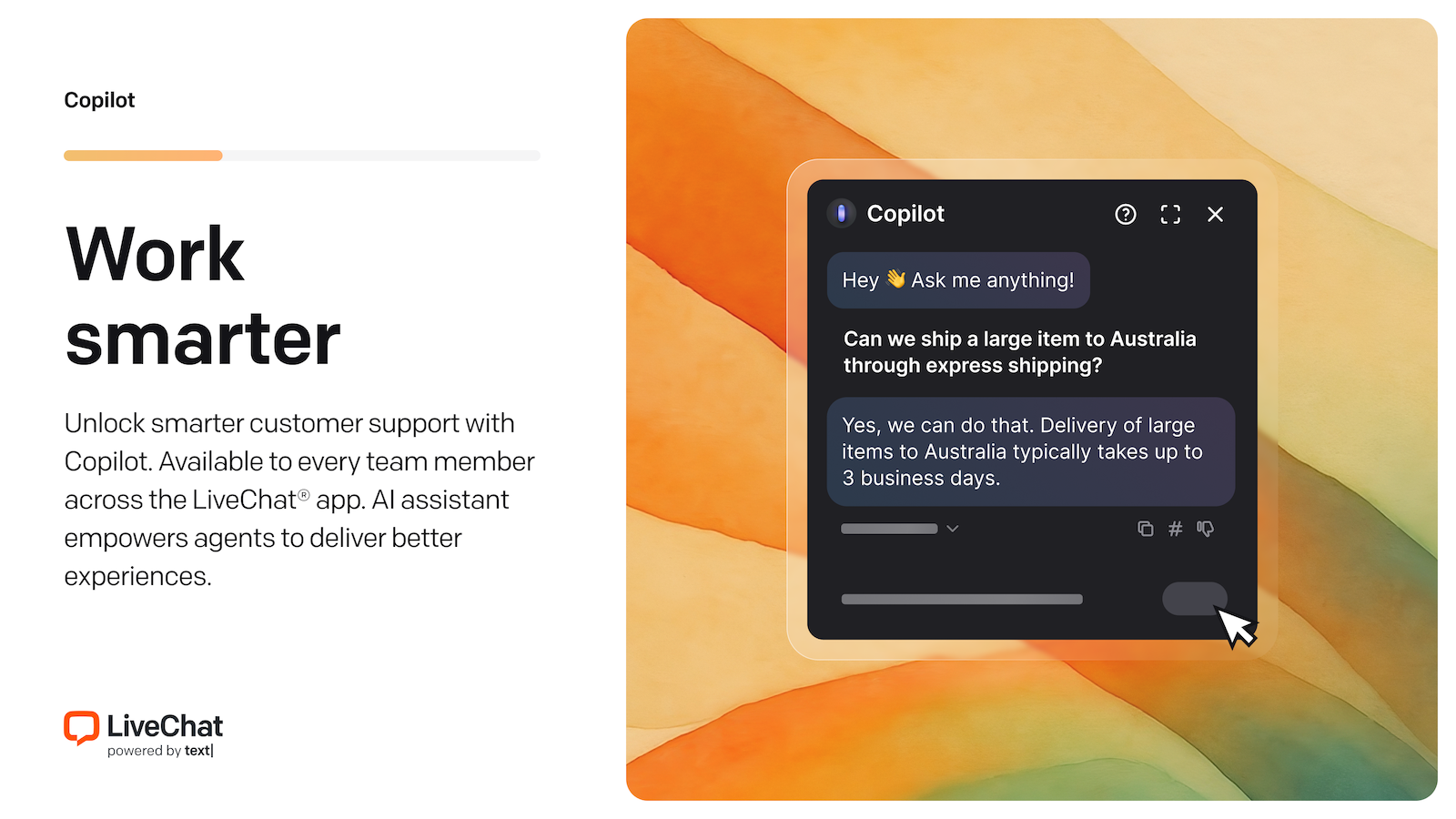
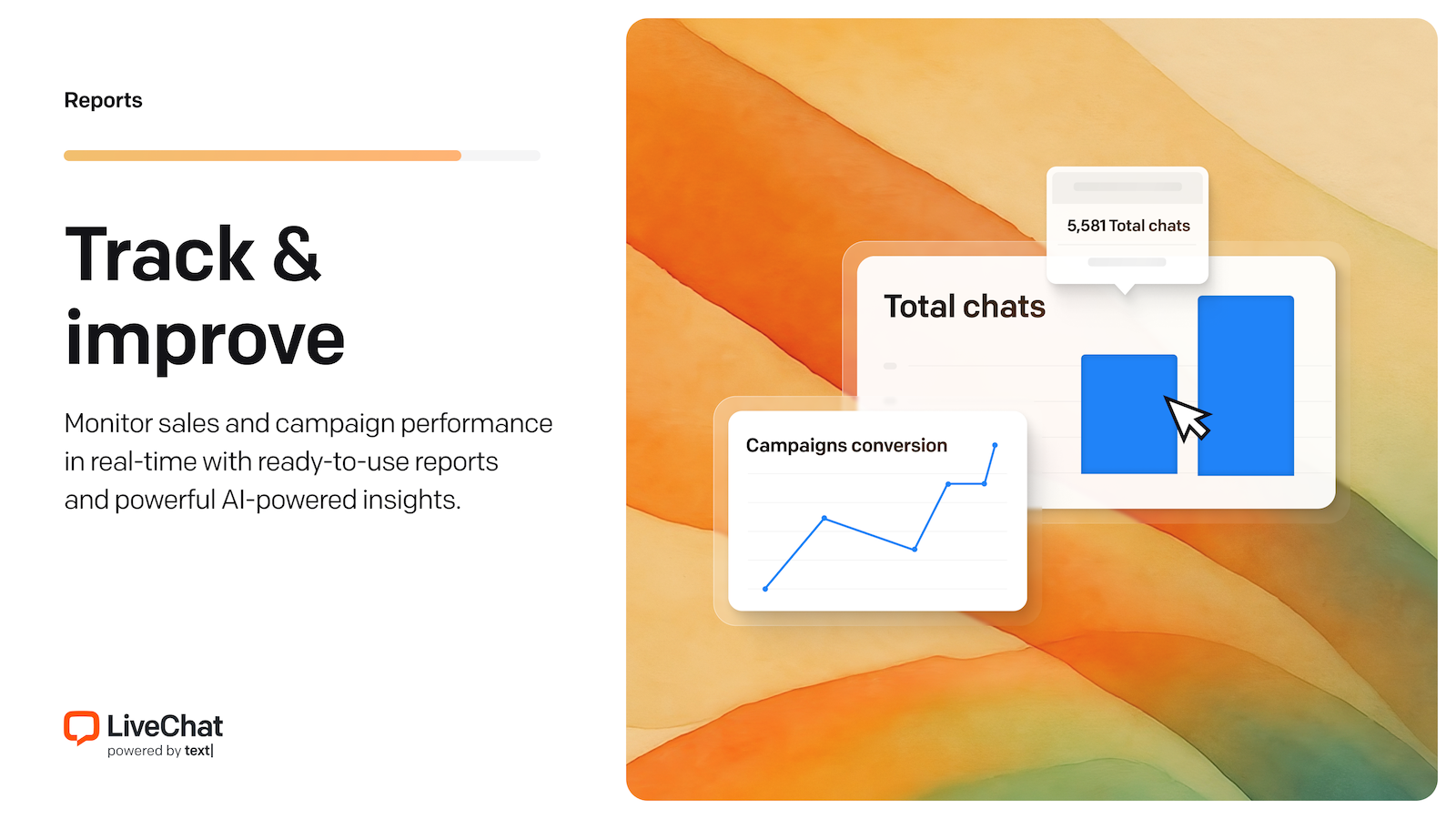

What LiveChat highlights on its WordPress.org page and its own website, split by version.
17 of 20 features we track in Live Chat & WhatsApp, feature score 85/100
Real-time chat between visitors and your team.
Real-time chat with customisable widget, greetings and placement.
WhatsApp buttons or WhatsApp conversations.
Pricing page says WhatsApp is available in every plan.
Messenger, Instagram, Telegram, email or SMS in one place.
Website chat, WhatsApp, Messenger, SMS (Twilio) and email land in one inbox.
Reply from phone or desktop apps.
iOS and Android apps plus desktop apps for macOS and Windows.
Collect messages when nobody is online.
When offline the widget collects messages like a contact form.
Send files and images in chat.
File sharing included; storage 2 GB + 50 MB/user on Essential.
Automated flows that answer common questions.
Rule-based bot flows need the separate paid ChatBot.com product; the AI Agent covers FAQs.
AI assistant trained on your site or help content.
AI Agent in all plans: 10 AI resolutions/mo on Essential, 200 on Growth, extra packs $49.50.
Triggered greetings based on page, time or behaviour.
Targeted campaigns: 3 on Essential, 30 on Growth.
Saved replies for common questions.
Private canned responses on Essential; shared ones on Growth.
Show availability and route out-of-hours chats.
Working hours row is on the pricing table but the plan columns are unclear.
See orders and carts, or recommend products, in chat.
Shows each shopper's cart and order history in the chat.
See who is on the site and which pages they view.
Live visitor tracking with pages and referrers; 50 visitors on Essential, 400 on Growth.
More than one team member can answer chats.
Priced per user, so you can add as many agents as you pay for.
Route chats to the right team or agent.
Smart and manual chat assignment on all plans; routing rules tier not clear.
Transcripts, response times and satisfaction ratings.
Basic reports on Essential; team and agent performance reports on Growth.
Free plan with real use, not just a short trial.
No free plan; 14-day trial only.
Runs inside WordPress without an external chat platform.
Plugin connects to the hosted LiveChat/Text platform.
Consent before chat loads, data retention or EU hosting.
Consent forms, transcript anonymisation and retention policies; GDPR compliant per FAQ.
Turn chats into tickets or a shared inbox.
Ticketing included: 3 rules and 1 team on Essential, 10 of each on Growth.
Per user
$19/user/mo billed annually or $25 monthly; 60-day history, 10 AI resolutions/mo, 1 team. 14-day free trial.
Per user
$79/user/mo billed annually or $99 monthly; unlimited history, 200 AI resolutions/mo, 10 teams.
Custom
Custom quote; SSO and audit logs. Legacy LiveChat plans (Starter $19, Team $49, Business $79/agent/mo annual) remain for existing customers.
Prices are list prices from the vendor's site, checked 14 Oct 2026. Many vendors discount the first year.
Free installs from WordPress.org, the vendor's own claim, and our estimate of paid installs.
Active installations reported by WordPress.org.
Paying customers claimed by the vendor. source
Our estimate, see method below.
How we estimated this: The free connector plugin has about 15K active installs and needs a paid account; assuming 60% are on a paid plan gives 9K. Likely range: 4.5K to 18K. This counts sites running the paid version, including sites whose licence has lapsed. Estimates are rough and based on public figures as of 14 Oct 2026.
821 downloads last week, 1.3M all time
| Version | 5.0.12 |
|---|---|
| Last updated | 25 May 2026 (162 days ago) |
| Tested up to | WordPress 6.9.11 |
| Requires | WordPress 4.4+, PHP 7.2+ |
| Support threads (2 months) | 1 of 2 resolved |
| On WordPress.org since | 10 Mar 2010 |
| Paying customers claimed | 30K+ (source, 14 Oct 2026) About page: 30,000+ businesses in 150+ countries and 114k paid users across Text products. |
|---|---|
| Founded | 2002 (source, 14 Oct 2026) Founded in Wroclaw, Poland as LiveChat; renamed Text S.A. in 2023. |
French-built hosted chat and shared inbox with a free 2-seat plan and flat per-workspace paid plans adding omnichannel, the Hugo AI agent…

Free hosted live chat with unlimited agents, ticketing and a knowledge base; paid add-ons cover branding removal, AI Assist and hired agents.

SaaS live chat, help desk and Lyro AI agent with a WordPress connector plugin; free plan with 10 seats, paid plans for…

Floating chat widget that links visitors to WhatsApp, Messenger, Telegram, phone, email and 20+ other channels, with targeting and agents in Pro.

Free website live chat and click-to-call widget that connects WordPress to a 3CX phone system, with WhatsApp, Facebook and SMS in the…

Lightweight WhatsApp button with calls to action, dynamic messages and WooCommerce support, plus paid funnels, agents, extra channels and an AI assistant.
No. LiveChat is a premium plugin. Paid plans start at $228/yr.
WordPress.org reports 10K+ active installations of the free version. We estimate around 9K active installs.
Yes: included. Real-time chat with customisable widget, greetings and placement.
Yes: included. Pricing page says WhatsApp is available in every plan.
Yes: via add-on. Rule-based bot flows need the separate paid ChatBot.com product; the AI Agent covers FAQs.
Yes: included. AI Agent in all plans: 10 AI resolutions/mo on Essential, 200 on Growth, extra packs $49.50.
Yes: included. Shows each shopper's cart and order history in the chat.
Yes: included. Priced per user, so you can add as many agents as you pay for.
No: not included. No free plan; 14-day trial only.
No. The WordPress plugin is free, but the chat service needs a paid plan after a 14-day trial that requires no card. Prices are per user.
Text is the vendor's renamed company and its new product line. New trials from livechat.com now start on Text plans (Essential and Growth), while existing LiveChat subscribers keep their legacy Starter, Team or Business plans.
Yes. With WooCommerce active, the plugin shares each shopper's cart contents and order history with agents, which helps with upsells and cart recovery.
Yes. The plugin FAQ says Copilot and the chatbot can be disabled so that only human agents reply.
Last updated 14 Oct 2026. Spotted something wrong? Suggest an edit.