





Elementor
The most widely installed visual page builder for WordPress, with a free drag-and-drop editor and Pro plans adding theme, popup, form and…
90

Drag-and-drop landing page and theme builder with coming soon and maintenance modes and opt-in forms; paid plans add theme building and WooCommerce.

SeedProd started as a coming soon and maintenance mode plugin and has grown into a standalone drag-and-drop builder for landing pages and full WordPress themes. It is made by Awesome Motive, the company behind WPForms and OptinMonster, and the free version is listed on WordPress.org as Website Builder by SeedProd (slug coming-soon).
SeedProd uses its own full-screen visual editor rather than Gutenberg. You start from a template or a blank page, drop in blocks and sections, and preview on desktop and mobile. Pages can be kept in draft, reverted through a revision history, and assigned to coming soon, maintenance, 404 or login modes. Opt-in forms store subscribers in WordPress and connect to email services such as Mailchimp and ActiveCampaign.
An AI Theme Builder can generate a starter theme from a business description, and recent releases support the WordPress Abilities API and an MCP connector so AI assistants can manage pages.
SeedProd is quick to learn, and its coming soon, maintenance and access-control features are more complete than most builders offer. Landing pages load little extra code. However, there is no popup builder, the layout system is a classic section/row/column model, WooCommerce templates are limited to the top Elite plan, and listed prices are introductory, with renewals at the full rate.
It fits marketers and small businesses who mainly need landing pages, launch or maintenance pages and a simple custom theme, rather than agencies building complex dynamic sites.
Best for: Marketers and small businesses who mainly need landing pages, coming soon or maintenance pages and a simple custom theme.
SeedProd is a polished, beginner-friendly builder that excels at landing, launch and maintenance pages. As a full site builder it is less flexible than Elementor or Bricks, and key features such as WooCommerce templates sit in the top tier.

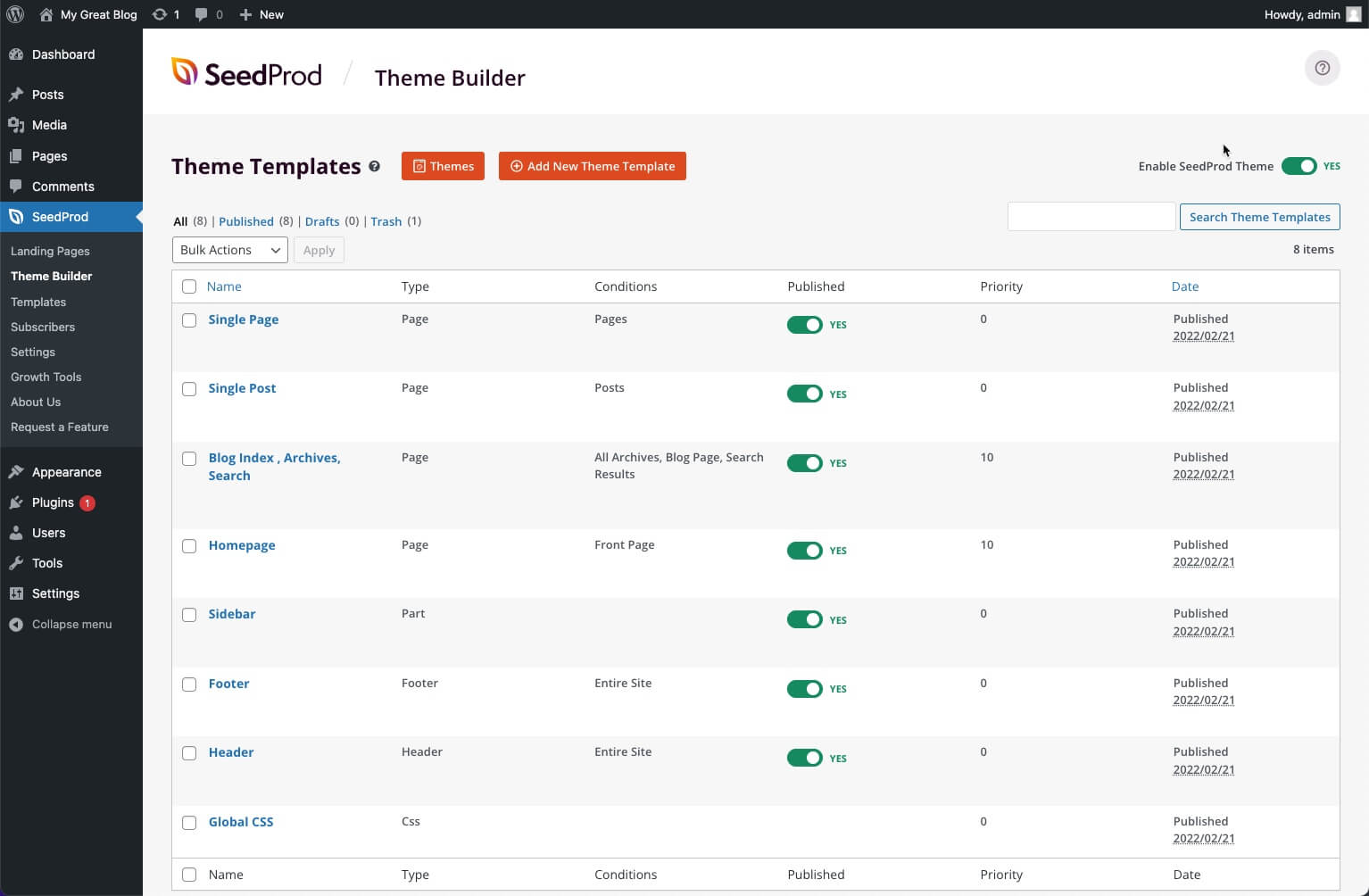

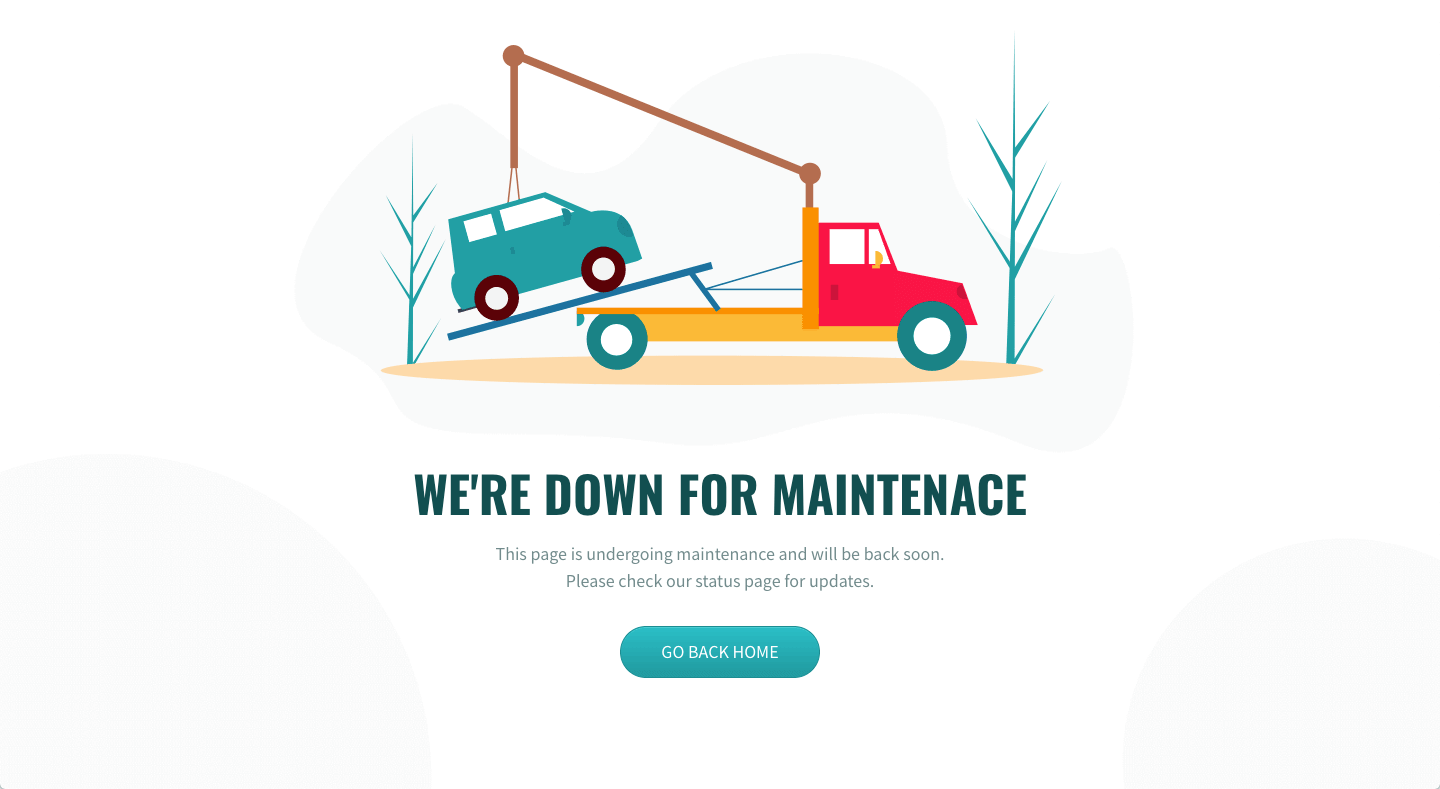


What SeedProd highlights on its WordPress.org page and its own website, split by version.
18 of 25 features we track in Page Builders, feature score 69/100
Edit pages visually on the front end, seeing the real design as you build.
Full-screen visual editor shows the real design with live preview.
Works inside Gutenberg as blocks rather than a separate editor.
Uses its own editor instead of Gutenberg blocks.
Separate settings per breakpoint for desktop, tablet and mobile.
Desktop and mobile preview with device-specific settings such as font sizes.
Site-wide colours, fonts and spacing reused across elements.
Colour schemes, fonts and global settings; sitewide design system with theme builder.
Modern container layouts using flexbox and CSS grid.
Uses sections, rows and columns; no flexbox or CSS grid container confirmed.
Add custom CSS to individual elements or sections.
Custom CSS for styling tweaks in the builder.
Step back through changes and restore earlier versions.
Revision history with undo/redo and one-click revert.
Generate layouts, text, images or code with built-in AI.
AI Theme Builder generates a starter theme; limited free generations, AI assistant via WPVibe.
Ready-made page and section templates.
Basic templates free; up to 300+ landing page and theme templates on paid plans.
Wide range of widgets/elements (sliders, tabs, galleries, pricing tables and more).
Core blocks free; full 90+ block set (countdown, pricing tables, carousels) with a licence.
Design popups with triggers and display conditions.
No popup builder; the vendor sells OptinMonster for popups.
Contact or lead forms built into the builder.
Opt-in form block with subscriber storage; contact form block uses WPForms.
Entrance animations, scroll and hover effects.
Block entrance animations (45+) are listed among licensed features.
Design headers, footers, archives and single templates.
Headers, footers, single, archive and search templates.
Pull post fields, custom fields and site data into designs.
Template tags pull post data; dynamic text with query parameters from Pro.
Use Advanced Custom Fields, Meta Box or similar in designs.
No ACF or Meta Box support found in the theme builder docs.
Build custom post grids/listings with your own loop design.
Posts block lists posts in archive templates with set layouts, not a custom loop designer.
Show elements or templates based on rules (user role, page type, date…).
Template conditions by post type, archive, taxonomy or specific pages, with priority.
Design product, shop, cart and checkout templates.
Product archive, shop, cart and checkout templates with commerce blocks.
Minimal markup/CSS/JS on the front end; assets loaded only when used.
Vendor highlights bloat-free code for fast landing pages.
Pages keep readable content (not shortcodes) if the builder is removed.
Could not confirm how page content behaves if the plugin is removed.
Limit what clients or roles can edit.
Access controls restrict visitors on coming soon pages; editor role limits not confirmed.
Rebrand the builder for client sites.
No white-label option on the pricing or features pages.
Hooks/APIs for custom elements and integrations.
Supports the WordPress Abilities API for programmatic control.
Save and reuse templates across sites (cloud library).
Saved templates, sections and blocks plus cross-site copy/paste; no cloud library.
On WordPress.org
1 site
Listed as the normal price; special introductory pricing applies to the first year, renewals at full price.
3 sites
Adds theme builder and website kits. Introductory first-year discount offered.
5 sites
Adds dynamic text, Zapier and all 300+ templates. Introductory first-year discount offered.
100 sites
Adds WooCommerce and EDD templates and domain mapping. Introductory first-year discount offered.
Prices are list prices from the vendor's site, checked 14 Oct 2026. Many vendors discount the first year.
Free installs from WordPress.org, the vendor's own claim, and our estimate of paid installs.
Active installations reported by WordPress.org.
Sites/users claimed on the vendor's website. source
Our estimate, see method below.
How we estimated this: Website scans by WPoptic find the paid plugin (folder seedprod-coming-soon-pro-5) on 2,618 live sites; they find the free version on 88,145 sites against about 650K WordPress.org installs, so each site found stands for about 7.4, giving 19K. About 650K free installs x 8% (the usual share of free sites that also run the paid version when some key features are paid) gives 52K. Combining these (weighted average) gives about 22K. The vendor claims 1M+ sites in total. Taking away about 650K free installs leaves 350K, and 80% of that is 280K. Vendor totals are loose, so we only move our figure part of the way toward it, from 22K to 27K. Likely range: 18K to 41K. This counts sites running the paid version, including sites whose licence has lapsed. Estimates are rough and based on public figures as of 14 Oct 2026.
26,806 downloads last week, 36.8M all time
| Version | 6.20.10 |
|---|---|
| Last updated | 29 Sep 2026 (35 days ago) |
| Tested up to | WordPress 7.1.4 |
| Requires | WordPress 5.0+, PHP 5.6+ |
| Support threads (2 months) | 1 of 1 resolved |
| On WordPress.org since | 21 Jan 2014 |
| Refund policy | 14-day money-back (source, 5 Oct 2026) |
|---|
The most widely installed visual page builder for WordPress, with a free drag-and-drop editor and Pro plans adding theme, popup, form and…

Free Gutenberg block suite with row layouts, forms, a design library and AI writing tools; Pro adds dynamic content, query loops and…

Premium site builder delivered as a WordPress theme, popular with developers for clean output, query loops and every feature in every plan.

Premium visual theme and builder from Elegant Themes with unlimited-site licences, 2,000+ layouts and the rebuilt Divi 5 engine.

Stable, developer-friendly front-end page builder with a free Lite version; paid plans now include the Beaver Themer theme builder.

Developer-focused visual builder from Soflyy with direct CSS control, sold as one lifetime licence for unlimited sites; Oxygen 6 runs on the…
Yes. SeedProd has a free version on WordPress.org. Paid plans start at $79/yr.
WordPress.org reports 600K+ active installations of the free version. The vendor claims 1M+ sites in total. We estimate around 27K sites run the paid version.
Yes: included. Full-screen visual editor shows the real design with live preview.
Yes: partial. Desktop and mobile preview with device-specific settings such as font sizes.
Yes: included. Basic templates free; up to 300+ landing page and theme templates on paid plans.
Yes: paid version (Plus). Headers, footers, single, archive and search templates.
Yes: paid version (Plus). Template tags pull post data; dynamic text with query parameters from Pro.
Yes: paid version (Elite). Product archive, shop, cart and checkout templates with commerce blocks.
Yes: included. Vendor highlights bloat-free code for fast landing pages.
Yes, the Lite version on WordPress.org includes the builder, coming soon and maintenance modes and basic templates. Theme building, WooCommerce and most advanced blocks need a paid plan.
The theme builder is available from the Plus plan upward; WooCommerce templates require Elite.
SeedProd uses its own visual editor. Pages built with it are edited in SeedProd rather than Gutenberg.
Yes. The free plugin can show a coming soon or maintenance page to visitors while logged-in users see the real site.
Last updated 5 Oct 2026. Spotted something wrong? Suggest an edit.