





Elementor
The most widely installed visual page builder for WordPress, with a free drag-and-drop editor and Pro plans adding theme, popup, form and…
90
Free Gutenberg block suite with row layouts, forms, a design library and AI writing tools; Pro adds dynamic content, query loops and more via Kadence bundles.

Kadence Blocks extends the WordPress block editor with layout and content blocks aimed at building full pages without leaving Gutenberg. It is developed by KadenceWP, now part of StellarWP and Liquid Web, and works with any theme, though it pairs most closely with the Kadence theme.
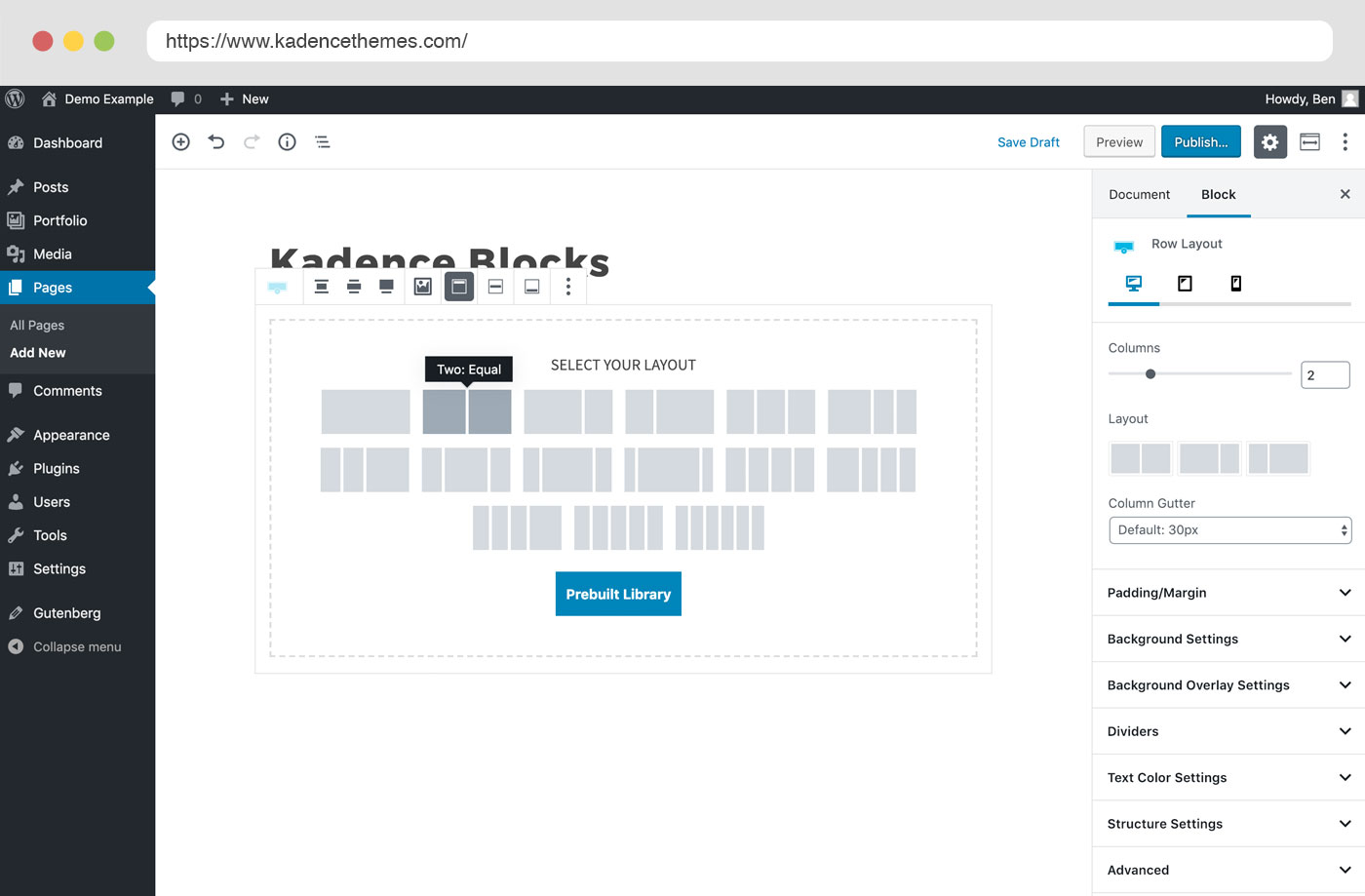
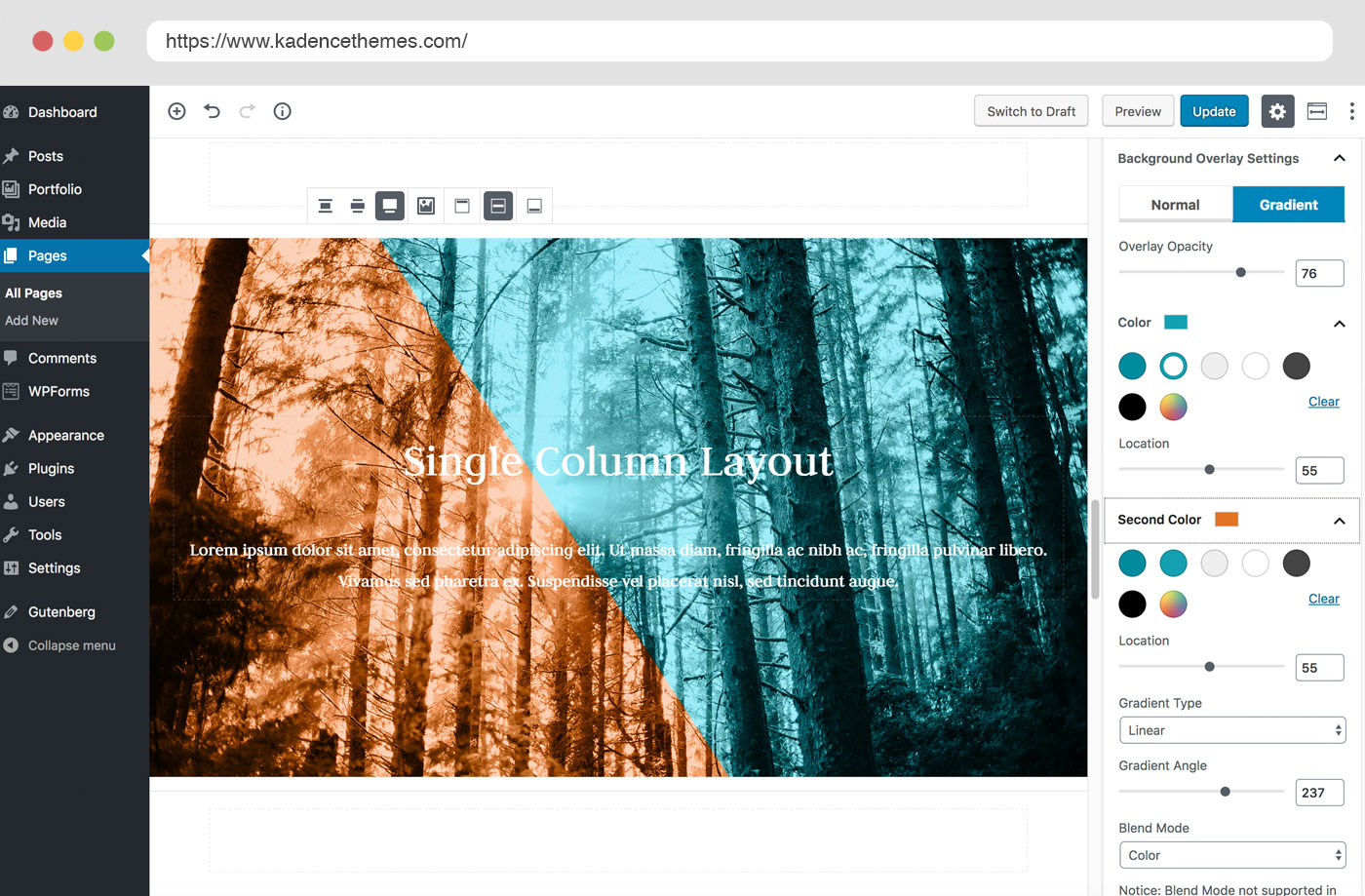
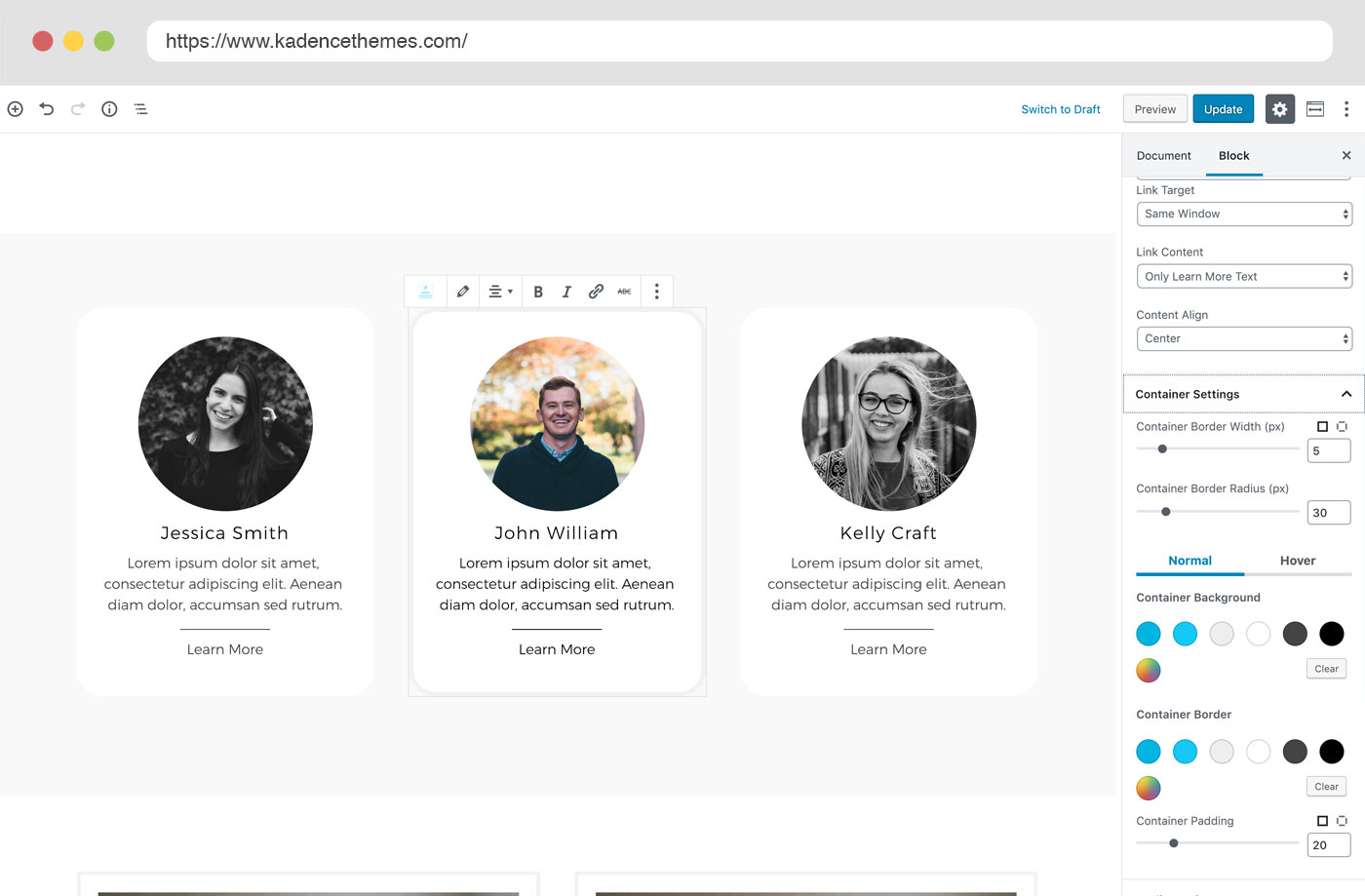
The free plugin includes row layouts and section/container blocks with nested columns, advanced headings and buttons, tabs, accordions, galleries with carousel modes, icon lists, info boxes, countdowns, a modal block, a table of contents, an advanced navigation block with mega menus, header blocks and a form block with reCAPTCHA, Turnstile and hCaptcha support. Every block has desktop, tablet and mobile settings, and you can set default styles so new blocks start on-brand. A Design Library offers prebuilt patterns and pages, and an inline AI editor can rewrite or adjust text.
There is no standalone Blocks Pro purchase any more. Pro features come with the Kadence bundles:
Kadence Blocks only loads CSS and JavaScript for blocks used on a page, and content is stored as block markup, so it stays lightweight and portable. Role-based visibility of block settings helps keep clients out of design controls. On the downside, triggered popups and white label sit in the expensive Elite tier, theme building depends on Kadence Theme Pro, and there is no dedicated WooCommerce template builder inside the plugin itself.
It suits site builders who want a fast, Gutenberg-native toolkit and are happy to stay in the Kadence ecosystem for advanced site building.
Best for: Gutenberg-first builders who want a lightweight, capable block suite and may later adopt the wider Kadence ecosystem.
Kadence Blocks offers one of the most complete free block suites, with good responsive controls and performance. Its Pro features are only sold inside bundles, which is good value if you also use the Kadence theme but less so if you only want a few extra blocks.
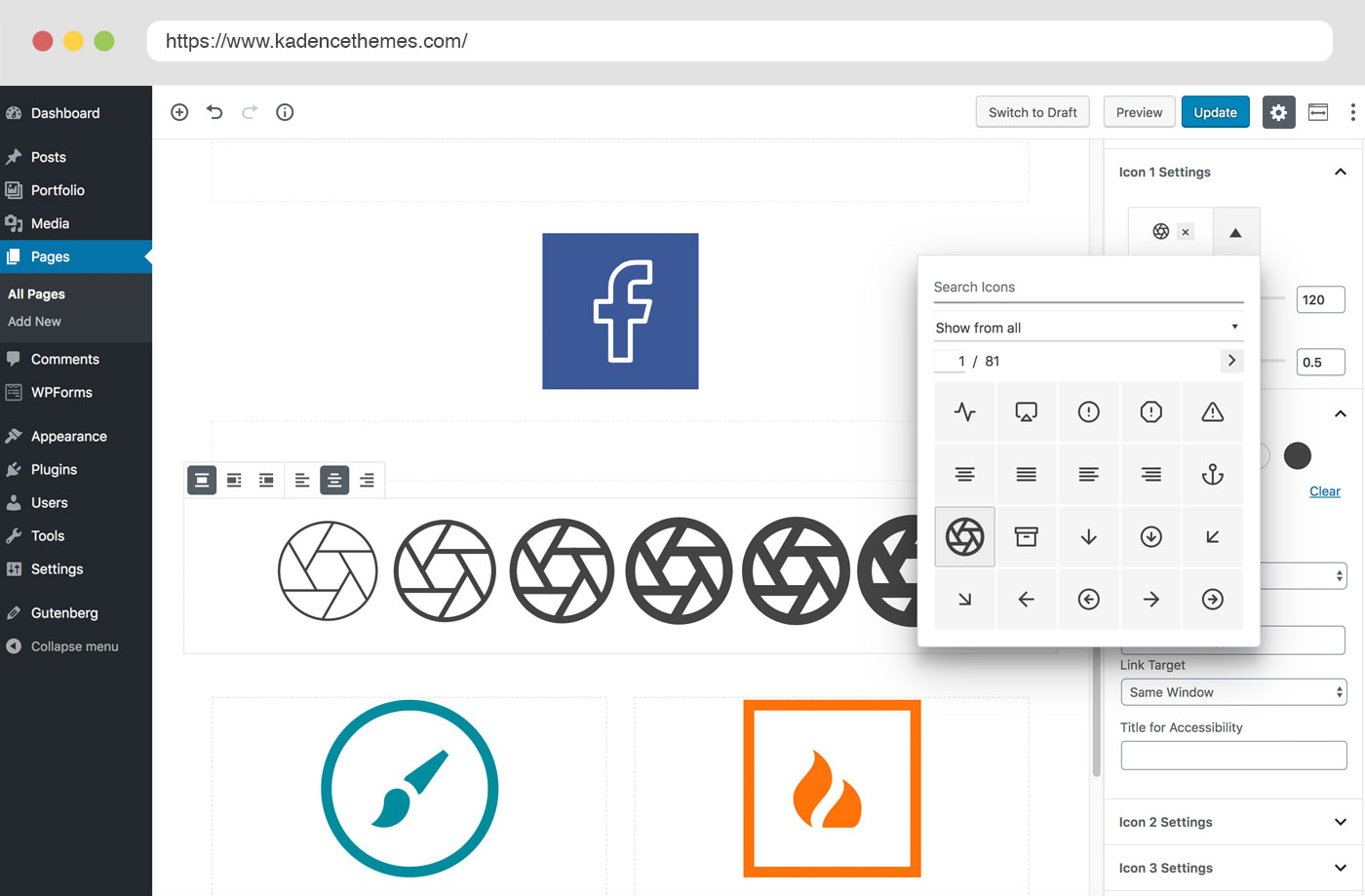
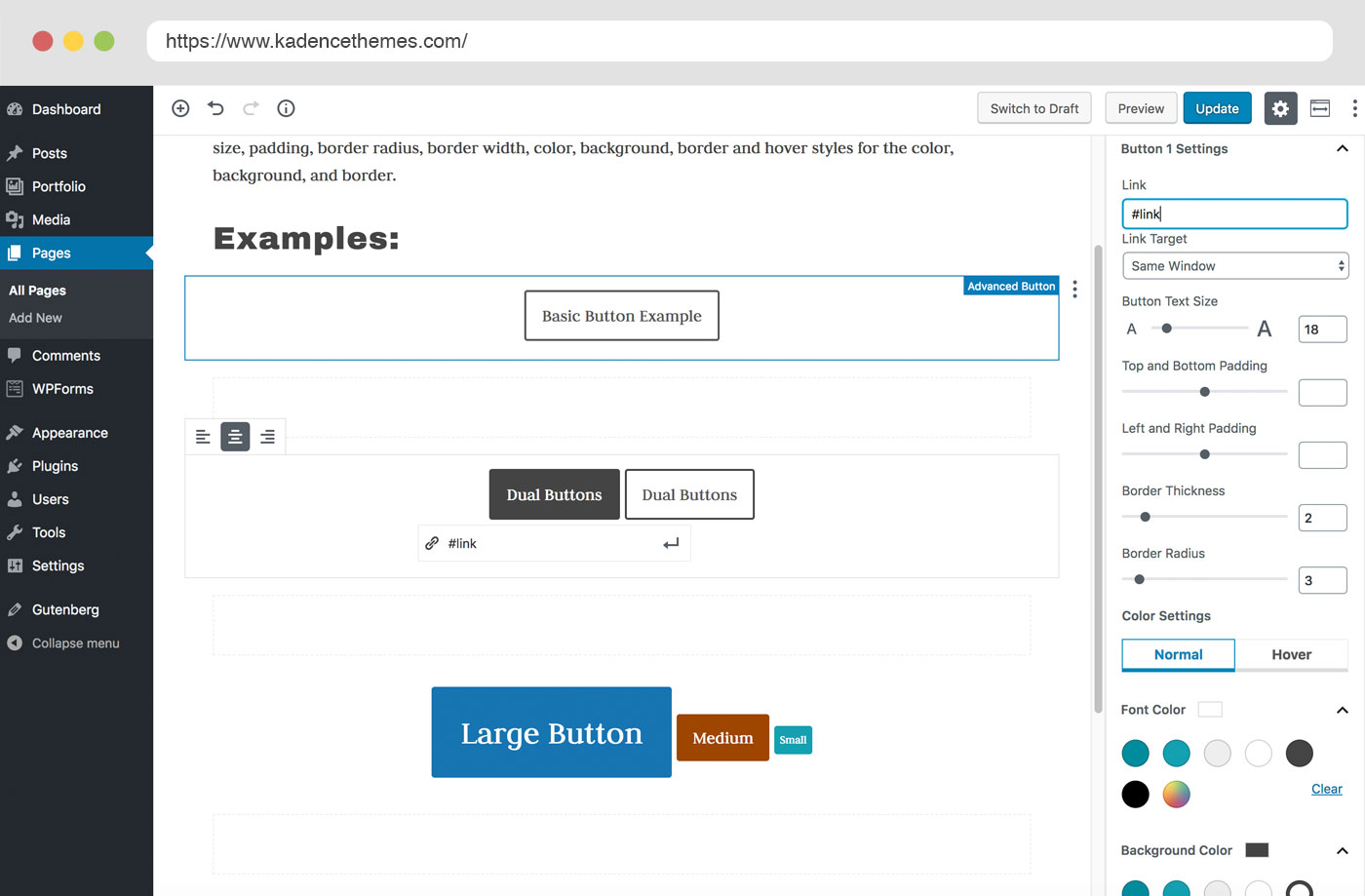
What Kadence Blocks highlights on its WordPress.org page and its own website, split by version.
25 of 25 features we track in Page Builders, feature score 94/100
Edit pages visually on the front end, seeing the real design as you build.
Visual editing happens in the block editor with device previews, not on the live front end.
Works inside Gutenberg as blocks rather than a separate editor.
Built entirely as Gutenberg blocks.
Separate settings per breakpoint for desktop, tablet and mobile.
Tablet and mobile settings for spacing, typography and layout on each block.
Site-wide colours, fonts and spacing reused across elements.
Configurable block defaults apply chosen styles to every new block; palette works with Kadence Theme.
Modern container layouts using flexbox and CSS grid.
Row Layout and Section/Container blocks for nested column and flex layouts.
Add custom CSS to individual elements or sections.
Per-block custom CSS editor.
Step back through changes and restore earlier versions.
Relies on core WordPress post revisions and editor undo.
Generate layouts, text, images or code with built-in AI.
Inline AI editor rewrites text and changes tone using Kadence AI credits; AI design tools in Elite.
Ready-made page and section templates.
Design Library of patterns and full pages; more content with Pro.
Wide range of widgets/elements (sliders, tabs, galleries, pricing tables and more).
20+ free blocks, more in Pro (slider, repeater, image overlay, video popup).
Design popups with triggers and display conditions.
Free Modal block is click-triggered; triggered popups and slide-ins via Conversions.
Contact or lead forms built into the builder.
Advanced Form block with file uploads and reCAPTCHA, Turnstile or hCaptcha.
Entrance animations, scroll and hover effects.
Animate on Scroll is a Pro feature; free has hover styles and Lottie animations.
Design headers, footers, archives and single templates.
Free header and navigation blocks; templates and hooked elements via Kadence Theme Pro.
Pull post fields, custom fields and site data into designs.
Pull post fields and custom fields into blocks.
Use Advanced Custom Fields, Meta Box or similar in designs.
Dynamic content supports ACF, Meta Box, WooCommerce and The Events Calendar fields.
Build custom post grids/listings with your own loop design.
Advanced Query Loop block with filters; free Posts block has fixed layouts.
Show elements or templates based on rules (user role, page type, date…).
Conditional display rules for blocks are part of the Pro feature set.
Design product, shop, cart and checkout templates.
Product carousel block in Pro and ShopKit add-ons; no full Woo template builder in Blocks.
Minimal markup/CSS/JS on the front end; assets loaded only when used.
Loads CSS or JS only for blocks used on a given page.
Pages keep readable content (not shortcodes) if the builder is removed.
Content is stored as block markup rather than shortcodes.
Limit what clients or roles can edit.
Hide block settings from chosen user roles so clients can edit content only.
Rebrand the builder for client sites.
White label branding is listed in the Elite plan.
Hooks/APIs for custom elements and integrations.
Open-source codebase on GitHub with hooks for extending blocks.
Save and reuse templates across sites (cloud library).
Pattern Hub lets you serve your own patterns to other sites as a cloud library.
On WordPress.org
Unlimited
Includes Kadence Blocks Pro and Theme Pro. Site limit not stated on the pricing page; reviews report unlimited sites.
Unlimited
Adds WooCommerce extensions, memberships, security and backups.
Unlimited
Adds Conversions popups, A/B testing, AI design tools, Kadence Central and white label.
Prices are list prices from the vendor's site, checked 14 Oct 2026. Many vendors discount the first year.
Free installs from WordPress.org, the vendor's own claim, and our estimate of paid installs.
Active installations reported by WordPress.org.
Sites/users claimed on the vendor's website. source
Our estimate, see method below.
How we estimated this: The vendor figure (500K+) is below the WordPress.org count, so it looks out of date and we leave it out. Website scans by WPoptic find the paid plugin (folder kadence-blocks-pro) on 123,826 live sites; they find the free version on 196,090 sites against about 650K WordPress.org installs, so each site found stands for about 3.3, giving 410K. About 650K free installs x 16% (the usual share of free sites that also run the paid version when some key features are paid, and Pro is included in a wider membership) gives 100K. Combining these (weighted average) gives about 340K. Likely range: 220K to 510K. This counts sites running the paid version, including sites whose licence has lapsed. Estimates are rough and based on public figures as of 14 Oct 2026.
325,426 downloads last week, 42.9M all time
| Version | 3.8.1 |
|---|---|
| Last updated | 28 Oct 2026 (5 days ago) |
| Tested up to | WordPress 7.1.4 |
| Requires | WordPress 6.6+, PHP 7.4+ |
| Support threads (2 months) | 12 of 18 resolved |
| On WordPress.org since | 19 Aug 2018 |
| Trustpilot rating | 4.8 (source, 5 Oct 2026) Score quoted on the vendor's page, not checked on Trustpilot directly. |
|---|
The most widely installed visual page builder for WordPress, with a free drag-and-drop editor and Pro plans adding theme, popup, form and…

Premium site builder delivered as a WordPress theme, popular with developers for clean output, query loops and every feature in every plan.

Premium visual theme and builder from Elegant Themes with unlimited-site licences, 2,000+ layouts and the rebuilt Divi 5 engine.

Stable, developer-friendly front-end page builder with a free Lite version; paid plans now include the Beaver Themer theme builder.

Developer-focused visual builder from Soflyy with direct CSS control, sold as one lifetime licence for unlimited sites; Oxygen 6 runs on the…

Visual drag-and-drop page builder with in-place text editing and 500+ pre-made blocks; Pro adds theme, popup and WooCommerce builders plus AI site…
Yes. Kadence Blocks has a free version on WordPress.org. Paid plans start at $99/yr.
WordPress.org reports 600K+ active installations of the free version. The vendor claims 500K+ sites in total. We estimate around 340K sites run the paid version.
Yes: partial. Visual editing happens in the block editor with device previews, not on the live front end.
Yes: included. Tablet and mobile settings for spacing, typography and layout on each block.
Yes: included. Design Library of patterns and full pages; more content with Pro.
Yes: paid version (Essentials). Free header and navigation blocks; templates and hooked elements via Kadence Theme Pro.
Yes: paid version (Essentials). Pull post fields and custom fields into blocks.
Yes: partial (Essentials). Product carousel block in Pro and ShopKit add-ons; no full Woo template builder in Blocks.
Yes: included. Loads CSS or JS only for blocks used on a given page.
It is included in every Kadence bundle, starting with Essentials at $99 per year; it is no longer sold on its own.
No, it works with any theme. Some site-building features, such as hooked elements and templates, come from Kadence Theme Pro.
The free Modal block opens content in an overlay from a link or button. Popups with automatic triggers and targeting come with Kadence Conversions in the Elite plan.
Content is stored as block markup, so text and images remain, but Kadence blocks lose their styling and show as unsupported blocks.
Last updated 5 Oct 2026. Spotted something wrong? Suggest an edit.