
Flexible Shipping
Table rate shipping for WooCommerce by Octolize: free weight and cart-total rules, PRO adds class, product, quantity, role and time conditions.
84

Free label plugin from Woo for US stores: buy discounted USPS, UPS, DHL Express and FedEx labels, print customs forms and returns from WooCommerce.

WooCommerce Shipping is Woo’s own free extension for buying and printing shipping labels inside the WooCommerce order screen. It replaced the label side of the older WooCommerce Shipping & Tax plugin and runs its rate and purchase requests on Automattic’s servers, so the site needs a WordPress.com connection and a card on file to pay for labels.
When you fulfil an order you pick a saved package, compare live prices from USPS, UPS, DHL Express and (since version 2.3) FedEx, and print the label. Tracking numbers are saved to the order and added to the completed order email. Orders can be split into several shipments as items become ready, and the plugin also prints packing slips, USPS SCAN Forms and customs declarations for international parcels. Domestic return labels were added in 2.0.
There is no paid version and Woo says there is no markup or monthly fee: you only pay for the postage you buy, at the plugin’s negotiated commercial rates. Label spending appears in a report under WooCommerce Analytics.
This is a fulfilment tool, not a rate engine. It does not add shipping methods or live carrier quotes to the checkout; Woo points to its separate USPS and UPS Shipping Method extensions for that, and you still need flat rate, table rate or another plugin to charge customers. It is unavailable to stores outside the US, and ratings on WordPress.org are low, with reviewers citing support issues and USPS prices that are not always the cheapest.
It suits US-based WooCommerce stores that want to buy and print labels without leaving WordPress or opening a separate shipping account, paired with another plugin for checkout rates.
Best for: US WooCommerce stores that want to buy and print discounted carrier labels from the order screen without a separate shipping app.
WooCommerce Shipping is the simplest way for a US store to print labels inside WooCommerce, and having no monthly fee makes it easy to try. It does nothing for checkout rates and is limited to US shippers, so most stores will pair it with a rate plugin, and the review record suggests testing the rates against alternatives.
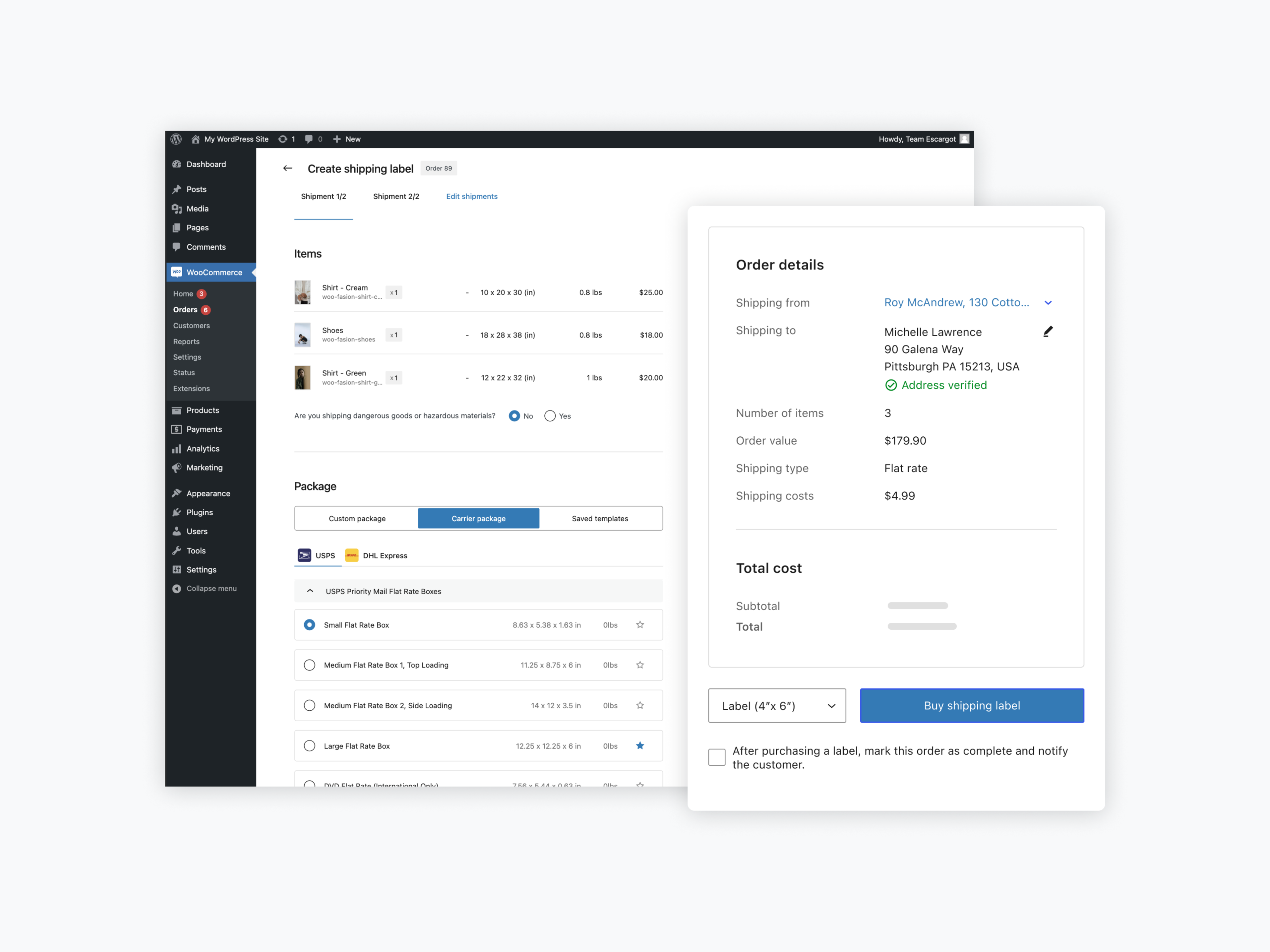
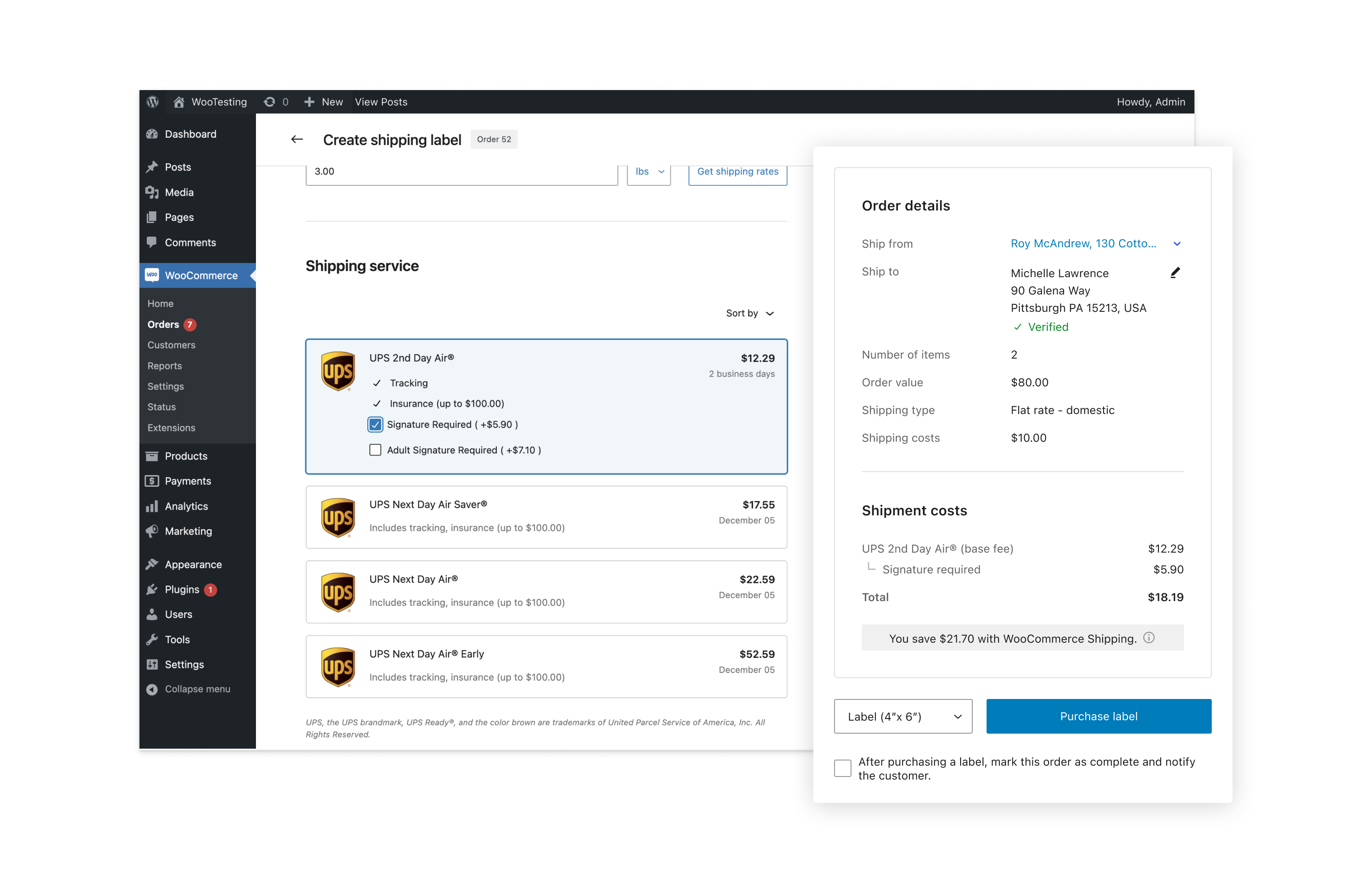
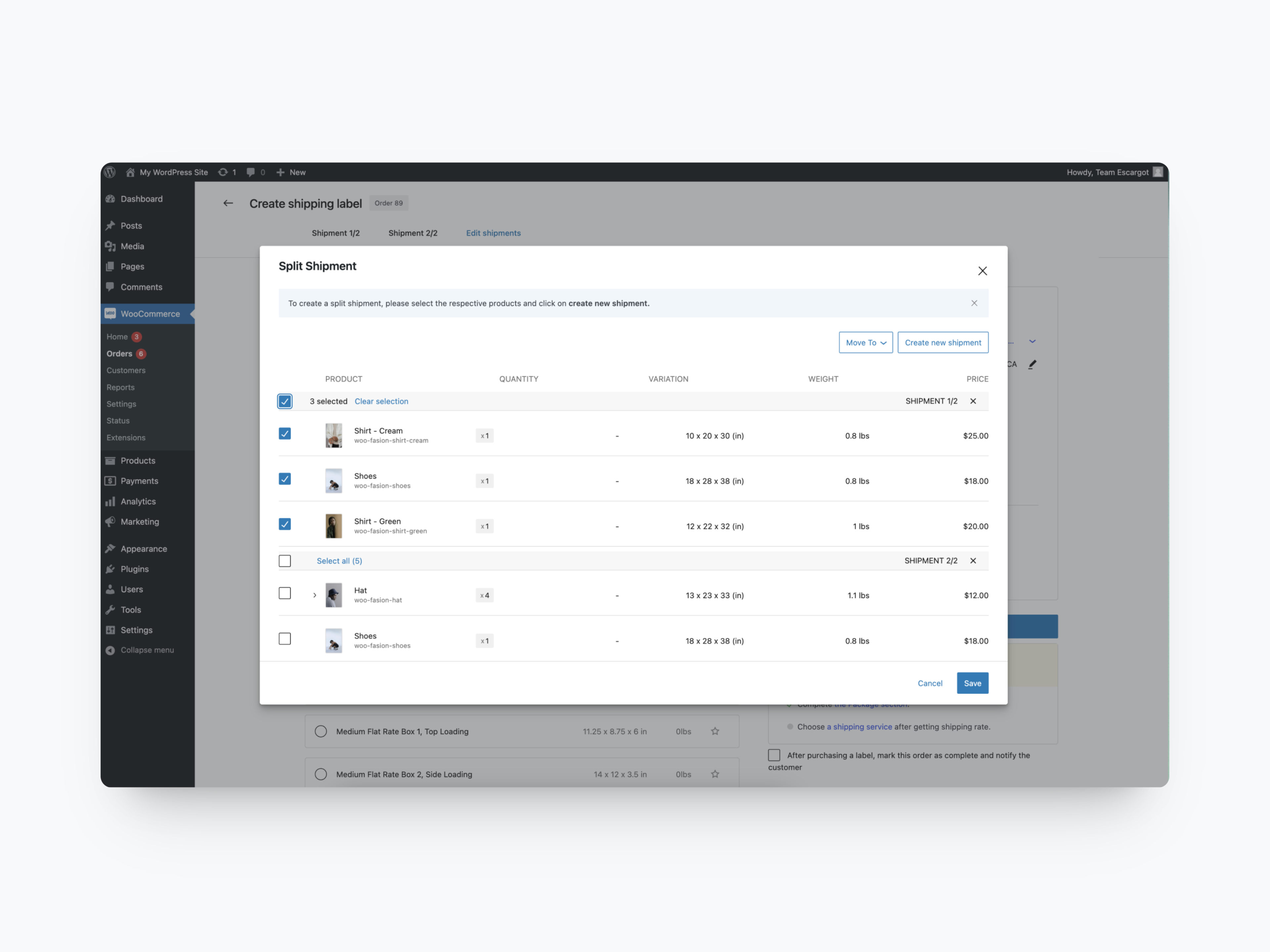
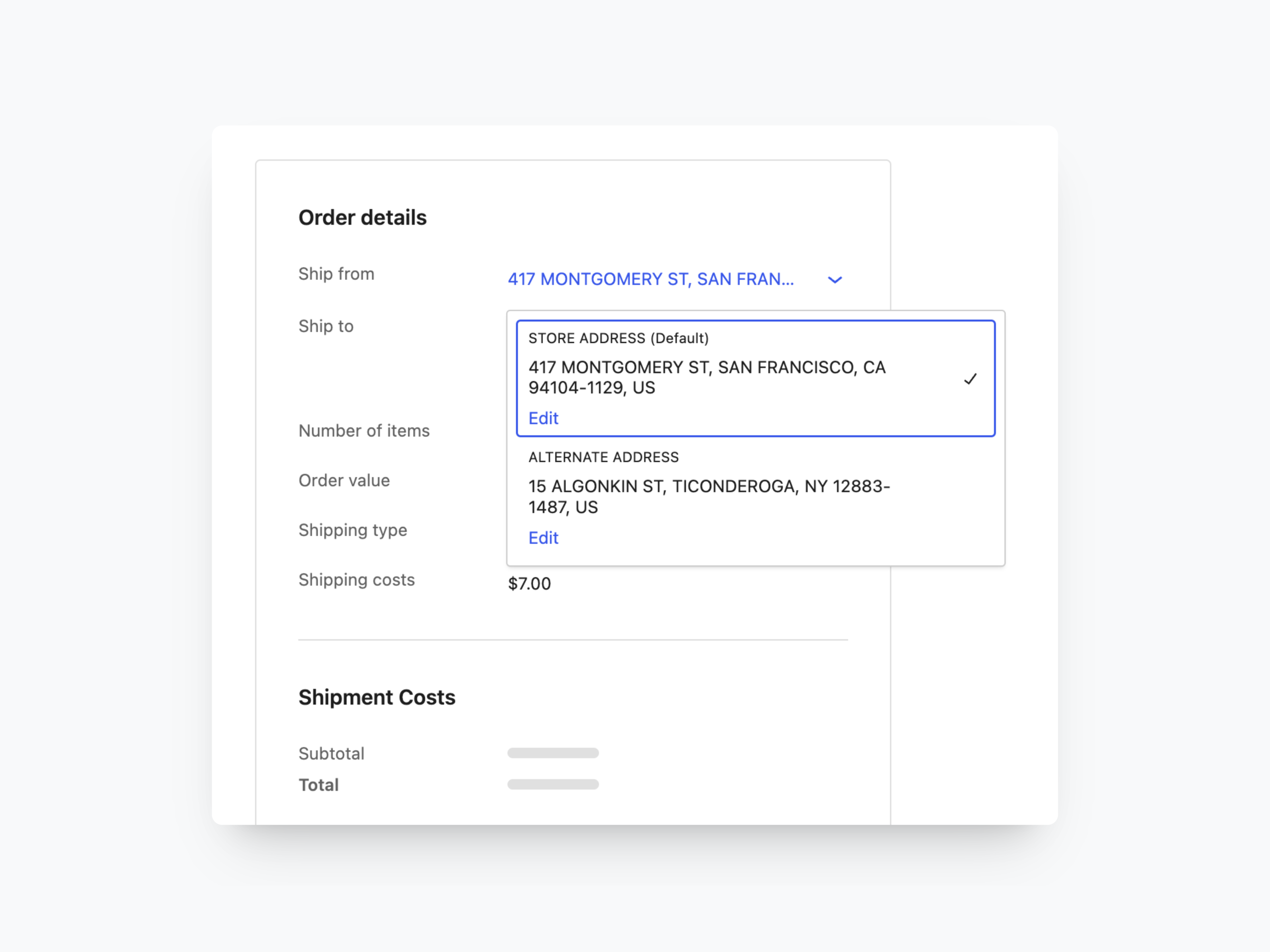
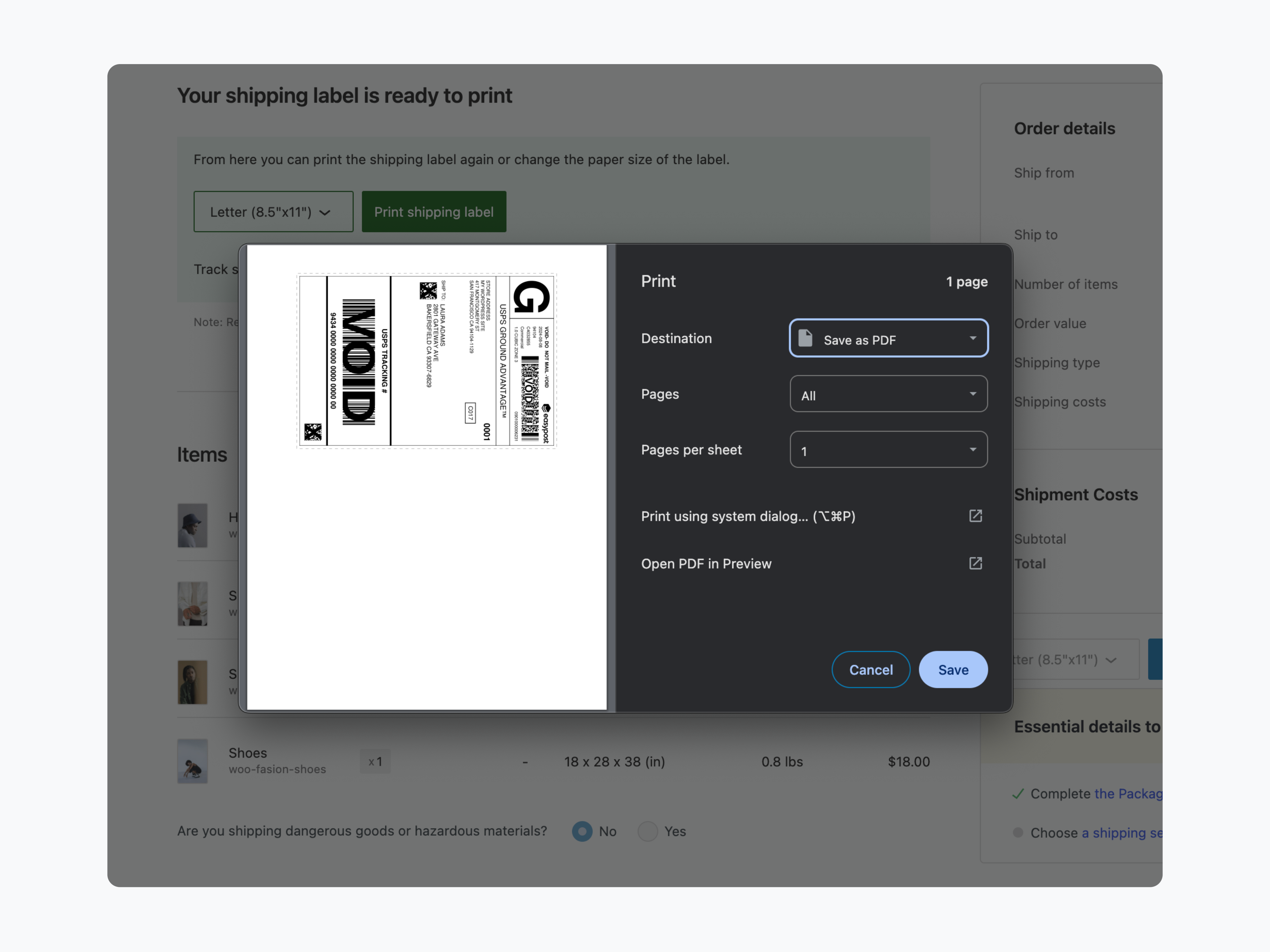
What WooCommerce Shipping highlights on its WordPress.org page and its own website, split by version.
8 of 15 features we track in WooCommerce Shipping, feature score 52/100
Rates by weight, quantity, price or destination.
Does not calculate checkout shipping costs; use flat rate or a table rate plugin alongside it.
Rules by product, category, shipping class, user role or date.
No rules for showing or pricing shipping methods; it only handles labels after the order.
Real-time rates from UPS, FedEx, DHL, USPS, Royal Mail and others.
Live rates are compared only at label purchase; checkout rates need Woo's separate USPS/UPS method extensions.
Advanced free shipping thresholds and a progress bar.
No free shipping thresholds or progress bar.
Split carts into packages or calculate box sizes.
Split an order into several shipments and save reusable carrier or custom packages.
Pickup points, local delivery zones or delivery dates.
No pickup points or local delivery options; carrier pickup scheduling only collects parcels from you.
Buy and print shipping labels from WordPress.
Buy and print discounted labels from the order screen, paid per label.
Connect several carriers in one plugin.
USPS, UPS and DHL Express, with FedEx label purchasing added in version 2.3.
Add tracking to orders and emails.
Tracking numbers saved to the order and added to the completed order email.
Create return labels or a returns flow.
Return labels for domestic shipments plus a default return address.
Customs declarations and international labels.
Collects customs details and prints forms; DHL paperless trade submitted electronically.
Estimate delivery cost or date before checkout.
No cart or product page shipping estimates.
Descriptions, logos or delivery times for each method.
Adds no checkout shipping methods, so there is nothing to describe.
Declared compatible with WooCommerce High-Performance Order Storage.
Woo Marketplace lists HPOS compatibility.
Works with the block-based Cart and Checkout.
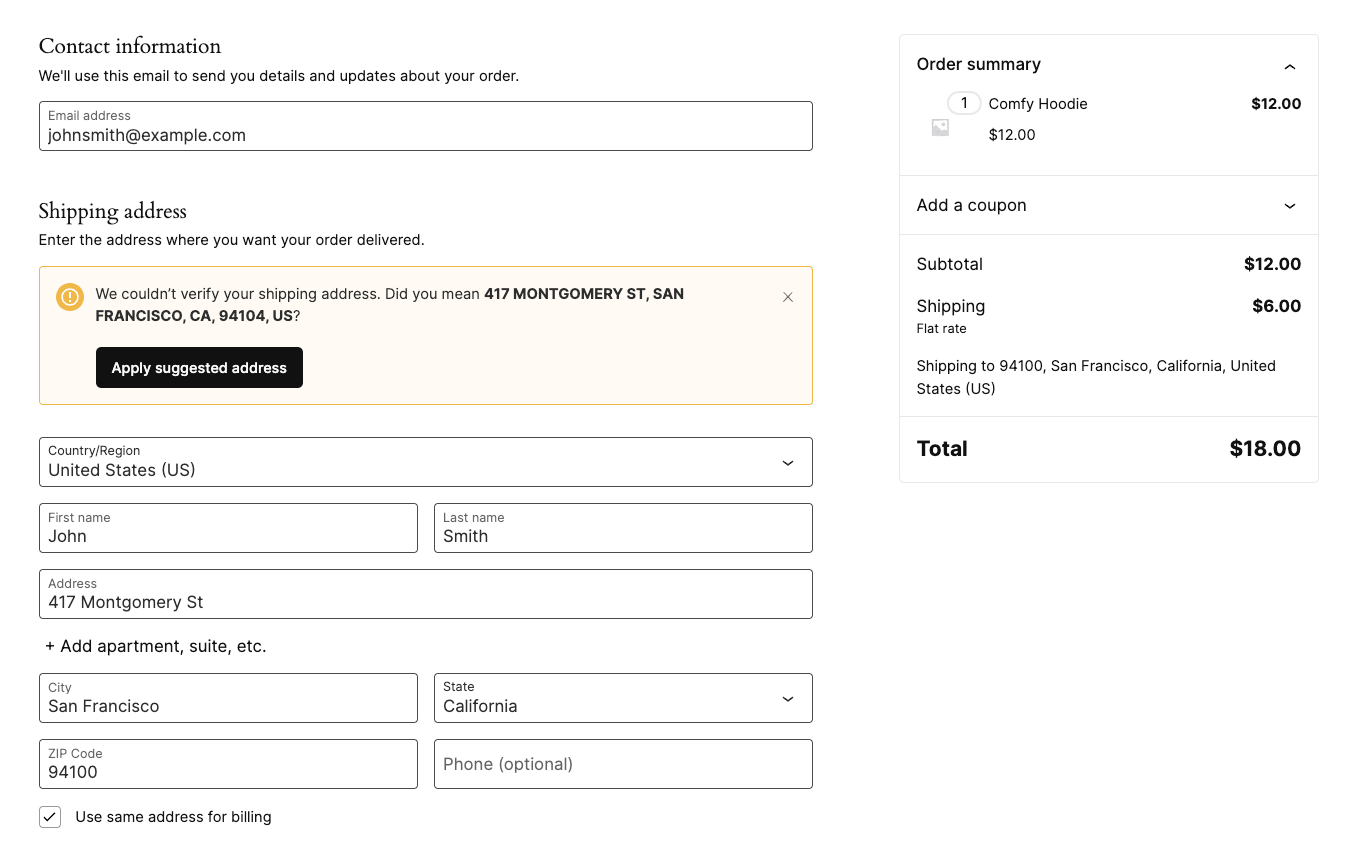
Woo Marketplace lists Cart and Checkout blocks compatibility; address check works on block checkout.
On WordPress.org
Unlimited
No plugin fee or monthly charge; you pay per label at Woo's discounted carrier rates, billed to your WordPress.com account.
Prices are list prices from the vendor's site, checked 14 Oct 2026. Many vendors discount the first year.
Free installs from WordPress.org, the vendor's own claim, and our estimate of paid installs.
Active installations reported by WordPress.org.
Sites/users claimed on the vendor's website. source
There is no paid version.
25,467 downloads last week, 2.4M all time
| Version | 2.5.0 |
|---|---|
| Last updated | 30 Oct 2026 (3 days ago) |
| Tested up to | WordPress 7.1.4 |
| Requires | WordPress 7.0+, PHP 7.4+ |
| Support threads (2 months) | 4 of 10 resolved |
| On WordPress.org since | 30 Jul 2024 |
 ShipStation for WooCommerce/WooCommerce Shipping
 Tree Table Rate Shipping/WooCommerce Shipping
 Shippo for WooCommerce/WooCommerce Shipping
 Advanced Flat Rate Shipping for WooCommerce (Dotstore)/WooCommerce Shipping
 ELEX EasyPost Shipping & Label Printing for WooCommerce/WooCommerce ShippingFlexible Shipping/WooCommerce Shipping
 Table Rate Shipping (Woo)/WooCommerce Shipping
Table rate shipping for WooCommerce by Octolize: free weight and cart-total rules, PRO adds class, product, quantity, role and time conditions.
Free Woo connector for ShipStation, the paid shipping platform: sync orders, print multi-carrier labels in bulk, send tracking and manage returns.
Premium ELEX plugin that uses EasyPost for live FedEx, UPS, USPS and Canada Post rates at checkout, box packing, label printing and…
Rule-based flat rate and table rate shipping for WooCommerce, with conditions by product, category, location, user, weight and cart totals.
Woo's official premium table rate extension: shipping costs by weight, item count, price and shipping class per zone, with per-item and per-class…
Multi-carrier shipping software that imports WooCommerce orders so you can compare discounted rates, buy labels, handle customs and returns, and sync tracking.
Yes. WooCommerce Shipping has a free version on WordPress.org.
WordPress.org reports 70K+ active installations of the free version. The vendor claims 70K+ sites in total.
No: not included. Does not calculate checkout shipping costs; use flat rate or a table rate plugin alongside it.
No: not included. No rules for showing or pricing shipping methods; it only handles labels after the order.
No: not included. Live rates are compared only at label purchase; checkout rates need Woo's separate USPS/UPS method extensions.
Yes: included. Buy and print discounted labels from the order screen, paid per label.
Yes: included. Woo Marketplace lists Cart and Checkout blocks compatibility; address check works on block checkout.
The plugin is free and Woo says there is no markup or monthly fee. You pay for each label you buy, charged to the card in your WordPress.com account.
No. Shipments must originate in the US or a US territory and the store must use USD. Stores elsewhere need a different label tool, such as a carrier-specific plugin or a multi-carrier service.
No. It compares rates only when you buy a label. To charge customers live USPS or UPS rates you need Woo's separate shipping method extensions or another rate plugin.
It is the newer, dedicated label plugin that took over the shipping side of WooCommerce Shipping & Tax; automated tax moved to a separate WooCommerce Tax plugin, and neither is required to use WooCommerce Shipping.
Last updated 14 Oct 2026. Spotted something wrong? Suggest an edit.