

wpDataTables
Data-heavy table and chart plugin: Lite imports Excel, CSV, JSON and XML with 23 chart types; paid plans add MySQL, editing and…
100

Gutenberg table block by the Ultimate Blocks team for pricing and comparison tables built from inner blocks, with responsive stacking and Woo tables in Pro.
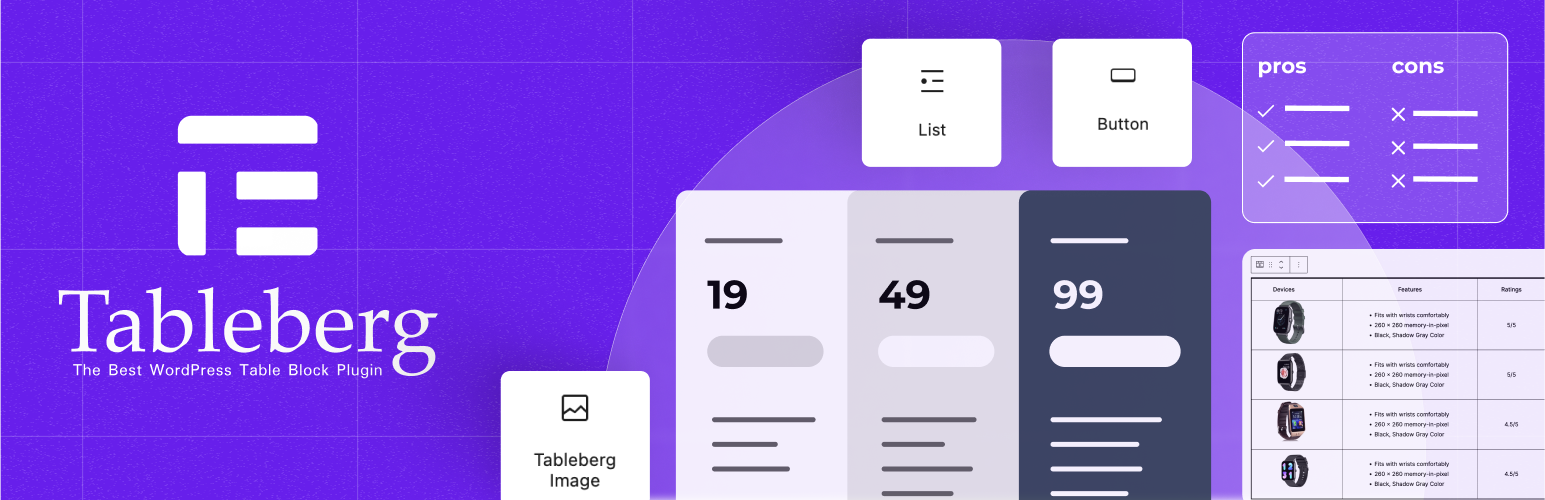
Tableberg is a table block for the WordPress block editor, made by DotCamp, the team behind Ultimate Blocks and WP Table Builder. Rather than opening a separate builder, you insert the Tableberg block and fill each cell with sub-blocks such as paragraphs, lists, buttons and images. Because everything lives in the post content, it feels natural on block themes and in the Site Editor.
The free plugin covers the layout side well. You can insert, move and duplicate rows and columns, merge cells, set column widths and row heights, choose header and footer rows, colour odd and even rows, set borders, padding and spacing, and pick wide or full table widths. Responsive settings for desktop, tablet and mobile let a table scroll or stack by row or column, and the first column can repeat in every stacked row. Prebuilt templates for pricing, comparison and schedule tables are included.
Tableberg Pro adds Star Rating, Styled List, Icon, Ribbon and Custom HTML sub-blocks, sticky rows and the sticky first column, empty cells, per-row and per-column borders and backgrounds, and data-table features: search with highlighting, sorting and pagination. It also includes a WooCommerce Product Table block with name, image, variation and add-to-cart columns, an AI table generator and 30 prebuilt tables. All paid plans share the same features and differ only by site count and licence length.
Tableberg suits block-editor sites that need good-looking pricing or comparison tables and want them edited inline with the rest of the page. It is a young plugin with a small install base, so data-heavy sites should pick a dedicated data-table plugin.
Best for: Block-editor sites that want pricing and comparison tables designed inline, without a separate table builder.
Tableberg is a tidy, block-native way to design presentational tables, and the free version handles layout and responsiveness well. Pro is needed for any interactivity, including sorting and search. It is not meant for data tables, so heavy data users should look elsewhere.
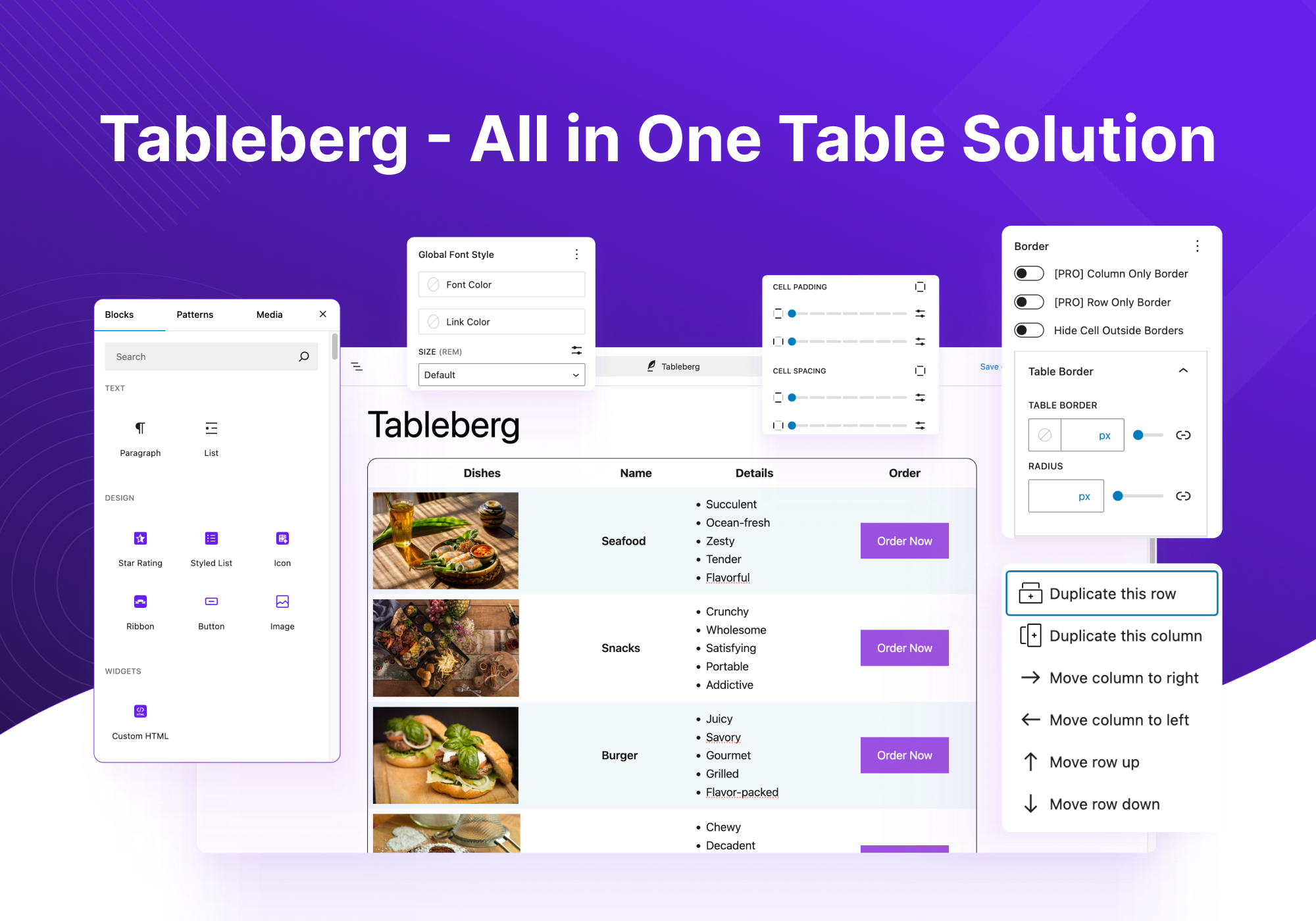
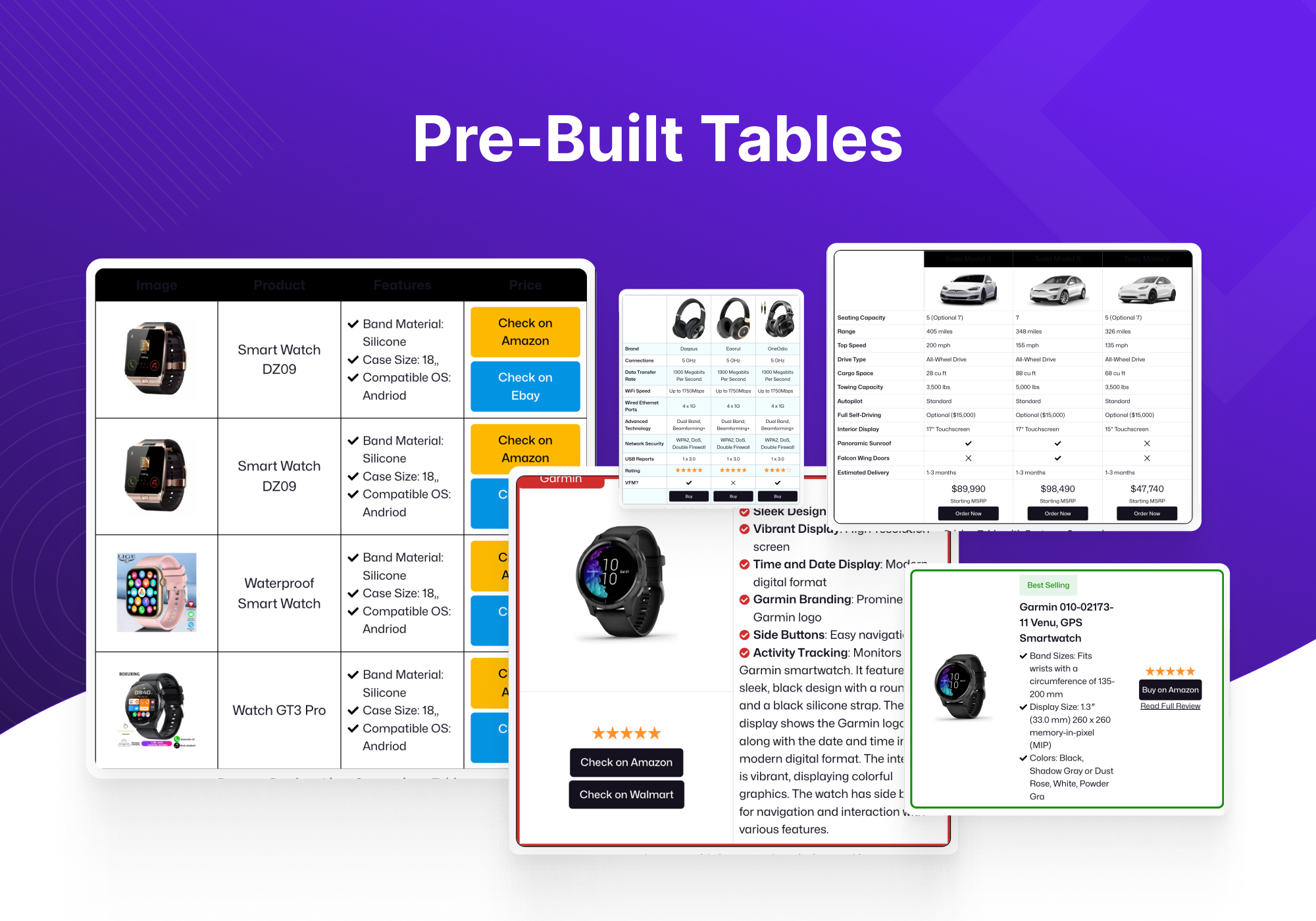
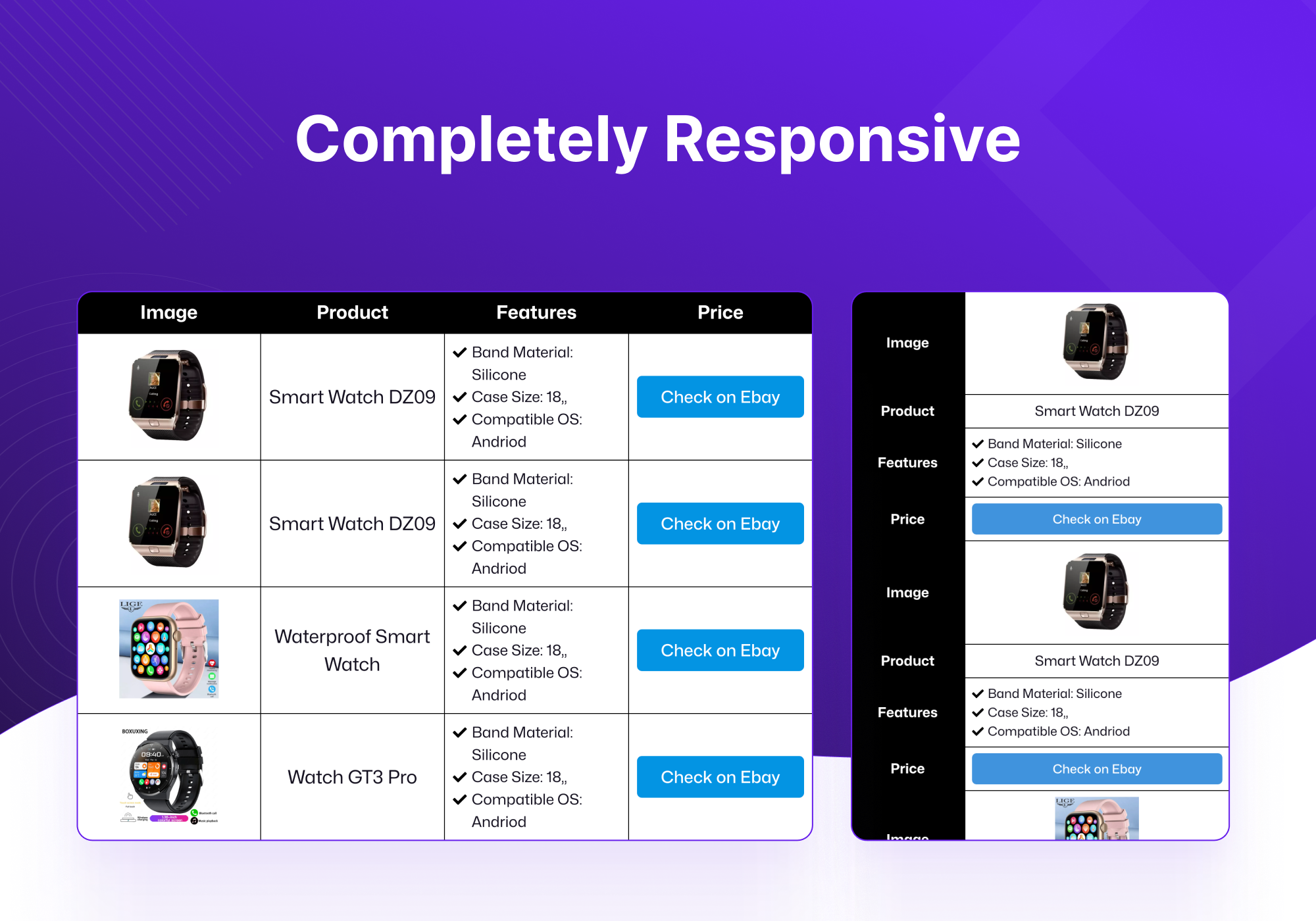
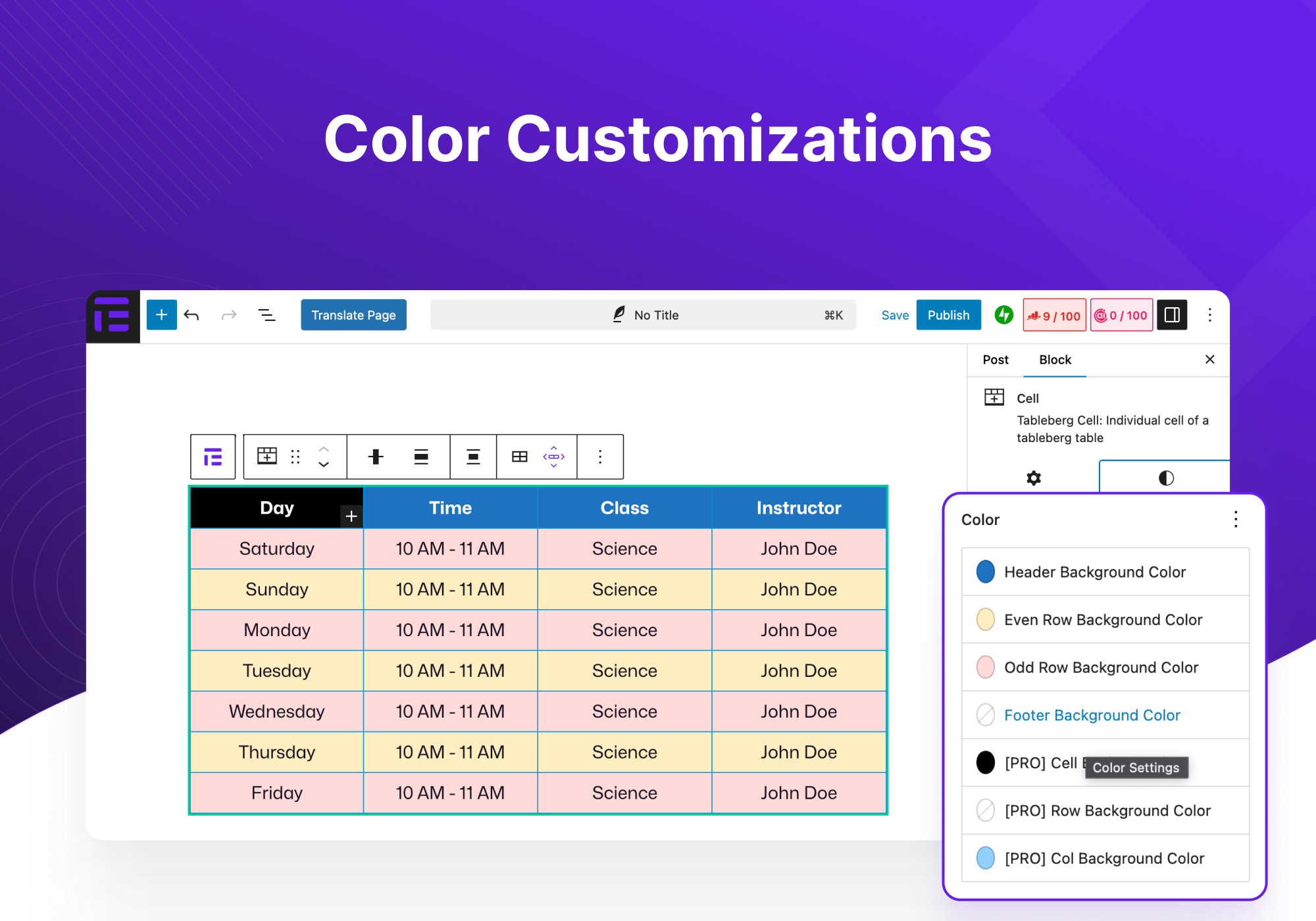
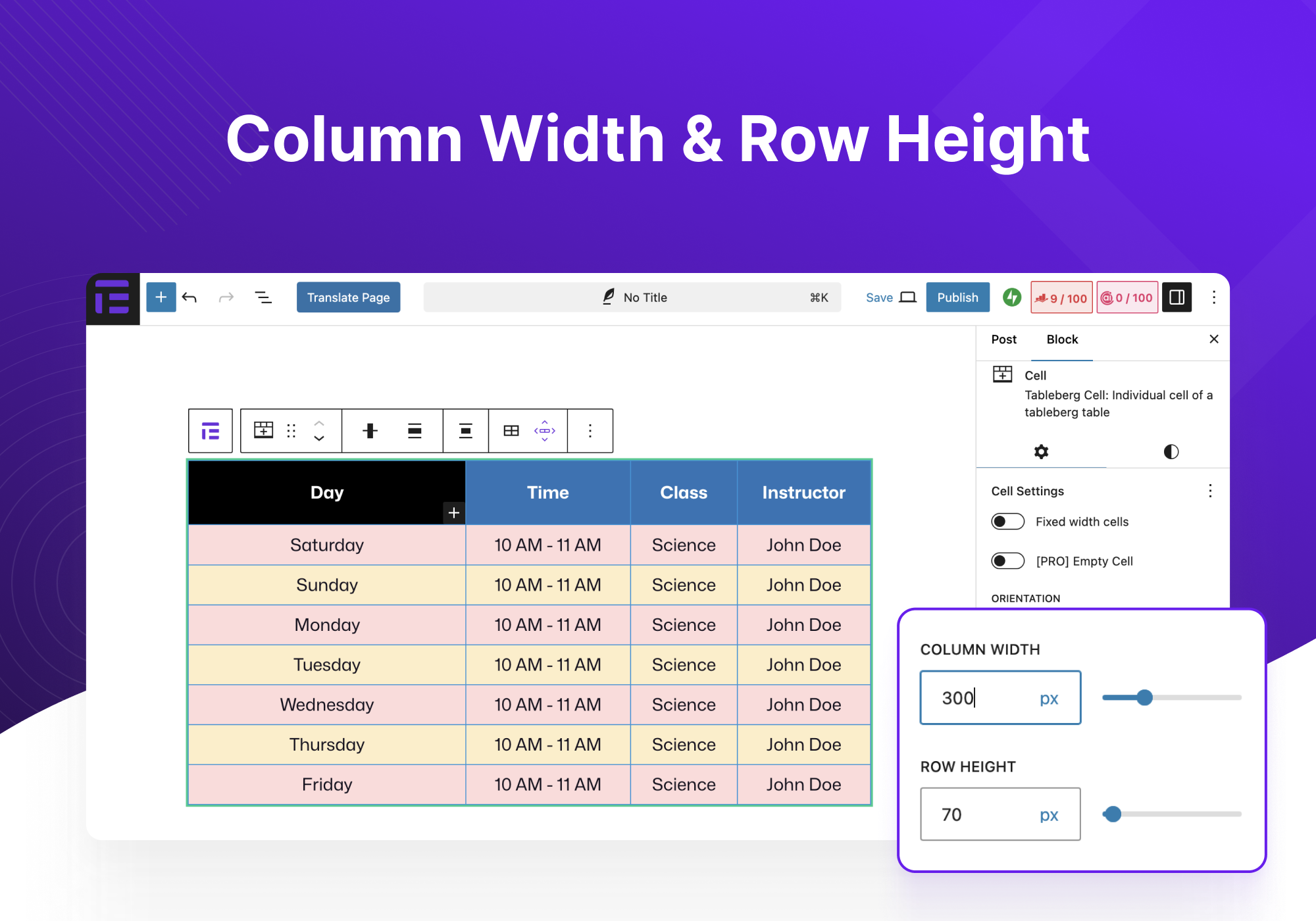
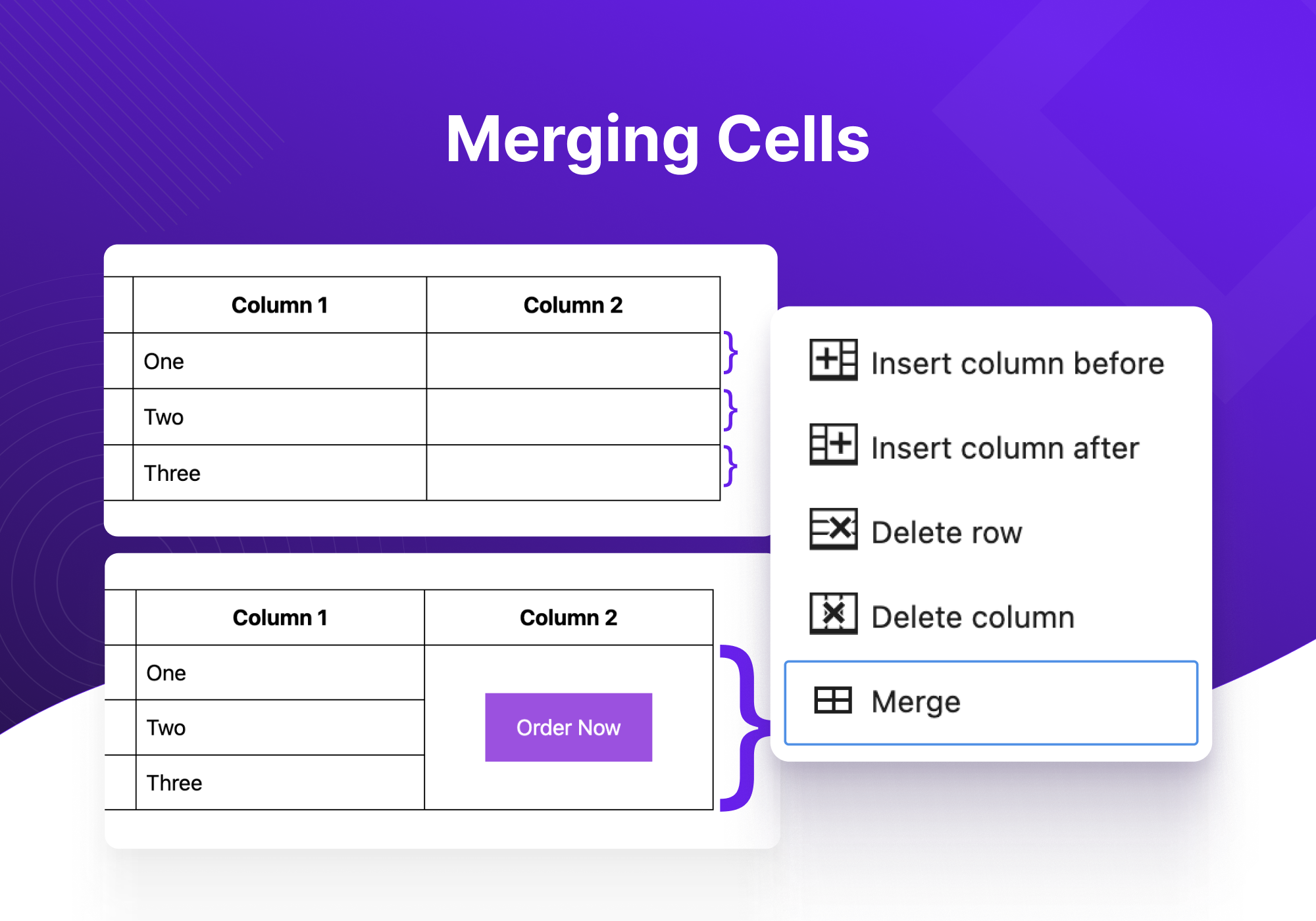
What Tableberg highlights on its WordPress.org page and its own website, split by version.
7 of 18 features we track in Table Plugins, feature score 40/100
Edit tables in a spreadsheet-like interface.
Cells are edited inline in the block editor with sub-blocks, not in a spreadsheet grid.
Import tables from CSV, Excel or other files.
No CSV or file import in the readme, docs or Pro feature list; a core Table block can be converted.
Tables update automatically from a Google Sheet.
No Google Sheets connection.
Build tables from MySQL queries or external databases.
No MySQL or external database source.
List products in a table with add-to-cart buttons.
Pro Product Table block lists WooCommerce products with variation and add-to-cart columns.
Tables of posts, pages or custom post types.
Pro changelog mentions a dynamic data source, but no posts or custom post type tables are documented.
Tables adapt to mobile with scroll, stack or collapse modes.
Free scroll or row/column stack modes with separate desktop, tablet and mobile settings.
Visitors sort columns and search the table.
Search and sorting are labelled Pro in the docs.
Dropdown or range filters per column.
No per-column filter dropdowns; only a global search box in Pro.
Split long tables into pages.
Pagination was added as a Pro data-table feature.
Colours, themes, merged cells and custom styles.
Free colours, borders, spacing, typography and merged cells; per-row/column borders and backgrounds are Pro.
Highlight cells based on their values.
No value-based cell highlighting.
Create charts from table data.
No charts from table data.
Logged-in users can edit table data on the front end.
Tables are edited only in the block editor.
Server-side processing for very large tables.
No server-side processing for large data sets.
Visitors export to CSV, Excel, PDF or print.
No visitor export or print buttons.
Spreadsheet-style formulas or column totals.
No formulas or totals.
Gutenberg block or page builder widgets.
The plugin is itself a Gutenberg block with sub-blocks; no Elementor widget.
On WordPress.org
Unlimited
WordPress.org version with core sub-blocks, responsive settings and styling.
1 site
All Pro features, 30 prebuilt tables and the Woo table.
Unlimited
List price; shown discounted to $49/year at time of check.
Unlimited
List price; shown discounted to $149 one-time at time of check.
Unlimited
Bundle with Ultimate Blocks, Galleryberg and Sliderberg Pro.
Prices are list prices from the vendor's site, checked 14 Oct 2026. Many vendors discount the first year.
Free installs from WordPress.org, the vendor's own claim, and our estimate of paid installs.
Active installations reported by WordPress.org.
The vendor does not publish a total.
Our estimate, see method below.
How we estimated this: About 4.5K free installs x 8% (the usual share of free sites that also run the paid version when some key features are paid) gives 360. Likely range: 180 to 720. This counts sites running the paid version, including sites whose licence has lapsed. Estimates are rough and based on public figures as of 14 Oct 2026.
502 downloads last week, 66.7K all time
| Version | 1.2.0 |
|---|---|
| Last updated | 30 Sep 2026 (34 days ago) |
| Tested up to | WordPress 7.1.4 |
| Requires | WordPress 6.1+, PHP 7.0+ |
| Support threads (2 months) | 0 of 1 resolved |
| On WordPress.org since | 11 Dec 2023 |
| Refund policy | 30-day money-back (source, 14 Oct 2026) |
|---|
Data-heavy table and chart plugin: Lite imports Excel, CSV, JSON and XML with 23 chart types; paid plans add MySQL, editing and…

Table builder by WPManageNinja with drag-and-drop and data tables; Pro adds Google Sheets, WooCommerce and post tables, filters and front-end editing.
Spreadsheet-style table builder with free formulas, responsive modes and server-side processing; Pro adds imports, live data sources, charts and editing.

Popular free table plugin with a spreadsheet-style editor, sorting, search and formulas; Pro and Max add responsive modes, filters and server-side loading.

WPPOOL plugin (formerly Sheets to WP Table Live Sync) that shows Google Sheets as live, searchable WordPress tables, with export and AI…

Premium Barn2 plugin that lists WooCommerce products in searchable, filterable tables with quantity pickers and multi-add-to-cart for quick ordering.
Yes. Tableberg has a free version on WordPress.org. Paid plans start at $29/yr.
WordPress.org reports 4K+ active installations of the free version. We estimate around 360 sites run the paid version.
Yes: partial. Cells are edited inline in the block editor with sub-blocks, not in a spreadsheet grid.
No: not included. No CSV or file import in the readme, docs or Pro feature list; a core Table block can be converted.
No: not included. No Google Sheets connection.
Yes: paid version (Starter). Pro Product Table block lists WooCommerce products with variation and add-to-cart columns.
Yes: included. Free scroll or row/column stack modes with separate desktop, tablet and mobile settings.
Yes: paid version (Starter). Search and sorting are labelled Pro in the docs.
No: not included. No charts from table data.
The block itself, paragraph, list, button and image sub-blocks, merged cells, header and footer rows, colours, borders and responsive scroll or stack modes.
Only with Pro. Search, sorting and pagination are Pro data-table features.
Pro includes a Product Table block that lists WooCommerce products with images, variation selectors and add-to-cart buttons.
No import option is documented. You can convert a core Table block to Tableberg, but data must otherwise be entered in the editor.
DotCamp, the team behind Ultimate Blocks and WP Table Builder. It is also sold in the WP Block Suite bundle.
Last updated 14 Oct 2026. Spotted something wrong? Suggest an edit.