

wpDataTables
Data-heavy table and chart plugin: Lite imports Excel, CSV, JSON and XML with 23 chart types; paid plans add MySQL, editing and…
100

Table builder by WPManageNinja with drag-and-drop and data tables; Pro adds Google Sheets, WooCommerce and post tables, filters and front-end editing.

Ninja Tables is a table builder from WPManageNinja, the team behind Fluent Forms. It offers two ways to build: a Drag and Drop mode for designed layouts such as pricing and comparison tables, and an Advanced data-table mode with typed columns (text, numbers, dates, images, buttons). Tables are inserted with a shortcode or the Gutenberg block.
The free version has no row limits and includes responsive column breakpoints, sorting, search, pagination, 100+ table styles, 50+ templates, CSV/JSON/Excel import and export in the admin, and one-click migration from TablePress and Supsystic. Large tables can use Ajax rendering, which loads data in chunks. Charts come from the separate free Ninja Charts plugin, which can chart table data with Chart.js or Google Charts.
Pro is a single feature set sold by number of sites. It unlocks the extra data sources (Google Sheets with auto-sync, WooCommerce product and review tables, WP posts and custom post types, custom SQL queries and external CSV), conditional formatting, front-end editing with role permissions, custom filters (select, checkbox, date range, number range), stackable mobile layout, value transforms with Excel-style formulas, and visitor export buttons for CSV, Excel and print.
Ninja Tables suits marketers and store owners who want attractive tables, WooCommerce product listings or Fluent Forms entries in a table, at a lower price than wpDataTables. For heavy database work or millions of rows, wpDataTables is the stronger choice.
Best for: Marketers and WooCommerce stores that want good-looking tables and product listings at a moderate price.
Ninja Tables is a flexible middle ground: easier and better-looking than TablePress for designed tables, and cheaper than wpDataTables for Sheets, WooCommerce and post tables. Its free version is mostly a manual builder, and it is not built for million-row datasets.
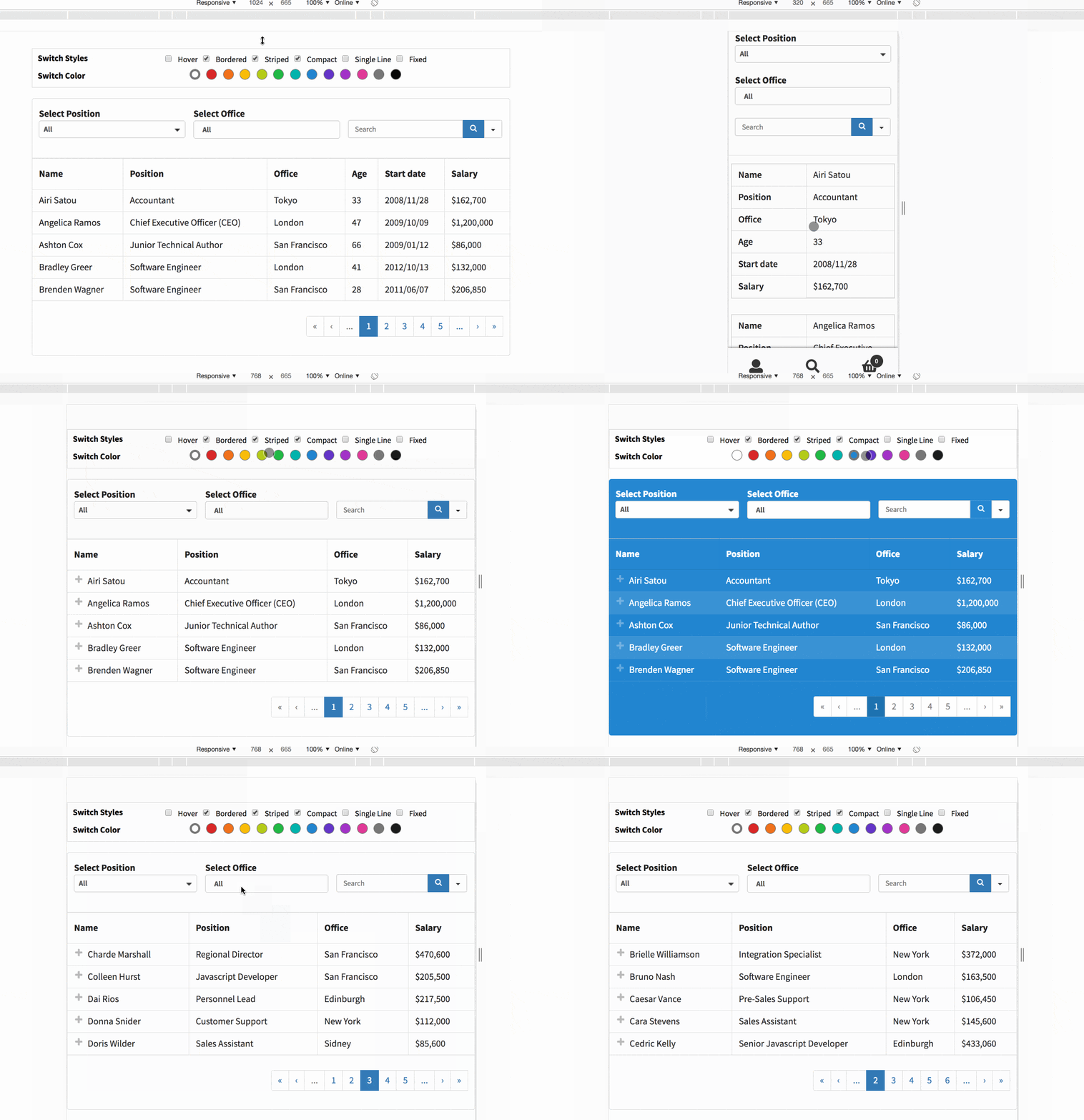
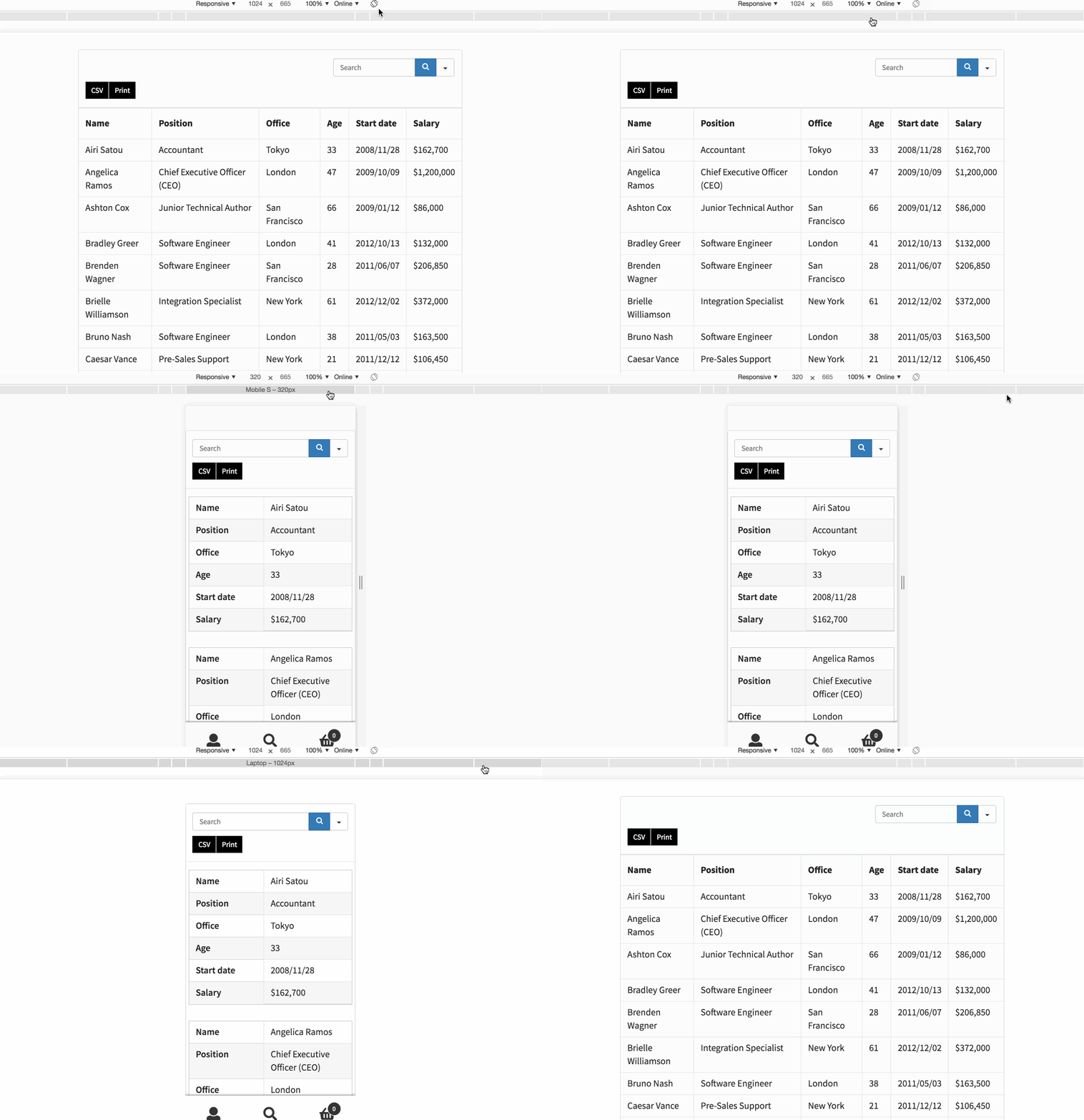
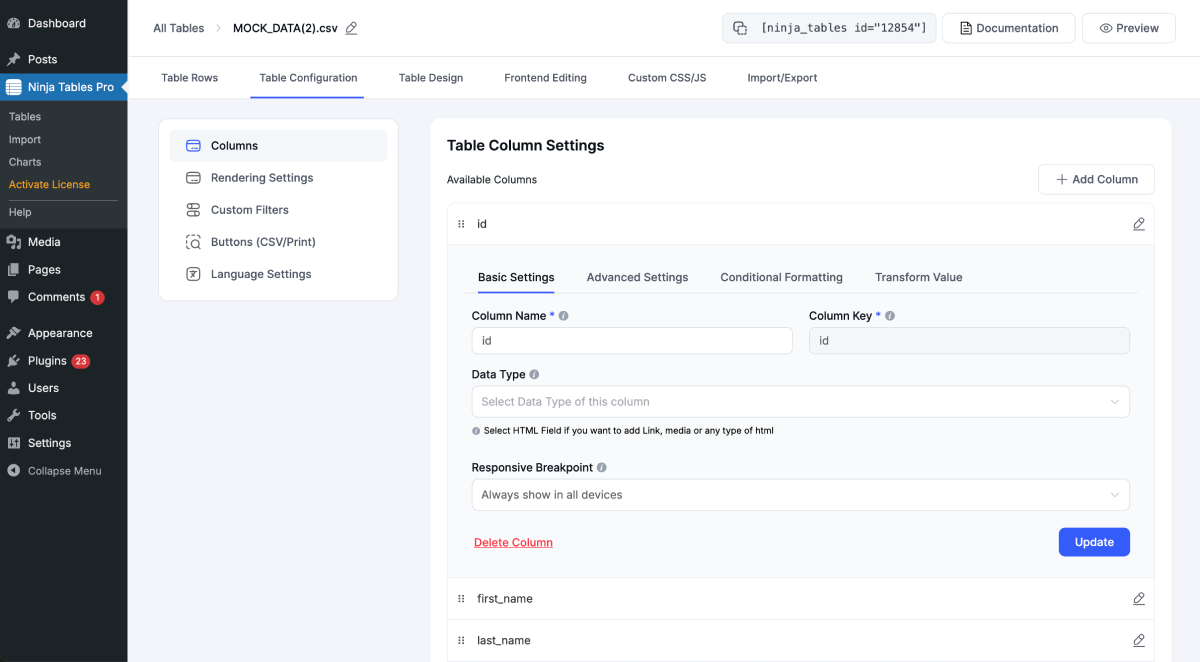
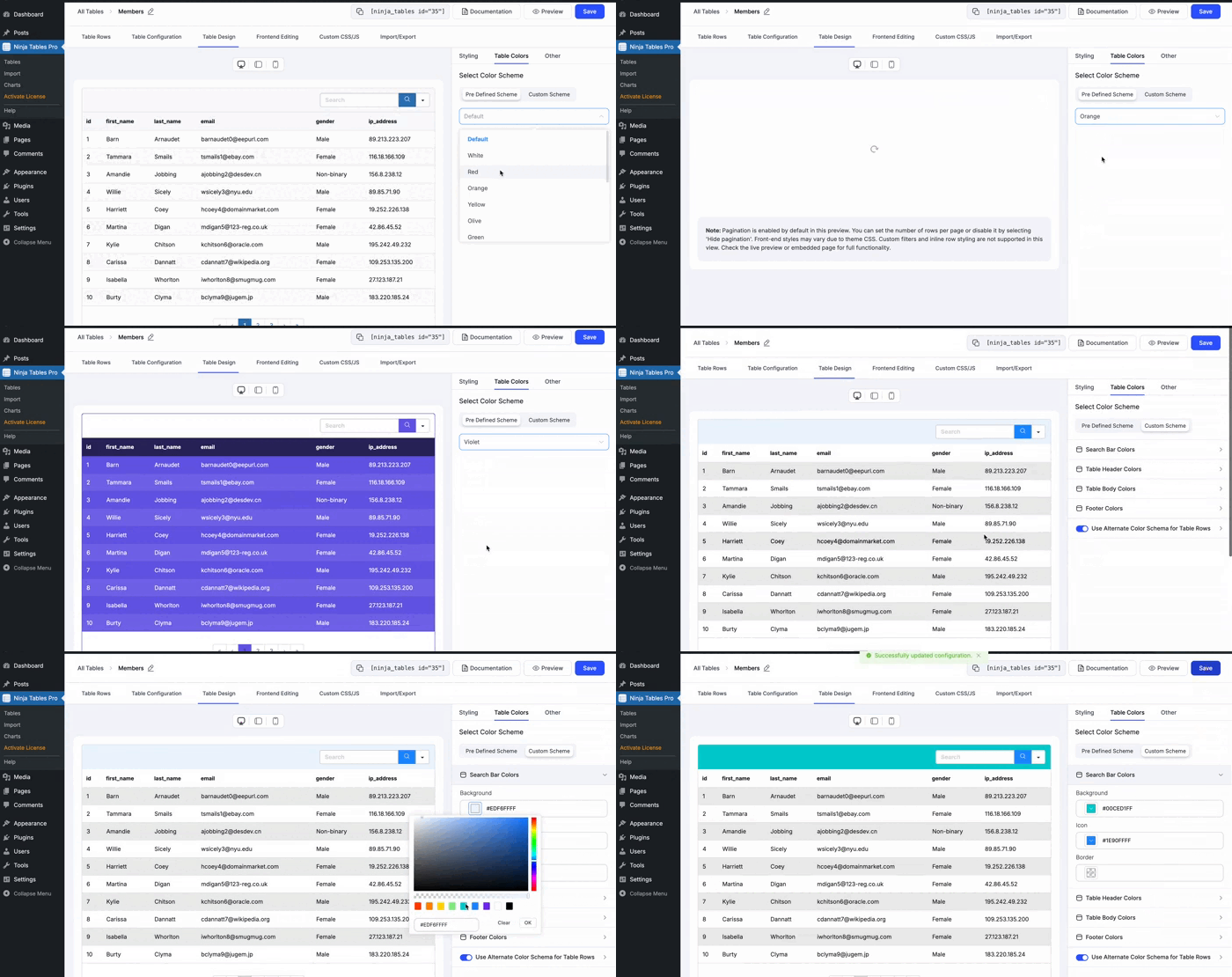
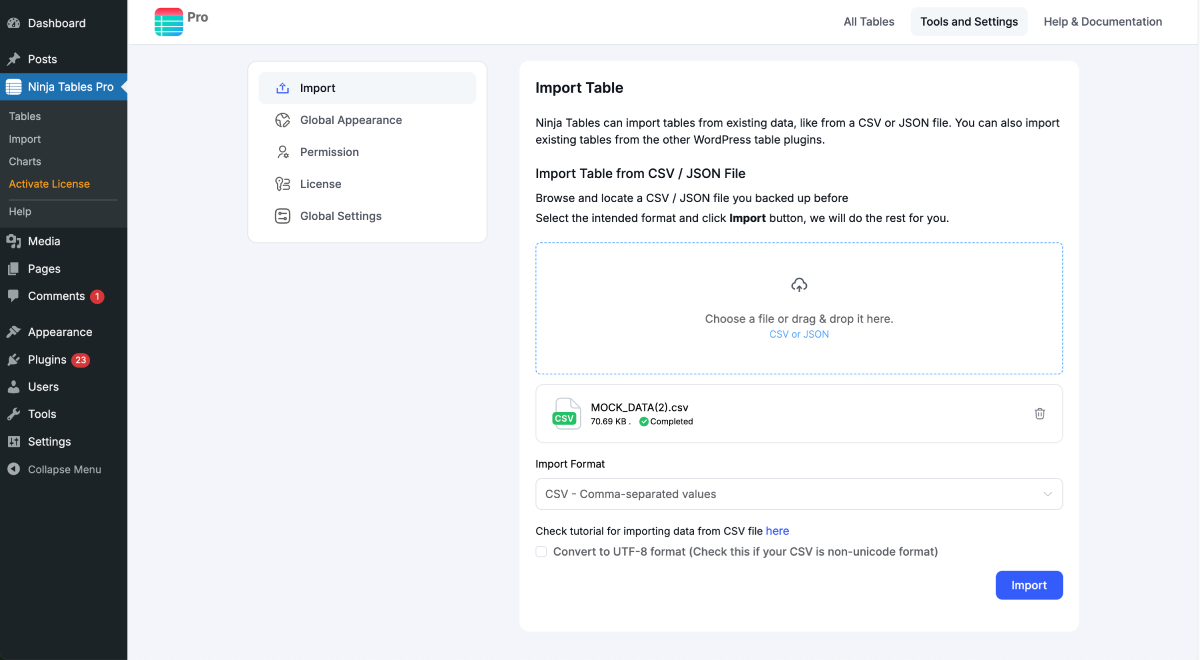
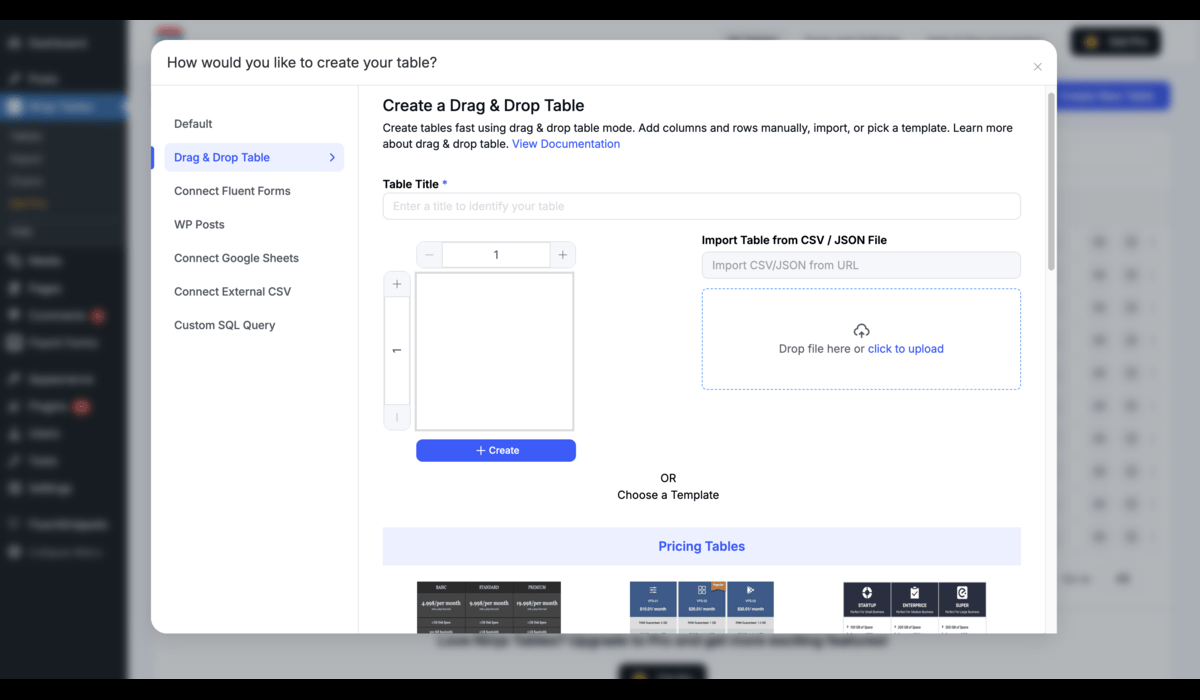
What Ninja Tables highlights on its WordPress.org page and its own website, split by version.
18 of 18 features we track in Table Plugins, feature score 97/100
Edit tables in a spreadsheet-like interface.
Row editor for data tables plus a drag-and-drop cell builder; no row limits.
Import tables from CSV, Excel or other files.
CSV and JSON import free; Excel import/export added in 5.2.18.
Tables update automatically from a Google Sheet.
Google Sheets source auto-syncs; DataTables engine has a sync interval (default hourly).
Build tables from MySQL queries or external databases.
Custom SQL Query tables query your WordPress MySQL database; external DBs not documented.
List products in a table with add-to-cart buttons.
WooCommerce tables with price, quantity and add-to-cart, plus bulk add to cart.
Tables of posts, pages or custom post types.
WP Posts tables for posts, pages and any custom post type, with ACF/meta columns.
Tables adapt to mobile with scroll, stack or collapse modes.
Free column breakpoints across six screen sizes; stackable rows layout is Pro.
Visitors sort columns and search the table.
Sorting and search are available in the free version.
Dropdown or range filters per column.
Custom filters: select, radio, checkbox, text, date, date range and number range.
Split long tables into pages.
Pagination splits long tables into pages in the free version.
Colours, themes, merged cells and custom styles.
100+ styles, colour schemes, custom CSS; free cell merge in drag-and-drop mode.
Highlight cells based on their values.
Rules change cell colour, text colour, content or CSS class by value.
Create charts from table data.
Charts via the separate free Ninja Charts plugin (Chart.js or Google Charts).
Logged-in users can edit table data on the front end.
Chosen roles can add, edit and delete rows on the front end.
Server-side processing for very large tables.
Free Ajax mode loads data in chunks; no documented server-side sorting or search.
Visitors export to CSV, Excel, PDF or print.
Visitor export buttons for CSV, Excel and print; no PDF button documented.
Spreadsheet-style formulas or column totals.
Excel-style formulas in Transform Value (Pro); column totals need a custom JS snippet.
Gutenberg block or page builder widgets.
Gutenberg block for inserting and styling tables; shortcode elsewhere.
On WordPress.org
Unlimited
Unlimited rows, drag-and-drop and data tables, templates, CSV/JSON/Excel import.
1 site
All Pro features. First year shown at $63; lifetime $309 (shown at $247).
20 sites
First year shown at $103; lifetime $499 (shown at $399).
Unlimited
First year shown at $239; lifetime $749 (shown at $599). 14-day refund.
Prices are list prices from the vendor's site, checked 14 Oct 2026. Many vendors discount the first year.
Free installs from WordPress.org, the vendor's own claim, and our estimate of paid installs.
Active installations reported by WordPress.org.
Sites/users claimed on the vendor's website. source
Our estimate, see method below.
How we estimated this: WordPress.org shows 70K+ free installs, which could mean anything from 70K to 80K. The vendor says 80K+ sites, so we put the free count halfway between the middle of that range and the vendor figure, at about 78K. About 78K free installs x 20% (the usual share of free sites that also run the paid version when many key features are paid) gives 16K. Likely range: 8K to 32K. This counts sites running the paid version, including sites whose licence has lapsed. Estimates are rough and based on public figures as of 14 Oct 2026.
7,435 downloads last week, 3M all time
| Version | 5.2.18 |
|---|---|
| Last updated | 9 Oct 2026 (25 days ago) |
| Tested up to | WordPress 7.1.4 |
| Requires | WordPress 6.0+, PHP 7.4+ |
| Support threads (2 months) | 1 of 1 resolved |
| On WordPress.org since | 6 Oct 2017 |
| Refund policy | 14-day money-back (source, 14 Oct 2026) Full refund for requests made within 14 days of purchase. |
|---|
Data-heavy table and chart plugin: Lite imports Excel, CSV, JSON and XML with 23 chart types; paid plans add MySQL, editing and…

Spreadsheet-style table builder with free formulas, responsive modes and server-side processing; Pro adds imports, live data sources, charts and editing.

Popular free table plugin with a spreadsheet-style editor, sorting, search and formulas; Pro and Max add responsive modes, filters and server-side loading.

WPPOOL plugin (formerly Sheets to WP Table Live Sync) that shows Google Sheets as live, searchable WordPress tables, with export and AI…

Premium Barn2 plugin that lists WooCommerce products in searchable, filterable tables with quantity pickers and multi-add-to-cart for quick ordering.

Drag-and-drop WordPress table builder by DotCamp for comparison, pricing and list tables, with cell elements, responsive stacking and CSV import.
Yes. Ninja Tables has a free version on WordPress.org. Paid plans start at $79/yr.
WordPress.org reports 70K+ active installations of the free version. The vendor claims 80K+ sites in total. We estimate around 16K sites run the paid version.
Yes: included. Row editor for data tables plus a drag-and-drop cell builder; no row limits.
Yes: included. CSV and JSON import free; Excel import/export added in 5.2.18.
Yes: paid version (Single Site). Google Sheets source auto-syncs; DataTables engine has a sync interval (default hourly).
Yes: paid version (Single Site). WooCommerce tables with price, quantity and add-to-cart, plus bulk add to cart.
Yes: included. Free column breakpoints across six screen sizes; stackable rows layout is Pro.
Yes: included. Sorting and search are available in the free version.
Yes: via add-on. Charts via the separate free Ninja Charts plugin (Chart.js or Google Charts).
Free covers manual tables in both modes with styles, templates, responsive breakpoints and import. Pro adds Google Sheets, WooCommerce, post and SQL tables, filters, conditional formatting, front-end editing and export buttons.
From $79/year for one site (first year discounted to $63), $129 for 20 sites and $299 for unlimited sites. Lifetime licences are also sold.
Yes, with Pro. WooCommerce tables show products with price, quantity and add-to-cart buttons, and there is a reviews table type.
Yes. Ninja Tables includes a one-click migration from TablePress and Data Tables Generator by Supsystic.
Through Ninja Charts, a separate free plugin from the same team that charts Ninja Tables data with Chart.js or Google Charts.
Last updated 14 Oct 2026. Spotted something wrong? Suggest an edit.