

wpDataTables
Data-heavy table and chart plugin: Lite imports Excel, CSV, JSON and XML with 23 chart types; paid plans add MySQL, editing and…
100

WPPOOL plugin (formerly Sheets to WP Table Live Sync) that shows Google Sheets as live, searchable WordPress tables, with export and AI summaries in Pro.
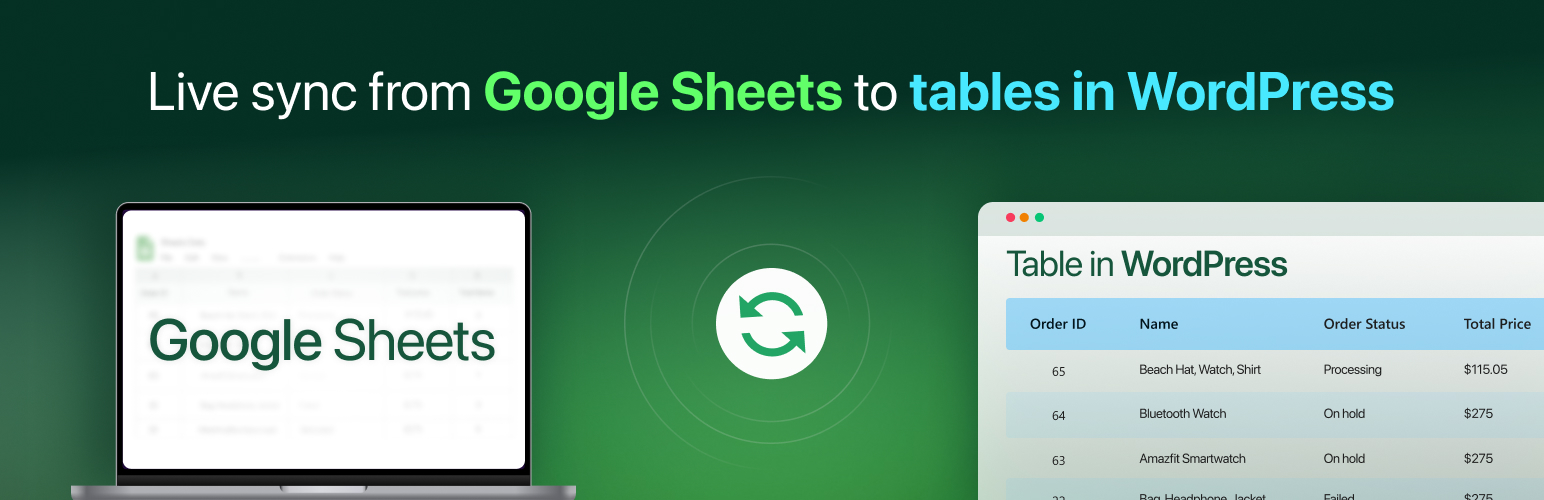
FlexTable, formerly called Sheets to WP Table Live Sync, is a WPPOOL plugin that turns a Google Sheet into a table on your WordPress site. You paste the sheet’s link, choose display options and embed the result with a shortcode, a Gutenberg block or a page-builder widget. When the sheet changes, the table follows, so you keep editing your data in Google Sheets rather than in WordPress.
The free version on WordPress.org handles the core job: live sync, sorting, search, pagination with a rows-per-page setting, an entry-count info block, two table themes, merged cells, image and link support from sheet URLs, caching with a configurable duration, asynchronous loading and multisite support. Responsive tables can use default, collapsible or scrollable styles. Version 3.25.0 (September 2026) moved to a freemium model with unlimited rows and tables, removing the older 100-row cap that still appears on the pricing page.
FlexTable Pro adds visitor export to CSV, Excel, PDF, JSON, print and copy, multiple sheet tabs, column filters and a search-only display, importing colours and text styles from the sheet, more themes plus a theme builder, custom CSS, frozen columns and header, hiding rows, columns or cells, an Elementor widget and AI features that summarise the table or answer visitor questions. Paid plans are lifetime licences priced by site count.
FlexTable is a good choice if your data already lives in Google Sheets and you want it published without copy and paste. If you need to build tables inside WordPress, list products or handle huge data sets server-side, consider another plugin.
Best for: Sites whose data already lives in Google Sheets and needs to be published as live, searchable tables.
FlexTable does one job well: publishing Google Sheets as WordPress tables that stay in sync. The free version became more useful once the row cap was removed, and Pro adds export, filters and styling. Its reliance on Google Sheets is also its main limit.
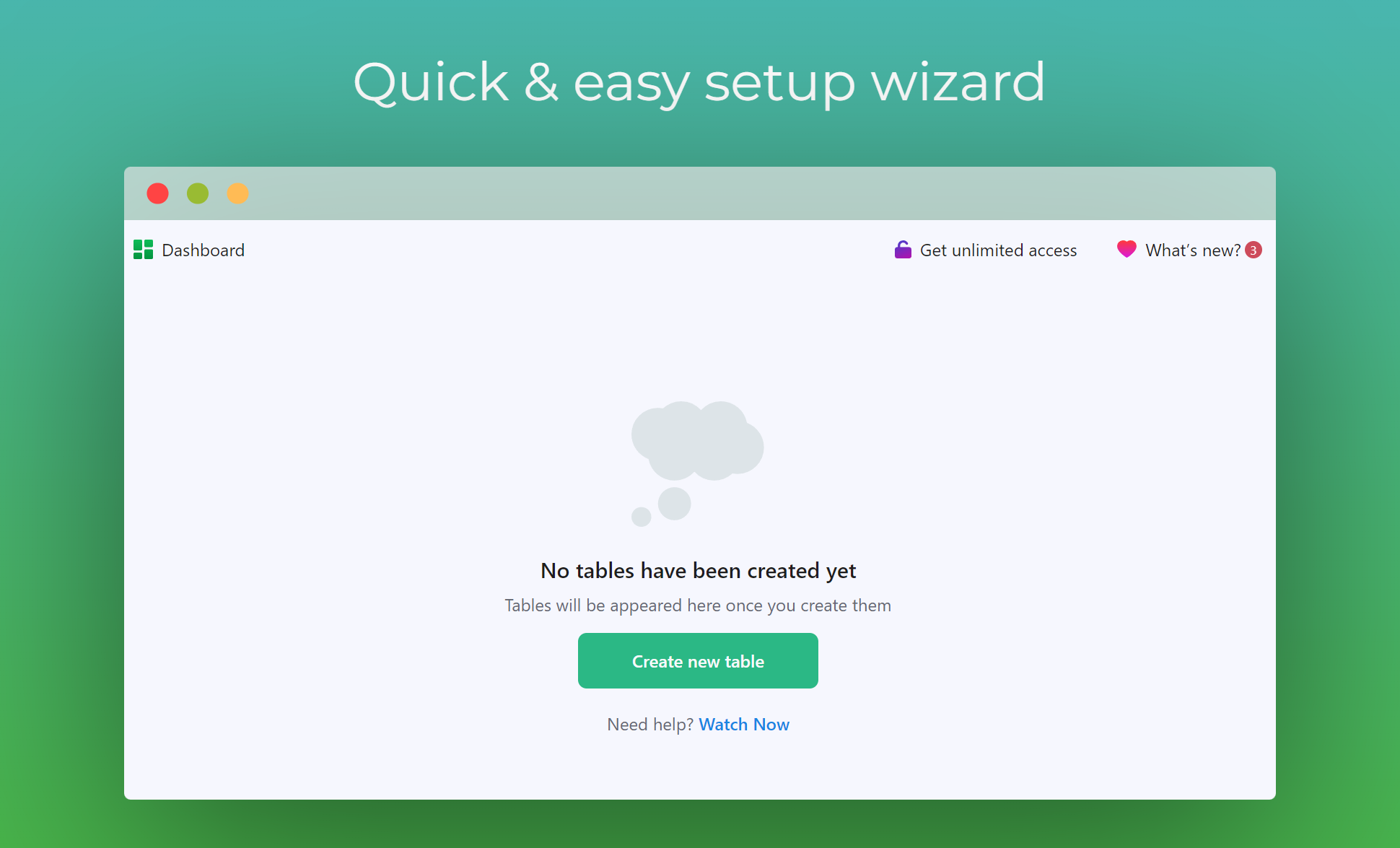
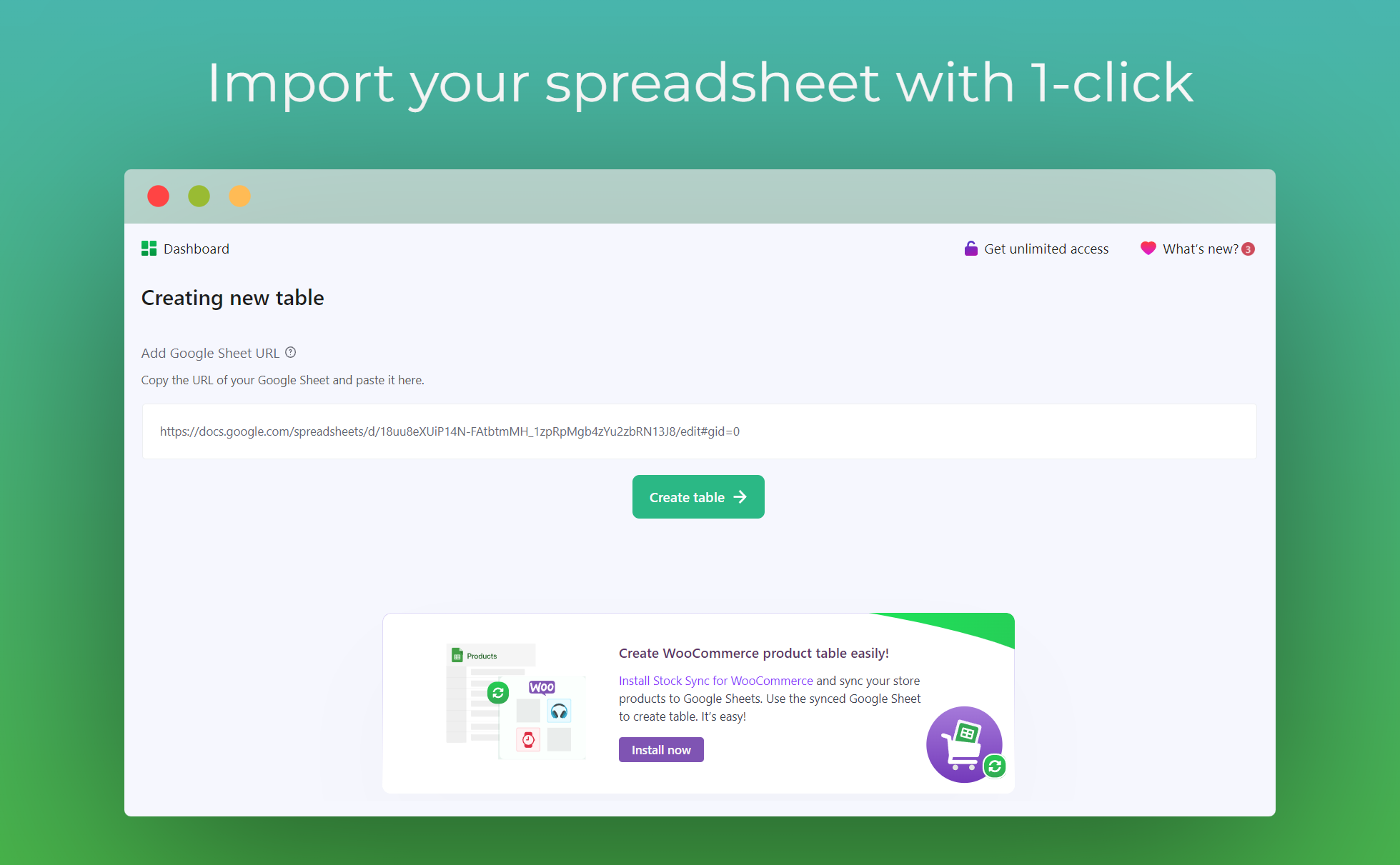
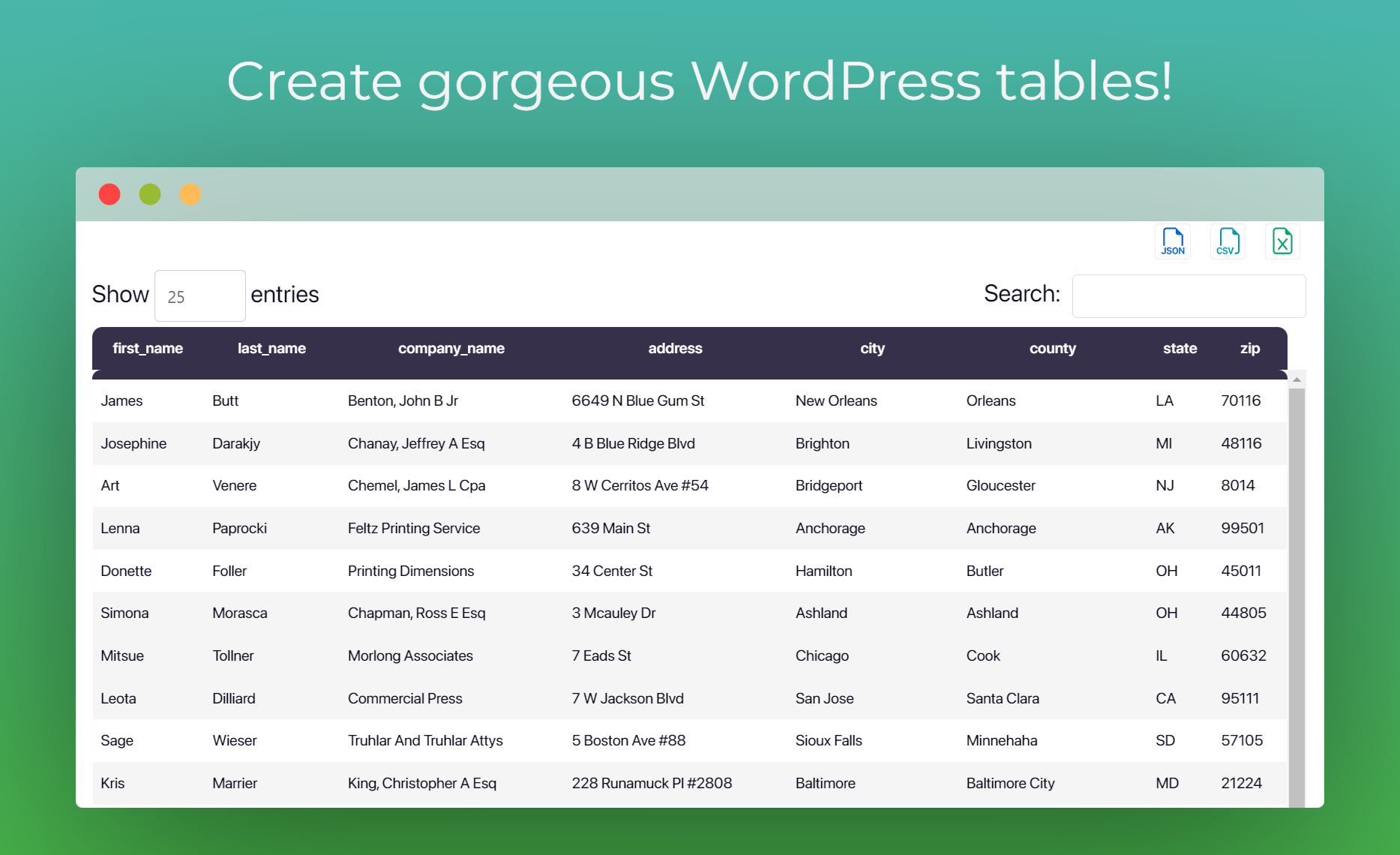
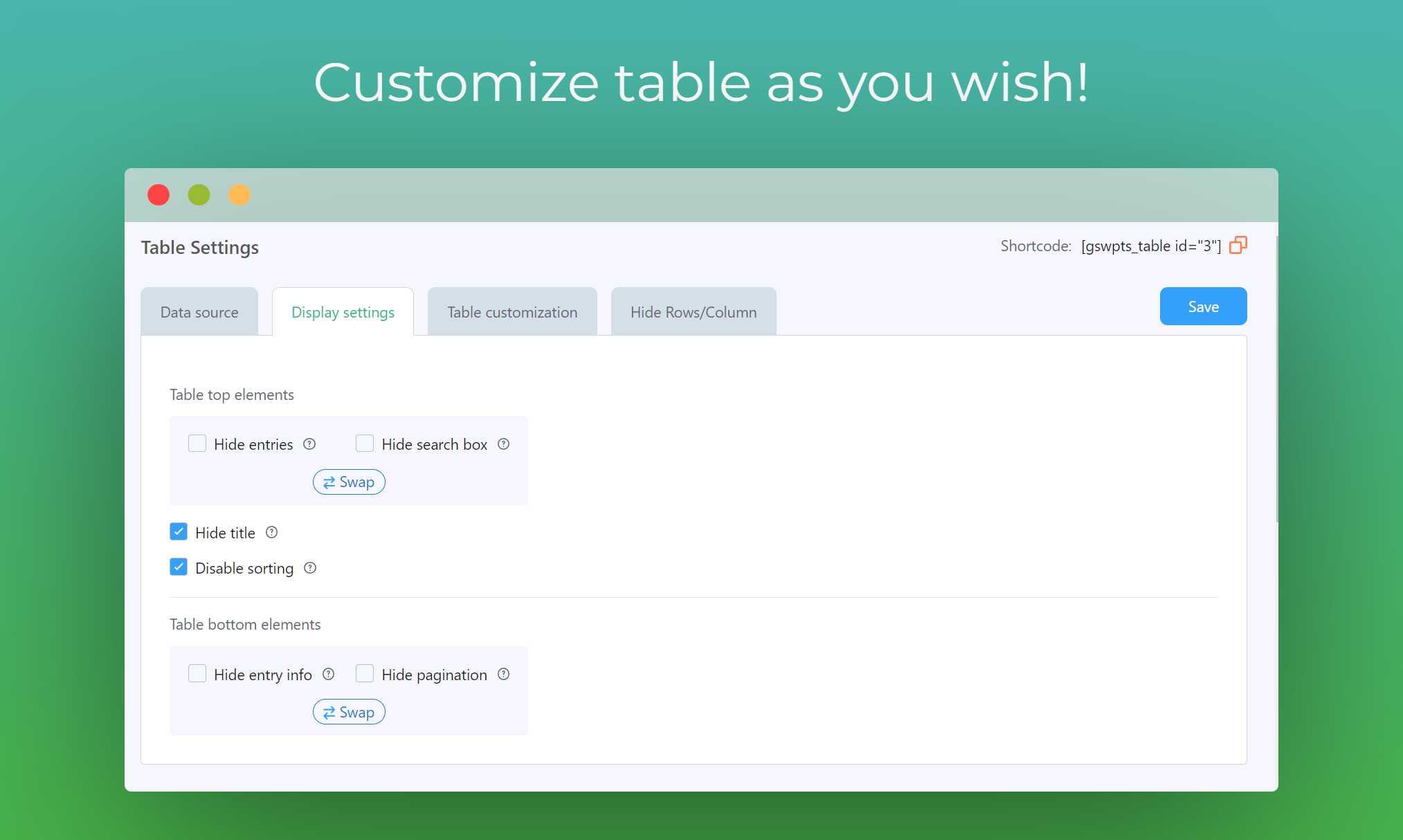
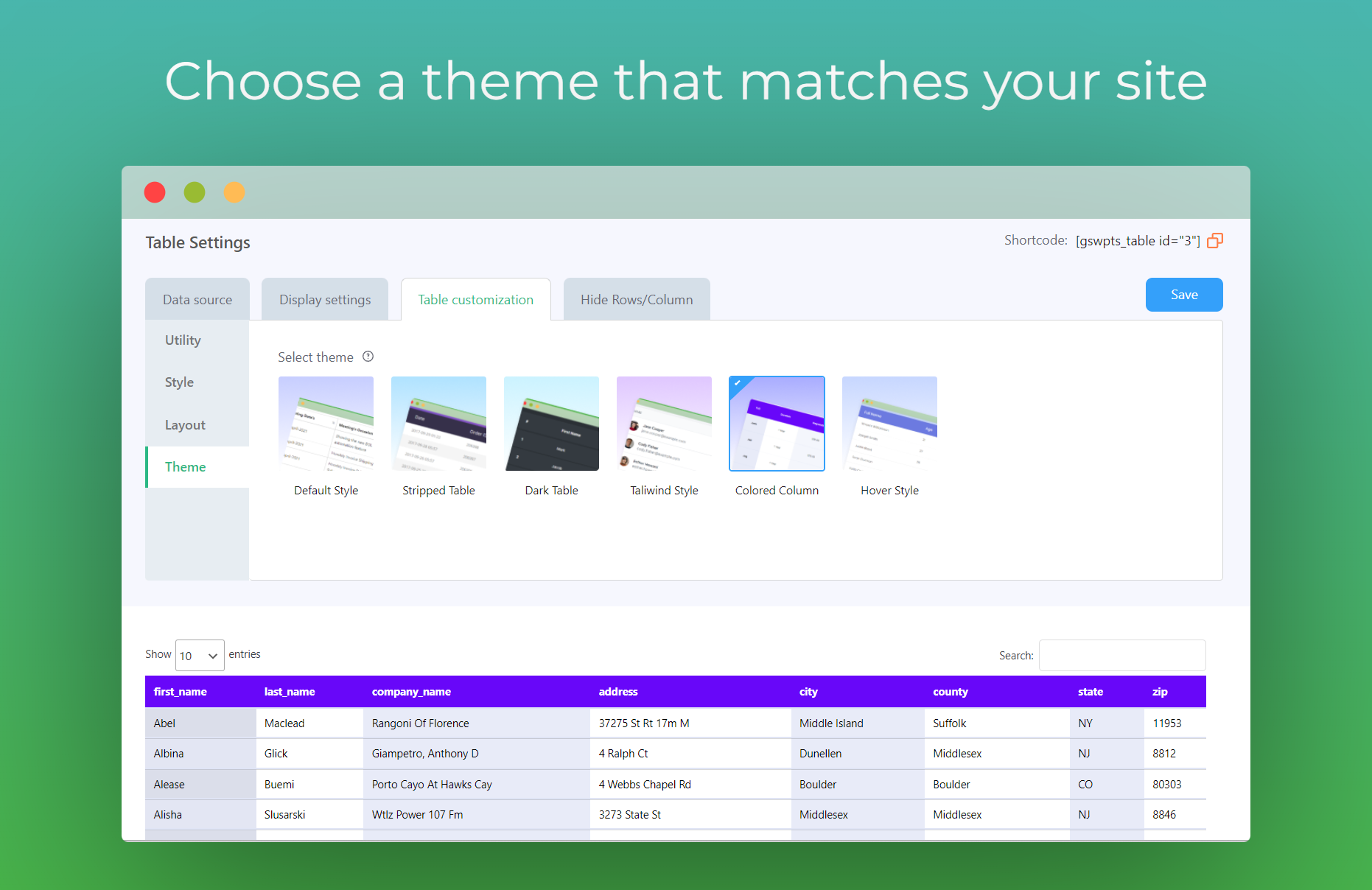
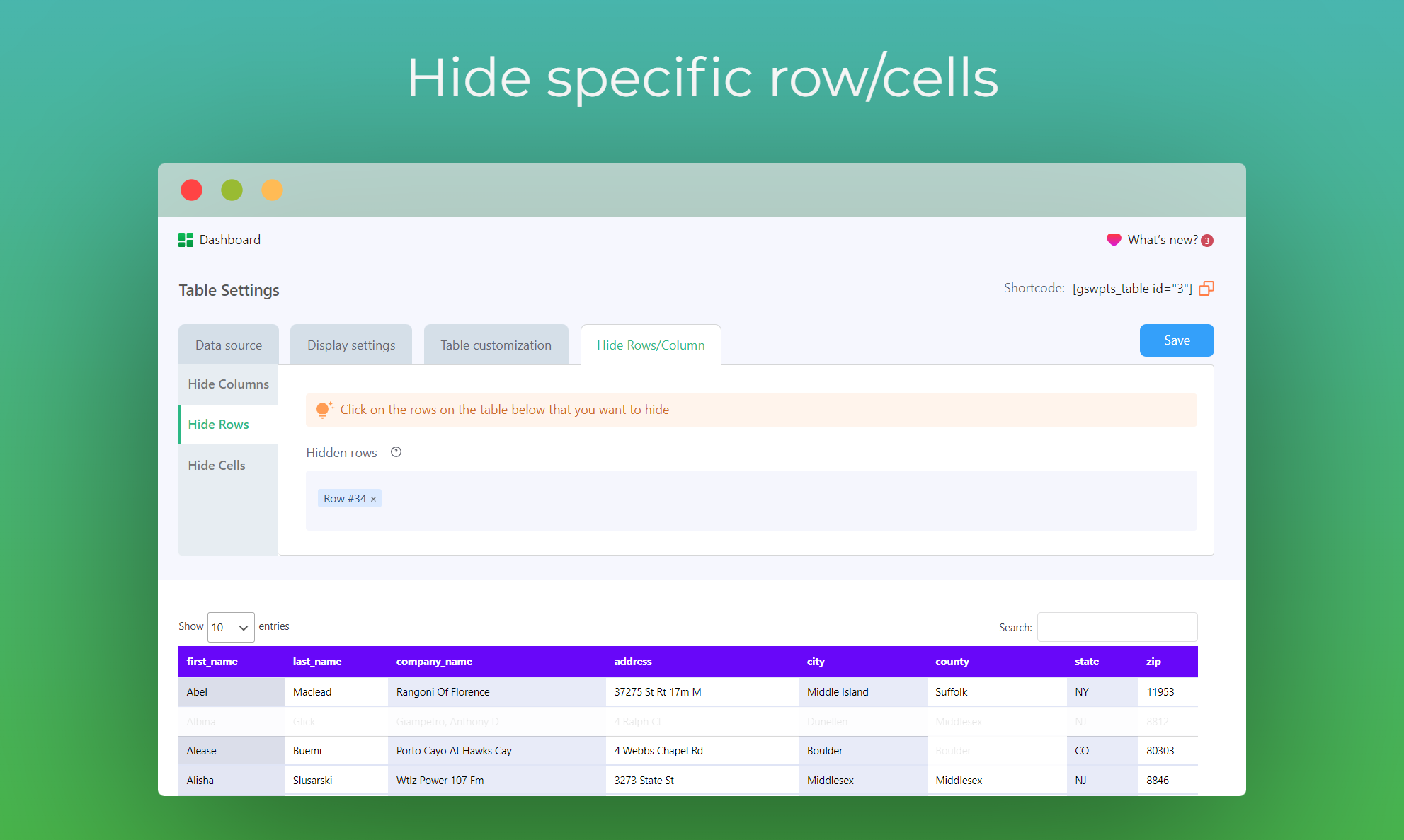
What FlexTable highlights on its WordPress.org page and its own website, split by version.
11 of 18 features we track in Table Plugins, feature score 50/100
Edit tables in a spreadsheet-like interface.
There is no in-WordPress table editor; data is edited in Google Sheets.
Import tables from CSV, Excel or other files.
Only Google Sheets is supported; no CSV or Excel file upload.
Tables update automatically from a Google Sheet.
Core free feature: tables update from the linked Google Sheet.
Build tables from MySQL queries or external databases.
No MySQL or external database sources.
List products in a table with add-to-cart buttons.
Product data kept in a sheet can be shown as a table; no native WooCommerce add-to-cart.
Tables of posts, pages or custom post types.
Cannot list WordPress posts or custom post types.
Tables adapt to mobile with scroll, stack or collapse modes.
Free default, collapsible and scrollable responsive styles per the current readme.
Visitors sort columns and search the table.
Sorting and search are free.
Dropdown or range filters per column.
Per-column single, multi-select or text filters (Smart Table Filtering) are listed as Pro.
Split long tables into pages.
Free pagination with rows per page; extra pagination styles are Pro.
Colours, themes, merged cells and custom styles.
Free has two themes and merged cells; theme builder, sheet colours and custom CSS need Pro.
Highlight cells based on their values.
No native rules; Pro can import sheet colours but docs do not say if conditional formatting carries over.
Create charts from table data.
No charts from table data in the readme or pricing list.
Logged-in users can edit table data on the front end.
Sync is one-way from Google Sheets; no front-end editing.
Server-side processing for very large tables.
Caching and asynchronous loading help with big sheets; no server-side processing is documented.
Visitors export to CSV, Excel, PDF or print.
Visitors export to CSV, Excel, PDF, JSON, print or copy.
Spreadsheet-style formulas or column totals.
Formulas run in Google Sheets and their results sync; no formulas inside WordPress.
Gutenberg block or page builder widgets.
Free Gutenberg block; the Elementor widget is Pro.
On WordPress.org
Unlimited
Live Google Sheets sync, sorting, search and pagination; unlimited rows since v3.25.0.
1 site
List price; autumn sale showed $119. Lifetime updates and support.
5 sites
List price; autumn sale showed $199.
500 sites
List price; autumn sale showed $359. Custom quote above 500 sites.
Prices are list prices from the vendor's site, checked 14 Oct 2026. Many vendors discount the first year.
Free installs from WordPress.org, the vendor's own claim, and our estimate of paid installs.
Active installations reported by WordPress.org.
Sites/users claimed on the vendor's website. source
Our estimate, see method below.
How we estimated this: About 3.5K free installs x 8% (the usual share of free sites that also run the paid version when some key features are paid) gives 280. The vendor figure (35K+) is more than 8 times the free installs, so it probably counts more than this plugin (other products or platforms) and we leave it out. Likely range: 140 to 560. This counts sites running the paid version, including sites whose licence has lapsed. Estimates are rough and based on public figures as of 14 Oct 2026.
2,008 downloads last week, 184.7K all time
| Version | 3.25.1 |
|---|---|
| Last updated | 29 Oct 2026 (4 days ago) |
| Tested up to | WordPress 7.1.4 |
| Requires | WordPress 6.9+, PHP 7.2+ |
| Support threads (2 months) | 2 of 2 resolved |
| On WordPress.org since | 4 May 2021 |
| Refund policy | 30-day money-back (source, 14 Oct 2026) |
|---|
Data-heavy table and chart plugin: Lite imports Excel, CSV, JSON and XML with 23 chart types; paid plans add MySQL, editing and…

Table builder by WPManageNinja with drag-and-drop and data tables; Pro adds Google Sheets, WooCommerce and post tables, filters and front-end editing.

Spreadsheet-style table builder with free formulas, responsive modes and server-side processing; Pro adds imports, live data sources, charts and editing.

Popular free table plugin with a spreadsheet-style editor, sorting, search and formulas; Pro and Max add responsive modes, filters and server-side loading.

Premium Barn2 plugin that lists WooCommerce products in searchable, filterable tables with quantity pickers and multi-add-to-cart for quick ordering.

Drag-and-drop WordPress table builder by DotCamp for comparison, pricing and list tables, with cell elements, responsive stacking and CSV import.
Yes. FlexTable has a free version on WordPress.org. Paid plans start at $177 lifetime.
WordPress.org reports 3K+ active installations of the free version. The vendor claims 35K+ sites in total. We estimate around 280 sites run the paid version.
No: not included. There is no in-WordPress table editor; data is edited in Google Sheets.
No: not included. Only Google Sheets is supported; no CSV or Excel file upload.
Yes: included. Core free feature: tables update from the linked Google Sheet.
Yes: partial. Product data kept in a sheet can be shown as a table; no native WooCommerce add-to-cart.
Yes: included. Free default, collapsible and scrollable responsive styles per the current readme.
Yes: included. Sorting and search are free.
No: not included. No charts from table data in the readme or pricing list.
Yes. WPPOOL renamed the plugin; the WordPress.org slug is still sheets-to-wp-table-live-sync.
Version 3.25.0 (September 2026) introduced unlimited rows and tables in the free version. The pricing page still lists an older 100-row limit.
No. Data is edited in Google Sheets and synced one way to the site.
The Gutenberg block is free. The Elementor widget is Pro, and docs explain using it with Divi.
Paid plans are lifetime licences: Personal (1 site), Business (5 sites) and Agency (500 sites), often discounted during sales.
Last updated 14 Oct 2026. Spotted something wrong? Suggest an edit.