
Duplicator
WordPress migration and backup plugin that packages a site into an archive plus standalone installer; Pro adds scheduling, cloud storage and staging.
86

Automattic's paid real-time cloud backup service for WordPress and WooCommerce, with one-click restores, activity log and site cloning.
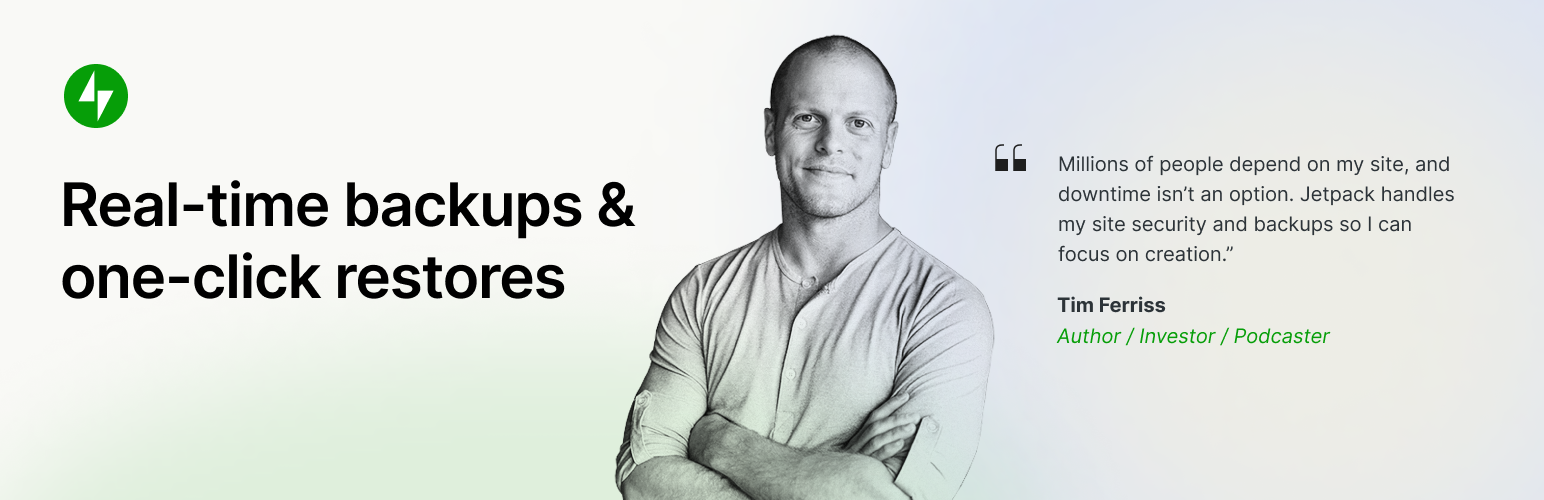
Jetpack VaultPress Backup is Automattic’s cloud backup service. The standalone plugin on WordPress.org connects a site to Jetpack Cloud, but it does nothing on its own: a paid Jetpack plan that includes Backup is required. The same service is also available through the main Jetpack plugin and its Security and Complete bundles.
The service combines a daily full backup with real-time incremental backups, triggered when posts, comments, media, plugins, themes or settings change. WooCommerce products and orders are captured in real time, and a restore can roll the site back while keeping order and product data current. Backups are stored as encrypted, redundant copies in Jetpack Cloud, starting at 10 GB, with a 30-day archive and activity log on the base plan and one year on Jetpack Complete.
VaultPress Backup is billed per site, with a large first-year discount and full price on renewal. Agencies can manage backups for many client sites in the free Jetpack Manage dashboard, which offers bulk discounts.
The service is cloud-only, with no option to send copies to Google Drive, Dropbox, S3 or your own FTP server, although backups can be downloaded. WordPress multisite and split site/home URLs are not supported. Exclusions are limited to placing a .donotbackup file in a directory, and there are no database-only or files-only backup modes. Storage-based limits mean older backups are removed if you hit your quota.
It suits single-site owners and WooCommerce stores already on Jetpack who want set-and-forget real-time backups and easy restores without configuring storage.
Best for: Single-site owners and WooCommerce stores who want hands-off real-time cloud backups from Automattic with easy restores.
VaultPress Backup is a polished, low-maintenance option: real-time backups, encrypted cloud storage and restores that work on a broken site all come in the base plan. The lack of multisite support, the cloud-only storage and the jump in price at renewal are the main drawbacks.
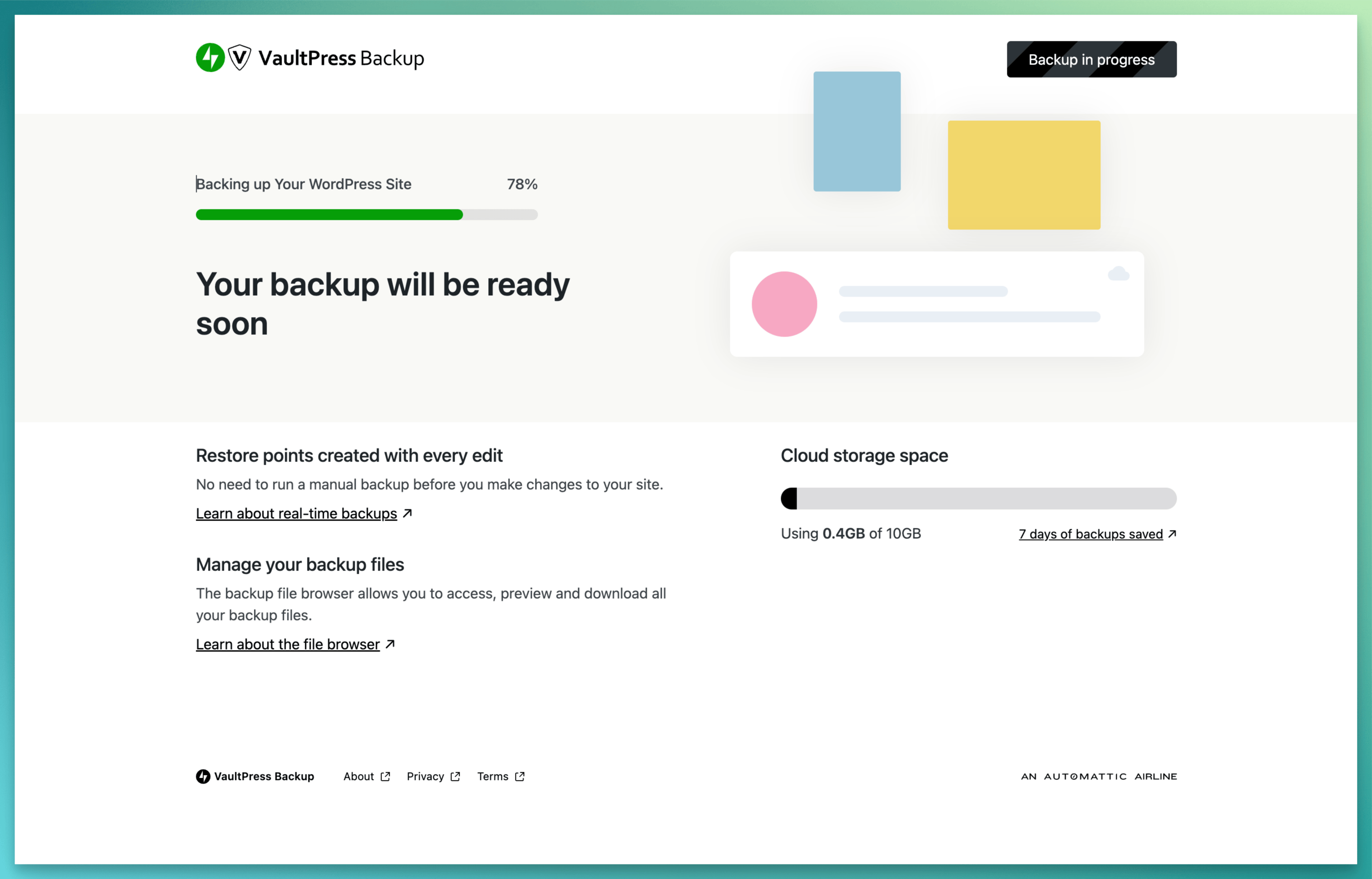
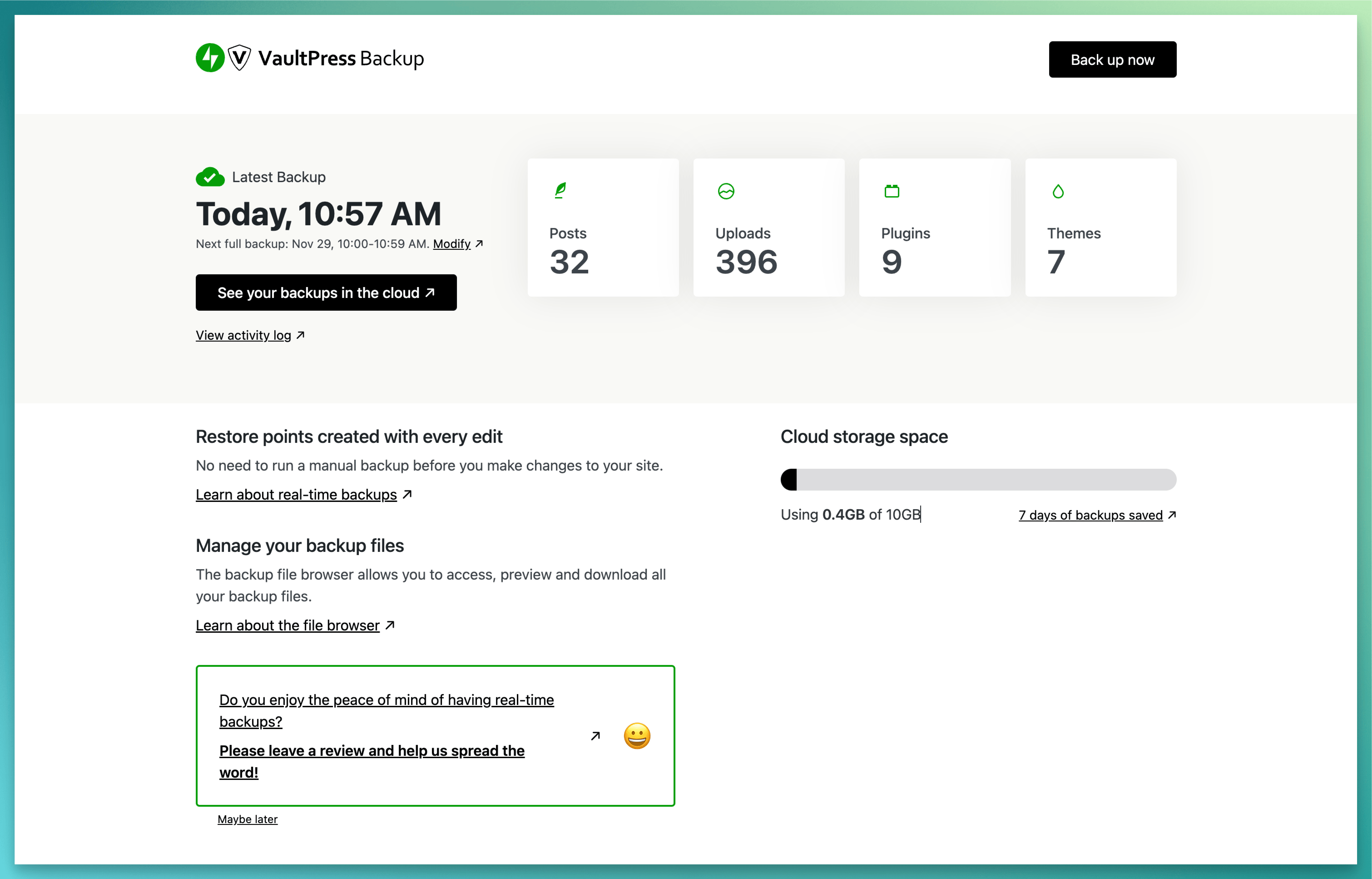
What Jetpack VaultPress Backup highlights on its WordPress.org page and its own website, split by version.
13 of 23 features we track in Backup & Migration, feature score 56/100
Automatic backups on a schedule (daily, weekly and so on).
Daily full backups with a preferred time window, plus on-demand backups.
Only backs up what changed since the last backup, saving time and space.
Real-time incremental and differential backups after the initial copy.
Backs up changes as they happen, useful for stores with constant orders.
Changes to posts, media, settings and WooCommerce orders back up as they happen.
Database-only or files-only backups, include/exclude folders and tables.
Folders can be skipped with a .donotbackup file; no database-only or files-only modes.
Backups stored on the vendor's own cloud, no separate storage account needed.
Stored in Jetpack Cloud with redundant copies; 10 GB on base plan, 1 TB on Complete.
Encrypts backup archives or the database export.
Backups are kept as encrypted, redundant copies on Jetpack's servers.
Send backups to Google Drive.
Cloud-only; backups can be downloaded but not sent to Google Drive.
Send backups to Dropbox.
No Dropbox destination; manual download is the only export option.
Send backups to Amazon S3.
No Amazon S3 destination; storage is Jetpack Cloud only.
Backblaze B2, Wasabi, DigitalOcean Spaces and other S3-compatible services.
No S3-compatible storage destinations.
Send backups to OneDrive.
No OneDrive destination.
Send backups to your own server over FTP or SFTP.
Server credentials are used for restores and cloning, not as a backup destination.
Restore a backup from the WordPress dashboard.
One-click restores from the plugin, Jetpack Cloud or the mobile app.
Restore from outside WordPress (vendor dashboard or standalone installer) if the site won't load.
Restore from Jetpack Cloud using server credentials even if the host is down.
Move or clone a site to a new host or domain.
Clone or migrate to another host or address via SSH/SFTP/FTP credentials.
Rewrites URLs and paths in the database during migration.
Path changes are handled when cloning to a new address; no standalone search-replace tool.
Create a staging copy to test changes, then push them live.
Can clone to a test environment, but there is no push-to-live merge.
Back up and restore WordPress multisite networks.
Jetpack says VaultPress Backup does not currently support WordPress multisite.
Keep a set number of backups or delete old ones automatically.
Retention is fixed by plan and storage (30 days base, 1 year on Complete); not user-set.
Email reports when backups succeed or fail.
Could not confirm backup success/failure email reports in Jetpack documentation.
Manage backups for many sites from one dashboard.
Free Jetpack Manage dashboard handles backups and restores across client sites.
Run backups and restores from the command line.
No WP-CLI commands for backups or restores found in Jetpack Backup docs.
Rebrand the plugin for client sites.
No white-label option for the plugin or Jetpack Manage is offered.
1 site
$9.95/month billed yearly; first year 50% off ($4.95/month). 10 GB storage, 30-day archive and activity log.
1 site
$19.95/month billed yearly; first year $9.95/month. Adds malware scanning and Akismet spam protection to 10 GB backups.
1 site
$49.95/month billed yearly; first year $24.95/month. 1 TB backup storage and 1-year activity log.
Prices are list prices from the vendor's site, checked 14 Oct 2026. Many vendors discount the first year.
Free installs from WordPress.org, the vendor's own claim, and our estimate of paid installs.
Active installations reported by WordPress.org.
The vendor does not publish a total.
Our estimate, see method below.
How we estimated this: The free connector plugin has about 25K active installs and needs a paid account; assuming 60% are on a paid plan gives 15K. Likely range: 7.5K to 30K. This counts sites running the paid version, including sites whose licence has lapsed. Estimates are rough and based on public figures as of 14 Oct 2026.
1,374 downloads last week, 391.9K all time
| Version | 3.9 |
|---|---|
| Last updated | 11 Aug 2026 (84 days ago) |
| Tested up to | WordPress 7.0.8 |
| Requires | WordPress 6.9+, PHP 7.2+ |
| Support threads (2 months) | 0 of 0 resolved |
| On WordPress.org since | 12 Aug 2021 |
| Refund policy | 14-day money-back (annual plans) (source, 5 Oct 2026) |
|---|
 Backuply/Jetpack VaultPress Backup
 Jetpack VaultPress Backup/Migrate Guru
 BlogVault/Jetpack VaultPress Backup
 Jetpack VaultPress Backup/UpdraftPlusDuplicator/Jetpack VaultPress Backup
 All-in-One WP Migration/Jetpack VaultPress Backup
 BackWPup/Jetpack VaultPress Backup
 Jetpack VaultPress Backup/WPvivid Backup & Migration
 Jetpack VaultPress Backup/Solid Backups
WordPress migration and backup plugin that packages a site into an archive plus standalone installer; Pro adds scheduling, cloud storage and staging.
Freemium WordPress backup, restore and migration plugin with scheduled backups to Google Drive, Dropbox, S3 and FTP, plus a Premium tier for…
Free WordPress backup, migration and staging plugin with scheduled cloud backups; Pro adds incremental backups, push-to-live staging and white label.
Job-based WordPress backup plugin from WP Media with free scheduling to Dropbox, S3, FTP and Azure; Pro adds Google Drive, encryption and…
Paid SaaS backup service for WordPress with off-site incremental backups, real-time WooCommerce sync, staging and migration from one dashboard.
Freemium WordPress backup, restore and migration plugin from Softaculous with local, FTP and Google Drive storage free and more destinations in Pro.
No. Jetpack VaultPress Backup is a premium plugin. Paid plans start at $119.40/yr.
WordPress.org reports 20K+ active installations of the free version. We estimate around 15K active installs.
Yes: included. Daily full backups with a preferred time window, plus on-demand backups.
Yes: included. Real-time incremental and differential backups after the initial copy.
Yes: included. One-click restores from the plugin, Jetpack Cloud or the mobile app.
Yes: included. Clone or migrate to another host or address via SSH/SFTP/FTP credentials.
No. The plugin is free to download, but it only works with a paid Jetpack plan that includes Backup, starting at $9.95/month billed yearly (first year discounted).
No. Jetpack's documentation says VaultPress Backup does not currently support multisite networks or split site/home URLs.
No. Backups are kept in Jetpack Cloud only. You can download backup files manually, but there are no third-party storage destinations.
Older backups are deleted and the archive period may shrink. You can move to a larger storage tier, such as the 1 TB included with Jetpack Complete, without losing data.
Yes. You can clone a site to another server or address by entering the destination's SSH, SFTP or FTP credentials, and Jetpack handles the path changes.
Last updated 5 Oct 2026. Spotted something wrong? Suggest an edit.