



Duplicator
WordPress migration and backup plugin that packages a site into an archive plus standalone installer; Pro adds scheduling, cloud storage and staging.
86

Paid SaaS backup service for WordPress with off-site incremental backups, real-time WooCommerce sync, staging and migration from one dashboard.
BlogVault is a hosted backup service rather than a traditional backup plugin. The free plugin on WordPress.org is a lightweight connector: it syncs your files and database to BlogVault’s own servers, and the heavy lifting (building archives, restoring, creating staging copies) happens on BlogVault’s infrastructure instead of your host. That design keeps load off shared hosting and means a restore can still be triggered when the site itself is broken.
Backups are incremental, so after the first full copy only changed files and rows are transferred. All plans run automatic daily backups, the Business plan moves to twice-daily with real-time sync, and the WooCommerce plan backs up hourly and syncs orders as they happen. History is kept for 30, 90 or 365 days depending on the plan, and storage is included and encrypted, so there is nothing to configure on Google Drive or S3.
There is no permanent free tier. The plugin is free to install, but the service needs a subscription after a 7-day unrestricted trial. Plans are priced per site, with 5-site bundles and separate agency pricing; white-label branding is reserved for agency accounts.
Backups live only in BlogVault’s cloud. You can download an archive, or push one manually to Dropbox or Google Drive, but there is no automatic sync to your own storage, and S3, OneDrive and FTP destinations are not offered. Real-time backups are limited to the two higher plans, and staging lifetime is short on the entry plan.
BlogVault fits site owners, WooCommerce stores and agencies who want managed, off-site backups with reliable restores and staging, and who are happy to pay a yearly fee instead of managing storage themselves.
Best for: Site owners, stores and agencies who want hands-off, off-site backups with dependable restores and staging and are willing to pay per site.
BlogVault is one of the more robust managed backup services for WordPress, with incremental off-site backups, restores that work on broken sites, and useful staging and migration tools. The trade-off is cost and lock-in: there is no free plan and your backups live in BlogVault's cloud rather than storage you control.
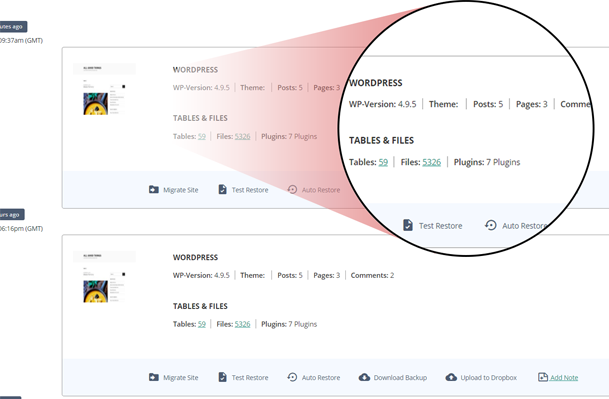
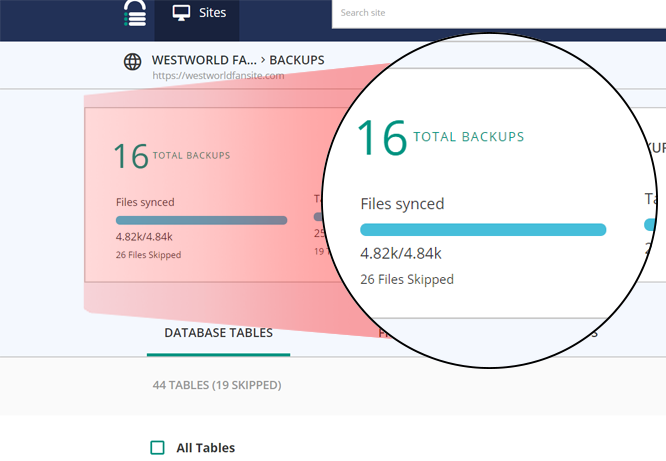
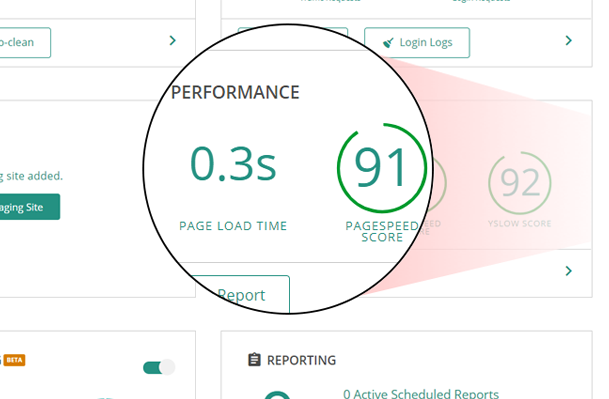
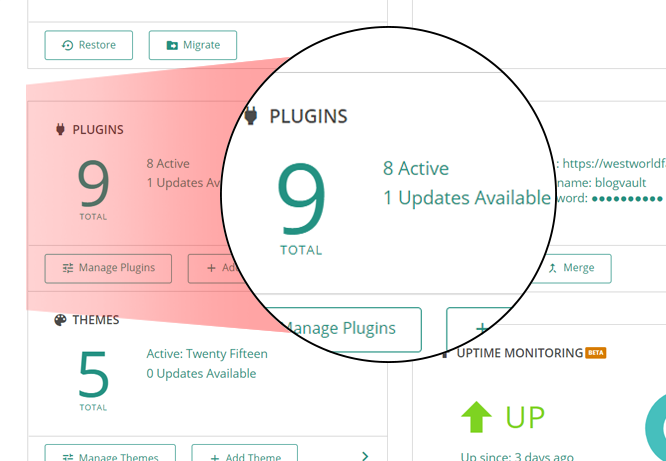
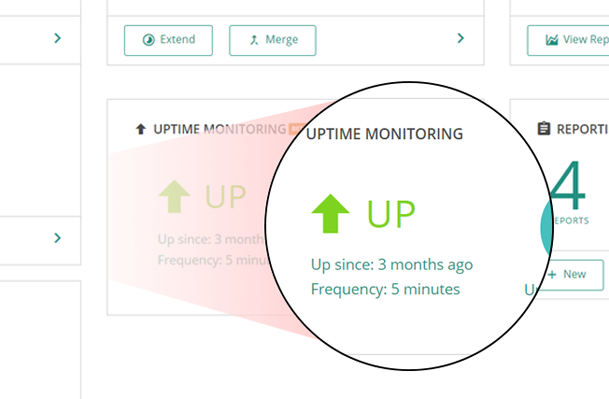
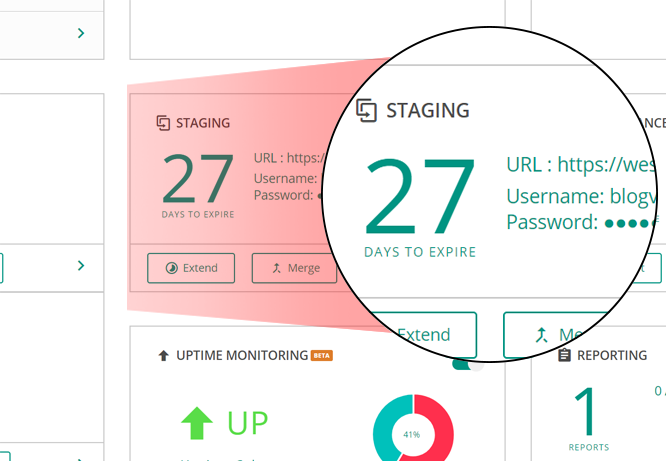
What BlogVault highlights on its WordPress.org page and its own website, split by version.
18 of 23 features we track in Backup & Migration, feature score 76/100
Automatic backups on a schedule (daily, weekly and so on).
Automatic daily backups on all plans; twice-daily on Business and hourly on WooCommerce.
Only backs up what changed since the last backup, saving time and space.
Only changed files and database rows are synced after the first full backup.
Backs up changes as they happen, useful for stores with constant orders.
Real-time sync of changes, aimed at WooCommerce orders, on Business and WooCommerce plans.
Database-only or files-only backups, include/exclude folders and tables.
Exclude chosen folders or add non-WordPress folders; selective file/table restore also available.
Backups stored on the vendor's own cloud, no separate storage account needed.
Backups are kept off-site on BlogVault servers; storage is included in every plan.
Encrypts backup archives or the database export.
Backup copies are stored encrypted on BlogVault's cloud on all plans.
Send backups to Google Drive.
No automatic sync; you can export a backup and upload it to Google Drive manually.
Send backups to Dropbox.
Manual 'Upload Backup' to a connected Dropbox from the dashboard; not automatic.
Send backups to Amazon S3.
Backups are stored on BlogVault's cloud; no Amazon S3 destination is offered.
Backblaze B2, Wasabi, DigitalOcean Spaces and other S3-compatible services.
No S3-compatible storage destinations; storage is managed by BlogVault.
Send backups to OneDrive.
No OneDrive destination; only manual Dropbox/Google Drive export is documented.
Send backups to your own server over FTP or SFTP.
FTP credentials are used for restores, but backups cannot be sent to your own FTP/SFTP server.
Restore a backup from the WordPress dashboard.
One-click and differential restores, triggered from the BlogVault dashboard.
Restore from outside WordPress (vendor dashboard or standalone installer) if the site won't load.
Restores run from BlogVault's servers, so they work even when the site is offline.
Move or clone a site to a new host or domain.
Built-in migration to a new host or domain on all plans.
Rewrites URLs and paths in the database during migration.
Migration automatically updates URLs for the new domain.
Create a staging copy to test changes, then push them live.
One-click staging on BlogVault servers with selective merge to live; lifetime varies by plan.
Back up and restore WordPress multisite networks.
Multisite supported on all plans; Business up to 25 and WooCommerce up to 100 subsites.
Keep a set number of backups or delete old ones automatically.
History is kept automatically for 30, 90 or 365 days depending on plan.
Email reports when backups succeed or fail.
Email uptime and vulnerability alerts plus backup-summary reports; per-backup failure emails not documented.
Manage backups for many sites from one dashboard.
Central dashboard to manage backups, updates and monitoring for many sites.
Run backups and restores from the command line.
No WP-CLI commands documented; BlogVault offers a REST API (v6) instead.
Rebrand the plugin for client sites.
Rebrand the plugin and service for clients; available only to Agency plan users.
1 site
Shown at 50% off ($49.50) when checked. Daily backups, 30-day history, 20 GB site limit. 5-site bundle shown at $149.50.
1 site
Shown at 50% off ($149.50). Twice-daily plus real-time backups, 90-day history, 30-day staging. 5-site bundle shown at $449.50.
1 site
Shown at 50% off ($249.50). Hourly and real-time backups, 365-day history, 6-month staging. 5-site bundle shown at $749.50.
Prices are list prices from the vendor's site, checked 14 Oct 2026. Many vendors discount the first year.
Free installs from WordPress.org, the vendor's own claim, and our estimate of paid installs.
Active installations reported by WordPress.org.
Sites/users claimed on the vendor's website. source
Our estimate, see method below.
How we estimated this: The free connector plugin has about 85K active installs and needs a paid account; assuming 60% are on a paid plan gives 51K. The vendor claims 400K+ sites in total. Taking away about 85K free installs leaves 320K, and 80% of that is 250K. Vendor totals are loose, so we only move our figure part of the way toward it, from 51K to 63K. Likely range: 32K to 130K. This counts sites running the paid version, including sites whose licence has lapsed. Estimates are rough and based on public figures as of 14 Oct 2026.
22,124 downloads last week, 5.5M all time
| Version | 6.81 |
|---|---|
| Last updated | 30 Oct 2026 (4 days ago) |
| Tested up to | WordPress 7.1.4 |
| Requires | WordPress 4.0+, PHP 7.0+ |
| Support threads (2 months) | 1 of 1 resolved |
| On WordPress.org since | 4 Jan 2014 |
| Founded | 2010 (source, 5 Oct 2026) |
|---|---|
| Refund policy | 14-day money-back (source, 5 Oct 2026) |
WordPress migration and backup plugin that packages a site into an archive plus standalone installer; Pro adds scheduling, cloud storage and staging.

Freemium WordPress backup, restore and migration plugin with scheduled backups to Google Drive, Dropbox, S3 and FTP, plus a Premium tier for…

Free WordPress backup, migration and staging plugin with scheduled cloud backups; Pro adds incremental backups, push-to-live staging and white label.

Job-based WordPress backup plugin from WP Media with free scheduling to Dropbox, S3, FTP and Azure; Pro adds Google Drive, encryption and…
Freemium WordPress backup, restore and migration plugin from Softaculous with local, FTP and Google Drive storage free and more destinations in Pro.

Site export and import plugin by ServMask that moves a whole WordPress site in one .wpress file; paid extensions add unlimited size,…
No. BlogVault is a premium plugin. Paid plans start at $99/yr.
WordPress.org reports 80K+ active installations of the free version. The vendor claims 400K+ sites in total. We estimate around 63K active installs.
Yes: included. Automatic daily backups on all plans; twice-daily on Business and hourly on WooCommerce.
Yes: included. Only changed files and database rows are synced after the first full backup.
Yes: included. One-click and differential restores, triggered from the BlogVault dashboard.
Yes: included. Built-in migration to a new host or domain on all plans.
The connector plugin is free to install, but BlogVault is a paid service. You get a 7-day unrestricted trial, then need a per-site plan; a 14-day money-back guarantee applies.
On BlogVault's own encrypted cloud servers. You can download an archive or manually upload one to Dropbox or Google Drive, but there is no automatic sync to your own storage.
Real-time backups are included on the Business and WooCommerce plans. The Personal plan runs daily backups only.
Yes. Restores are run from the BlogVault dashboard, not from inside WordPress, so they work even if the site cannot load.
Yes. All plans support multisite networks, with higher plans allowing more subsites (up to 25 on Business and 100 on WooCommerce).
Last updated 5 Oct 2026. Spotted something wrong? Suggest an edit.