



Duplicator
WordPress migration and backup plugin that packages a site into an archive plus standalone installer; Pro adds scheduling, cloud storage and staging.
86

Job-based WordPress backup plugin from WP Media with free scheduling to Dropbox, S3, FTP and Azure; Pro adds Google Drive, encryption and a restore app.
BackWPup is a long-running backup plugin now owned by WP Media, the company behind WP Rocket and Imagify. It is built around backup jobs: each job defines what to back up, how often and where to send it, so you can, for example, run a daily database job to S3 and a weekly full backup to Dropbox.
The free version is generous. Jobs can run hourly, daily, weekly or monthly and can cover the database, files, an XML export or database maintenance. Destinations include a server folder, Dropbox, FTP and SFTP, Amazon S3 and S3-compatible storage, Microsoft Azure, Rackspace and SugarSync. You can choose archive formats, keep a set number of backups per destination, get email logs and restore uploaded backups in one click. WP-CLI commands and multisite support are also free, and recent versions add an MCP interface for AI assistants.
All three Pro plans have the same features and differ only by the number of domains (2, 5 or 20).
The job-based interface has more settings than simpler rivals, which can confuse beginners. There is no staging, no vendor-run storage, no white-labelling and no central dashboard of its own (MainWP offers an extension). Google Drive and OneDrive, two of the most requested destinations, are behind the paywall, and the WordPress.org rating is lower than most competitors.
Who it suits: technically comfortable users who want flexible scheduled jobs and S3, FTP or Dropbox storage for free, and site owners who want an inexpensive Pro tier with encryption and a standalone restore option.
Best for: Users who want flexible, free scheduled backup jobs to S3, FTP or Dropbox and are comfortable with detailed settings.
BackWPup gives away more scheduling and storage flexibility than most free backup plugins, and Pro is affordable with a useful standalone restore app. Its interface is busier than UpdraftPlus and key destinations like Google Drive are paid, but it is a solid choice for technical users.
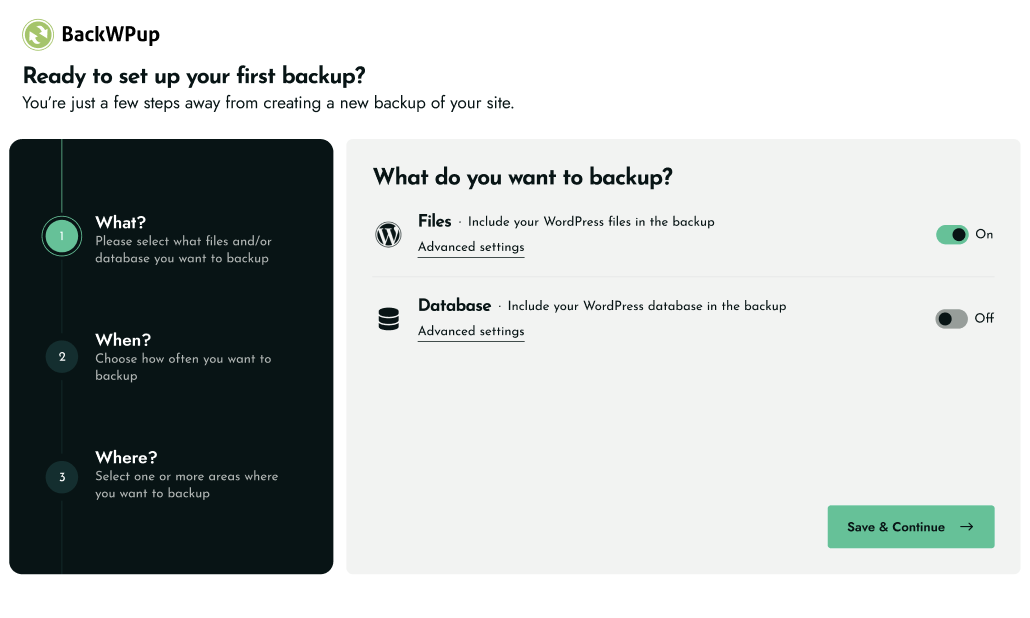
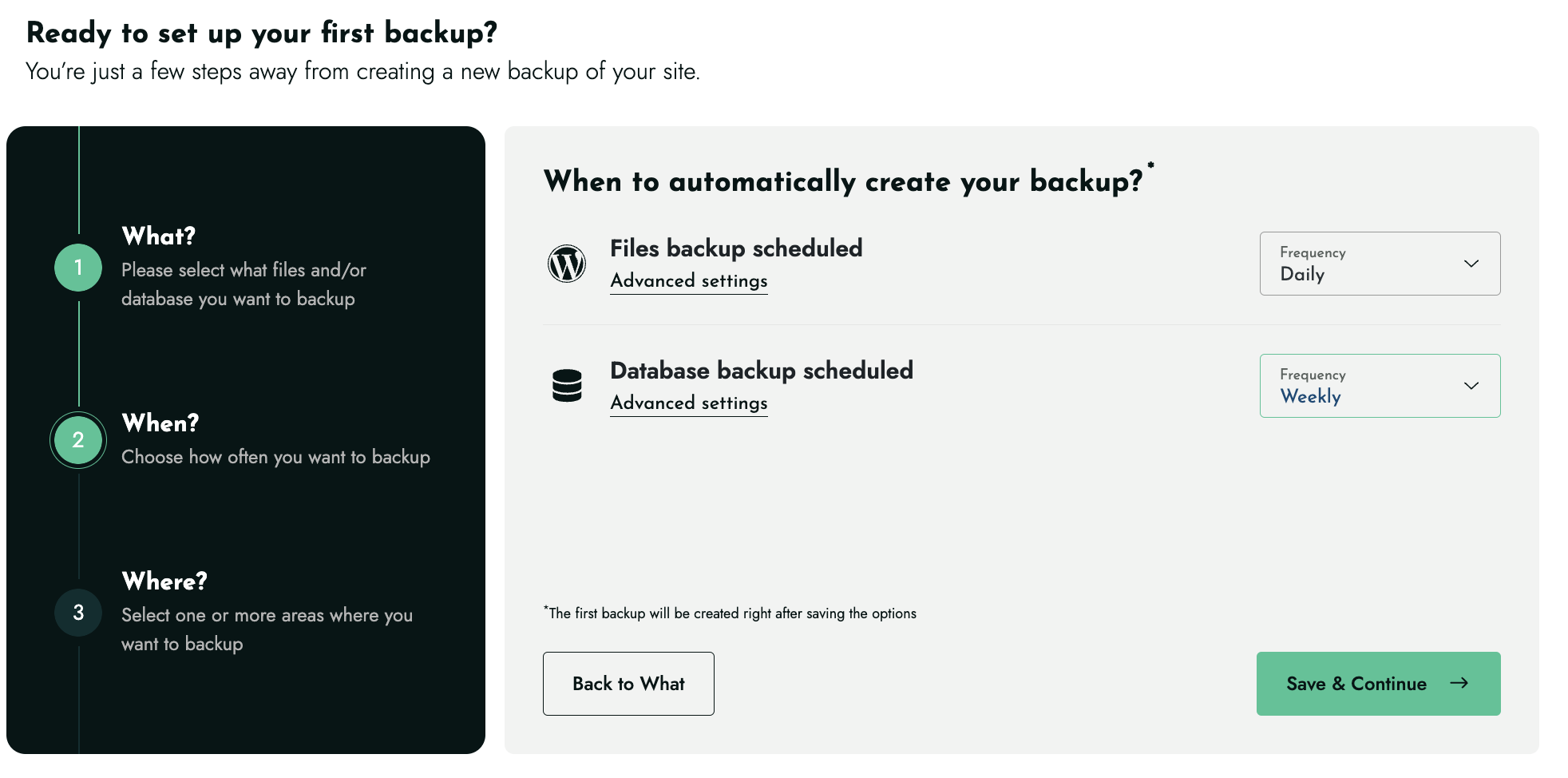
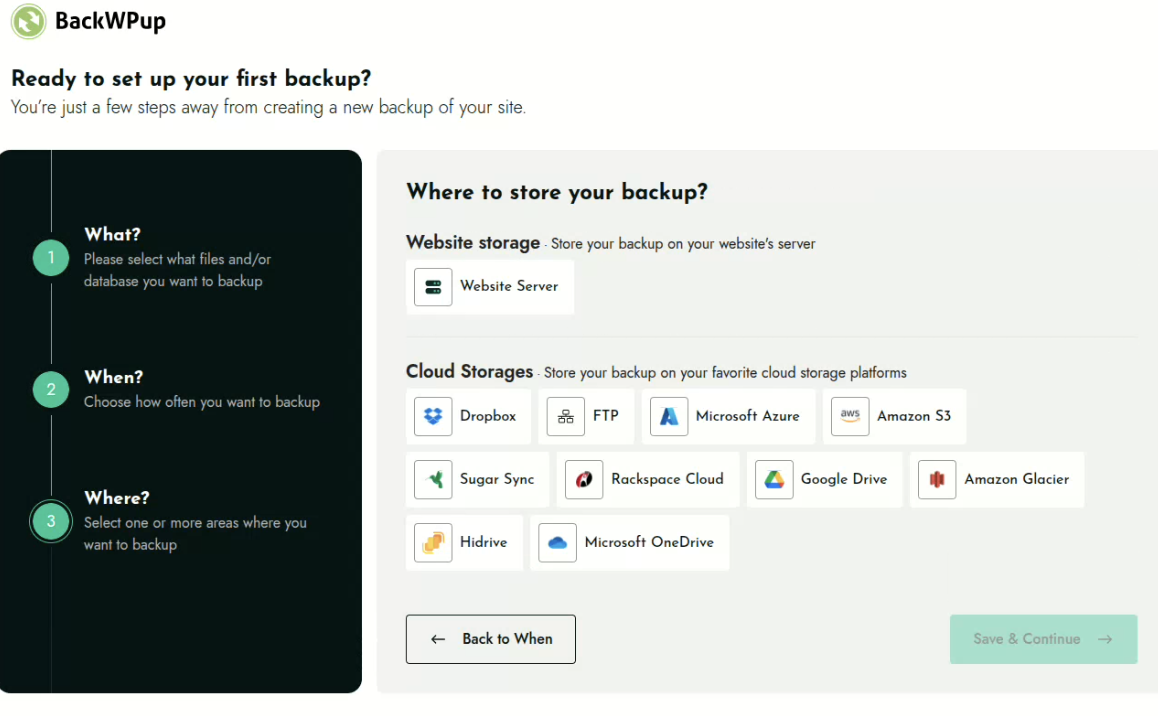
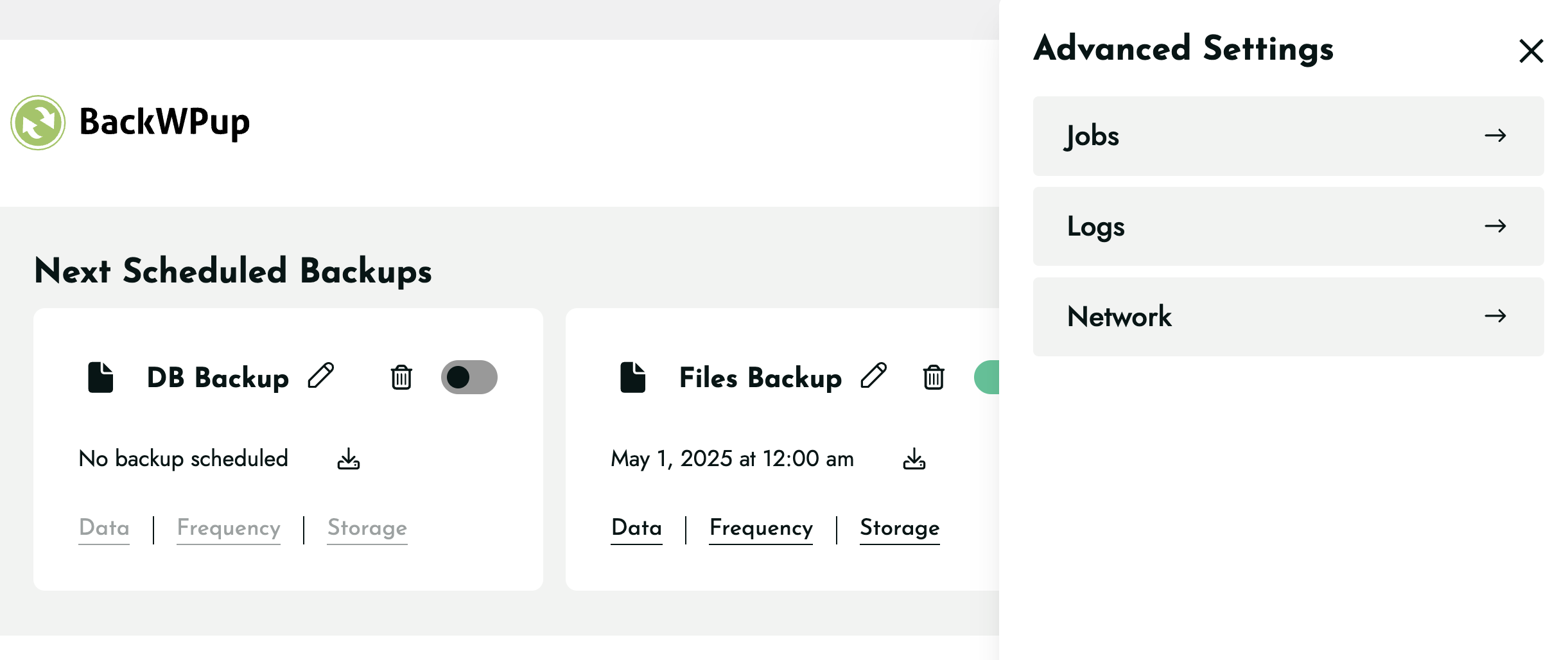
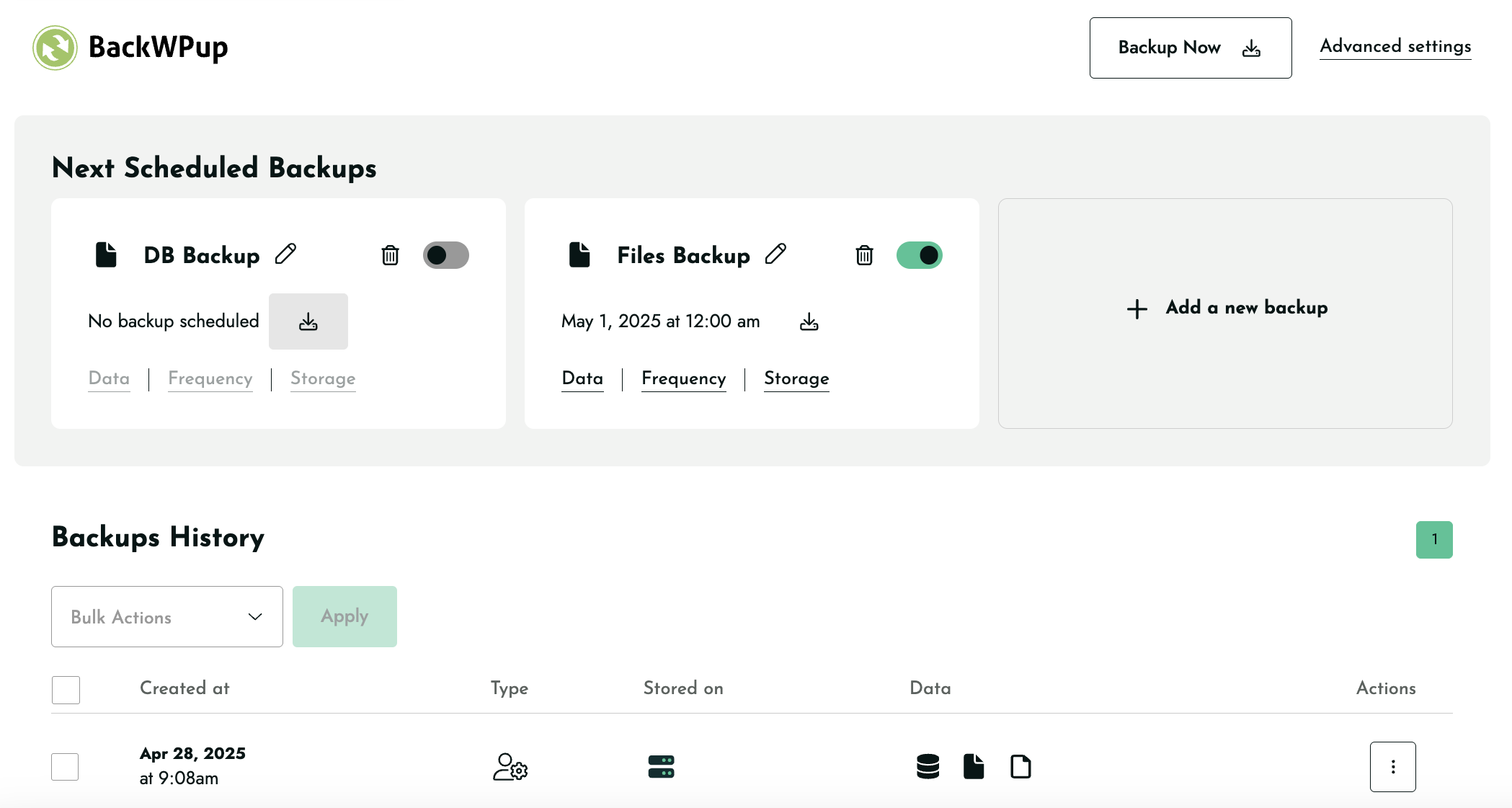
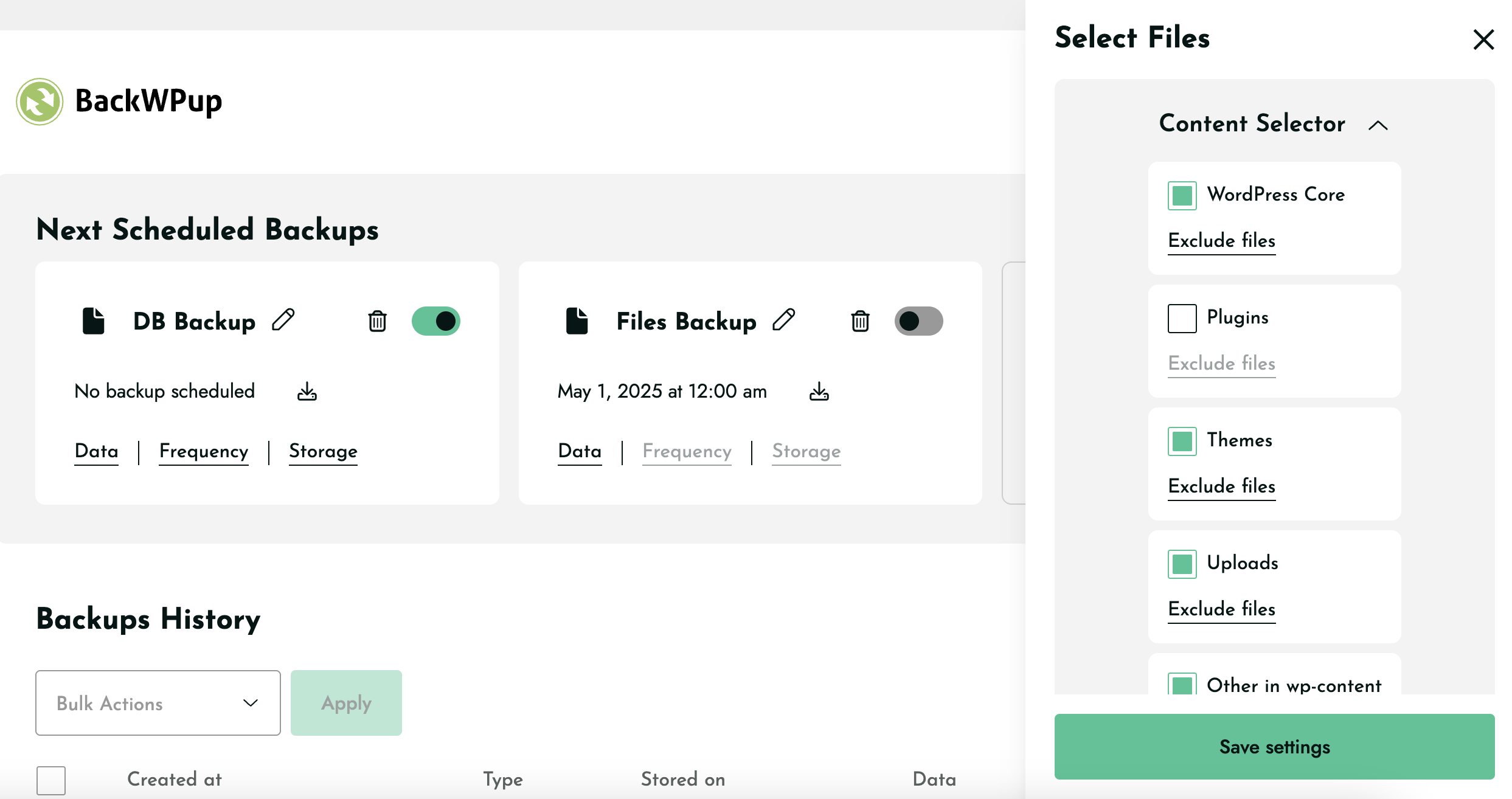
What BackWPup highlights on its WordPress.org page and its own website, split by version.
18 of 23 features we track in Backup & Migration, feature score 80/100
Automatic backups on a schedule (daily, weekly and so on).
Free jobs run hourly, daily, weekly or monthly.
Only backs up what changed since the last backup, saving time and space.
Pro sync mode uploads only changed files; database always sent in full.
Backs up changes as they happen, useful for stores with constant orders.
No real-time backups; jobs run on schedules or manually.
Database-only or files-only backups, include/exclude folders and tables.
Database-only or files-only jobs with folder and table exclusions.
Backups stored on the vendor's own cloud, no separate storage account needed.
No WP Media-run backup storage; uses your own destinations.
Encrypts backup archives or the database export.
Encrypted backups and restores are Pro features.
Send backups to Google Drive.
Google Drive is a Pro destination.
Send backups to Dropbox.
Dropbox is a free destination.
Send backups to Amazon S3.
Amazon S3 is a free destination.
Backblaze B2, Wasabi, DigitalOcean Spaces and other S3-compatible services.
Free S3 destination works with compatible storage providers.
Send backups to OneDrive.
OneDrive is a Pro destination.
Send backups to your own server over FTP or SFTP.
FTP and SFTP destinations are free.
Restore a backup from the WordPress dashboard.
Free restores uploaded backups in one click; Pro restores straight from cloud.
Restore from outside WordPress (vendor dashboard or standalone installer) if the site won't load.
Pro includes a standalone restore app usable without wp-admin.
Move or clone a site to a new host or domain.
Migration with URL and database updates is a Pro feature.
Rewrites URLs and paths in the database during migration.
Automatic URL rewriting is part of Pro migration.
Create a staging copy to test changes, then push them live.
No staging feature is offered.
Back up and restore WordPress multisite networks.
Free version supports multisite; Pro adds advanced multisite workflows.
Keep a set number of backups or delete old ones automatically.
Set how many backups to keep per destination.
Email reports when backups succeed or fail.
Job logs can be emailed after backups.
Manage backups for many sites from one dashboard.
Managed centrally through MainWP's BackWPup extension.
Run backups and restores from the command line.
WP-CLI commands are included in the free version.
Rebrand the plugin for client sites.
No white-label option in any plan.
On WordPress.org
2 sites
All Pro features: premium storage, encryption, migration, restore app; 14-day money-back.
5 sites
Same features as Starter, more domains.
20 sites
Same features, 20 domains; upgrade mid-cycle by paying the difference.
Prices are list prices from the vendor's site, checked 14 Oct 2026. Many vendors discount the first year.
Free installs from WordPress.org, the vendor's own claim, and our estimate of paid installs.
Active installations reported by WordPress.org.
Sites/users claimed on the vendor's website. source
Our estimate, see method below.
How we estimated this: WordPress.org shows 400K+ free installs, which could mean anything from 400K to 500K. The vendor says 500K+ sites, so we put the free count halfway between the middle of that range and the vendor figure, at about 480K. About 480K free installs x 8% (the usual share of free sites that also run the paid version when some key features are paid) gives 38K. Likely range: 19K to 76K. This counts sites running the paid version, including sites whose licence has lapsed. Estimates are rough and based on public figures as of 14 Oct 2026.
35,167 downloads last week, 25.4M all time
| Version | 5.7.8 |
|---|---|
| Last updated | 14 Oct 2026 (20 days ago) |
| Tested up to | WordPress 7.1.4 |
| Requires | WordPress 5.3+, PHP 7.4+ |
| Support threads (2 months) | 16 of 17 resolved |
| On WordPress.org since | 5 Jul 2009 |
| Refund policy | 14-day money-back (source, 5 Oct 2026) |
|---|
WordPress migration and backup plugin that packages a site into an archive plus standalone installer; Pro adds scheduling, cloud storage and staging.

Freemium WordPress backup, restore and migration plugin with scheduled backups to Google Drive, Dropbox, S3 and FTP, plus a Premium tier for…

Free WordPress backup, migration and staging plugin with scheduled cloud backups; Pro adds incremental backups, push-to-live staging and white label.

Paid SaaS backup service for WordPress with off-site incremental backups, real-time WooCommerce sync, staging and migration from one dashboard.

Freemium WordPress backup, restore and migration plugin from Softaculous with local, FTP and Google Drive storage free and more destinations in Pro.

Site export and import plugin by ServMask that moves a whole WordPress site in one .wpress file; paid extensions add unlimited size,…
Yes. BackWPup has a free version on WordPress.org. Paid plans start at $49/yr.
WordPress.org reports 400K+ active installations of the free version. The vendor claims 500K+ sites in total. We estimate around 38K sites run the paid version.
Yes: included. Free jobs run hourly, daily, weekly or monthly.
Yes: paid version (Starter). Pro sync mode uploads only changed files; database always sent in full.
Yes: included. Free restores uploaded backups in one click; Pro restores straight from cloud.
Yes: paid version (Starter). Migration with URL and database updates is a Pro feature.
Pro adds Google Drive, OneDrive, Glacier and HiDrive destinations, backup encryption, direct restores from the cloud, site migration and a standalone restore app. All plans share the same features.
With Pro, yes. The standalone restore app works without access to the WordPress dashboard. The free version restores backups you upload through wp-admin.
Yes, both are included in the free version according to the WordPress.org listing. Pro adds more advanced multisite workflows.
BackWPup is developed by WP Media, the company behind WP Rocket and Imagify.
Last updated 5 Oct 2026. Spotted something wrong? Suggest an edit.