

The Events Calendar
Widely used WordPress events calendar with venues, organisers and month/list/day views, plus paid tiers for recurring events, ticketing and seating.
97

Modular event listing plugin with free front-end submission, venues and organisers, and paid add-ons for calendars, tickets, registrations and Zoom.
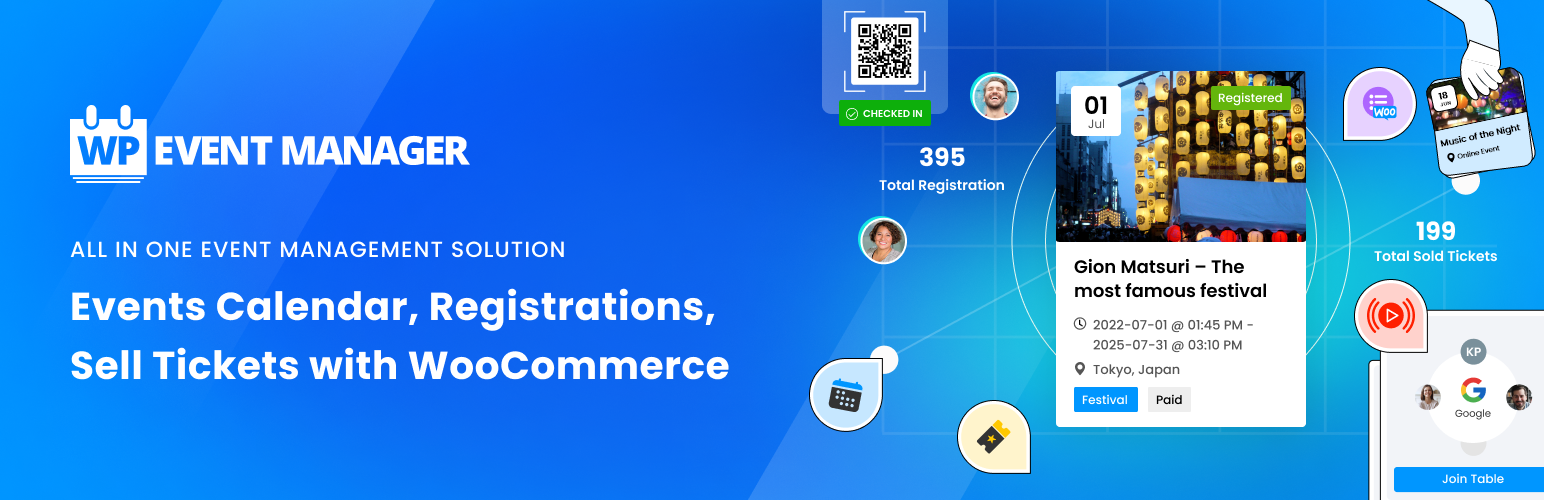
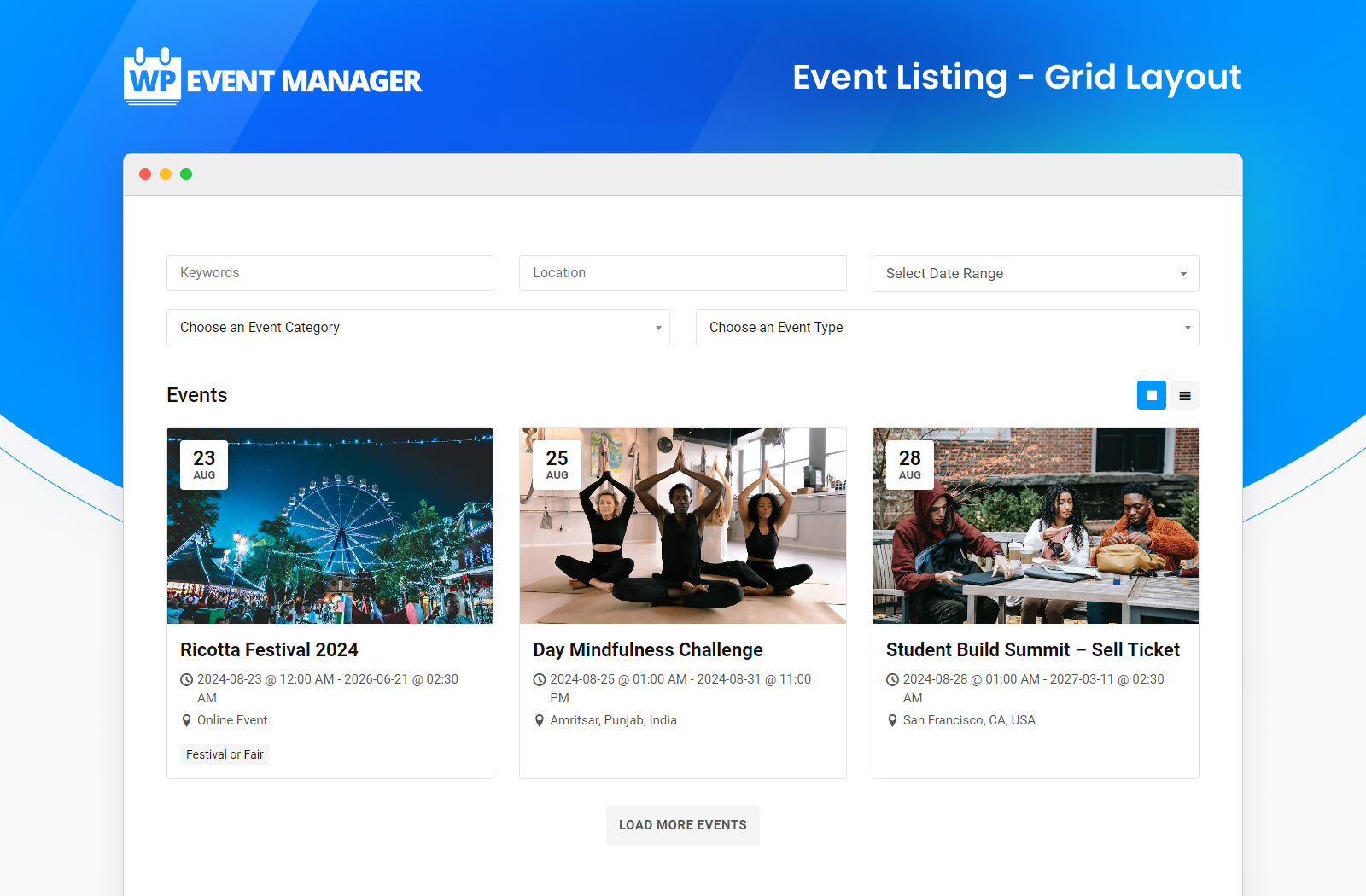
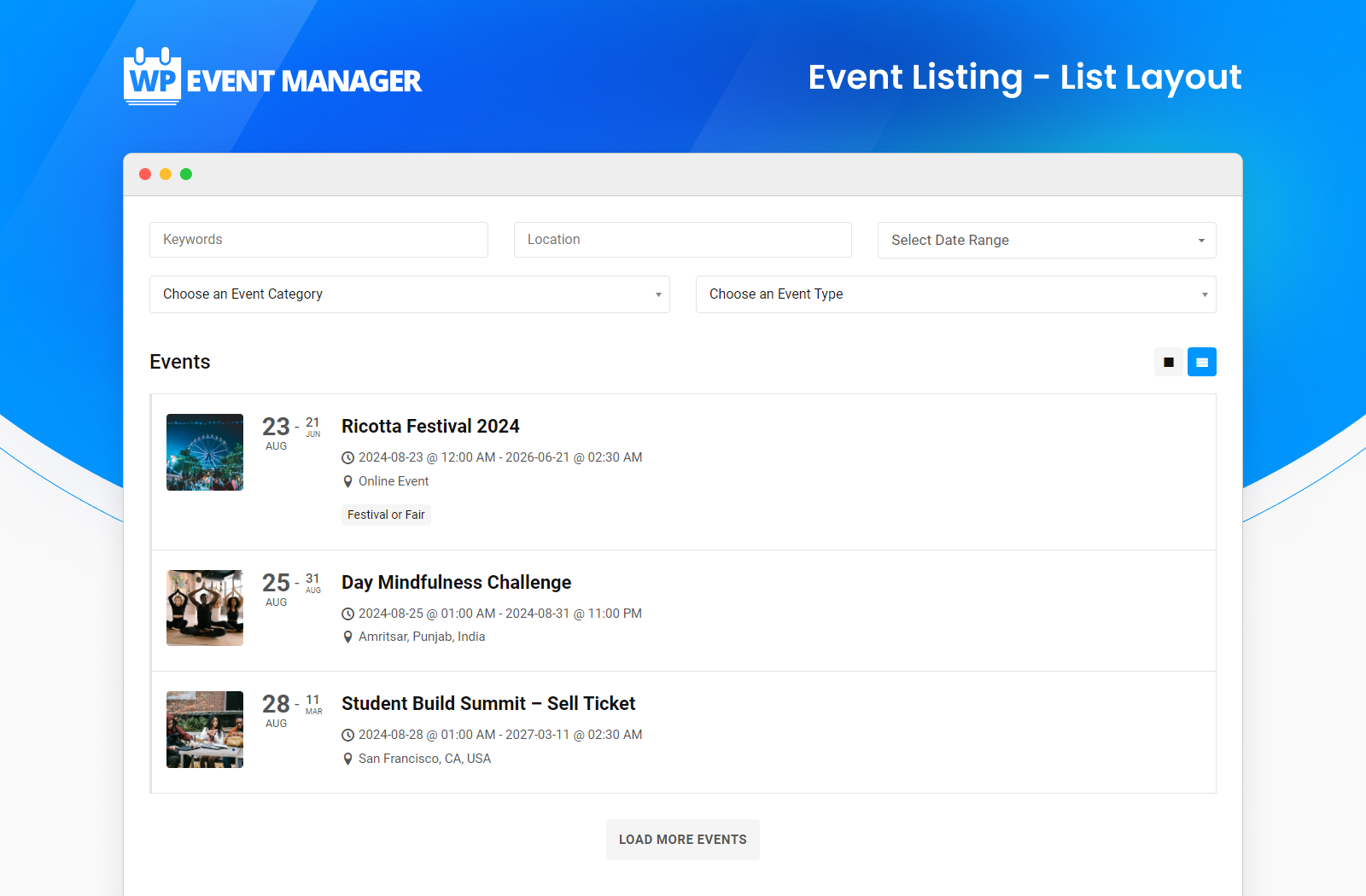
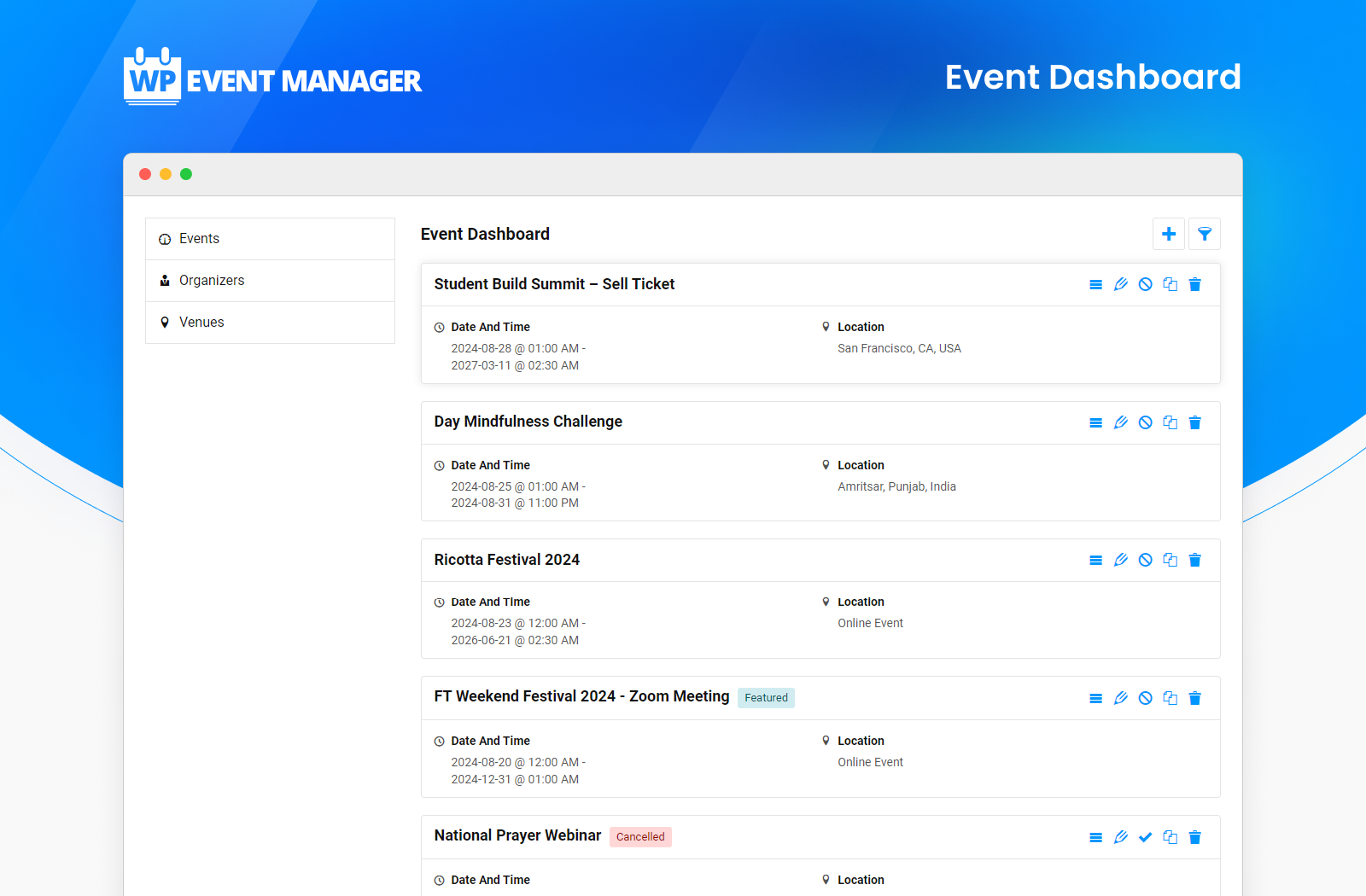
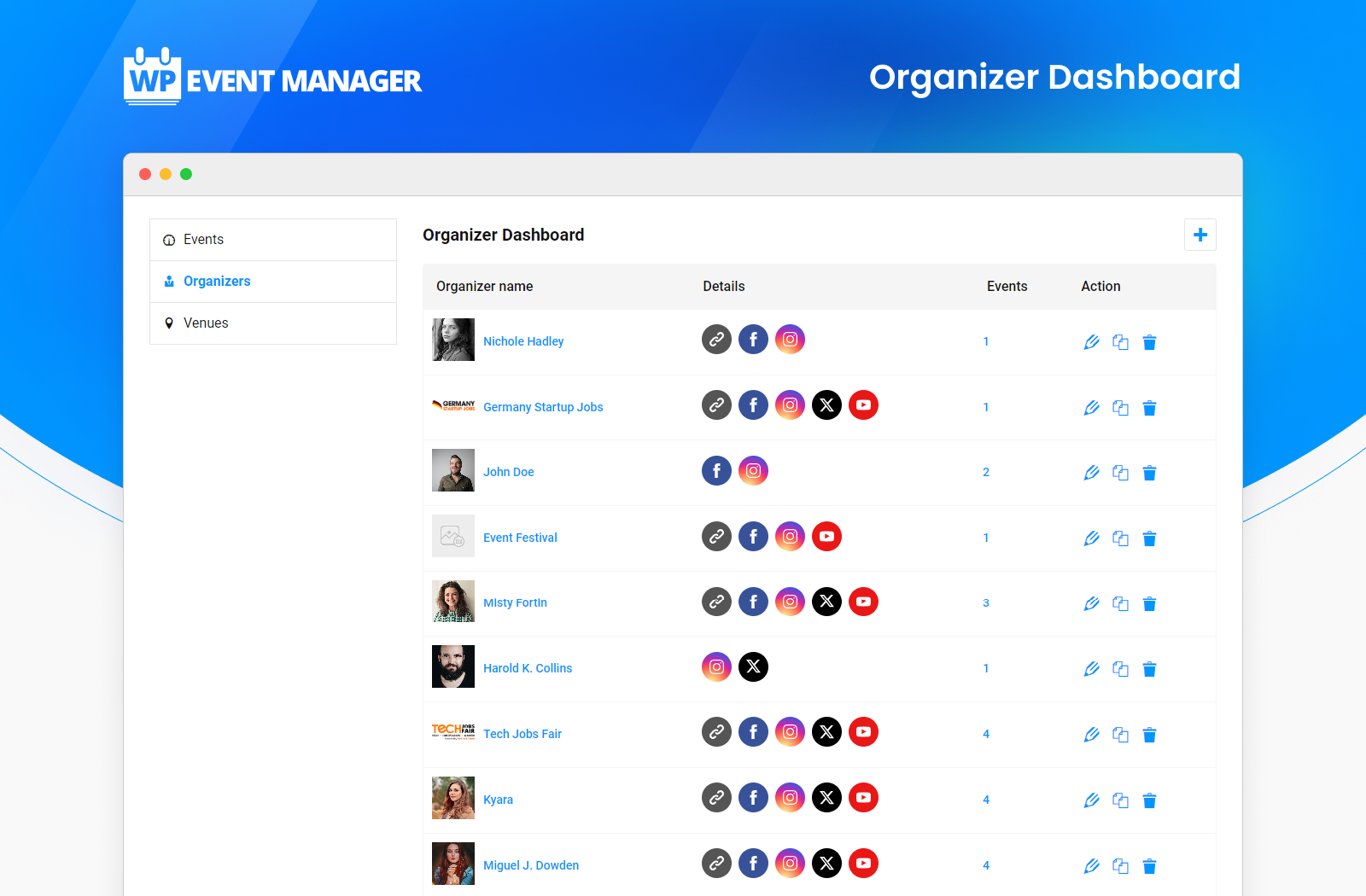
WP Event Manager is a modular event listing plugin built in the style of WP Job Manager. The free core concentrates on listings: organisers and visitors submit events through a front-end form, each organiser gets a front-end dashboard, and visitors browse events in box or list layouts with keyword, date, type and category filters. Everything beyond that is sold as separate add-ons, more than 30 of them, or in bundles.
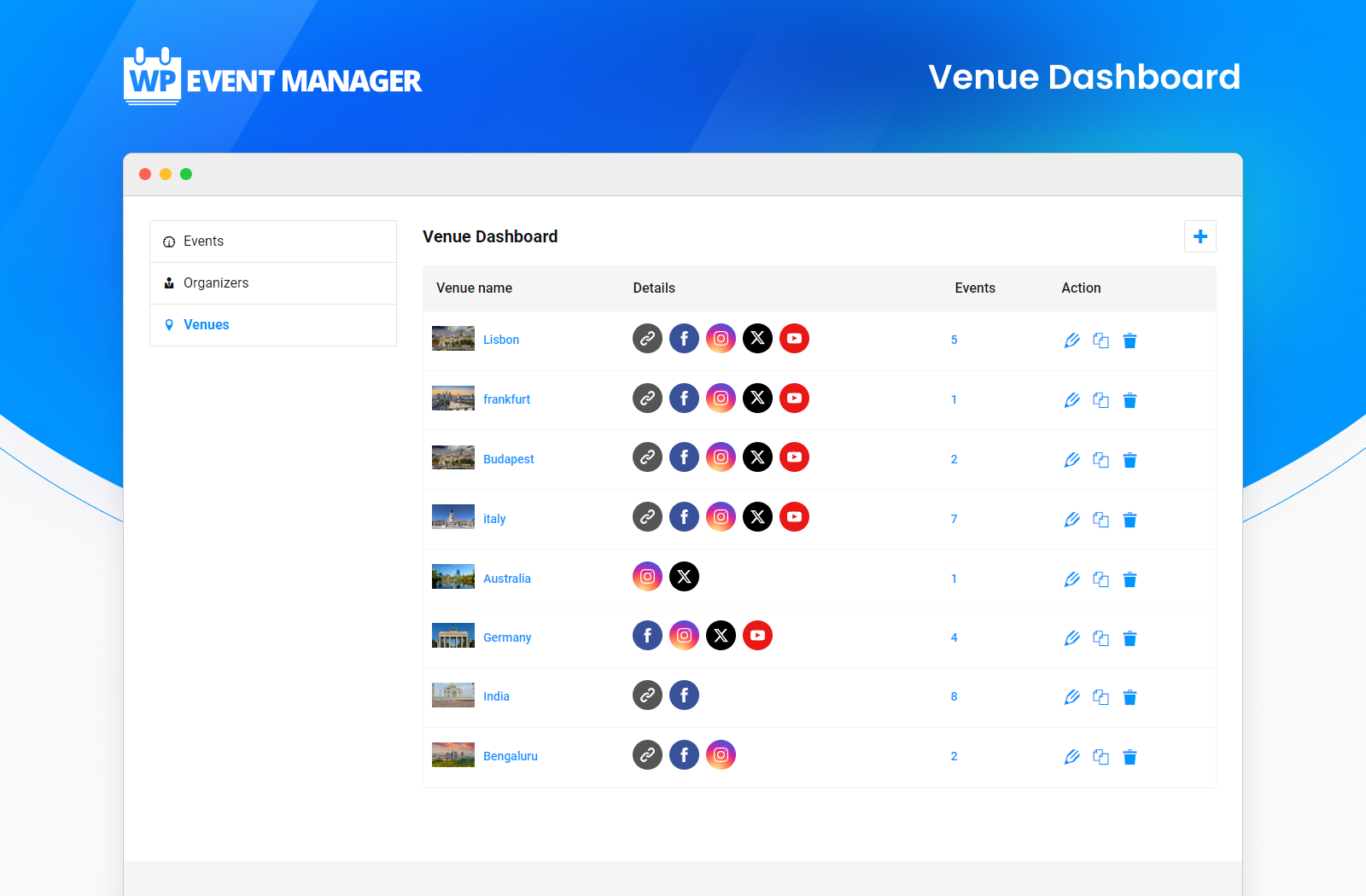
The free plugin on WordPress.org includes event types and categories, organiser and venue post types (with front-end creation since version 3.3), a field editor for the submission form, event preview before publishing, online/in-person flags, Elementor widgets and shortcodes, event structured data and RTL support. It does not register native Gutenberg blocks, but shortcodes work in the block editor.
Single add-ons start around $49/year per site. The free iOS/Android Organizer App scans QR tickets but needs the Registrations or Sell Tickets add-ons.
The model suits community calendars and event directories where many organisers post their own events, which the free core does well. The drawbacks are that basic calendar features most rivals include for free (a calendar view, recurring events, maps) are paid add-ons, the vendor states it has no refund policy, and WordPress.org reviews mention update regressions. Pick it for multi-organiser listing sites; choose an all-in-one plugin if you mainly need one organisation’s calendar.
Best for: Community event directories and listing sites where many organisers submit their own events.
WP Event Manager's free core is strong for submission-driven event directories, with front-end posting, organiser dashboards and filters. As a calendar for a single organisation it is less compelling, because calendar views, recurring events, maps and ticketing all cost extra and there is no refund policy.

What WP Event Manager highlights on its WordPress.org page and its own website, split by version.
20 of 20 features we track in Events & Calendars, feature score 89/100
Daily, weekly, monthly or custom repeating events.
Paid Recurring Events add-on, included in every bundle.
Reusable venue and organiser profiles.
Organiser and venue post types, with front-end creation since 3.3.
Online events with Zoom, Meet or streaming links.
Core flags online events; Zoom add-on (Virtual Pro bundle) creates meetings.
Organise events by type, topic or audience.
Event types and categories in the free core.
Visitors or organisers submit events from the front end.
Free front-end submission form with field editor and organiser dashboard.
Import from iCal, Google Calendar, Eventbrite, Facebook or CSV.
Migration add-on imports CSV, XML or XLSX and events from other event plugins.
Month, week, day, list and other views.
Free core has box/list layouts; Calendar add-on adds calendar views.
Venue maps with Google Maps or OpenStreetMap.
Google Maps and OpenStreetMap add-ons, both in all bundles.
Filter events by date, category, venue or keyword.
Free search with keyword, date range, type and category filters.
Blocks or Elementor widgets for calendars and events.
Elementor widgets for listings, venues and organisers; no native Gutenberg blocks.
Adds event structured data for Google results.
Core outputs schema.org event structured data on event pages.
Sell tickets online for events.
Sell Tickets add-on for paid, free and donation tickets (needs Registrations).
Collect RSVPs for free events.
Registrations add-on collects sign-ups for free events with custom forms.
Sell tickets through WooCommerce checkout.
Sell Tickets add-on processes ticket payments through WooCommerce.
Assigned seating or seat maps.
WP Seats add-on, included only in the All Events Manager Pro bundle.
Scan tickets at the door, with an app or browser.
Free Organizer App scans QR tickets; needs Registrations or Sell Tickets.
Manage and export attendee information.
Registrations, Attendee Information and Guest List add-ons manage attendees.
Visitors save events to Google Calendar, Outlook or Apple Calendar.
iCal add-on adds an iCal download button to event pages.
Automatic emails to attendees.
Ticket and registration emails via add-ons; Emails add-on in top bundle.
Zapier, email marketing or CRM integrations.
Zapier, Mailchimp, HubSpot, Brevo and other CRM add-ons in the top bundle.
On WordPress.org
Unlimited
Core listings plugin with front-end submission, venues, organisers and search.
1 site
20+ add-ons incl. Calendar, Recurring Events, iCal, Maps, Migration. 3 sites $199, unlimited $499. Struck-through 'regular' price is the add-on total.
1 site
Adds Sell Tickets, Registrations, Attendee Information, Name Badges. 3 sites $299, unlimited $599.
1 site
Adds Zoom, Speaker and Schedule, Expo Networking. Unlimited sites $699.
1 site
All add-ons incl. WP Seats, Emails, Zapier, Mailchimp, HubSpot. Unlimited sites $799. Single add-ons from $49/year.
Prices are list prices from the vendor's site, checked 14 Oct 2026. Many vendors discount the first year.
Free installs from WordPress.org, the vendor's own claim, and our estimate of paid installs.
Active installations reported by WordPress.org.
Sites/users claimed on the vendor's website. source
Our estimate, see method below.
How we estimated this: WordPress.org shows 20K+ free installs, which could mean anything from 20K to 30K. The vendor says 30K+ sites, so we put the free count halfway between the middle of that range and the vendor figure, at about 28K. About 28K free installs x 12% (the usual share of free sites that also run the paid version when some key features are paid, and store owners upgrade more often) gives 3.3K. Likely range: 1.7K to 6.6K. This counts sites running the paid version, including sites whose licence has lapsed. Estimates are rough and based on public figures as of 14 Oct 2026.
9,227 downloads last week, 1M all time
| Version | 3.4.2 |
|---|---|
| Last updated | 30 Oct 2026 (4 days ago) |
| Tested up to | WordPress 7.1.4 |
| Requires | WordPress 6.5+, PHP 7.6+ |
| Support threads (2 months) | 3 of 4 resolved |
| On WordPress.org since | 4 Mar 2017 |
| Founded | 2017 (source, 11 Oct 2026) Approximate: homepage claims '9 Years+ of Excellence'. |
|---|---|
| Refund policy | No refunds (source, 11 Oct 2026) Pricing FAQ says there is no refund policy; a free demo site is offered instead. |
Widely used WordPress events calendar with venues, organisers and month/list/day views, plus paid tiers for recurring events, ticketing and seating.

Feature-dense events calendar from Webnus with dozens of layouts, a free Lite edition and a Pro version for bookings, tickets and integrations.

Event management and ticketing plugin from Themewinter with WooCommerce tickets, Zoom, speakers and schedules free, plus Pro seat maps and QR check-in.

Stylish events calendar sold as a $60 one-time licence with a free Lite edition, extended through paid add-ons for tickets, RSVP, seats…

Free events and bookings plugin with recurring events, locations, front-end submissions and BuddyPress support; Pro adds payments, PDF tickets and check-in.

Lightweight event calendar from Awesome Motive with Stripe ticketing in the free Lite version and paid plans for recurring events, venues and…
Yes. WP Event Manager has a free version on WordPress.org. Paid plans start at $99/yr.
WordPress.org reports 20K+ active installations of the free version. The vendor claims 30K+ sites in total. We estimate around 3.3K sites run the paid version.
Yes: via add-on. Paid Recurring Events add-on, included in every bundle.
Yes: included. Organiser and venue post types, with front-end creation since 3.3.
Yes: via add-on. Free core has box/list layouts; Calendar add-on adds calendar views.
Yes: included. Core outputs schema.org event structured data on event pages.
Yes: via add-on. Sell Tickets add-on for paid, free and donation tickets (needs Registrations).
Yes: via add-on. Free Organizer App scans QR tickets; needs Registrations or Sell Tickets.
Yes: via add-on. iCal add-on adds an iCal download button to event pages.
No. The free core shows events in box and list layouts. Monthly calendar views come from the Calendar add-on (about $49/year) or any bundle.
Use the Sell Tickets add-on, which needs the Registrations add-on and sells paid, free or donation tickets through WooCommerce. Both are in the Event Manager Pro bundle ($199/year for 1 site).
Yes, that is the core plugin's main strength: a free front-end submission form with a field editor, plus a front-end dashboard where organisers manage their events.
The pricing FAQ says there is no refund policy. The vendor offers a free demo site so you can test add-ons before buying.
Last updated 11 Oct 2026. Spotted something wrong? Suggest an edit.