
Wordfence Security
Endpoint firewall, malware scanner and login security plugin for WordPress, with paid tiers for real-time threat data and hands-on incident response.
80

Automattic's lightweight security plugin with free daily vulnerability scans and brute-force protection, upgradable to Jetpack Scan malware scanning and WAF.
Jetpack Protect is a standalone security plugin from Automattic. It does not need the main Jetpack plugin, but it does connect your site to WordPress.com, because scanning and threat data are handled on Jetpack’s cloud infrastructure rather than on your server.
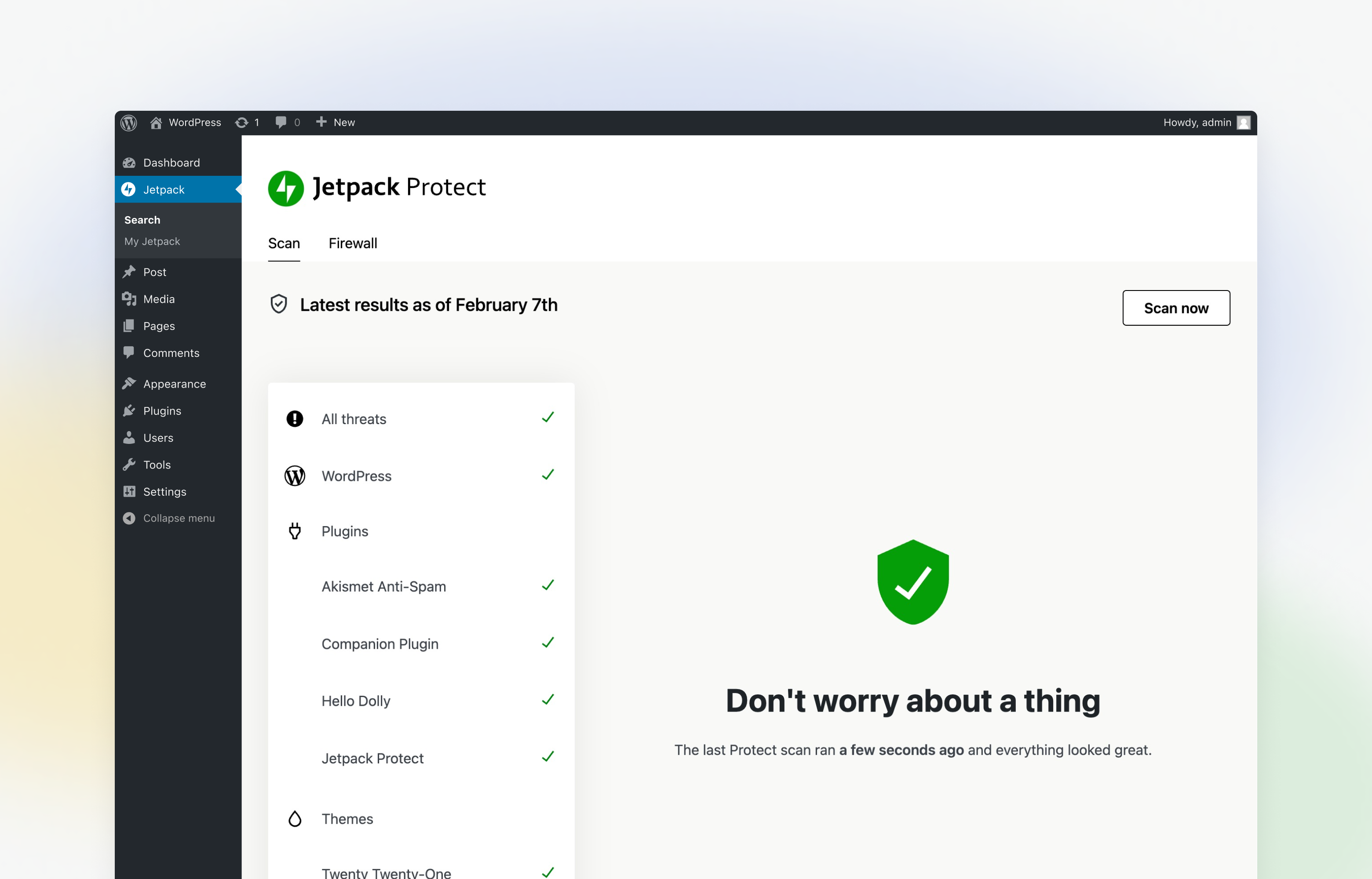
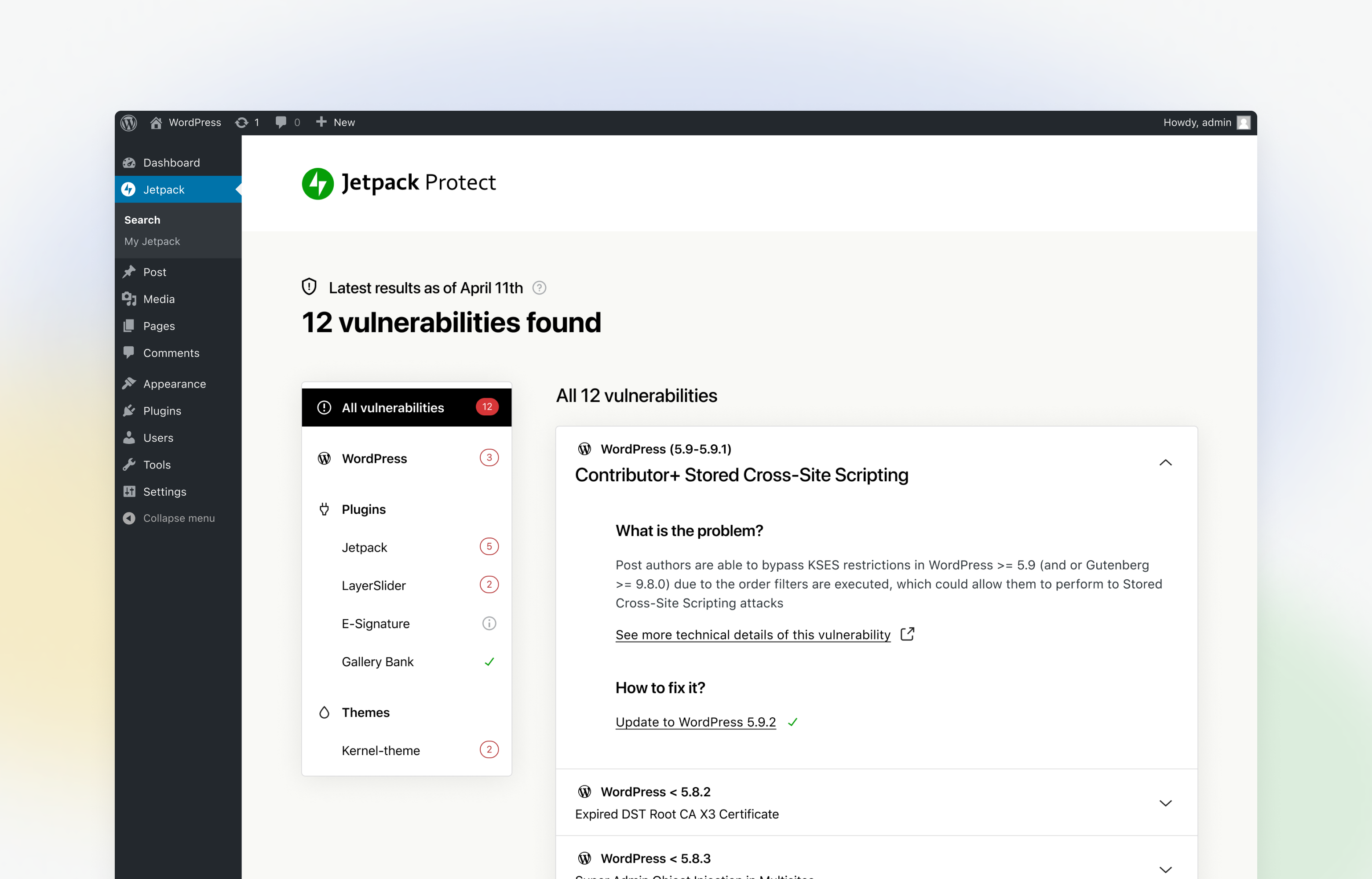
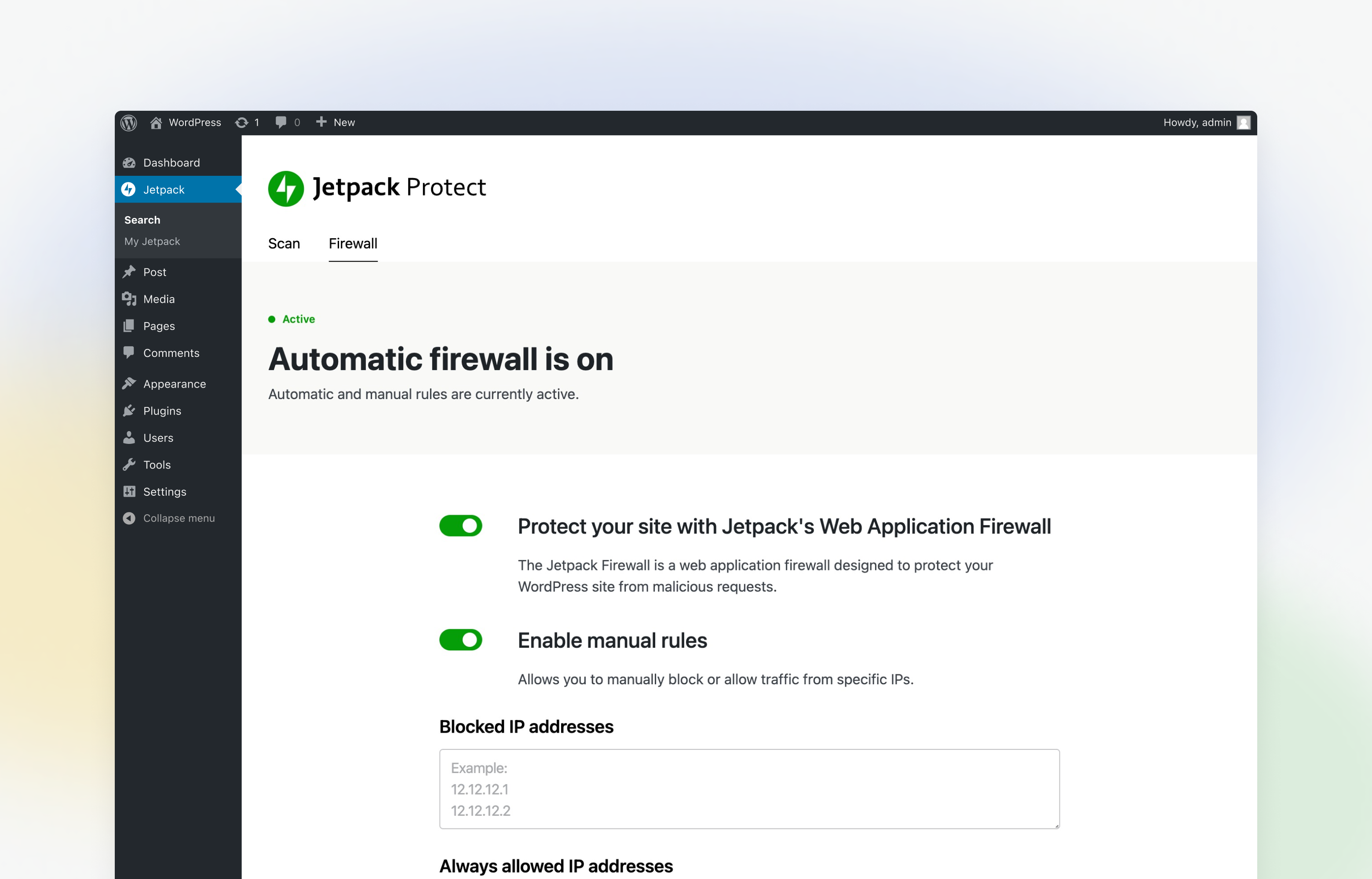
Free sites get a daily automated scan of WordPress core, plugins and themes against the WPScan vulnerability database, with results and recommended actions shown in a Protect dashboard. Brute-force protection blocks login attempts from botnets and IPs that have attacked other sites in the Jetpack network, with a math CAPTCHA as a fallback for legitimate users who are blocked. The firewall screen lets you add manual rules to block or allow specific IP addresses and ranges, and an Activity Log page was added to wp-admin in 2026.
These come with Jetpack Scan, which renews at $9.95 a month billed yearly, or the Jetpack Security bundle at $19.95 a month billed yearly, which adds real-time VaultPress backups, Akismet and a 30-day activity log. First-year prices are discounted.
Protect has almost no login-hardening controls: no two-factor authentication, passkeys, password rules, login URL change or session tools, and no HTTP security headers or SSL features. There is no country blocking or rate limiting, and scanning does not work for local or non-public sites. Jetpack Scan is also not available for multisite networks.
It is a good low-maintenance choice for site owners already in the Jetpack ecosystem, or anyone who wants off-server vulnerability and malware scanning without tuning settings. Sites that need detailed login security or hardening should add another plugin or choose a fuller suite.
Best for: Site owners in the Jetpack ecosystem who want hands-off cloud vulnerability and malware scanning rather than detailed security settings.
Jetpack Protect does a few things well with almost no setup: daily vulnerability checks, brute-force blocking and, with Jetpack Scan, cloud malware scanning and auto-updating firewall rules. It lacks the login and hardening controls of fuller suites, so treat it as a scanning layer rather than a complete solution.
What Jetpack Protect highlights on its WordPress.org page and its own website, split by version.
13 of 26 features we track in Security Plugins, feature score 51/100
Filters malicious requests (SQL injection, XSS and similar) before they reach WordPress.
Free allows manual IP rules only; automatic WAF rules need Jetpack Scan.
Firewall runs on the vendor's network in front of your server, not inside WordPress.
WAF runs on your server (optionally before WordPress loads).
Limits failed logins and locks out attackers guessing passwords.
Blocks botnet and repeated login attempts by default.
CAPTCHA or Turnstile on login, registration and password reset forms.
Math CAPTCHA appears only as a fallback when an IP is blocked.
Throttles or blocks aggressive crawlers and bad bots.
No crawler or bot throttling controls.
Block or allow traffic by country.
No country or geo blocking.
Blocks IPs known for attacks using shared threat intelligence.
Brute-force protection uses Jetpack network data at login; site-wide lists are manual.
Scans files and database for malware, backdoors and injected code.
Daily malware scanning with Jetpack Scan.
Compares core, plugin and theme files with originals and flags changes.
Core file comparison not documented on pages checked.
Warns when installed plugins, themes or core have known vulnerabilities.
Daily scans of core, plugins and themes against WPScan data.
Runs scans automatically on a schedule.
Automatic daily scans; manual scans can also be triggered.
Scans run on the vendor's servers so they don't slow your site.
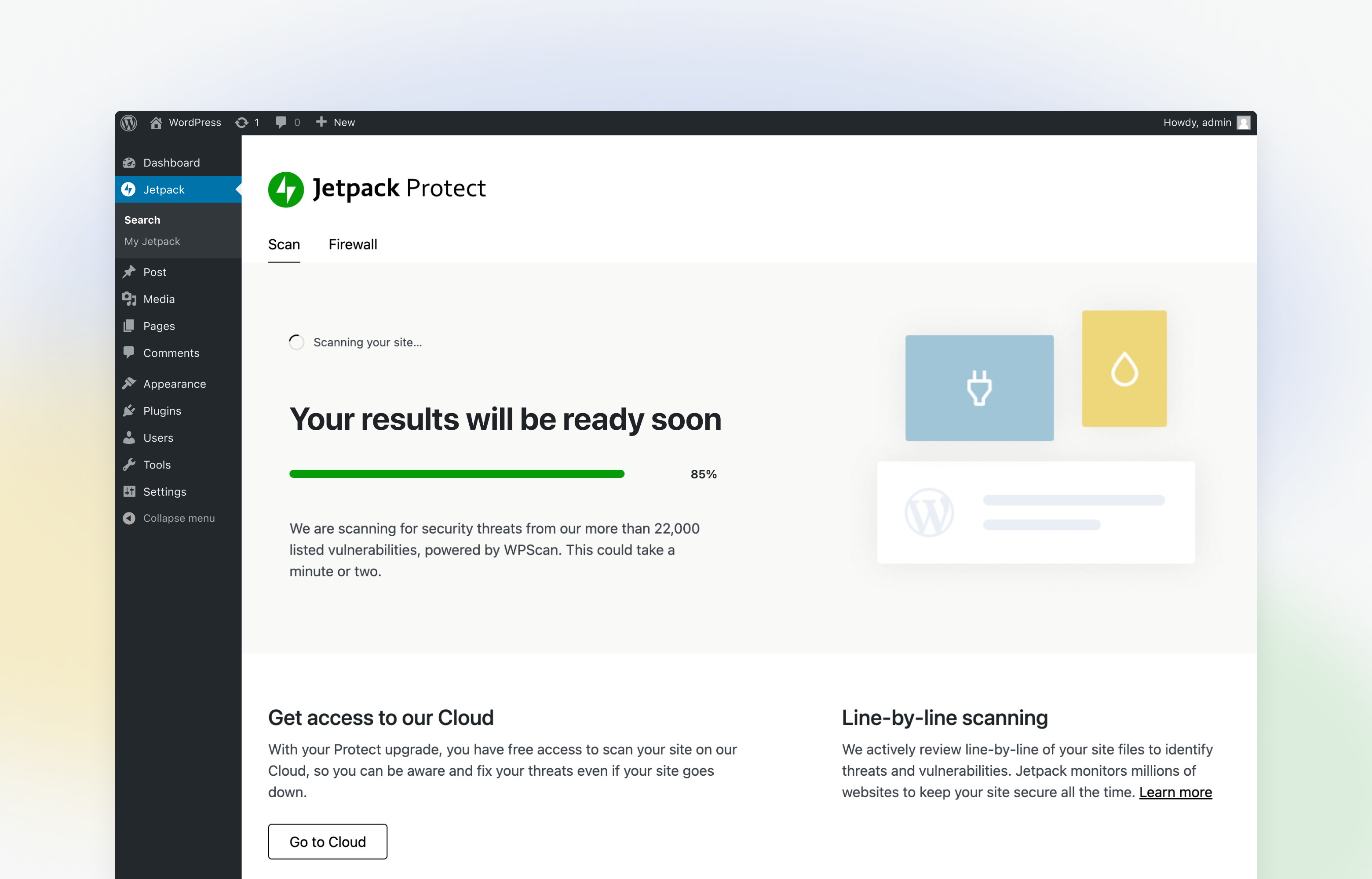
Scans run on Jetpack's cloud infrastructure.
One-click or expert cleanup of infected sites.
Automated one-click fixes for most detected threats; no human cleanup.
Second login factor via authenticator app, email or similar.
No 2FA in the plugin.
Passwordless login with passkeys or hardware security keys.
No passkey support.
Enforce strong passwords, expiry or breached-password checks.
No password rules.
Move or hide the wp-login.php / wp-admin login page.
Cannot change the login URL.
View and end active user sessions, limit concurrent logins.
No session tools.
Disable XML-RPC, file editing, user enumeration and similar weak points.
No hardening toggles such as disabling XML-RPC or file editing.
Enforce HTTPS, fix mixed content and redirects.
No HTTPS tools.
Set HSTS, CSP, X-Frame-Options and other HTTP security headers.
No security header settings.
Firewall rules that block exploits for known plugin vulnerabilities before an update is available.
Automatic firewall rules block known threats as they are found.
Automatically updates plugins with known vulnerabilities.
Recommends updates but does not auto-update vulnerable plugins.
Records logins, changes and admin actions for auditing.
Activity Log page added in v6.1; full 30-day history is in Jetpack Security.
Email or app alerts for attacks, lockouts and scan results.
Instant email notifications when threats are found.
Manage security for many sites from one dashboard.
Agencies can track sites and security alerts in the Automattic for Agencies dashboard.
On WordPress.org
1 site
Listed as $9.95/month billed yearly; first year 50% off ($4.95/month). Malware scans, one-click fixes, automatic WAF rules.
1 site
Listed as $19.95/month billed yearly; first year $9.95/month. Adds VaultPress Backup, Akismet and 30-day activity log.
Prices are list prices from the vendor's site, checked 14 Oct 2026. Many vendors discount the first year.
Free installs from WordPress.org, the vendor's own claim, and our estimate of paid installs.
Active installations reported by WordPress.org.
The vendor does not publish a total.
Our estimate, see method below.
How we estimated this: About 150K free installs x 12% (the usual share of free sites that also run the paid version when a hosted service whose free tier is limited) gives 18K. Likely range: 9K to 36K. This counts sites running the paid version, including sites whose licence has lapsed. Estimates are rough and based on public figures as of 14 Oct 2026.
4,188 downloads last week, 2.7M all time
| Version | 6.1.0 |
|---|---|
| Last updated | 12 Aug 2026 (83 days ago) |
| Tested up to | WordPress 7.0.8 |
| Requires | WordPress 6.9+, PHP 7.2+ |
| Support threads (2 months) | 3 of 4 resolved |
| On WordPress.org since | 31 May 2022 |
 All-In-One Security (AIOS)/Jetpack Protect
 Jetpack Protect/Patchstack
 Jetpack Protect/WP Cerber Security
 Jetpack Protect/Limit Login Attempts Reloaded
 Jetpack Protect/MalCare Security
 Jetpack Protect/Shield Security
 Defender Security/Jetpack ProtectJetpack Protect/Wordfence Security
 Jetpack Protect/Kadence Security (formerly Solid Security)
 Jetpack Protect/Sucuri Security
 Jetpack Protect/Really Simple Security
Endpoint firewall, malware scanner and login security plugin for WordPress, with paid tiers for real-time threat data and hands-on incident response.
Free auditing, file integrity and remote scanning plugin from Sucuri that connects to its paid cloud firewall and malware cleanup platform.
WPMU DEV's WordPress security plugin with malware scanning, AntiBot firewall, 2FA with passkeys, hardening and audit logs; Pro adds scheduled scans.
Automated WordPress security plugin with firewall, silentCAPTCHA bot detection, 2FA and audit log; ShieldPRO adds malware and vulnerability scanning.
Cloud-scanning WordPress security plugin with a plugin-level firewall, login protection and paid one-click malware cleanup, for site owners and agencies.
Login-focused WordPress security plugin (formerly Solid Security / iThemes Security) with 2FA, brute-force protection and Patchstack virtual patching in Pro.
Yes. Jetpack Protect has a free version on WordPress.org. Paid plans start at $119.40/yr.
WordPress.org reports 100K+ active installations of the free version. We estimate around 18K sites run the paid version.
Yes: paid version (Jetpack Scan). Free allows manual IP rules only; automatic WAF rules need Jetpack Scan.
Yes: included. Blocks botnet and repeated login attempts by default.
Yes: paid version (Jetpack Scan). Daily malware scanning with Jetpack Scan.
Yes: included. Daily scans of core, plugins and themes against WPScan data.
No: not included. No 2FA in the plugin.
Yes: partial. Activity Log page added in v6.1; full 30-day history is in Jetpack Security.
No. Protect runs on its own, though it connects the site to a WordPress.com account so that scans can run on Jetpack's servers.
Protect is the free plugin with vulnerability scans, brute-force protection and manual firewall rules. Jetpack Scan is the paid upgrade that adds malware scanning, one-click fixes, automatic firewall rules and email alerts.
No. Protect has no 2FA or passkey features; you would need another plugin or WordPress.com account-level 2FA for logins handled through Jetpack.
Scanning requires a publicly accessible site, so local development sites are not supported.
Last updated 5 Oct 2026. Spotted something wrong? Suggest an edit.