
Wordfence Security
Endpoint firewall, malware scanner and login security plugin for WordPress, with paid tiers for real-time threat data and hands-on incident response.
80

Cloud-scanning WordPress security plugin with a plugin-level firewall, login protection and paid one-click malware cleanup, for site owners and agencies.
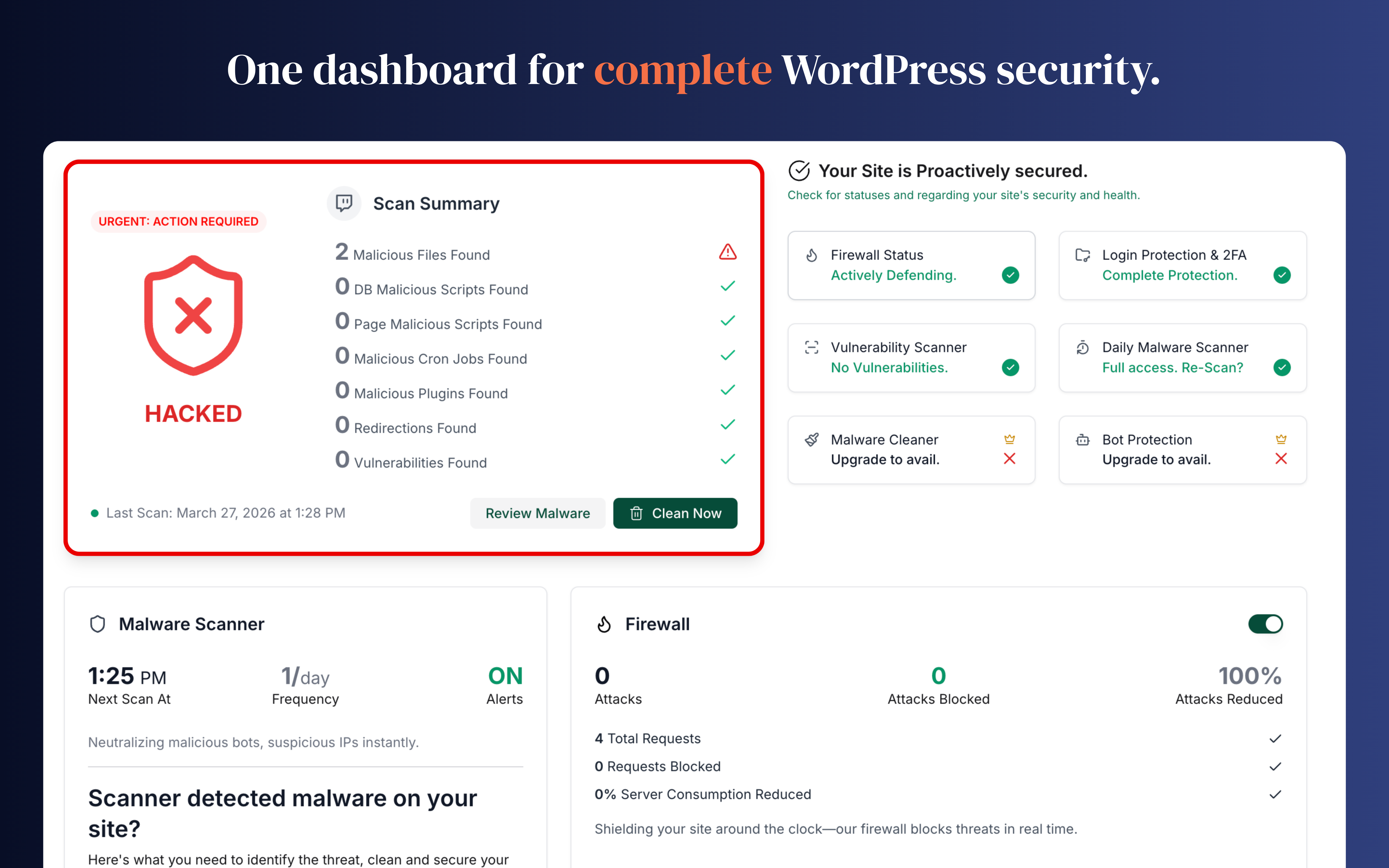
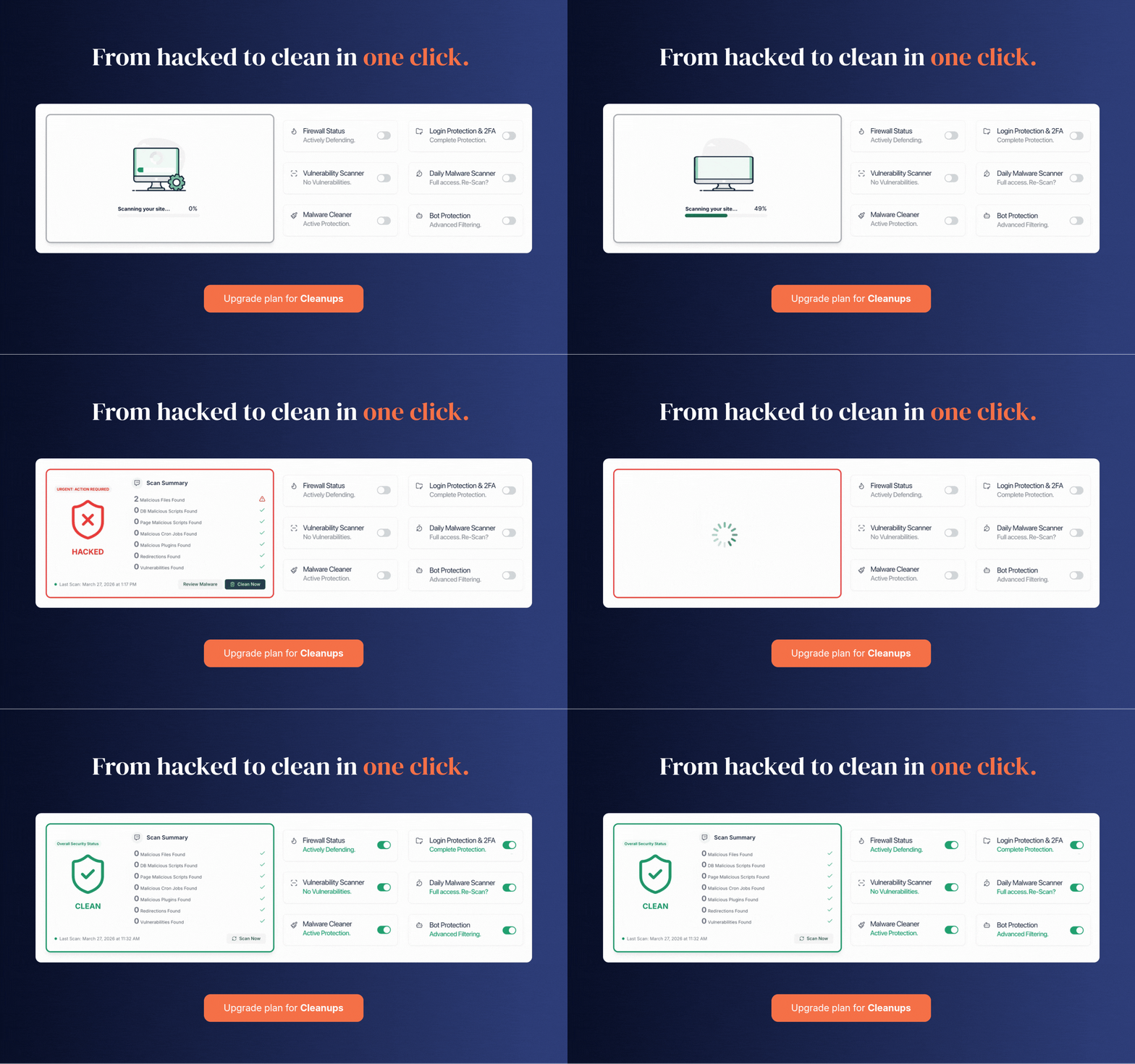
MalCare is a WordPress security service built by the team behind BlogVault. The plugin connects your site to MalCare’s web dashboard, and the heavy work of malware scanning happens on MalCare’s own servers rather than on your hosting, so scans do not add load to the site. A firewall runs inside the plugin and inspects every request before WordPress handles it.
The free plan covers cloud malware scanning, the firewall with basic rules, CAPTCHA-based login protection, vulnerability alerts, SSL monitoring and email two-factor authentication for a small number of admins. MalCare’s pricing page lists free scans as weekly, while the WordPress.org readme still describes a daily cadence, so expect the pricing page to be the current rule. Free sites also receive new firewall and virtual-patch rules on a delay.
Paid plans also unlock hardening actions such as blocking PHP execution in upload folders, disabling the file editor, blocking plugin and theme installs, rotating security keys and forcing password resets. Agencies get white labelling and client reports.
The main appeal is that scanning has essentially no performance cost and that cleanup is built into the product instead of being a separate service. The firewall needs no setup and sits inside the site, so it cannot be bypassed by hitting the server IP directly. On the other hand, MalCare offers little for login hardening: there is no login URL changer, password policy, passkey support or session manager, and it does not set HTTP security headers. Malware removal starts at the Repair tier, which costs considerably more than most competitors’ entry plans.
MalCare suits owners who want hands-off scanning and a reliable way to clean up a hacked site, and agencies that already manage client sites from a central dashboard.
Best for: Site owners who want zero-load cloud scanning and built-in malware cleanup, and agencies managing many client sites.
MalCare is a strong pick if your main concern is detecting and cleaning malware without slowing the site, and its firewall needs no tuning. It is thin on login-hardening tools and the plans that include cleanup are expensive, so pair it with a lightweight login plugin if you need 2FA policies or a hidden login URL.
What MalCare Security highlights on its WordPress.org page and its own website, split by version.
20 of 26 features we track in Security Plugins, feature score 80/100
Filters malicious requests (SQL injection, XSS and similar) before they reach WordPress.
Plugin-level firewall blocks SQLi, XSS and other OWASP classes; advanced rule set on Protect and up.
Firewall runs on the vendor's network in front of your server, not inside WordPress.
Firewall runs inside the WordPress site, not as a proxy on MalCare's network.
Limits failed logins and locks out attackers guessing passwords.
Login protection with rate limiting of failed logins on every plan, including XML-RPC.
CAPTCHA or Turnstile on login, registration and password reset forms.
CAPTCHA challenge on the login page is part of the free login protection.
Throttles or blocks aggressive crawlers and bad bots.
Bot protection that blocks malicious crawlers is listed from the Protect plan.
Block or allow traffic by country.
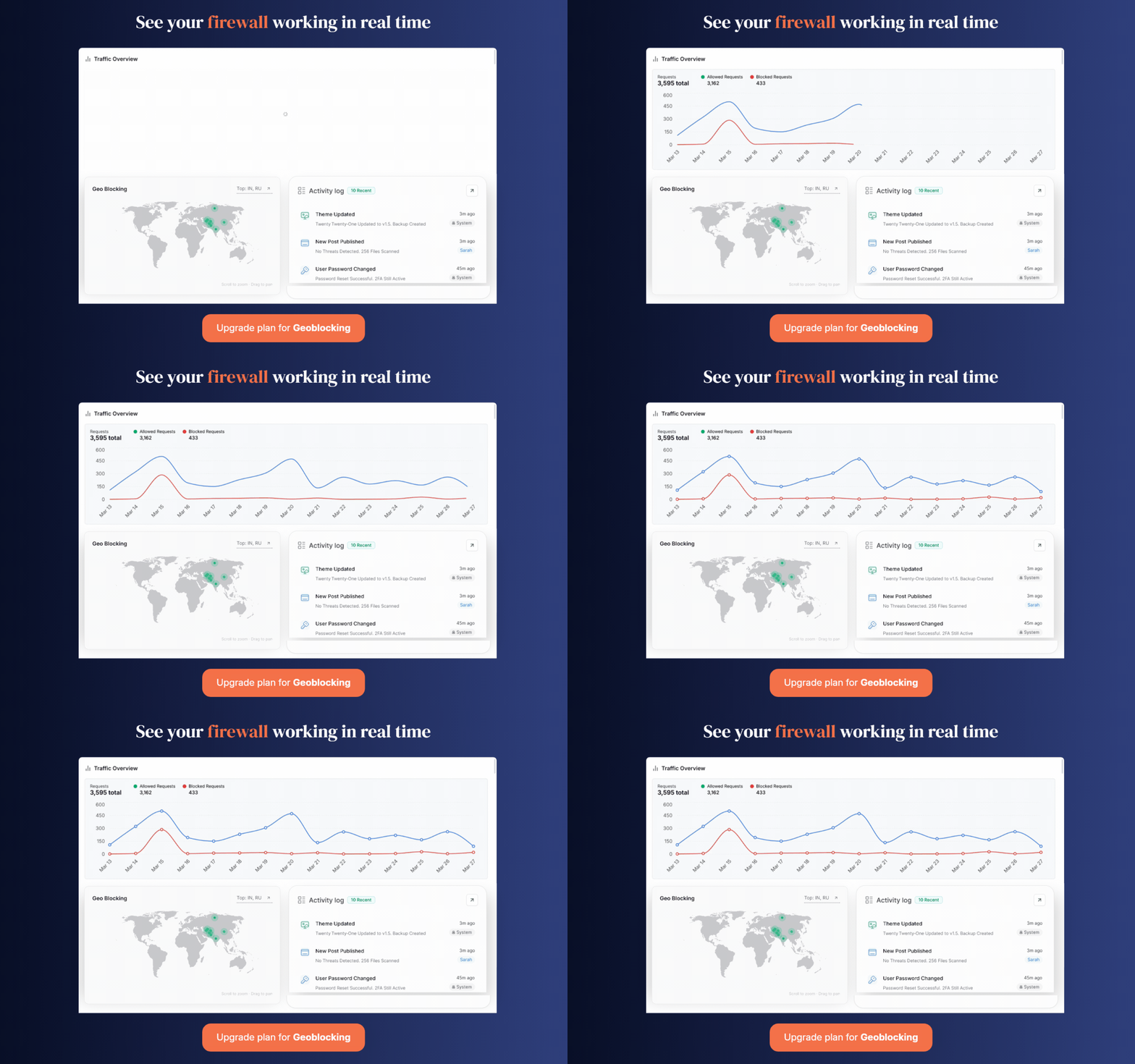
Geo-blocking with per-country toggles on Protect and higher.
Blocks IPs known for attacks using shared threat intelligence.
Real-time IP blacklisting from MalCare's network on Protect+; free blocks known bad IPs with slower updates.
Scans files and database for malware, backdoors and injected code.
Scans every file, database table and scheduled task for known and unknown malware.
Compares core, plugin and theme files with originals and flags changes.
Unexpected file changes are flagged as part of the malware scan rather than a separate checker.
Warns when installed plugins, themes or core have known vulnerabilities.
Vulnerability alerts for plugins, themes and core are included in the free plan.
Runs scans automatically on a schedule.
Automatic scans weekly on Free, daily on Protect, 12-hourly on Repair, hourly on Fortify.
Scans run on the vendor's servers so they don't slow your site.
Scans are processed on MalCare's servers so they do not load the site.
One-click or expert cleanup of infected sites.
Automated one-click cleanup on Repair; unlimited manual fixes by analysts on Fortify.
Second login factor via authenticator app, email or similar.
Email-based 2FA; free covers 2 admin users, rising to all users on Fortify.
Passwordless login with passkeys or hardware security keys.
No passkey or hardware-key login mentioned in features or pricing.
Enforce strong passwords, expiry or breached-password checks.
Offers a reset-all-passwords action but no strength, expiry or breached-password rules.
Move or hide the wp-login.php / wp-admin login page.
No option to move or hide the login page is listed.
View and end active user sessions, limit concurrent logins.
No session listing or concurrent-login controls are listed.
Disable XML-RPC, file editing, user enumeration and similar weak points.
Paid hardening: block PHP in untrusted folders, disable file editor, block installs, rotate keys.
Enforce HTTPS, fix mixed content and redirects.
SSL certificate monitoring on all plans; no HTTPS enforcement or mixed-content fixing.
Set HSTS, CSP, X-Frame-Options and other HTTP security headers.
HTTP security header configuration is not part of the feature set.
Firewall rules that block exploits for known plugin vulnerabilities before an update is available.
Free gets virtual patches about 7 days late; immediate patching from Protect.
Automatically updates plugins with known vulnerabilities.
Plugins and themes can be updated from the central dashboard; auto-updating only vulnerable items is not stated.
Records logins, changes and admin actions for auditing.
Activity log of logins and changes kept 7 days on Repair and 60 days on Fortify.
Email or app alerts for attacks, lockouts and scan results.
Email alerts for detected hacks, vulnerabilities and security events.
Manage security for many sites from one dashboard.
Sites are managed from MalCare's web dashboard; white label and client reports are paid extras.
On WordPress.org
1 site
5-site option $299/yr. Daily scans, advanced firewall, geo-blocking, bot protection, instant virtual patching.
1 site
5-site option $899/yr. Adds automated malware cleanup, 12-hourly scans, 7-day activity log.
1 site
5-site option $1,499/yr. Hourly scans, unlimited manual cleanups, 60-day logs, host suspension recovery.
Prices are list prices from the vendor's site, checked 14 Oct 2026. Many vendors discount the first year.
Free installs from WordPress.org, the vendor's own claim, and our estimate of paid installs.
Active installations reported by WordPress.org.
Sites/users claimed on the vendor's website. source
Our estimate, see method below.
How we estimated this: About 150K free installs x 12% (the usual share of free sites that also run the paid version when a hosted service whose free tier is limited) gives 18K. The vendor claims 400K+ sites in total. Taking away about 150K free installs leaves 250K, and 80% of that is 200K. Vendor totals are loose, so we only move our figure part of the way toward it, from 18K to 22K. Likely range: 11K to 44K. This counts sites running the paid version, including sites whose licence has lapsed. Estimates are rough and based on public figures as of 14 Oct 2026.
57,526 downloads last week, 18.9M all time
| Version | 6.81 |
|---|---|
| Last updated | 30 Oct 2026 (4 days ago) |
| Tested up to | WordPress 7.1.4 |
| Requires | WordPress 4.0+, PHP 7.0+ |
| Support threads (2 months) | 2 of 2 resolved |
| On WordPress.org since | 30 Jan 2018 |
| Founded | 2014 (source, 5 Oct 2026) |
|---|---|
| Refund policy | 14-day money-back (not refundable if a cleanup was already performed) (source, 5 Oct 2026) |
 Jetpack Protect/MalCare Security
 MalCare Security/Shield Security
 Defender Security/MalCare Security
 MalCare Security/Patchstack
 MalCare Security/WP Cerber Security
 Limit Login Attempts Reloaded/MalCare SecurityMalCare Security/Wordfence Security
 MalCare Security/Kadence Security (formerly Solid Security)
 MalCare Security/Sucuri Security
 All-In-One Security (AIOS)/MalCare Security
 MalCare Security/Really Simple Security
Endpoint firewall, malware scanner and login security plugin for WordPress, with paid tiers for real-time threat data and hands-on incident response.
Free auditing, file integrity and remote scanning plugin from Sucuri that connects to its paid cloud firewall and malware cleanup platform.
WPMU DEV's WordPress security plugin with malware scanning, AntiBot firewall, 2FA with passkeys, hardening and audit logs; Pro adds scheduled scans.
Automated WordPress security plugin with firewall, silentCAPTCHA bot detection, 2FA and audit log; ShieldPRO adds malware and vulnerability scanning.
Login-focused WordPress security plugin (formerly Solid Security / iThemes Security) with 2FA, brute-force protection and Patchstack virtual patching in Pro.
Self-distributed WordPress security plugin with firewall, anti-spam, malware scanner, 2FA and custom login URL; PRO adds GEO rules and scheduled scans.
Yes. MalCare Security has a free version on WordPress.org. Paid plans start at $99/yr.
WordPress.org reports 100K+ active installations of the free version. The vendor claims 400K+ sites in total. We estimate around 22K sites run the paid version.
Yes: included. Plugin-level firewall blocks SQLi, XSS and other OWASP classes; advanced rule set on Protect and up.
Yes: included. Login protection with rate limiting of failed logins on every plan, including XML-RPC.
Yes: included. Scans every file, database table and scheduled task for known and unknown malware.
Yes: included. Vulnerability alerts for plugins, themes and core are included in the free plan.
Yes: included. Email-based 2FA; free covers 2 admin users, rising to all users on Fortify.
Yes: paid version (Repair). Activity log of logins and changes kept 7 days on Repair and 60 days on Fortify.
No. The free plan detects malware and alerts you, but automated cleanup starts on the Repair plan and unlimited manual cleanups need Fortify.
Scanning runs on MalCare's servers rather than your hosting, so scans add little load. The firewall does run inside the site, but it is a lightweight request filter.
No. It runs at plugin level inside WordPress, using rules learned from MalCare's network. You can still put a CDN or proxy in front of it.
MalCare offers refunds within 14 days of purchase, except when its team has already cleaned malware from the site in that period.
Last updated 5 Oct 2026. Spotted something wrong? Suggest an edit.