

Modula Image Gallery
WordPress gallery plugin by WPChill known for its custom grid builder, with paid plans for video, filters, albums, protection and image optimisation.
97

Drag-and-drop WordPress gallery plugin with a free Lite version and paid add-ons for albums, video, proofing, watermarks and WooCommerce selling.

Envira Gallery is a gallery plugin from the Envira Gallery team (part of the Syed Balkhi family of products) that focuses on fast, responsive photo galleries built with a drag-and-drop editor. A free Lite version is available on WordPress.org, while most advanced features are delivered as add-ons that unlock with a paid licence.
You create a gallery as its own item in the admin, upload or pick images from the media library, reorder them by dragging, then choose a layout and lightbox settings. Galleries are embedded with a dedicated block, the Classic Editor button or a shortcode. Lite includes a responsive lightbox with touch, keyboard navigation and fullscreen, lazy loading, and a set of layouts including grid, masonry, justified and, since version 1.15, bento, horizontal carousel and slider styles.
The paid plans are built around an add-on library. Basic adds the Protection (right-click), Slideshow, CSS, Dropbox and NextGEN importer add-ons. Plus adds tags and filtering, pagination, EXIF, watermarking, password protection and Instagram. Pro unlocks the bigger features: albums, video galleries, social sharing, deeplinking, Elementor and Beaver Builder modules, Lightroom sync, WooCommerce selling and client proofing. The Ultra bundle adds multisite support, client management and the Soliloquy slider plugin.
The editor is easy for beginners and the add-on approach keeps the front end light, because only enabled features load. The trade-off is that key features are spread across tiers, so the cheaper Basic and Plus plans can feel restricted, and list prices are higher than some rivals once the introductory discount ends. The Lite readme also describes paid features alongside free ones, so check the pricing page before relying on a feature.
Envira suits bloggers, small businesses and photographers who want a simple editor and are willing to buy the Pro plan for albums, video and selling. If you only need basic galleries, Lite is a reasonable free option.
Best for: Bloggers and photographers who want an easy gallery editor and plan to buy the Pro plan for albums, video and selling.
Envira Gallery is easy to use and has one of the broadest add-on libraries in the category. The free Lite version is fine for simple galleries, but most of the features that make it attractive to photographers sit in the Pro plan, so budget for that tier.
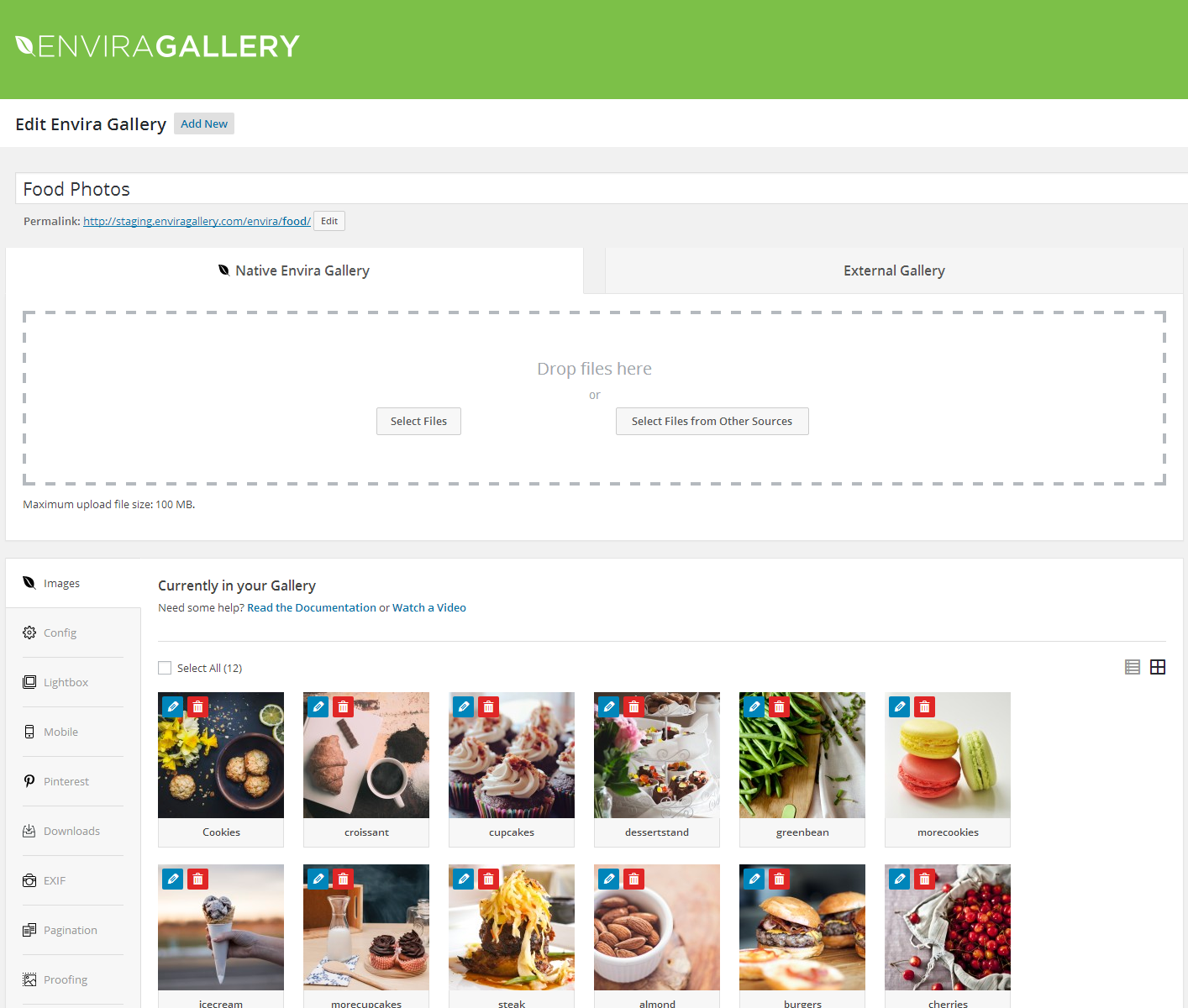
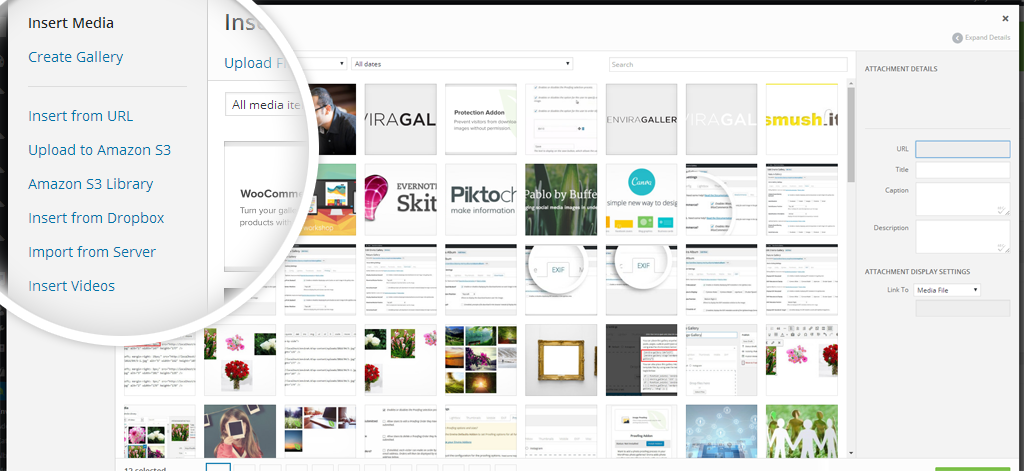



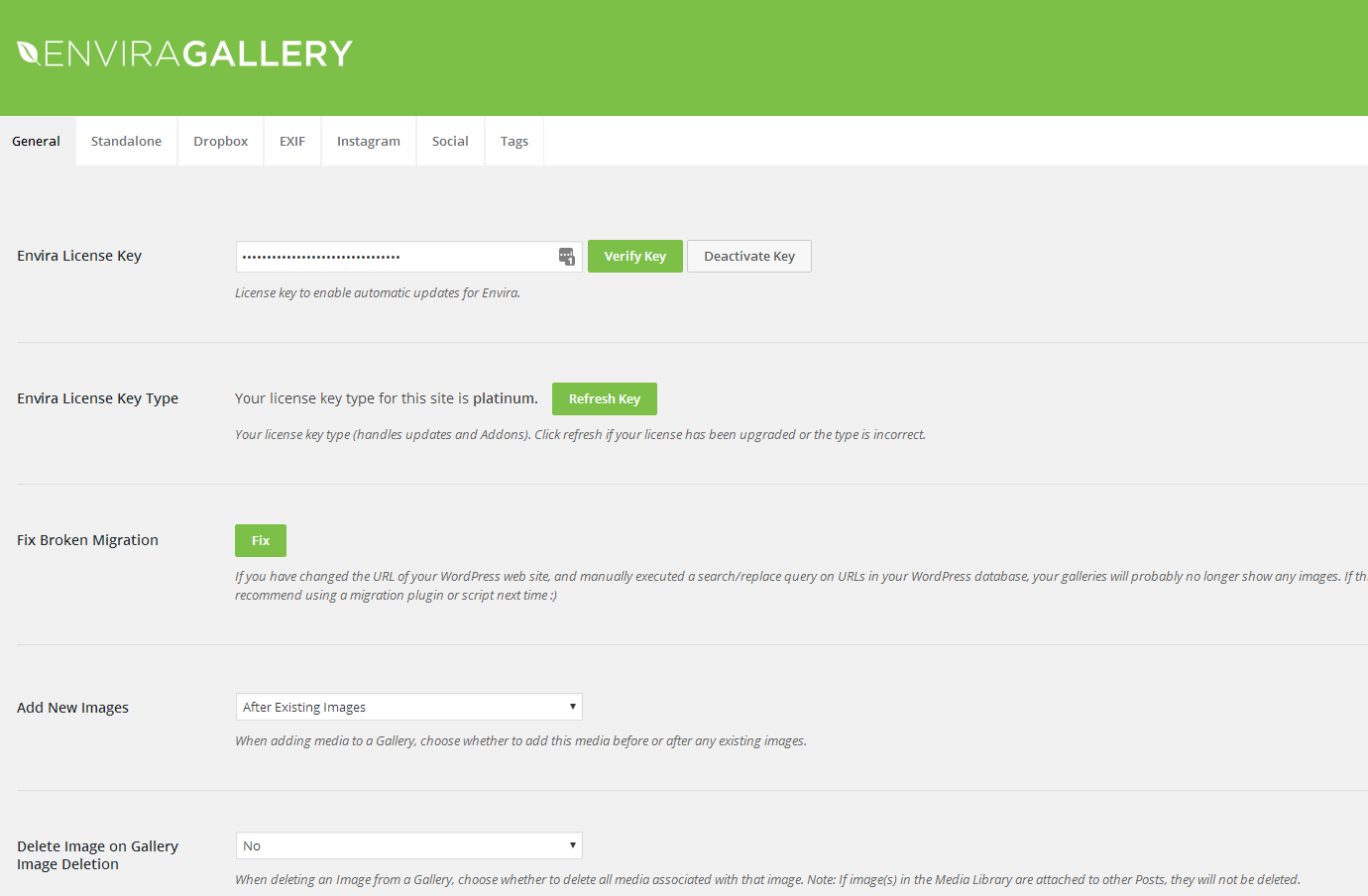
What Envira Gallery highlights on its WordPress.org page and its own website, split by version.
24 of 24 features we track in Gallery Plugins, feature score 99/100
Create and reorder galleries visually, with bulk upload from the media library.
Drag-and-drop builder with media library upload and reordering in Lite.
Pinterest-style layout for mixed image sizes.
Masonry is among the layouts described in the Lite readme.
Rows of equal height or tiled mosaic grids.
Justified and mosaic-style rows listed in the readme layouts.
Show a gallery as a slideshow or carousel.
Lite 1.15 added horizontal carousel and slider layouts; lightbox slideshow add-on is in Basic.
Group several galleries into albums.
Albums add-on included from the Pro plan.
Add YouTube, Vimeo or self-hosted videos to galleries.
Videos add-on (YouTube, Vimeo, Wistia, self-hosted) in the Pro plan.
Let visitors filter a gallery by category or tag.
Tags add-on adds tag-based filtering from the Plus plan.
Opens images full size in an overlay with navigation.
Built-in responsive lightbox with touch, keyboard and fullscreen support.
Captions, hover animations, borders and spacing controls.
Lite offers spacing, captions and themes; Gallery Themes and Animations add-ons are paid.
Show titles, captions or camera EXIF details.
Captions and titles free; EXIF Data add-on requires the Plus plan.
Share buttons on images or in the lightbox.
Social add-on (Facebook, X, Pinterest, LinkedIn, WhatsApp, email) in Pro.
Paginate large galleries or add load more / infinite scroll.
Pagination add-on for splitting large galleries is in the Plus plan.
Each lightbox image gets its own shareable URL.
Deeplinking add-on gives each image a URL; Pro plan.
Images load only as they come into view.
Lazy loading is part of the core plugin.
Resizing, compression or a CDN for gallery images.
Image compression listed from Pro on the Lite comparison; Envira CDN is a newer paid service.
Discourages copying or downloading images.
Protection add-on included from the Basic plan.
Adds a text or image watermark to photos.
Text or image watermarks via the Watermarking add-on in Plus.
Restrict galleries with a password.
Password Protection add-on included from the Plus plan.
Insert galleries with a Gutenberg block.
Dedicated gallery block for the block editor in Lite.
Elementor or other page builder widgets.
Elementor and Beaver Builder add-ons are in the Pro plan; Divi works via shortcode.
Build galleries from Instagram, Flickr, Google Photos or Dropbox.
Dropbox importer from Basic, Instagram from Plus, Google Photos and TikTok in Pro.
Sell digital downloads or prints from galleries.
WooCommerce add-on for prints, downloads and licences in Pro; a Payments add-on is listed from Basic.
Clients select and approve photos from a gallery.
Proofing add-on lets clients pick and comment on images; Pro plan.
Migrate galleries from NextGEN, Envira or similar.
NextGEN Importer and Envira Importer add-ons listed from the Basic plan.
On WordPress.org
1 site
Introductory price $39.50 (50% off) for the first year; 500 AI credits; core add-ons such as Protection and Slideshow.
3 sites
Introductory price $69.50; adds tags, pagination, EXIF, watermarking, password protection, Instagram.
5 sites
Introductory price $99.50; adds albums, video, social, deeplinking, WooCommerce, proofing, Lightroom, Elementor.
25 sites
Introductory price $199.50; adds multisite support, client management, Soliloquy slider and premium support.
Prices are list prices from the vendor's site, checked 14 Oct 2026. Many vendors discount the first year.
Free installs from WordPress.org, the vendor's own claim, and our estimate of paid installs.
Active installations reported by WordPress.org.
Sites/users claimed on the vendor's website. source
Our estimate, see method below.
How we estimated this: WordPress.org shows 100K+ free installs, which could mean anything from 100K to 200K. The vendor says 150K+ sites, so we put the free count halfway between the middle of that range and the vendor figure, at about 150K. Website scans by WPoptic find the paid plugin (folder envira-gallery) on 4,547 live sites; they find the free version on 38,503 sites against about 150K WordPress.org installs, so each site found stands for about 3.9, giving 18K. About 150K free installs x 20% (the usual share of free sites that also run the paid version when many key features are paid) gives 30K. Combining these (weighted average) gives about 19K. Likely range: 12K to 29K. This counts sites running the paid version, including sites whose licence has lapsed. Estimates are rough and based on public figures as of 14 Oct 2026.
47,312 downloads last week, 8.5M all time
| Version | 1.16.3 |
|---|---|
| Last updated | 23 Oct 2026 (11 days ago) |
| Tested up to | WordPress 7.1.4 |
| Requires | WordPress 6.3+, PHP 7.0+ |
| Support threads (2 months) | 2 of 2 resolved |
| On WordPress.org since | 27 Jan 2014 |
| Refund policy | 14-day money-back (source, 6 Oct 2026) |
|---|
WordPress gallery plugin by WPChill known for its custom grid builder, with paid plans for video, filters, albums, protection and image optimisation.

Fast WordPress gallery plugin with seven free layouts, built-in albums and lightbox, plus affordable PRO plans for video, filtering and WooCommerce.

Long-running WordPress gallery plugin by Imagely with free galleries and albums, plus paid plans for pro layouts, proofing, print fulfilment and photo…

Freemium gallery plugin from 10Web with nine-plus views, albums, a 15-effect lightbox, watermarks, tag filters and Instagram embeds for photo-heavy sites.

Freemium image and video gallery plugin by Robosoft with grid, masonry, mosaic, polaroid and slider layouts, nested albums and low one-time Pro…

Lightweight block-based gallery plugin by Meow Apps with tiles, masonry and justified layouts free, plus carousel, map and collections in Pro.
Yes. Envira Gallery has a free version on WordPress.org. Paid plans start at $79/yr.
WordPress.org reports 100K+ active installations of the free version. The vendor claims 150K+ sites in total. We estimate around 19K sites run the paid version.
Yes: included. Drag-and-drop builder with media library upload and reordering in Lite.
Yes: included. Masonry is among the layouts described in the Lite readme.
Yes: paid version (Pro). Albums add-on included from the Pro plan.
Yes: paid version (Pro). Videos add-on (YouTube, Vimeo, Wistia, self-hosted) in the Pro plan.
Yes: included. Built-in responsive lightbox with touch, keyboard and fullscreen support.
Yes: included. Lazy loading is part of the core plugin.
Yes, Envira Gallery Lite is free on WordPress.org with a builder, lightbox, block and several layouts. Albums, video, watermarks, proofing and selling need a paid plan.
Albums and the Videos add-on are included from the Pro plan ($199/year list, discounted in the first year).
Yes. Envira offers a NextGEN Importer add-on, listed in the Basic plan and above, that converts NextGEN galleries into Envira galleries.
Yes, the WooCommerce add-on in the Pro plan lets you sell prints, digital downloads and licensed images from galleries.
Envira offers a 14-day money-back guarantee on paid licences.
Last updated 6 Oct 2026. Spotted something wrong? Suggest an edit.