

Slider Revolution
Premium visual builder by ThemePunch for animated sliders, carousels and hero sections, with 200+ templates, addons and social or WooCommerce content.
98

Lightweight freemium slideshow and carousel plugin for images and local video; Pro adds layer, YouTube, post feed and WooCommerce slides.

MetaSlider is a long-standing slideshow plugin on WordPress.org, now developed by MetaSlider LLC (the team behind PublishPress). It focuses on straightforward image slideshows and carousels that are quick to set up, rather than on free-form animated scenes.
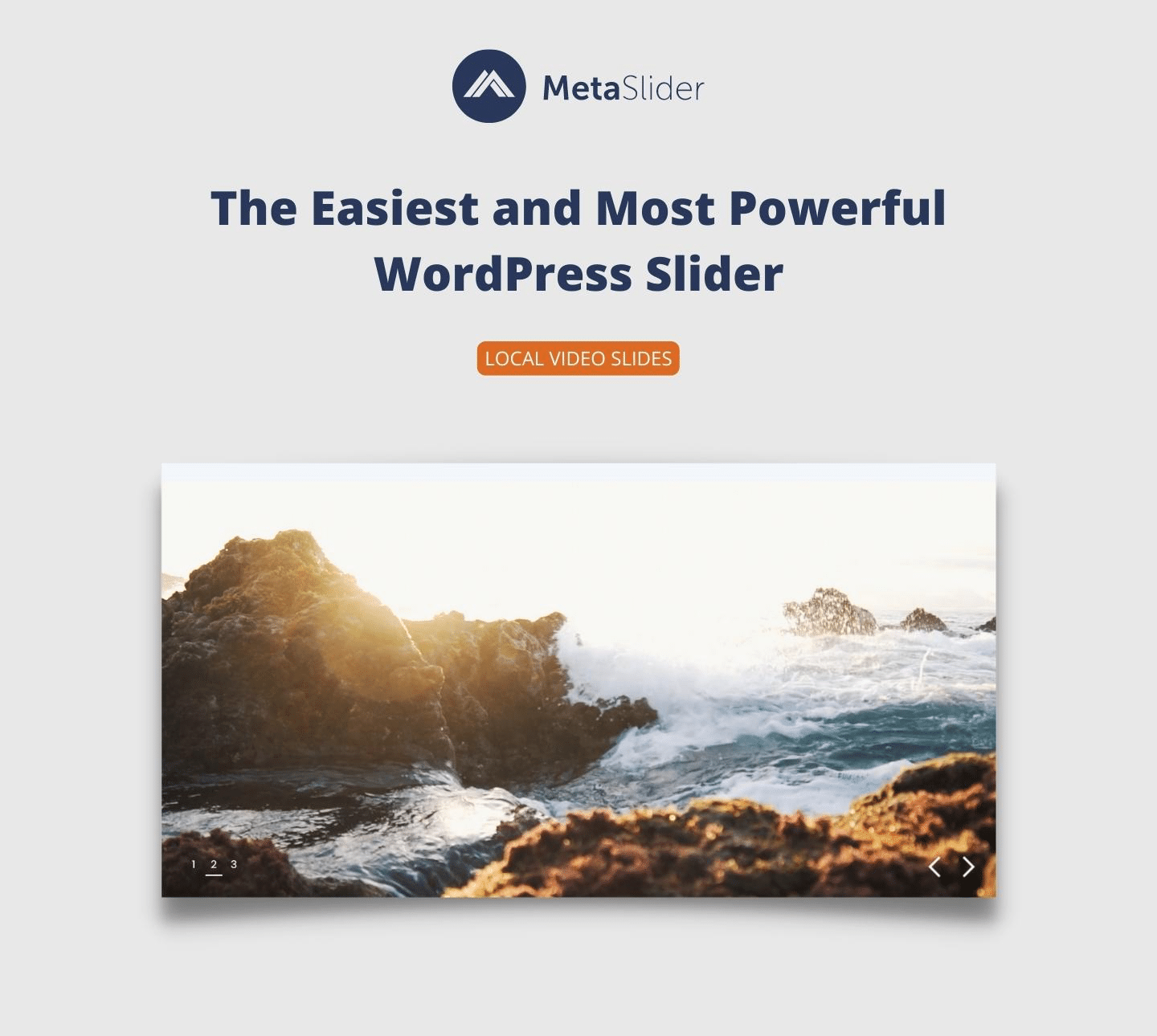
You create a slideshow by picking images from the media library, adding captions and links, choosing a transition and a theme, and embedding it with the Gutenberg block, a shortcode or a widget. Smart Crop keeps images in proportion, carousel mode works with every slide type, local MP4, WebM and MOV video slides are free, and lazy loading can be switched on per slideshow. A Quick Start screen lets you import demo slideshows as a starting point.
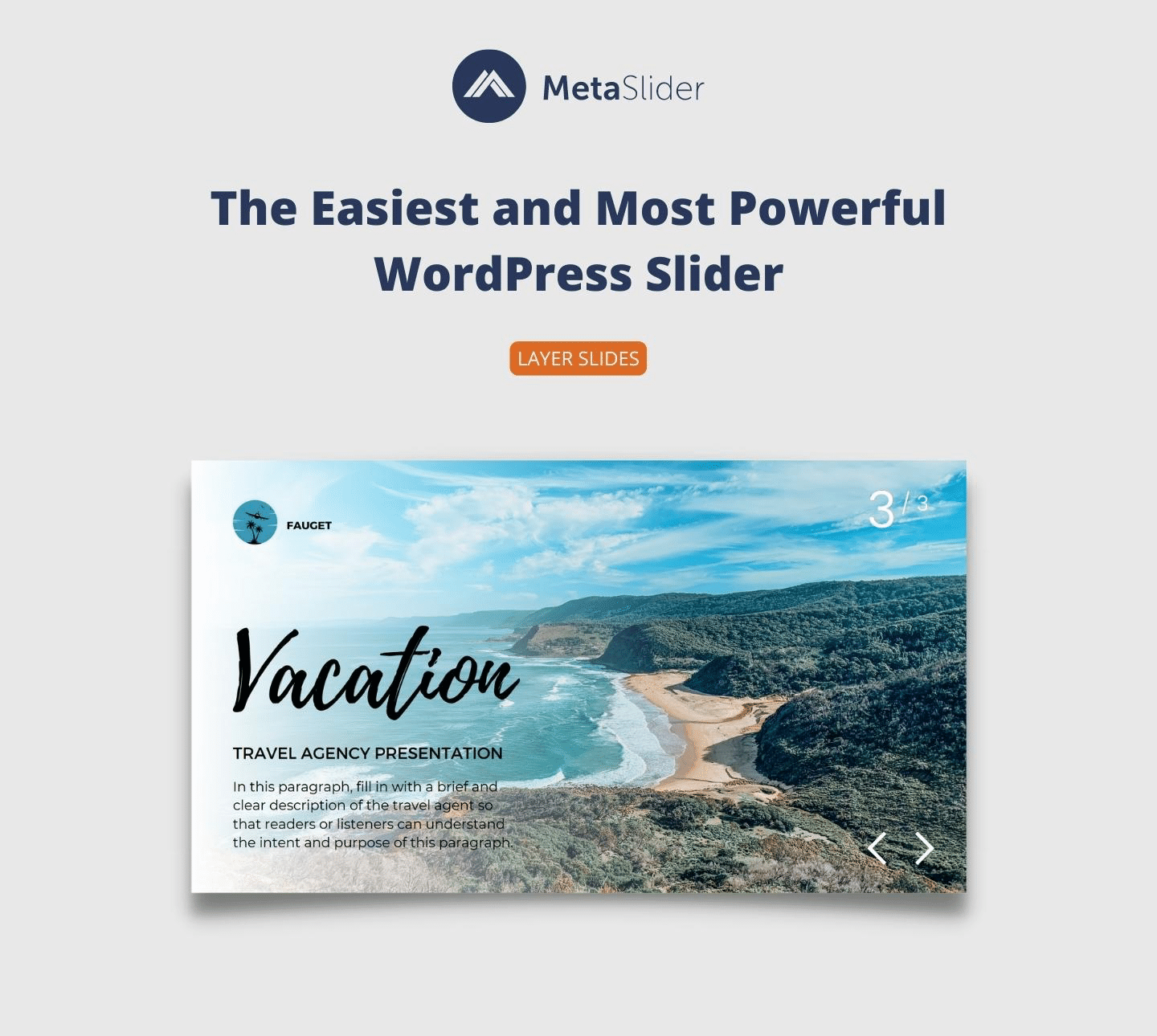
MetaSlider Pro (sold as part of a bundle that also includes Gallery Pro) adds YouTube, Vimeo and TikTok slides, external image and video slides, layer slides with drag-and-drop HTML layers and CSS3 animations, post feed slides from posts, events, ACF fields or WooCommerce products, custom HTML slides, slide scheduling, thumbnail and filmstrip navigation, extra themes and a live theme editor. Licences are annual, and the pricing page has recently shown a 50% discount off the regular price.
MetaSlider suits sites that need a reliable image slideshow or carousel without a heavy builder, with the option to add layered or product slides later.
Best for: Sites that want a simple, light image slideshow or carousel with optional layered and product slides in Pro.
MetaSlider is a dependable, lightweight choice for image slideshows and carousels, and the free version covers most basic needs. It is not a scene builder, so designers wanting animated layered hero sections will find Smart Slider 3 or Slider Revolution more capable.
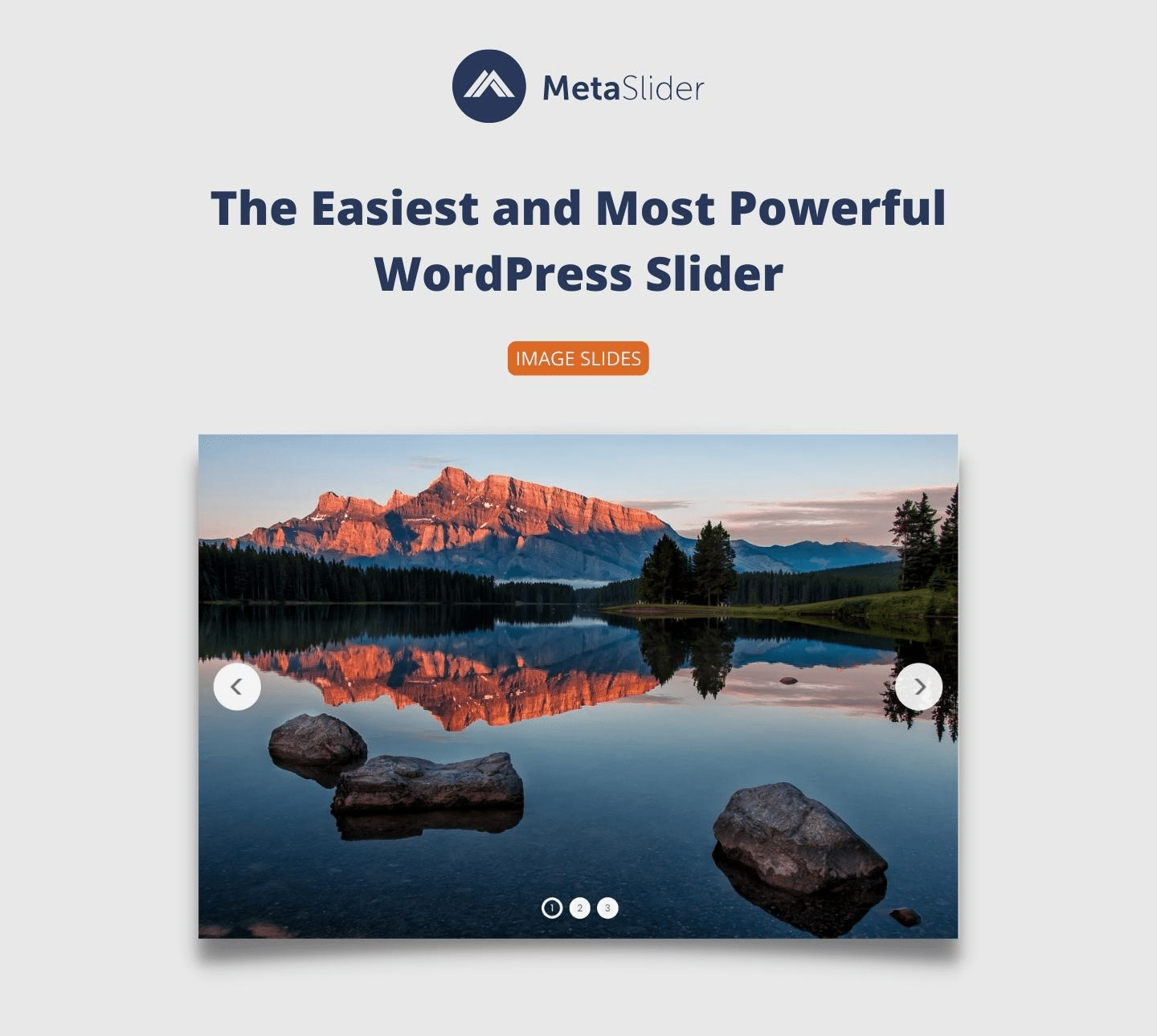
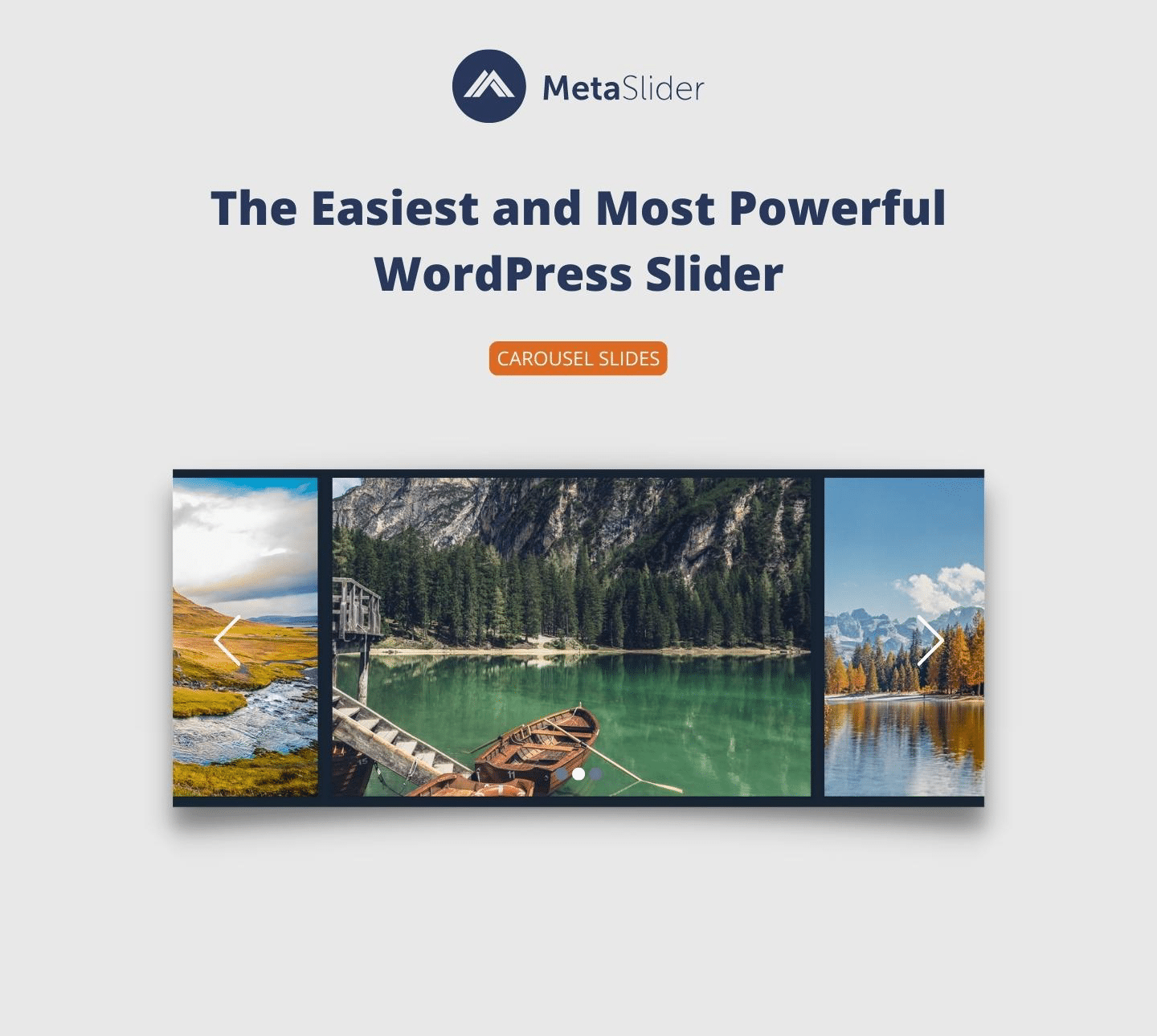
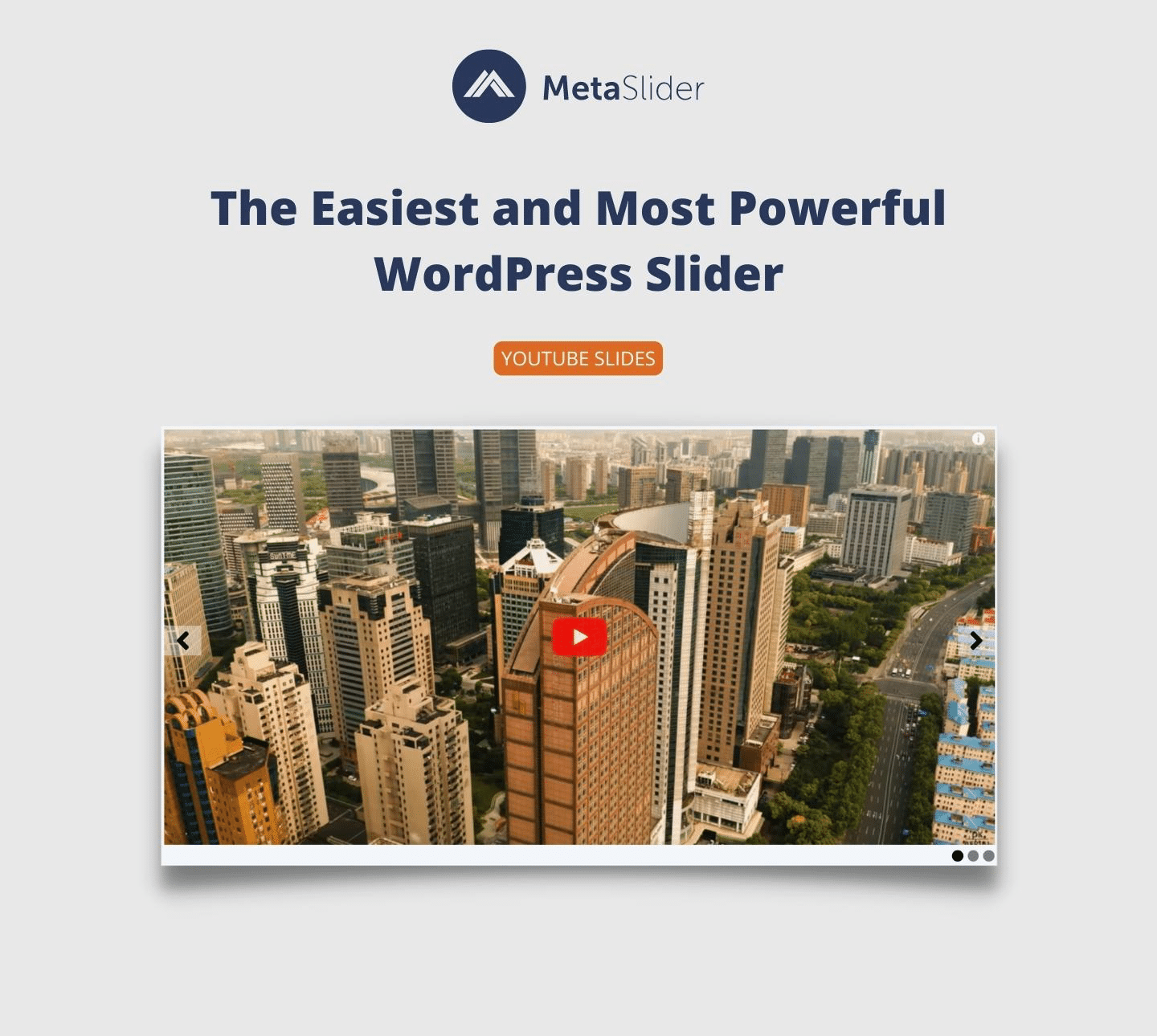
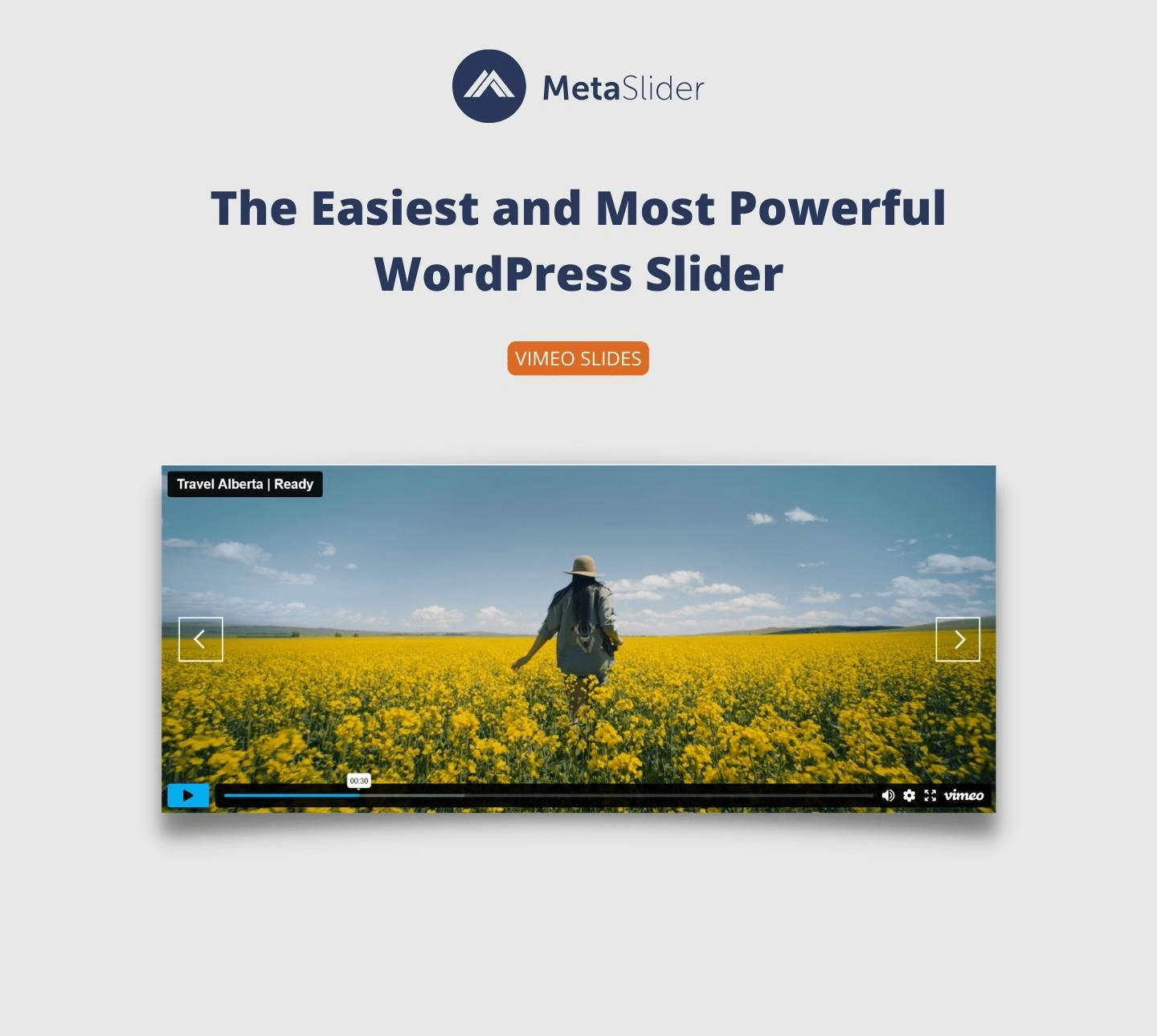
What MetaSlider highlights on its WordPress.org page and its own website, split by version.
18 of 18 features we track in Sliders & Carousels, feature score 92/100
Slides from images with captions and links.
Image slides with captions, links, title and alt text.
YouTube, Vimeo or self-hosted video in slides.
Local video slides free; YouTube, Vimeo and TikTok slides need Pro.
Slides built automatically from posts, pages or WooCommerce products.
Post feed slides from posts, pages, events or products.
Multiple items visible at once, scrolling as a carousel.
Carousel mode works with all free and Pro slide types.
Text, buttons and images positioned freely as layers on each slide.
Layer slides with drag-and-drop HTML layers and CSS3 animations.
Full-width or full-screen hero sliders and scenes.
Full-width slideshows via settings; layered hero designs need Pro layer slides.
Edit slides visually with a live preview.
Form-based slide editor with preview; drag-and-drop canvas only for Pro layer slides.
Pre-designed slider templates to import.
Quick Start screen imports demo slideshows; extra themes in Pro.
Transitions, layer animations, Ken Burns or parallax effects.
Free transition effects; animated layers in Pro. No Ken Burns or parallax listed.
Arrows, dots, thumbnails and progress bars.
Arrows and dots free; thumbnail and filmstrip navigation are Pro.
Slides from social feeds, RSS or custom data sources.
External image/video, ACF post feed and custom HTML slides; no social or RSS feeds.
Hide, resize or rearrange layers per device.
Device settings and hiding captions by screen size; hiding layer elements is Pro.
Swipe gestures on phones and tablets.
Touch swipe for mobile devices is documented.
Lazy-load images and load scripts only where needed.
Lazy Load option per slideshow; only needed JS/CSS is loaded.
Real HTML text, alt text and headings rather than images only.
SEO title and alt text fields for image slides.
A native block for the WordPress block editor.
Native Gutenberg block plus shortcode and widget.
Elementor, Divi, Beaver Builder or similar widgets.
Works in Elementor and other builders via the shortcode, not a dedicated widget.
Show prices, add-to-cart buttons or product data in slides.
WooCommerce product slides with image, title, price and link.
On WordPress.org
Unlimited
WordPress.org version with image, local video and carousel slideshows.
1 site
Includes Slideshow Pro and Gallery Pro; shown discounted to $39.50 at time of checking.
5 sites
Shown discounted to $49.50 at time of checking.
Unlimited
Shown discounted to $99.50 at time of checking.
Prices are list prices from the vendor's site, checked 22 Oct 2026. Many vendors discount the first year.
Free installs from WordPress.org, the vendor's own claim, and our estimate of paid installs.
Active installations reported by WordPress.org.
Sites/users claimed on the vendor's website. source
Our estimate, see method below.
How we estimated this: Website scans by WPoptic find the paid plugin (folder ml-slider-pro) on 5,964 live sites; they find the free version on 218,298 sites against about 550K WordPress.org installs, so each site found stands for about 2.5, giving 15K. About 550K free installs x 8% (the usual share of free sites that also run the paid version when some key features are paid) gives 44K. Combining these (weighted average) gives about 18K. The vendor claims 800K+ sites in total. Taking away about 550K free installs leaves 250K, and 80% of that is 200K. Vendor totals are loose, so we only move our figure part of the way toward it, from 18K to 22K. Likely range: 14K to 33K. This counts sites running the paid version, including sites whose licence has lapsed. Estimates are rough and based on public figures as of 22 Oct 2026.
201,447 downloads last week, 36M all time
| Version | 3.114.0 |
|---|---|
| Last updated | 27 Oct 2026 (7 days ago) |
| Tested up to | WordPress 7.1.4 |
| Requires | WordPress 5.9+, PHP 7.0+ |
| Support threads (2 months) | 14 of 15 resolved |
| On WordPress.org since | 15 Feb 2013 |
| Refund policy | 30-day money-back (source, 22 Oct 2026) |
|---|
Premium visual builder by ThemePunch for animated sliders, carousels and hero sections, with 200+ templates, addons and social or WooCommerce content.

Freemium layer-based slider builder by Nextend with a visual editor, templates, post slides and device-specific settings; Pro is a one-time purchase.

Visual slider, carousel, hero and popup builder from averta with a free-form editor, templates, dynamic posts and per-device editing.

Premium animation builder by Kreatura for layered sliders, carousels, hero scenes and popups, with 210+ templates and a choice of annual or…

Touch-friendly image and video slider from averta, with a free version on WordPress.org and a one-time-fee Pro version with layers on CodeCanyon.

Carousel and slider plugin by ShapedPlugin for images, posts, WooCommerce products and videos, with blocks, page builder support and lightbox.
Yes. MetaSlider has a free version on WordPress.org. Paid plans start at $79/yr.
WordPress.org reports 500K+ active installations of the free version. The vendor claims 800K+ sites in total. We estimate around 22K sites run the paid version.
Yes: included. Image slides with captions, links, title and alt text.
Yes: paid version (Pro). Post feed slides from posts, pages, events or products.
Yes: included. Carousel mode works with all free and Pro slide types.
Yes: paid version (Pro). Layer slides with drag-and-drop HTML layers and CSS3 animations.
Yes: partial. Form-based slide editor with preview; drag-and-drop canvas only for Pro layer slides.
Yes: included. Device settings and hiding captions by screen size; hiding layer elements is Pro.
Yes: included. Lazy Load option per slideshow; only needed JS/CSS is loaded.
Yes, the WordPress.org plugin is free and handles image, local video and carousel slideshows. Pro is an annual licence that adds layer, YouTube, post feed and WooCommerce slides.
YouTube, Vimeo and TikTok slides are Pro features. The free version supports self-hosted MP4, WebM and MOV video slides.
Yes, by pasting the MetaSlider shortcode into Elementor's Shortcode element. It also has its own Gutenberg block.
Yes. A Lazy Load option can be enabled per slideshow under Advanced Options.
Last updated 22 Oct 2026. Spotted something wrong? Suggest an edit.